
Native Apple Silicon Support Without Rosetta
This maintenance release keeps the Classic line stable on modern hardware. It runs natively on both Apple Silicon and Intel 64-bit Macs, so there is no Rosetta overhead on M-series chips.
Will RapidWeaver 9 run on my Mac?
It requires macOS 10.14 Mojave or later. The binary is universal — ARM and x86 64-bit — which means it launches fast on any Mac from 2012 onward that meets the OS floor.
How do you preview a site while building?
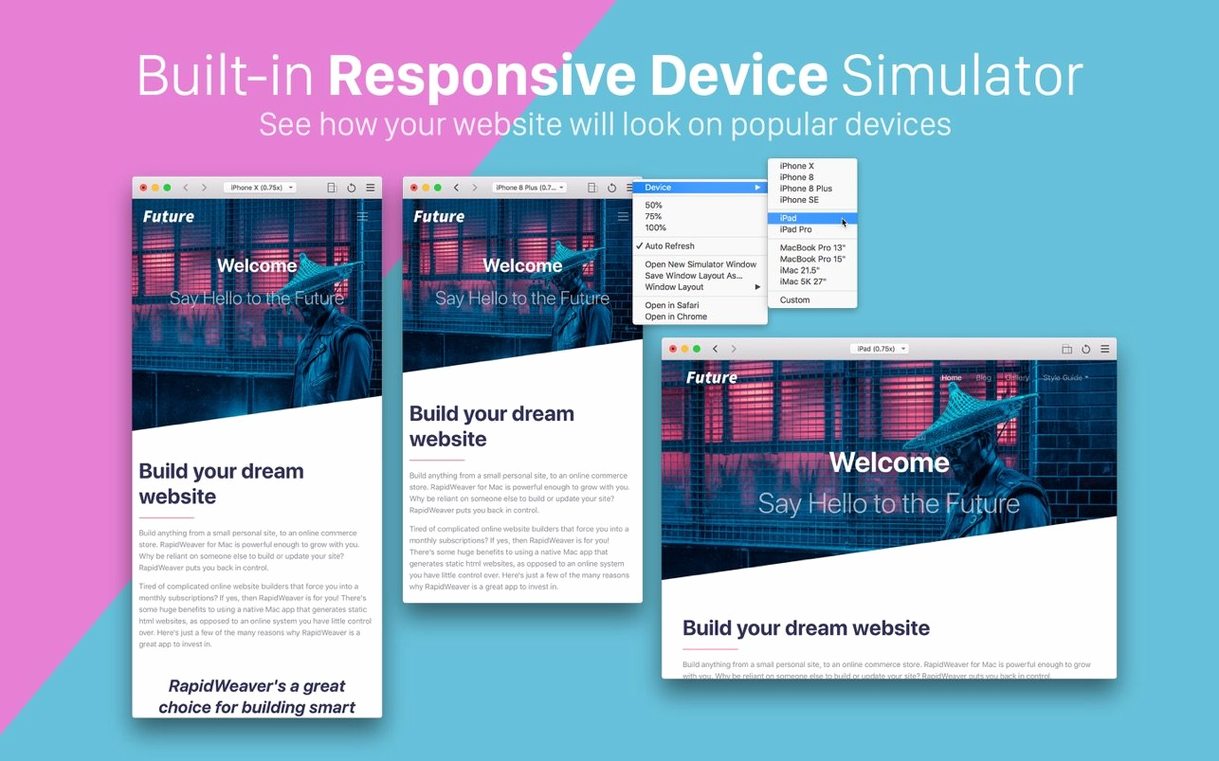
A built-in device simulator lets you check layouts on iPhone, iPad, and iMac screen sizes. You can open multiple simulator windows to compare breakpoints side by side.
Where do images and assets live?
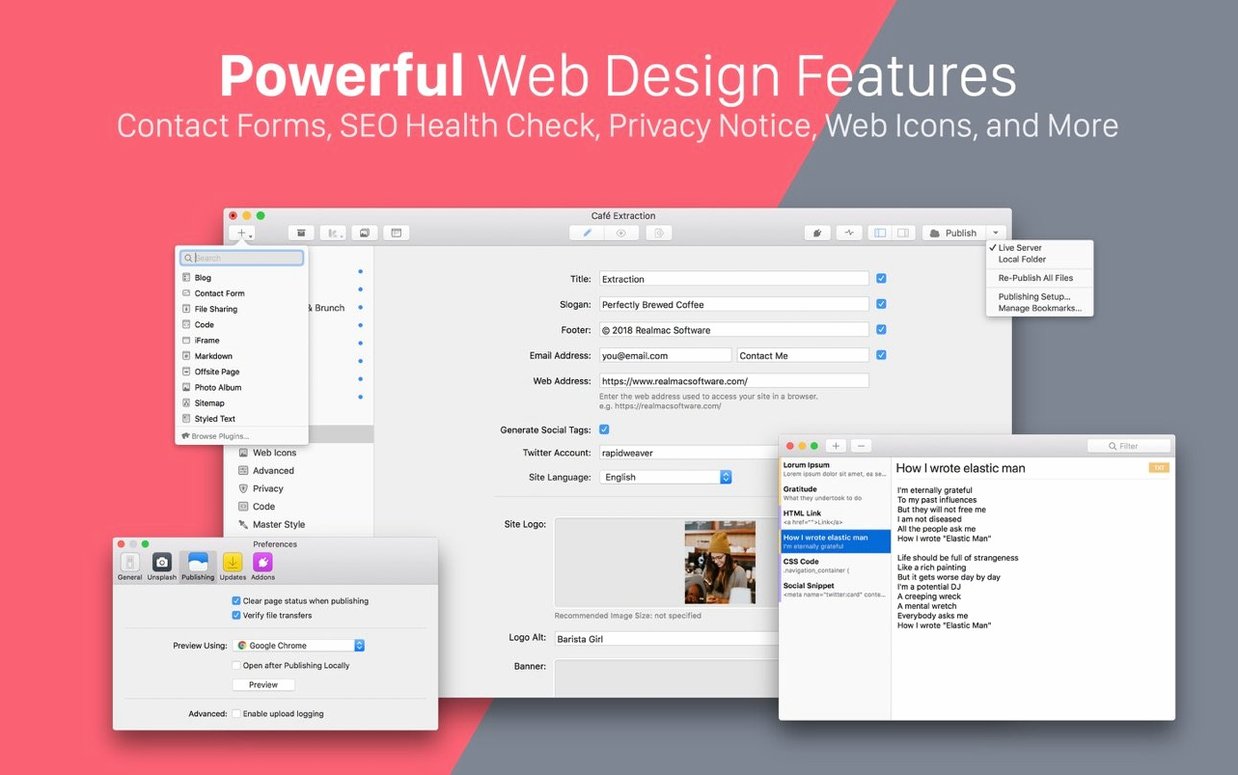
Drag photos from your local library or pull in stock images from Unsplash directly. All site assets land in the assets browser, and you arrange subpages by dragging them into place in the page list.
Old Project Files and Bloated Asset Folders
Most issues trace back to two things: old project files and overstuffed asset folders. Here is what to check first.
- Site preview looks fine in the editor but breaks in a real browser — clear the publishing cache, then republish the single page rather than the whole site. RapidWeaver rebuilds the page with current theme files.
- Simulator window opens tiny or at the wrong zoom — zoom it once, size it for the device you are checking, then save that setup. Saved simulator layouts survive relaunches.
- Dragging images into the assets browser does nothing — unsupported formats get ignored. Convert HEIC or TIFF files to JPEG or PNG first, then drag them in again.
- Subpages will not nest under a parent page — drop the child page directly onto the parent name in the page list, not above or below it. A small indent confirms the hierarchy.
- App feels sluggish with a large photo library — point the assets browser at a dedicated folder for the current project instead of syncing your entire Photos library.
If a project refuses to open after a macOS update, duplicate the project file first and open the copy. The original often stays intact for backup.
Which Mac users benefit most
RapidWeaver 9 suits people who build and maintain small to medium sites themselves, especially when hiring a developer for every change is not practical.
- Freelance designers — ship client sites without writing a line of code, then hand over a project file the client can update later.
- Small business owners — keep a product or service site current without waiting on an agency. The page list gives a clear map of every section.
- Teachers and researchers — publish course pages or project portfolios, and use the simulator to confirm they read well on student phones.
- Mac-only households — everyone editing the site works in the same app, with no cross-platform quirks or web dashboard to learn.
People who maintain several small sites value the Classic line most: one project file per site, one app for all of them, and no database to configure. For a cracked copy of rapidweaver 9 for mac, this local-file approach also keeps projects portable between machines.
- macOS: 10.14 Mojave or later
- Architecture: Apple Silicon and Intel 64-bit
Questions I get before install
What is RapidWeaver Classic 9?
It is Realmac Software's Mac website builder for creating responsive sites without code, part of their Classic product line.
Can I use my own photos in RapidWeaver 9?
Yes. The app pulls images from your local photo library and also connects to Unsplash for stock photography.
Comments 0
Sign in to leave a comment.Sign inCreate an account
No comments yet. If a step is still there after you install it, say so.
More in Mac Apps
All in Mac Apps RAR Extractor
Unpacks multiple password-protected archives into the folders you choose.
18 steps saved
 Radio Silence
Cuts off internet access for the apps you select, then stays quiet.
11 steps saved
 Raycast Pro
Launches apps, runs commands and searches everything from one keyboard bar.
16 steps saved
 QuarkXPress
Sets automatic layout rules that respond as you type.
22 steps saved
 Updated
QLab
Puts every show cue under one roof so the operator sees a single timeline.
23 steps saved
 PyCharm
Catches type errors and syntax problems before you run the script.
19 steps saved
 RightFont
Lets you preview and activate fonts without opening Font Book.
22 steps saved
 ProPresenter
Runs multi-layer slides, video, and audio for venues where the show cannot stop.