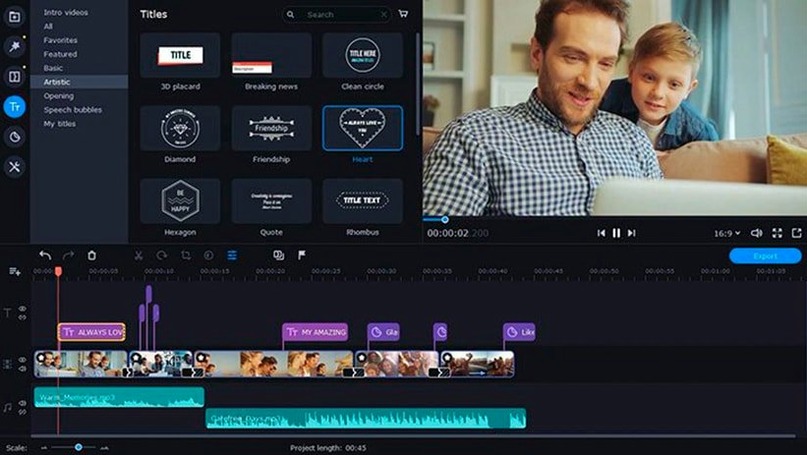
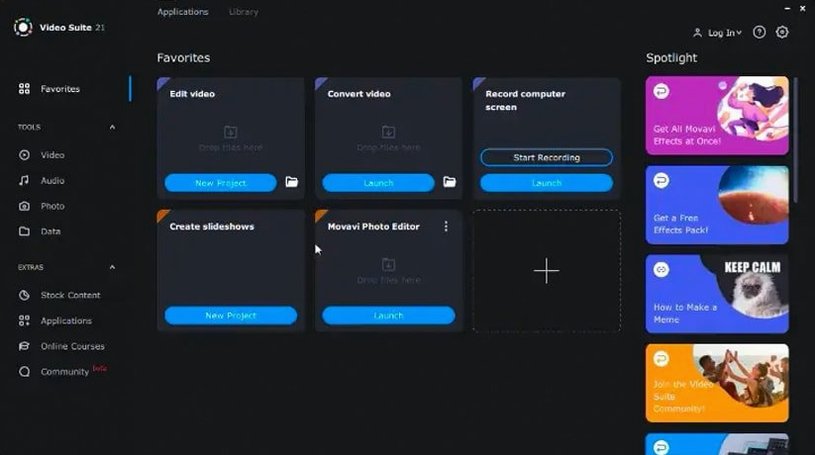
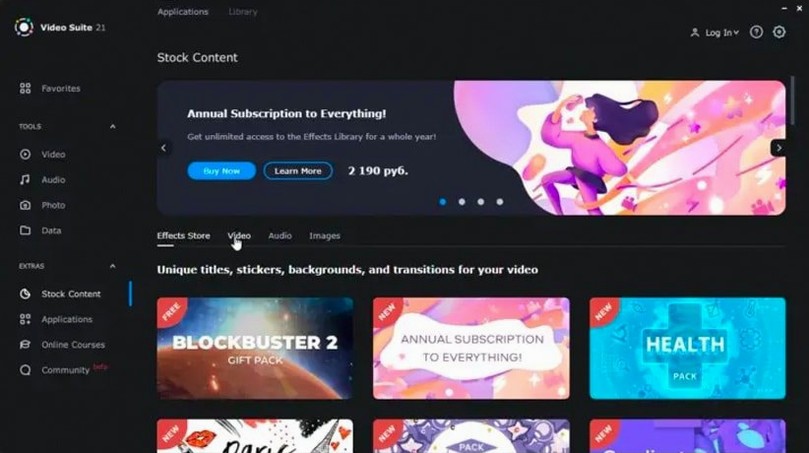
For editors who need a single Mac app for rough cuts, format shuffling, and screen capture.
Phone transfer — Pull media from a phone onto the timeline over a local network, no cable hunt required.
Cursor effects — Highlight mouse actions in screen recordings to make tutorials and walkthroughs clearer.
Screen recording with sound — Capture the full desktop or a region with system audio and voice-over, then trim the result on the same timeline.
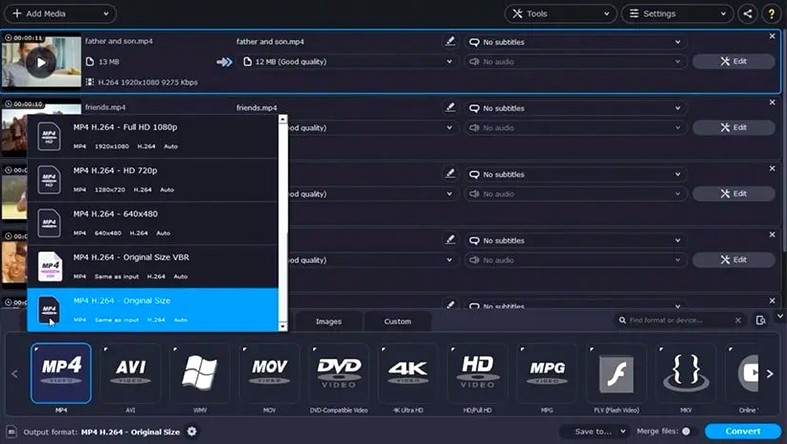
File conversion — Transcode clips, audio, and images into other formats without leaving the suite.
Title stability — The 2022-08-24 release patched a shutdown bug that triggered while adjusting text overlays.
Effect symbols — Applied effects now display an updated indicator, so stacked adjustments are easier to scan.
Recording a Walkthrough with Cursor Callouts
A remote onboarding specialist records a walkthrough of the team's new project tracker. She captures the full screen, talks over the steps, and uses cursor effects to circle the fields people always miss. The recording lands on the timeline, she trims the dead air at the start, drops in a short music bed from the updated library, and exports an MP4 for the internal wiki. No separate capture tool, no separate converter — one project file holds the whole job from recording to delivery.
Silent System Audio on Capture
- Recording picks up no system audio — Check the capture source before hitting record. If the Mac's output is set to a device that is not selected in the recorder, the track comes back silent. Record a five-second test clip first.
- Phone media does not appear in the transfer pane — The phone and Mac need to be on the same network. A VPN or a guest Wi-Fi network will block discovery. Turn both off and retry.
- Converted file has no subtitles — Subtitles must be added as a separate track during conversion setup, not baked into the source file. The option sits in the converter dialog before the batch starts.
- Timeline feels sluggish on longer recordings — Screen capture files carry a high bitrate. Convert the raw recording to a lighter editing format first, then bring that file onto the timeline.
- Titles vanish after editing text — The shutdown bug from earlier builds is gone in 22.4.1. If a title still misbehaves, remove the title block and add a fresh one rather than re-editing the same object.
Set Export Drive Before Batch Conversions
- Output folder — Set it to a dedicated project drive. Batch conversions and exports default to the Movies folder, which fills up fast.
- Cursor highlight style — Pick a colour that stands out against the UI you record. Dark interfaces need a light ring; bright interfaces need a dark one.
- Default conversion preset — Match it to your usual delivery format so every batch starts with the right codec instead of the generic default.
- Microphone level — Set the input gain before a long voice-over session. The recorder keeps the last level, and clipping is easier to prevent than to repair.
- Timeline thumbnail size — For screen recordings with lots of small UI text, smaller thumbnails keep the track overview readable.
Users who grab a movavi torrent or a movavi mac torrent can get smooth results by running the first‑run configuration right away, so exports always land exactly where expected. Five minutes of setup locks that in. A movavi video suite torrent build includes the same recording, conversion, and editing tools; the difference is only in how the initial preferences are left. A movavi video torrent works the same way on Intel Macs running macOS 10.13 or later.
- Fixed — App no longer shuts down while editing titles.
- New — Additional music tracks bundled in the library.
- Improved — Updated symbol for applied effects.
- macOS 10.13 or later
- Intel processor only
Questions I get before install
Can Movavi Video Suite capture a portion of the screen?
Yes, you can record a selected region or the full desktop with system audio and microphone input.
Comments 0
Sign in to leave a comment.Sign inCreate an account
No comments yet. If a step is still there after you install it, say so.
More in Mac Apps
All in Mac Apps Updated
Movist Pro
Plays obscure video formats with hardware decoding and rich subtitle controls.
5 steps saved
 Movavi Video Editor
Trims raw footage and adds missing audio or visual pieces on a simple timeline.
22 steps saved
 Updated
Mp3tag
Pulls structured metadata from Discogs and MusicBrainz for precise tagging.
9 steps saved
 m’s HalfTone
Applies halftone dot patterns to footage directly within the layer stack.
21 steps saved
 Movavi Screen Recorder
Captures screen, audio, webcam, and stills in a single recording utility.
22 steps saved
 MuMu Player Pro
Runs a full Android environment on macOS with keyboard and mouse control.
8 steps saved
 Updated
MouseBoost Pro
Replaces several small right-click utilities with one organized Finder menu.
5 steps saved
 Mountain Duck
Mounts remote servers as standard Finder volumes for direct file browsing.