

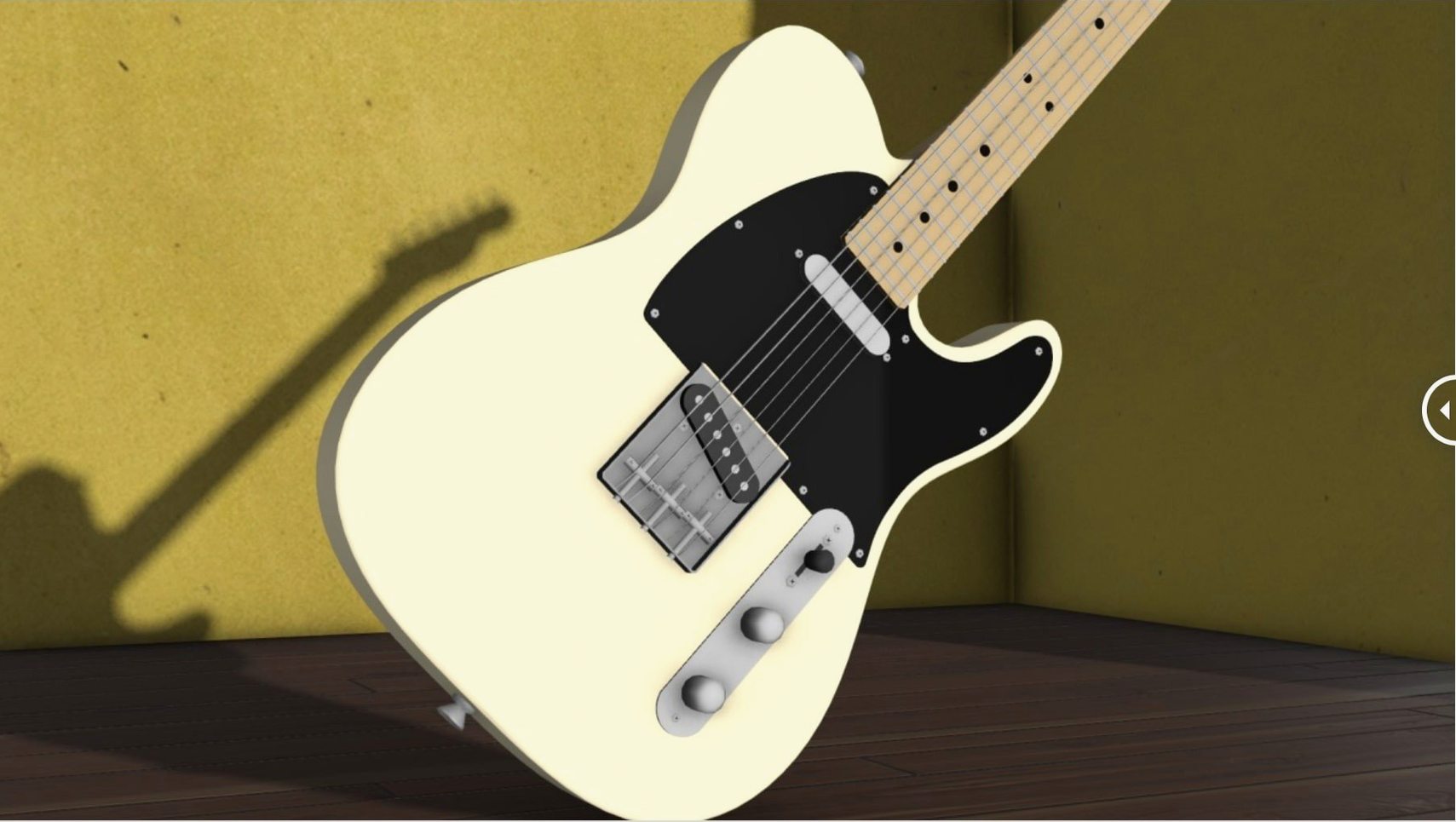
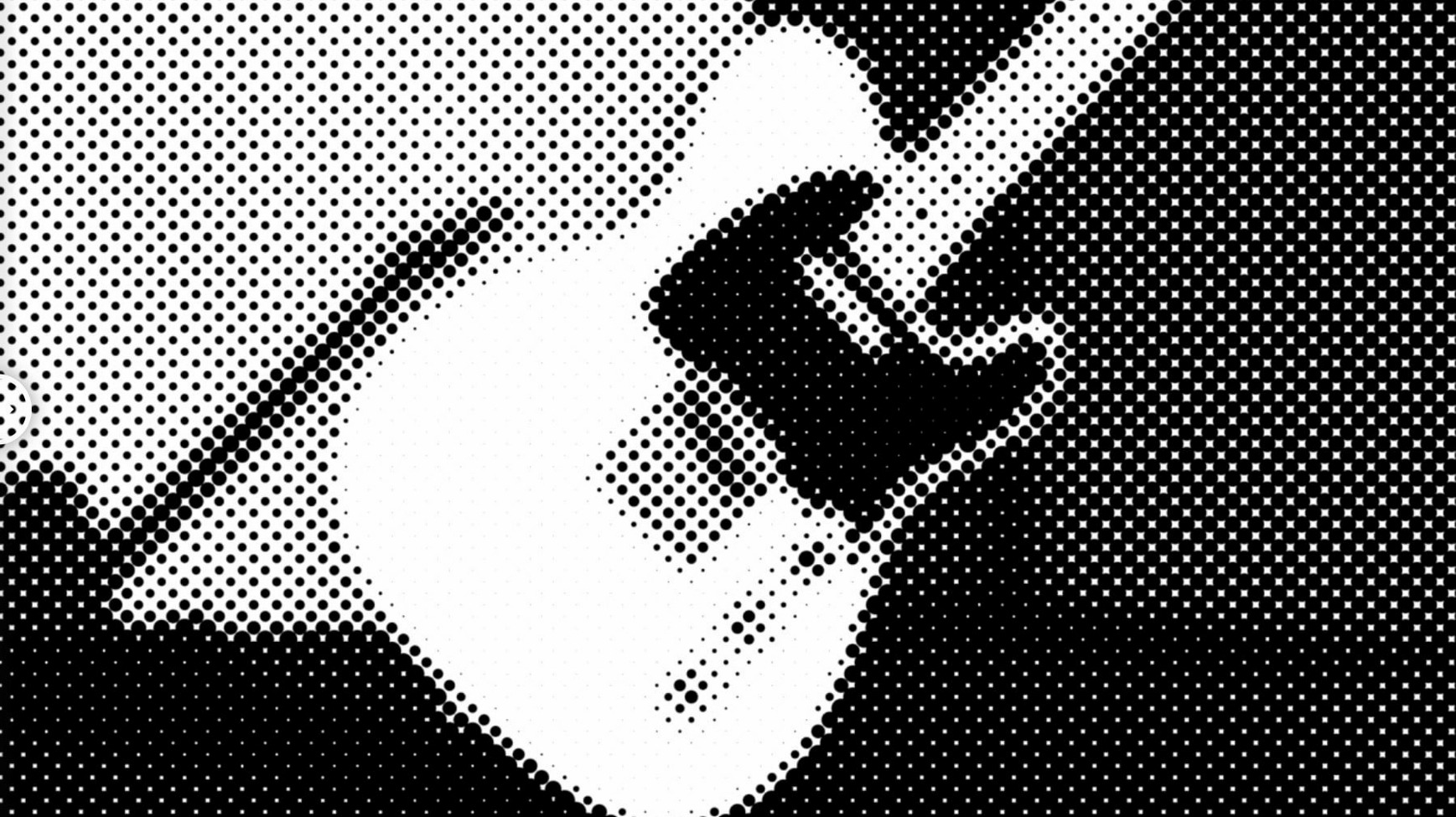
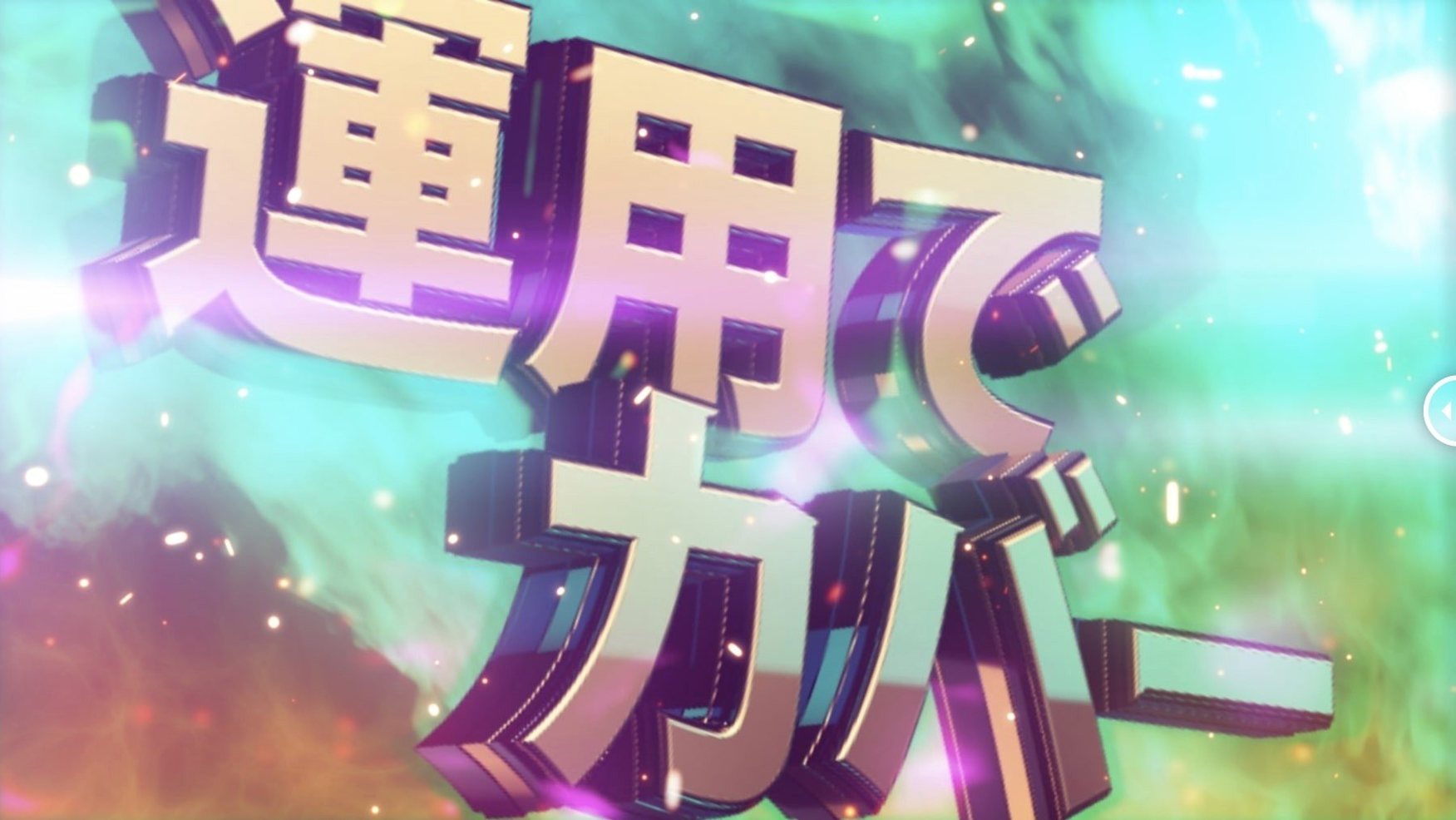
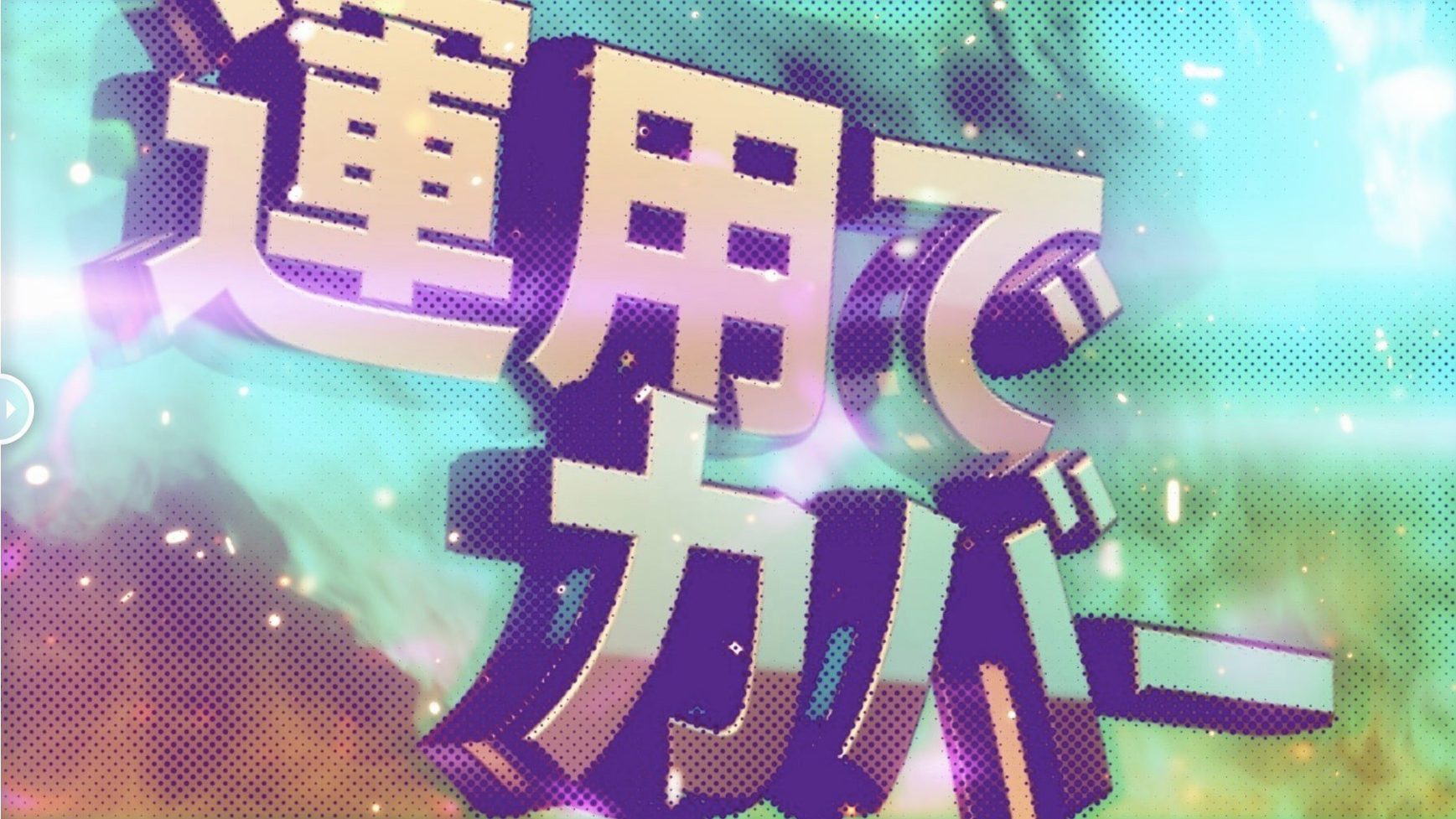
Adjust dot gain without leaving the layer stack. The plugin renders halftone patterns directly onto your footage, keeping the timeline clean.
Dot shape — Circle, square or line. Pick the geometry that suits the print-look you are after.
Layer map — Not required. The effect reads luminance from the layer itself, so a single click applies a full halftone treatment. No pre-comps, no duplicated guides.
Placement — Lives on the effect controls panel alongside your colour correction and blur nodes. Useful on adjustment layers when you want to process an entire comp or on individual graphic elements that need their own dot rhythm.
When a Busy Background Makes the Halftone Look Like Noise
Most issues come down to sampling or scale. The plugin reads luminance from the layer itself, so a busy background can produce patterns that look noisy rather than deliberate. Pull the sampling control back, or isolate the element you want to process on its own layer before applying the effect.
Three situations show up often:
- Dots too large on a 4K comp — The dot size control is relative to the layer, not the composition. Scale the layer or duplicate it, apply the effect, then pre-comp to lock the pattern at the resolution you want.
- Rotation drifts on nested comps — Offset and rotation interact with layer transforms. Apply the effect before animating position or scale, not after, or the pattern will slide against the footage.
- Alpha edges look soft — When working with logos or text, set the alpha control to hard rather than sampled. This keeps the halftone from feathering into transparency.
If the effect panel shows no preview, toggle the sampling mode once. On some machines the first render after adding the plugin needs that nudge before the GPU picks up the pass.
Workflow: halftone a logo sting
A five-second logo reveal for a broadcast bumper. The goal is a print-style dot fade that lands on a solid mark.
- Import the logo as a transparent PNG and place it on its own layer in a 1080p comp.
- Apply m’s HalfTone to the logo layer. Set dot shape to circle and lower dot size until the logo reads clearly at full opacity.
- Set alpha to hard so the transparent background stays clean. Adjust sampling until the mid-tones of the logo produce a consistent dot field.
- Duplicate the layer. On the bottom copy, remove the effect and leave the solid logo. On the top copy, animate opacity from 0 to 100 over the first two seconds.
- Add a slight rotation to the halftone layer only — two or three degrees over the fade — so the dots settle into place rather than appearing static.
- Pre-comp both layers and apply your colour grade to the pre-comp. The halftone stays intact and you can re-time the fade without rebuilding the pattern.
The whole setup takes less than ten minutes once you know where the controls sit.
That First-Frame Pause Before Smooth Scrubbing Kicks In
On Apple Silicon the effect renders in real time for 1080p comps at quarter resolution. At full resolution with a heavy adjustment layer stack, expect a short processing pause on the first frame, then smooth scrubbing after the cache fills.
Memory use is modest. The plugin does not create hidden layer maps or duplicate footage in the background, so large projects stay responsive. On x86 machines the same holds true, though first render tends to take a beat longer.
No crashes observed across After Effects 2020 through 2026. The one recurring quirk is that the effect panel can be slow to repaint when you switch dot shapes mid-session. Closing and reopening the panel fixes it without losing settings.
For comps that mix m’s HalfTone with heavy motion blur or third-party grain, render order matters. Put the halftone near the top of the effect stack so it processes the cleanest signal. The difference in dot definition is visible, especially on footage with fine detail.
- Updated — Licensing framework moved to v4.1.4.
- macOS (Intel and Apple Silicon)
- After Effects 2026 through CS5
- Interface language: English
Questions I get before install
Does m's HalfTone work with recent After Effects versions?
Yes. It supports After Effects 2026 all the way back to CS5 on both Intel and Apple Silicon Macs.
What halftone patterns does the plugin produce?
It offers three built-in dot shapes: circle, square and line patterns.
Comments 0
Sign in to leave a comment.Sign inCreate an account
No comments yet. If a step is still there after you install it, say so.
More in Mac Apps
All in Mac Apps Updated
Mp3tag
Pulls structured metadata from Discogs and MusicBrainz for precise tagging.
22 steps saved
 MuMu Player Pro
Runs a full Android environment on macOS with keyboard and mouse control.
11 steps saved
 Updated
Movist Pro
Plays obscure video formats with hardware decoding and rich subtitle controls.
20 steps saved
 Movavi Video Suite
Combines rough cuts, format conversion, and screen capture in one Mac app.
9 steps saved
 My Metronome - Tempo Keeper
Combines a metronome, BPM detector, and guitar tuner for practice sessions.
5 steps saved
 Movavi Video Editor
Trims raw footage and adds missing audio or visual pieces on a simple timeline.
15 steps saved
 Native Instruments Reaktor
Opens a blank canvas for visually wiring custom synths and samplers.
21 steps saved
 Movavi Screen Recorder
Captures screen, audio, webcam, and stills in a single recording utility.