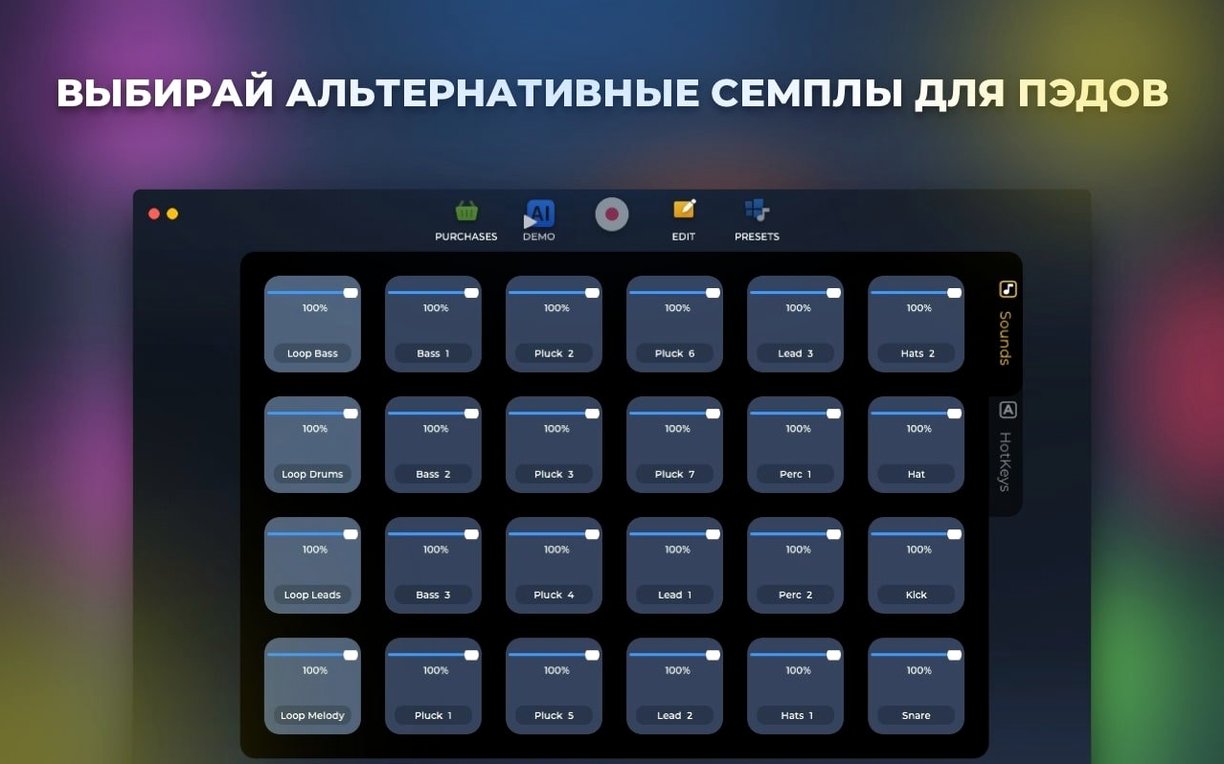
If you already shape beats in Logic Pro or sketch ideas in GarageBand, Loop Mash Up Pro slots in as a dedicated sampling sidekick. It is a focused workspace for triggering loops and presets without disrupting your main arrangement.
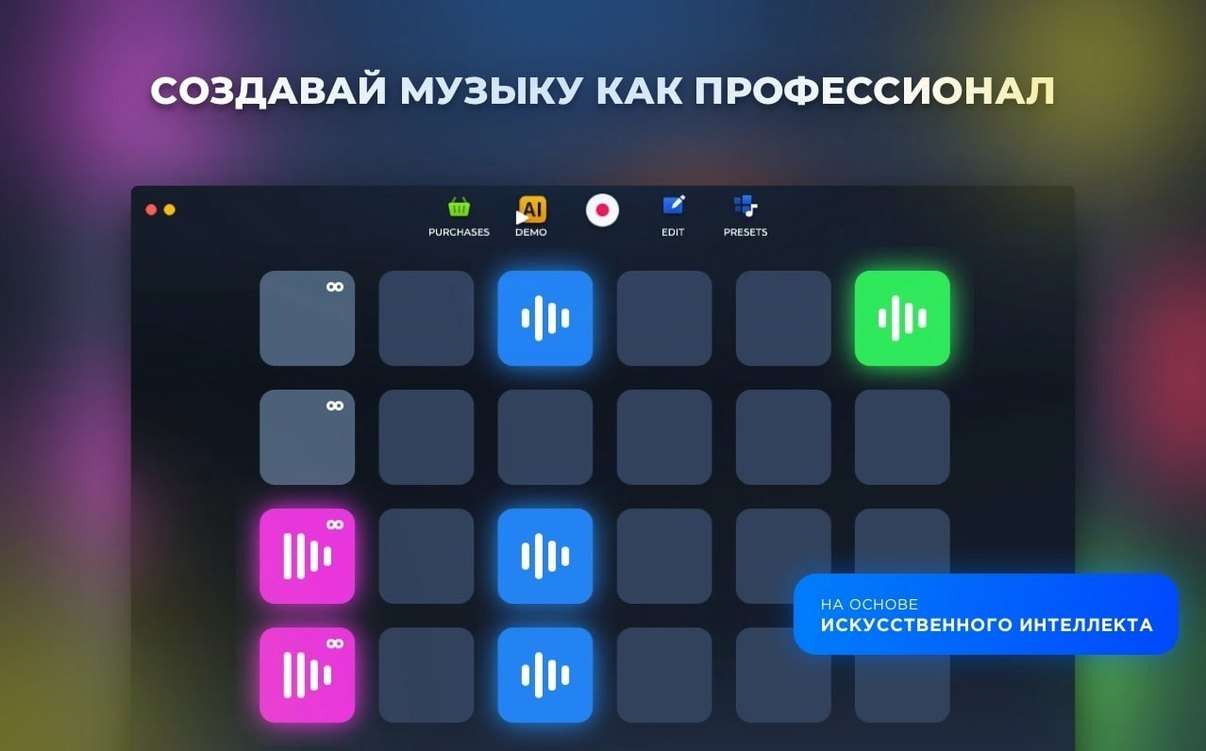
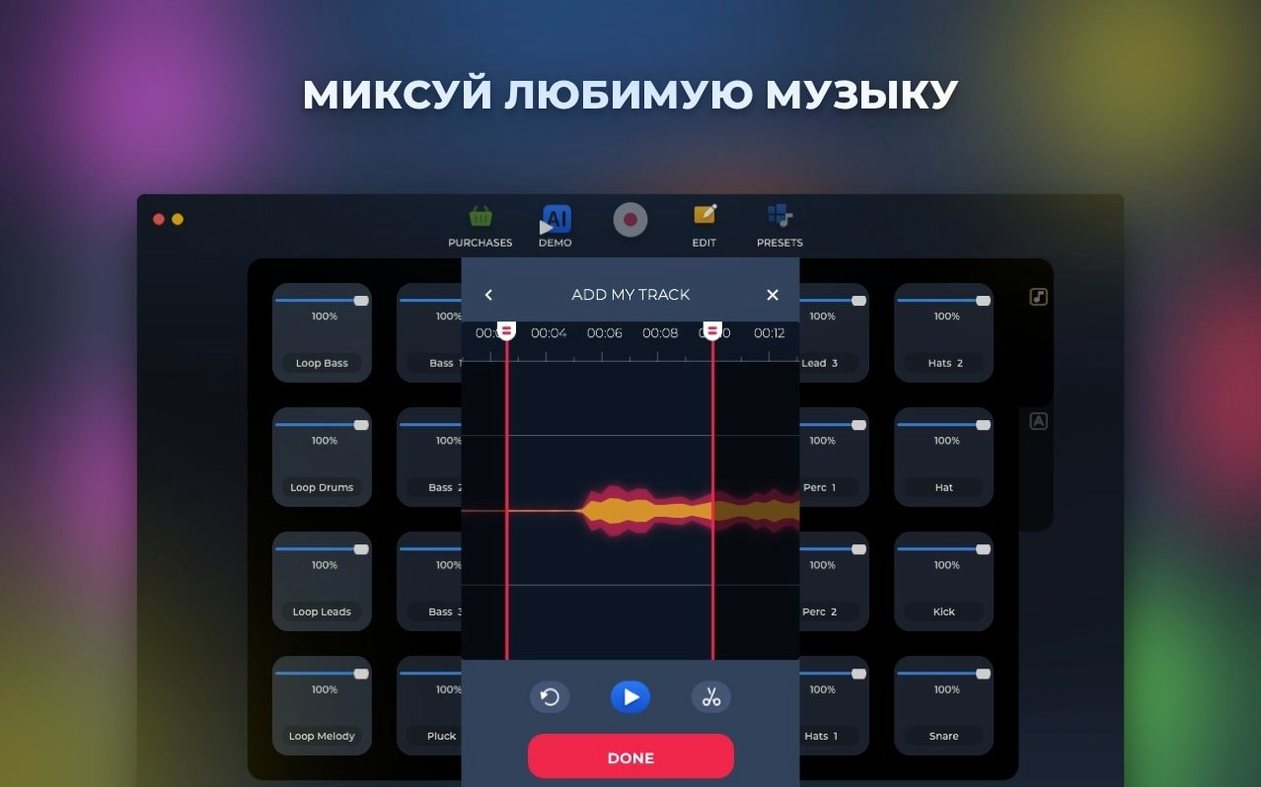
- Assign loops and one-shots to performance pads with custom hotkeys.
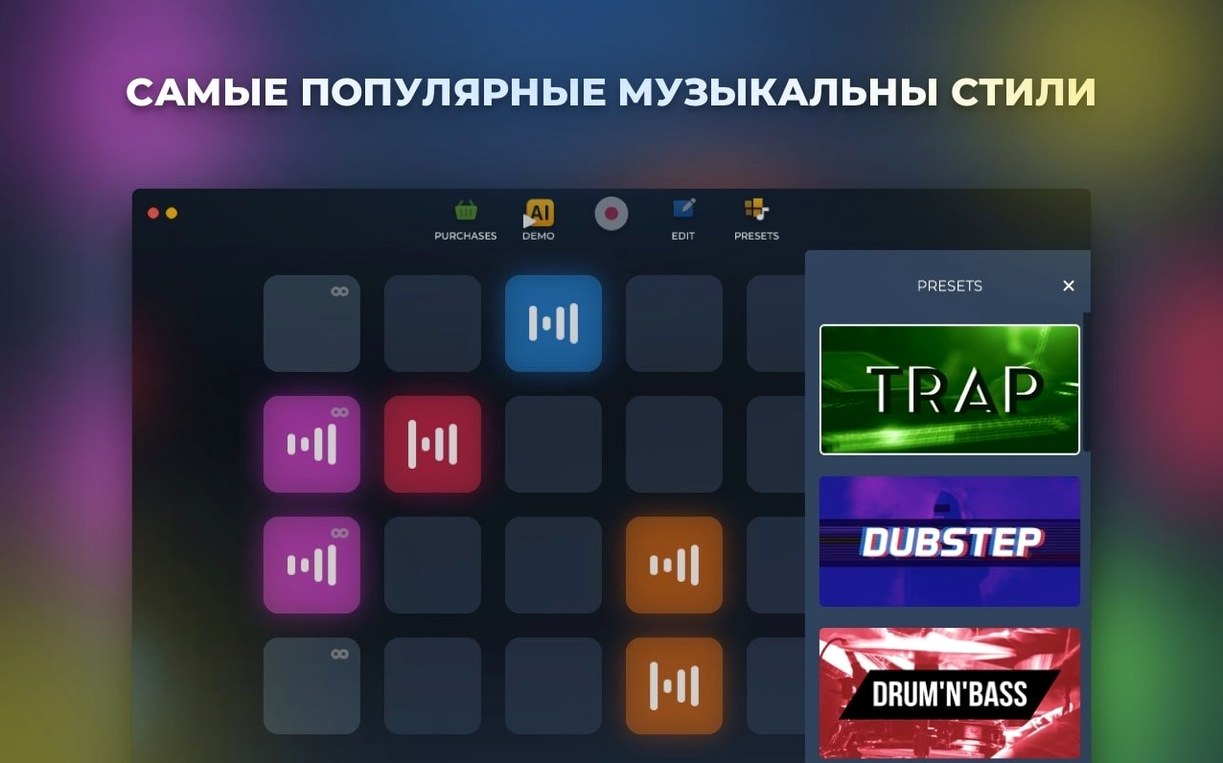
- Pull from a library of professionally recorded samples sorted by music style.
- Record a live performance directly to your Mac as a finished track.
- Rearrange pad layouts to match a setlist or live session flow.
Each sound was built by working DJs and musicians, so the collection covers dozens of variations per genre. Use it to capture quick ideas or layer parts over a project that is already running in another app.
Tap a Style Pack, Set a Tempo, Build Six Layers
You open the app with three things in mind: a tempo, a style, and a loose structure. The session usually goes like this — no fluff, just the chain of actions.
- Pick a style pack. Tap through the six electronic genres. For a dubstep sketch, you might land on the bass-heavy set. The library loads instantly — no unpacking or file dialogs.
- Audition sounds on the grid. Click any pad once for a preview. A kick drum on pad 1, a snare on 2, a percussive loop on 5. Every pad previews at the master tempo, so nothing drifts.
- Assign hotkeys. You map the kick to
Q, snare toW, and hat loop toE. The mapping sticks until you reassign it — useful when a loop torrent of ideas arrives and you want muscle memory to take over. - Build a four-bar phrase. You trigger pads live, layering a sub-bass loop under a glitchy top line. The AI generation button sits nearby, but you ignore it for now — this part is pure performance.
- Record the take. Hit record, play the sequence, stop. The WAV lands in your output folder. If the file is worth keeping, you drag it into an arrangement elsewhere; if not, you clear the pads and start again.
- Tweak and save. You rearrange three pads for easier reach, then save the layout. Next time the same genre loads, the grid is exactly as you left it.
A session rarely exceeds fifteen minutes. The app is built for capture, not for mixing — that part happens later.
Three Samplers, Three Places Your Audio Lives
Three tools often land in the same conversation: Serato Sample, Koala Sampler, and Loop Mash Up Pro itself. Each solves a different part of the sampling puzzle.
- Serato Sample — a plugin for finding and chopping samples inside a DAW. It excels at pitch-shifting and key detection, but it requires a host. Loop Mash Up Pro runs standalone, so you can trigger pads without launching a full session.
- Koala Sampler — a lightweight, MPC-style sampler. It records from the microphone and slices on a waveform. The Mac version feels like a port; the interface is compact. Loop Mash Up Pro leans harder on genre-based library browsing and AI generation, which Koala does not offer.
- Ableton Live’s Session View — the obvious heavyweight for clip launching. It gives you warping, effects chains, and deep automation. Loop Mash Up Pro is not a replacement — it is a sketchbook. You open it when you want to test a loop mash up pro idea without touching your main template.
If you already own a full DAW, this app sits in the gap between a voice memo and a full arrangement — closer to a hardware pad controller than a plugin suite.
Drag a Pad from Slot 16 to Slot 1 Without a Menu
A few details speed things up once you notice them.
- Pad drag-to-reorder. You can pull a pad from slot 16 to slot 1 without opening a menu. Useful when you want kick and snare under your index and middle fingers.
- Style-switch persistence. Changing the genre pack does not wipe your hotkey assignments. The same QWERTY row triggers the same pad positions, even when the sounds underneath change. Great for A/B testing an ab loop player pattern across genres.
- Mute with right-click. Right-click a pad to silence it mid-performance. Faster than hunting for a solo button, and it works during recording.
- AI generation with a single click. The button generates a full bar based on the active style. It is not meant to write your track — it is a jump-start when you are staring at an empty grid. The result is editable immediately, so you can swap out any pad it chose.
- Flat output filename. Recordings save with a timestamp, not a generic “Track 1” label. If you record six takes in a row, the folder stays legible without renaming.
None of these are advertised prominently, but together they make the app feel like a physical instrument — responsive, predictable, and out of the way.
- Fixed — several stability bugs.
- macOS 11 or later
- Intel 64-bit
Questions I get before install
Where do the included sounds come from?
All samples and loops in Loop Mash Up Pro were created by professional musicians and DJs.
Comments 0
Sign in to leave a comment.Sign inCreate an account
No comments yet. If a step is still there after you install it, say so.
More in Mac Apps
All in Mac Apps Updated
Loopback
Routes audio between any apps and devices on your Mac without cables.
16 steps saved
 Logic Pro
Puts a full studio of instruments, loops and mixing tools into one Mac app.
16 steps saved
 Little Snitch
Watches every connection and lets you decide which apps get to call home.
12 steps saved
 Luminar Neo
Edits photos with layers and AI tools for sky, light and object removal.
19 steps saved
 Lunar Pro
Syncs every external display’s brightness to the room, just like a MacBook screen.
21 steps saved
 LilyView
Opens images straight from folders in a chromeless window that stays out of your way.
5 steps saved
 MacBooster
Clears junk, scans for malware, and frees up memory from a single panel.
10 steps saved
 LightBurn
Designs artwork and controls laser cutters from a single layout, editing, and output tool.