
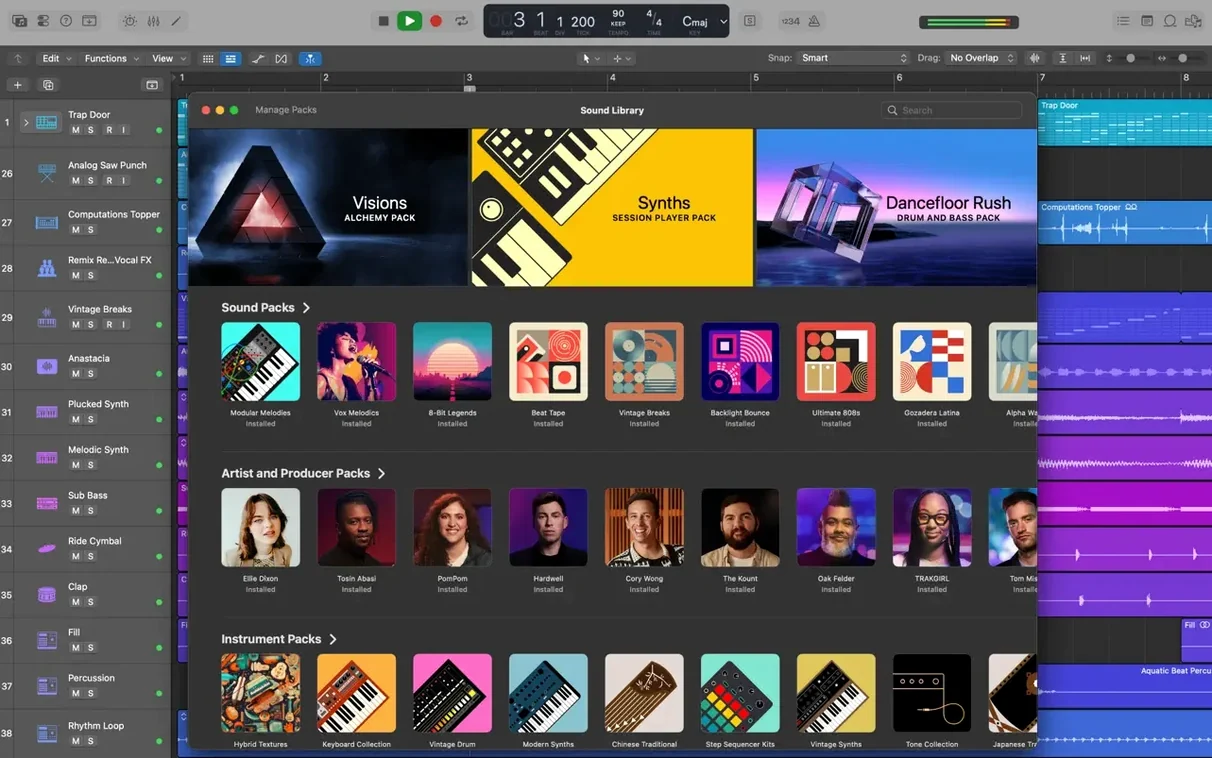
63 GB. That is the free disk space the full Sound Library demands, so clear some room before you start. A minimum install asks for a leaner 6 GB, though you will likely want the complete set of 7,000 Apple Loops and 2,800 instrument patches at your disposal. The app requires macOS 15.6 and 4 GB of RAM, running natively on both Intel and Apple Silicon machines. A display of 1280 by 768 or higher is needed, and third-party instruments will not load unless they are 64-bit Audio Unit plug-ins.
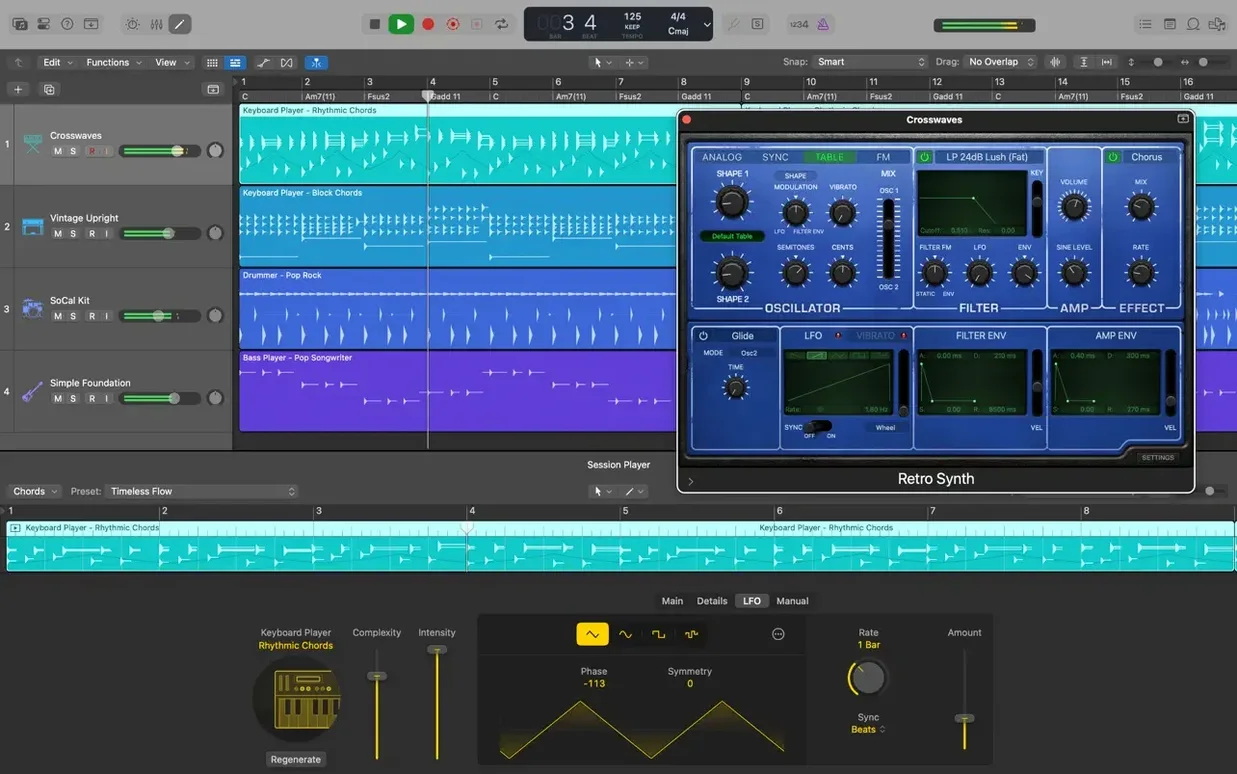
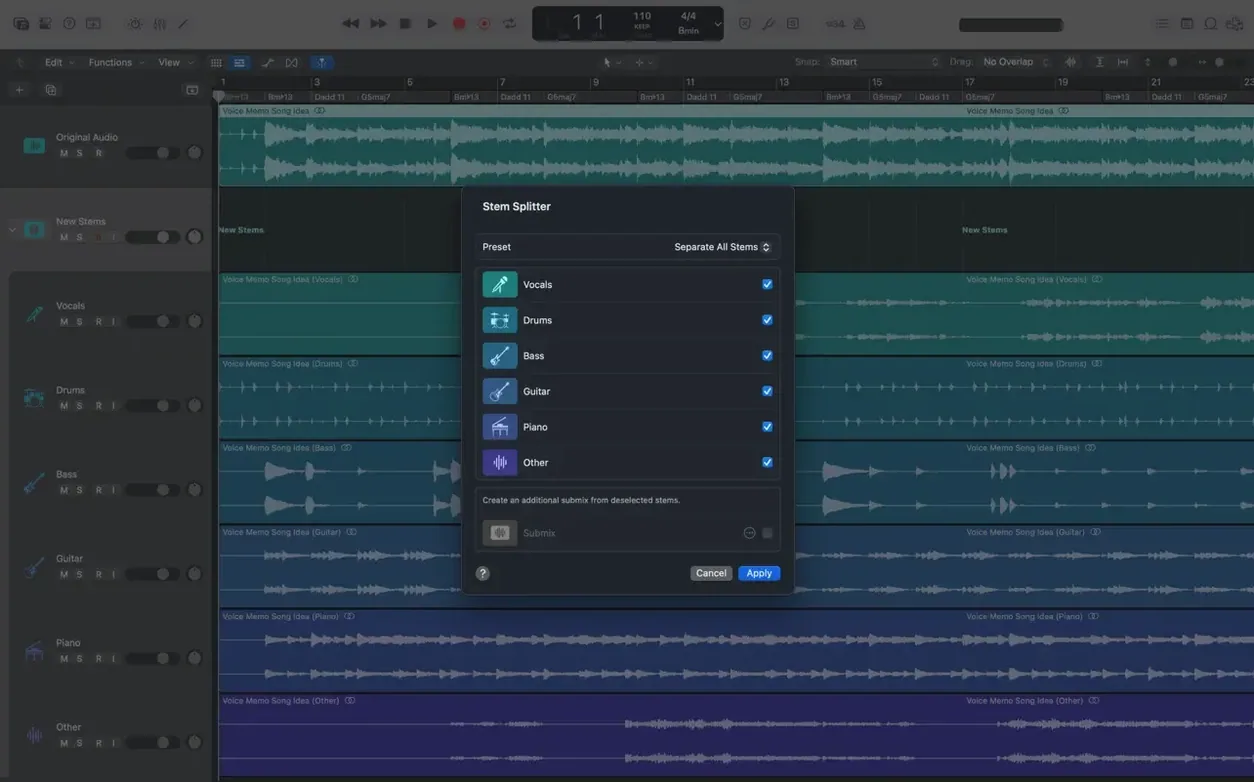
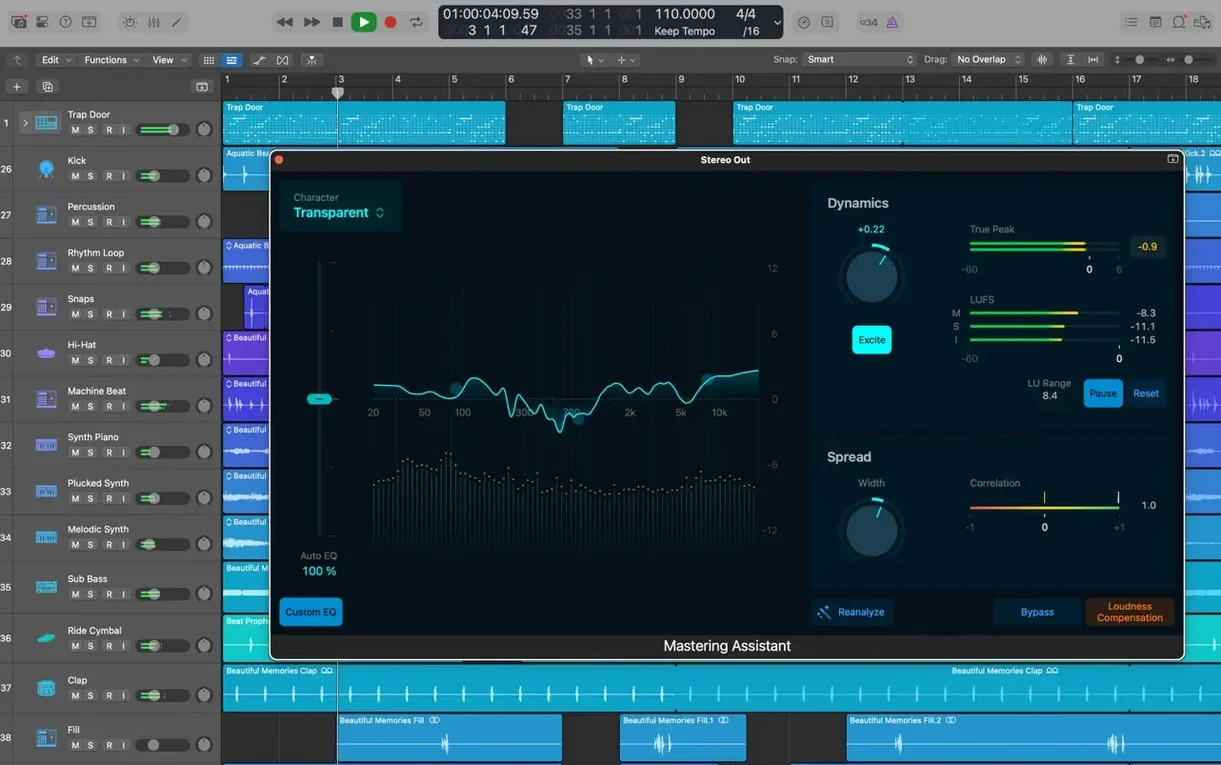
Once the numbers align, the toolkit covers recording, arranging, and editing audio and MIDI regions. Flex Time lets you reshape the timing of a performance without slicing waveforms manually, and Flex Pitch corrects vocal lines directly in the track view. Quick Swipe Comping organizes multiple takes into a single composite, and Track Stacks keep sprawling arrangements tidy by grouping related channels.
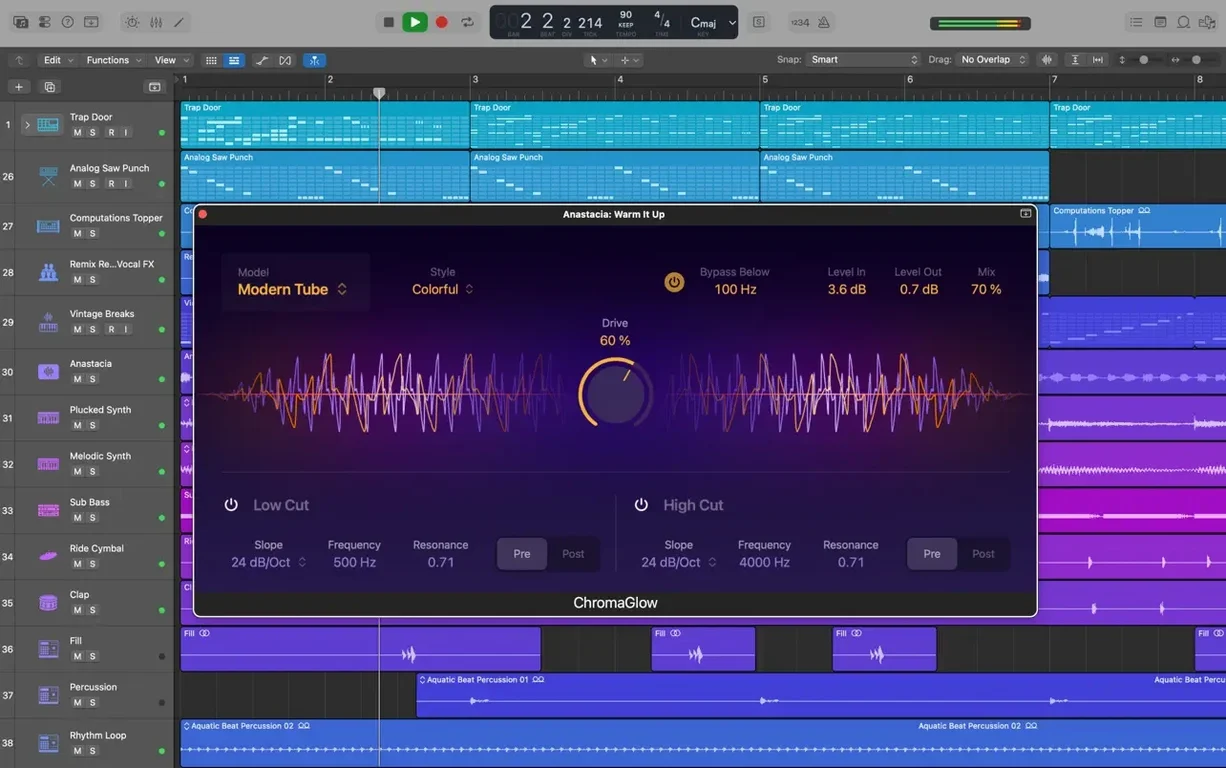
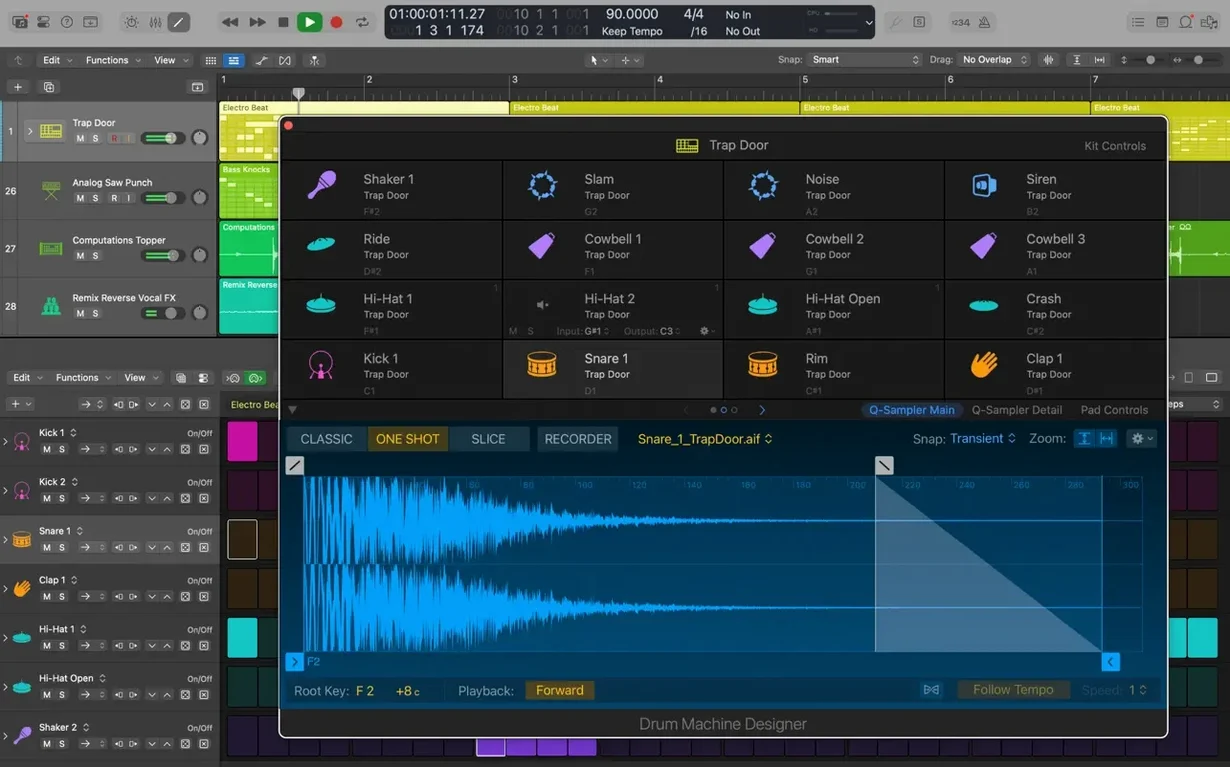
For sound design, Space Designer convolution reverb places instruments in realistic acoustic spaces. Drum Machine Designer gives you control over electronic kit sounds, and the patch library supplies pre-built signal chains for beat-making, songwriting, and remixing projects. Integration with Final Cut Pro X is handled through XML import and export, keeping picture-locked workflows in sync.
Comping Tools, Flex Pitch, and Drummer Serve the Songwriter’s Flow
Songwriters who track live instruments alongside software synths. The comping tools and Flex Pitch mean fewer retakes, and the Drummer tracks provide a rhythm section while you focus on chord progressions and melody. Podcast editors working with multi-mic recordings also benefit — Track Stacks corral interview feeds, and Selection-based Processing lets you render noise reduction and compression straight onto clips without bouncing entire stems.
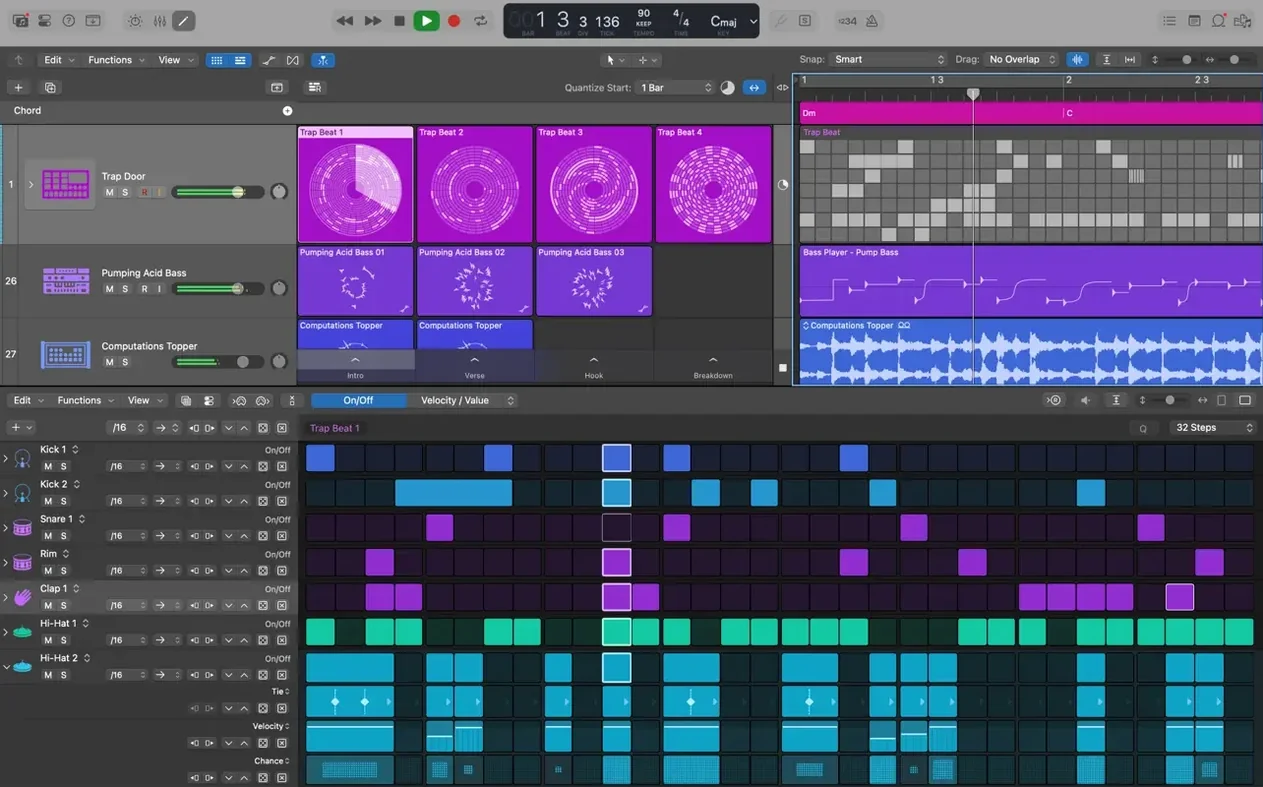
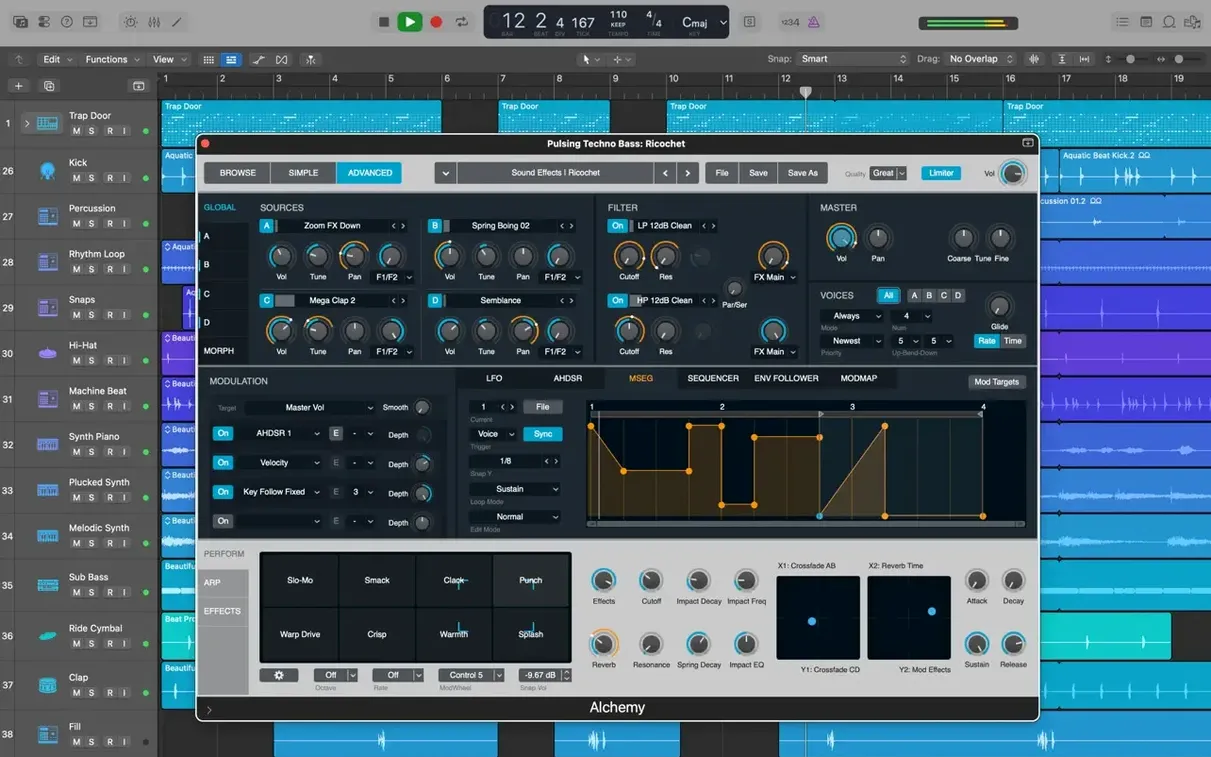
Electronic producers building tracks from samples and loops lean on Alchemy and Drum Machine Designer. The 7,000 Apple Loops are tagged by genre and key, so dragging a matching loop into an arrangement takes seconds. Mix engineers handling surround projects find the export formats cover what delivery specs demand, and the Smart Controls map multiple plug-in parameters to a single knob for quick rebalancing during client-attended sessions.
Film composers who need to spot video inside a session use the native video track and the Final Cut Pro XML round-trip. Opening a Logic 5 project from a decade-old archive works without intermediate conversions, which matters for back-catalogue remastering.
Building a Verse from Scratch: A Twelve-Minute Workflow
Start with Drummer. Create a software instrument track, open the Library, pick a drummer and a kit preset. Drag the drummer region out to eight bars. The performance adapts if you switch from a verse feel to a chorus feel using the X/Y pad — no programming needed.
Add a bass line. Create a second software instrument track, load a bass patch from the 1,000 sampled instruments available. Record a two-bar MIDI phrase with a controller keyboard. Quantize it lightly (strength 85%) so it locks to the drummer's swing without sounding robotic. Loop the region for the full verse.
Record a guitar part. Create an audio track, insert Amp Designer, and choose a clean combo with spring reverb. After recording, use Flex Time to nudge a late chord forward by dragging a transient marker. No cutting, no crossfading — the waveform stretches transparently.
Layer a synth pad. Load Alchemy on a fourth track, browse the pad category, and hold a chord for four bars. Open Smart Controls; map cutoff and resonance to a single knob so the pad breathes as automation rides the verse build-up. Group the drum, bass, guitar, and synth tracks into a Track Stack. Now the whole verse section collapses to one fader for rough balance while you move on to the chorus.
Beat Mapping Transients and Cursor Tool Modes Tighten the Tempo Workflow
- New — Beat mapping transients can be relocated again. Tempo maps that follow a live drummer's push and pull now adjust without rebuilding the analysis from scratch.
- New — Cursor Tool modes activate immediately. Click the Pointer, Pencil, or Marquee tool and the action starts — no micro-drag required.
- Improved — Staff Style changes in the Score editor refresh on the spot. Switching from treble clef to bass clef or changing transposition settings updates the notation view without closing and reopening the Score window.
- Improved — Crossfade editing is fully functional again. Dragging the right edge of a crossfade extends the overlap as expected, which matters when smoothing punch-in points on vocal comps.
- Improved — Performance on tracks with many regions is noticeably smoother. Zooming and scrolling through a dense arrangement of sliced audio loops no longer chokes playback.
- Fixed — MIDI playback in projects with a video track no longer causes unexpected quits. Scoring to picture is stable, even with large orchestral templates pushing the instrument count.
The interface ships in English, German, Spanish, Simplified Chinese, French, and Japanese, so switching languages is straightforward for multilingual studios working on the same system.
- New — Restored the ability to relocate beat mapping transients.
- Improved — Performance when handling tracks that contain many regions.
- Fixed — The Score now responds correctly to Staff Style changes in the Inspector. The right side of a crossfade can be dragged and extended again. It no longer unexpectedly quits when playing MIDI in a project with video.
- macOS 15.6 or later
- Apple Silicon or Intel Mac
- 4 GB RAM
- 1280 × 768 display or higher
- 64-bit Audio Unit plug-ins required
- 6 GB free disk space for minimum installation
- 63 GB free disk space for full Sound Library installation
Questions I get before install
Does Logic Pro support third-party plug-ins?
Yes, it supports third-party Audio Unit plug-ins, provided they are the 64-bit format.
Comments 0
Sign in to leave a comment.Sign inCreate an account
No comments yet. If a step is still there after you install it, say so.
More in Mac Apps
All in Mac Apps Loop Mash Up Pro
Triggers loops and samples alongside Logic Pro without touching the arrangement.
21 steps saved
 Updated
Loopback
Routes audio between any apps and devices on your Mac without cables.
16 steps saved
 Little Snitch
Watches every connection and lets you decide which apps get to call home.
21 steps saved
 LilyView
Opens images straight from folders in a chromeless window that stays out of your way.
12 steps saved
 Luminar Neo
Edits photos with layers and AI tools for sky, light and object removal.
10 steps saved
 LightBurn
Designs artwork and controls laser cutters from a single layout, editing, and output tool.
19 steps saved
 Lunar Pro
Syncs every external display’s brightness to the room, just like a MacBook screen.
5 steps saved
 MacBooster
Clears junk, scans for malware, and frees up memory from a single panel.