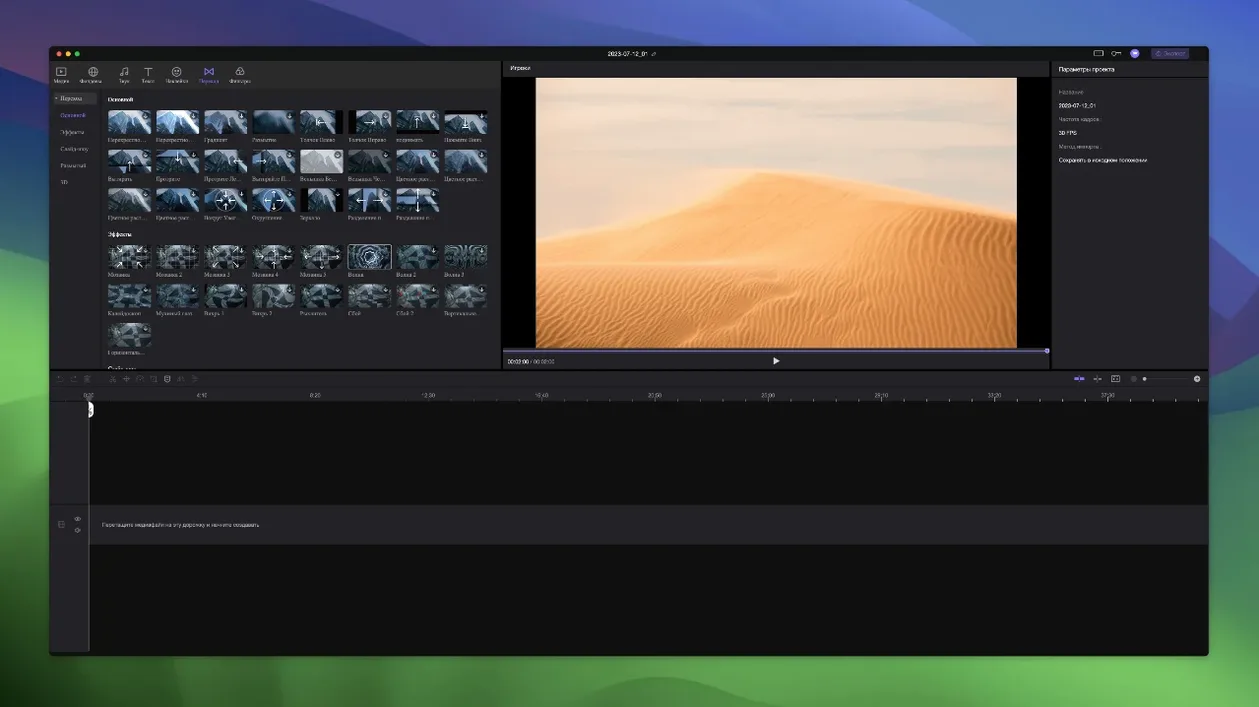
Edimakor runs on any Mac with macOS 10.15 Catalina or newer, on Intel hardware.
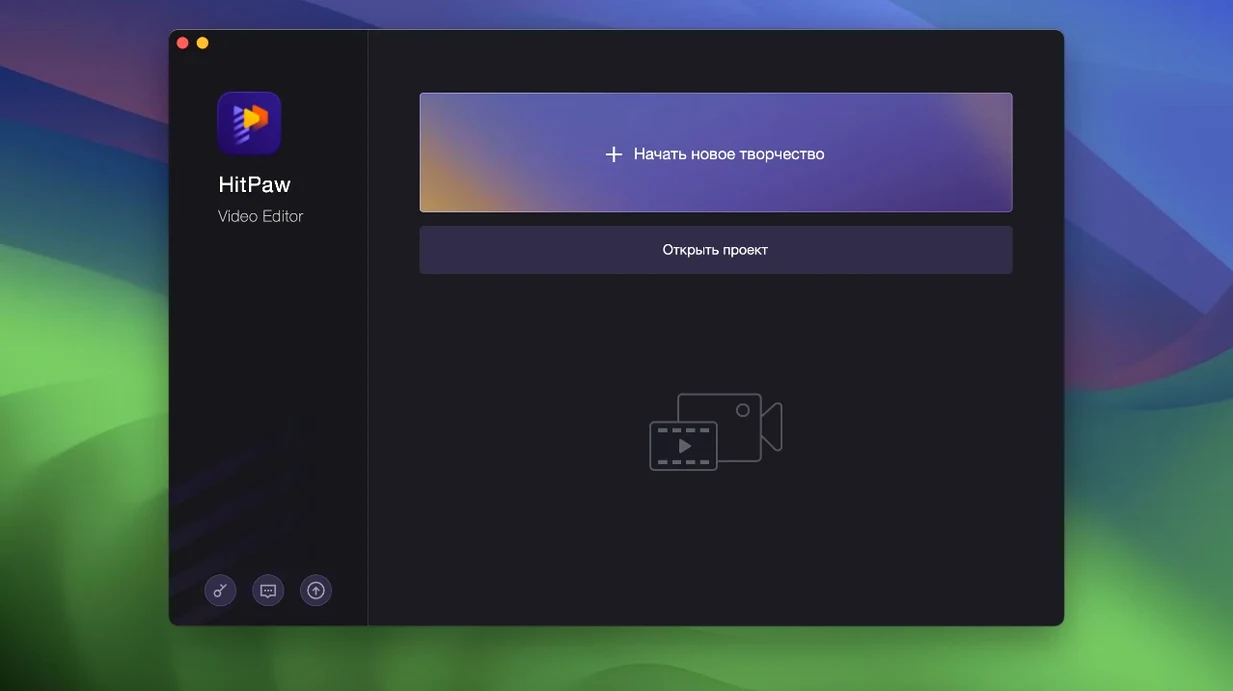
HitPaw Edimakor — a Mac video editor that pairs standard timeline tools with a set of AI-assisted features.
Who it's for
Someone who needs to cut together a video without learning a complex interface. The app handles the basics and adds a few automated shortcuts.
Core toolkit
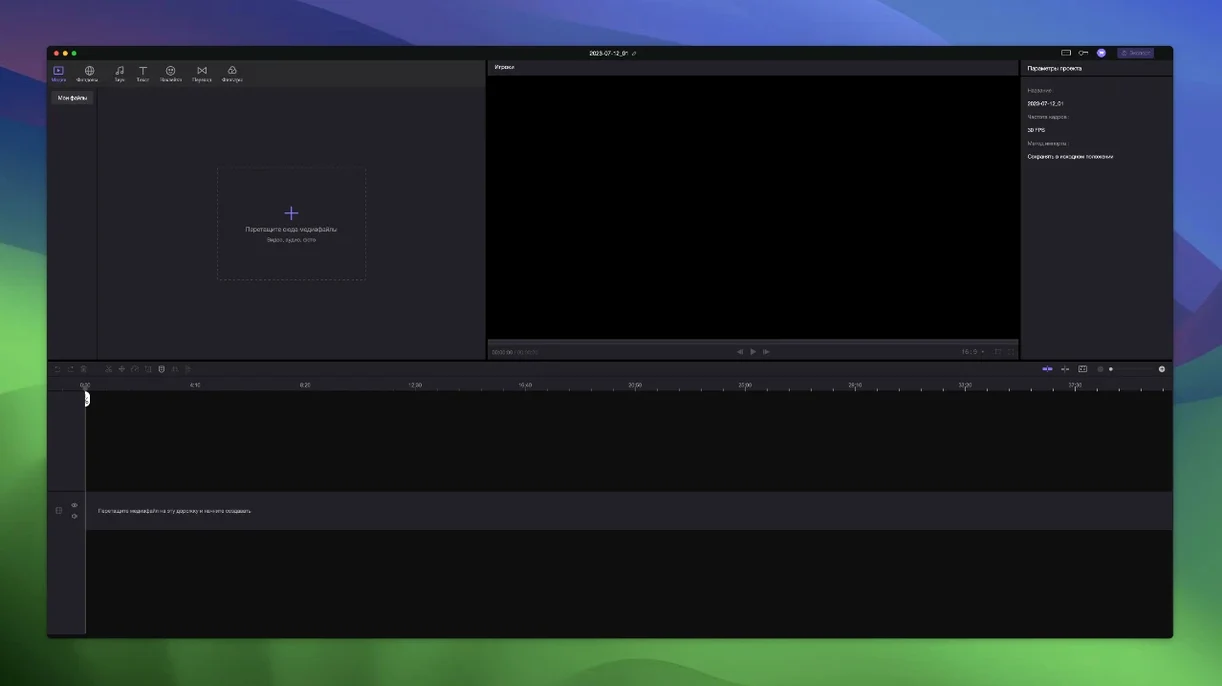
Unlimited tracks — stack video, audio, and effect layers without artificial limits.
Trim and merge — slice clips on the timeline, then join the segments you keep.
Auto-attach — elements pulled from other tracks snap to the main video track automatically.
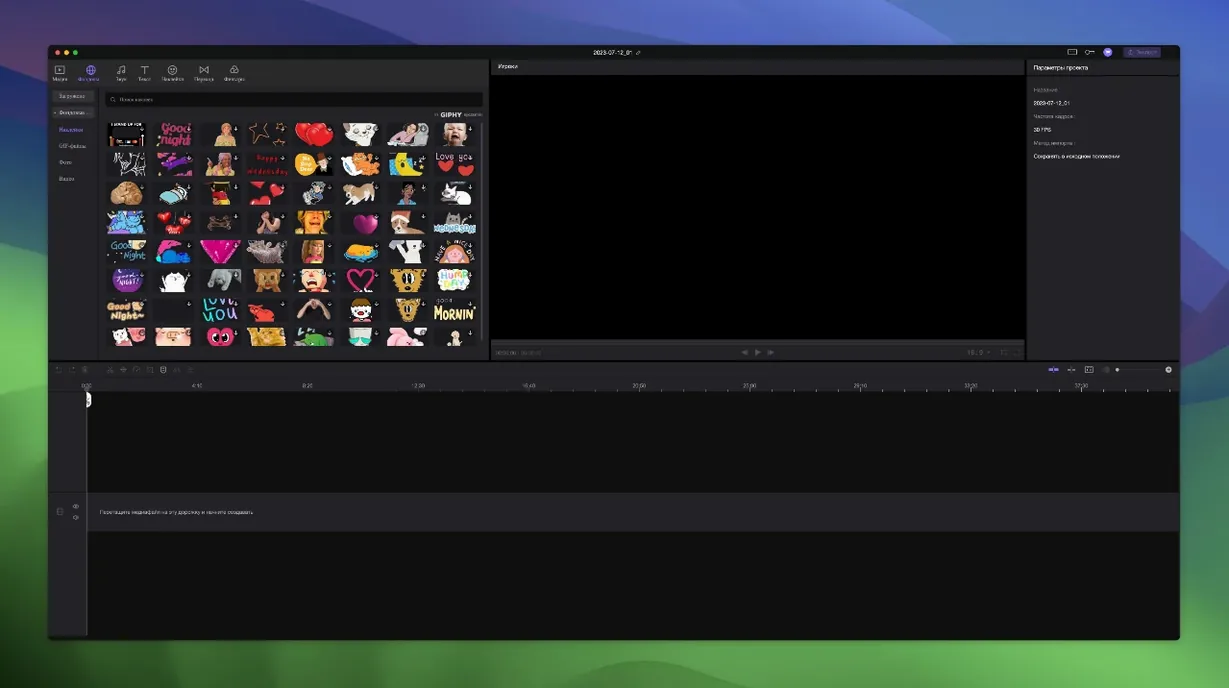
Stickers and transitions — built-in library of animated overlays and scene-change effects.
AI features — assist with tasks like generating subtitles or removing background noise.
What it replaces
One Short Test Project Reveals Tool Layout
Start with a short test project. Drop in two or three clips, make a rough cut, and export once. That single pass shows where the tools sit and how the timeline responds before you commit real footage.
- Use auto-attach early. When you drag the main video track, linked elements follow. Get comfortable with that behaviour on a throwaway timeline first — it saves surprises later.
- Set your timing points precisely. The timeline lets you position down to exact frames. For cuts that need to land on a beat or a spoken word, zoom in and place markers rather than dragging blindly.
- Test one AI feature per session. Run subtitle generation on a short clip, check the result, and adjust. Then move to noise removal. Learning each tool in isolation keeps the output predictable.
- Keep an unlimited-track habit. Put dialogue on one track, music on another, effects on a third. With no practical ceiling, you can stay organised instead of cramming everything onto two layers.
Most Issues Trace Back to Three Predictable Spots
Most issues people report with Edimakor trace back to a few predictable spots.
Elements move when you only wanted one clip to move
That is auto-attach doing its job. If a sticker or audio clip is linked to the main video, it follows any drag. To move something independently, unlink it first or place it on a track where you control the connection.
The timeline feels sluggish on long projects
Unlimited tracks invite heavy timelines. On Intel Macs near the Catalina end of the range, dozens of layers with effects can slow scrubbing. Bounce out finished sections as merged clips, or cut the project into smaller working files.
Gatekeeper blocks the first launch
After mounting the disk image, run Open Gatekeeper friendly. If macOS still complains, open Terminal and press Enter as prompted to bypass Gatekeeper. Then drag the app into Applications as usual.
Exported video has a subtitle mismatch
AI-generated subtitles are a starting point. Open the subtitle track, check timing against the waveform, and nudge lines that fall early or late. A quick pass beats re-running the generator.
Interface language looks wrong
Edimakor ships with sixteen interface languages, including Russian, English, German, Arabic, Indonesian, Spanish, Italian, Traditional and Simplified Chinese, Korean, Dutch, Portuguese, Turkish, French, Hindi, and Japanese. Switch in preferences and restart the app if the change does not apply immediately.
Timeline Stability Improved in Longer Edits
The current release, 2.6.0, keeps the same foundation: macOS 10.15 Catalina or newer, Intel architecture. Everyday use feels more settled than earlier builds in a few ways.
- Timeline stability on longer edits. The auto-attach logic behaves more predictably when many elements share one main video track.
- Faster effect library browsing. Stickers and transitions load with less lag, which matters when you audition several in a row.
- Cleaner multi-language support. The full set of sixteen interface languages now applies more consistently across menus and panels.
A messy stack of separate utilities. Edimakor keeps cutting, merging, effects, and AI helpers inside one window.
- macOS 10.15 Catalina or newer
- Intel processor
Questions I get before install
What macOS version does Edimakor need?
The developer states macOS 10.15 Catalina or above is required for the Mac version.
Can I work with multiple video and audio layers?
Yes, Edimakor supports unlimited tracks, so you can layer as many video and audio clips as your project needs.
Does the app include ready-made effects?
It ships with a collection of stickers and transition effects you can drag onto the timeline.
Comments 0
Sign in to leave a comment.Sign inCreate an account
No comments yet. If a step is still there after you install it, say so.
More in Mac Apps
All in Mac Apps HitPaw Univd
Converts media between formats and pulls video from over 10,000 sites.
10 steps saved
 HitPaw Video Converter
Transcodes files like HandBrake, then adds download, edit, and reframe tools.
11 steps saved
 HitPaw Watermark Remover
Traces and removes unwanted objects or watermarks from a single video frame.
17 steps saved
 Updated
Hopper Disassembler
Disassembles and decompiles binaries so you can trace logic or audit code.
6 steps saved
 Haptyk
Generates typing sounds that respond to how firmly you press the keys.
15 steps saved
 IDA Pro
Picks apart executables with a guided disassembler, decompiler, and debugger.
10 steps saved
 Guitar Rig
Processes a clean guitar signal through configurable amp and effect chains.
9 steps saved
 iExplorer
Mounts an iPhone or iPad on your Mac for direct file browsing without a jailbreak.