
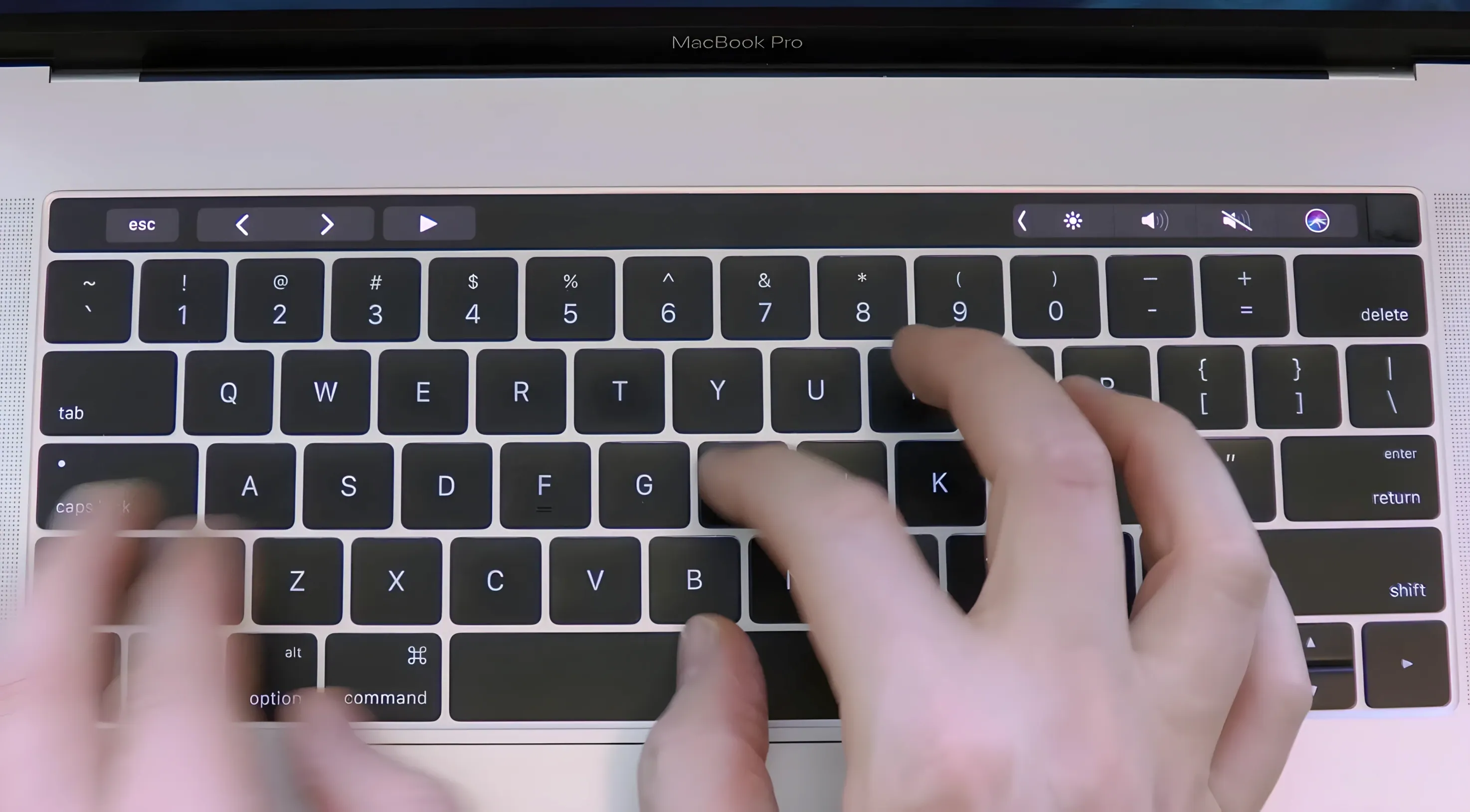
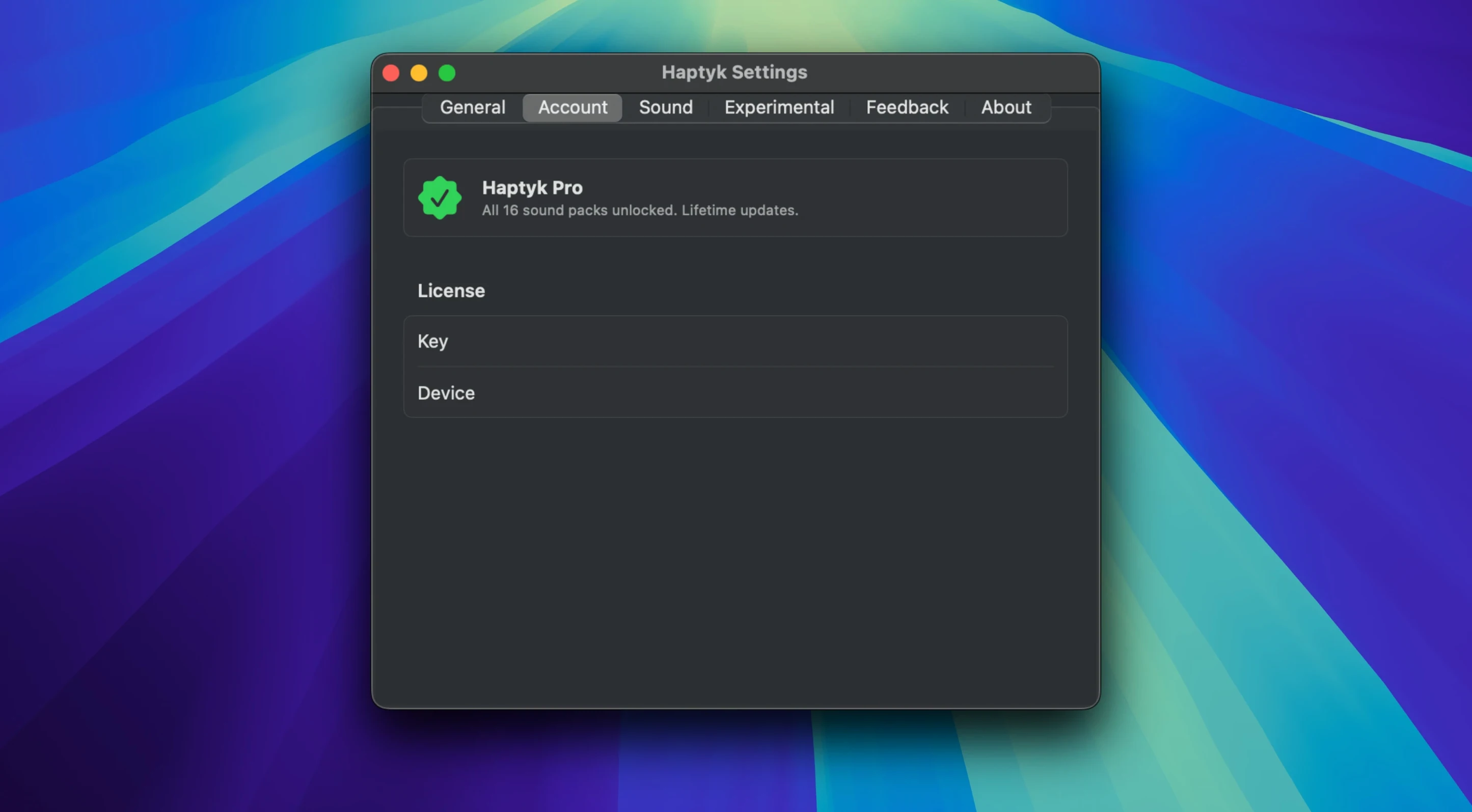
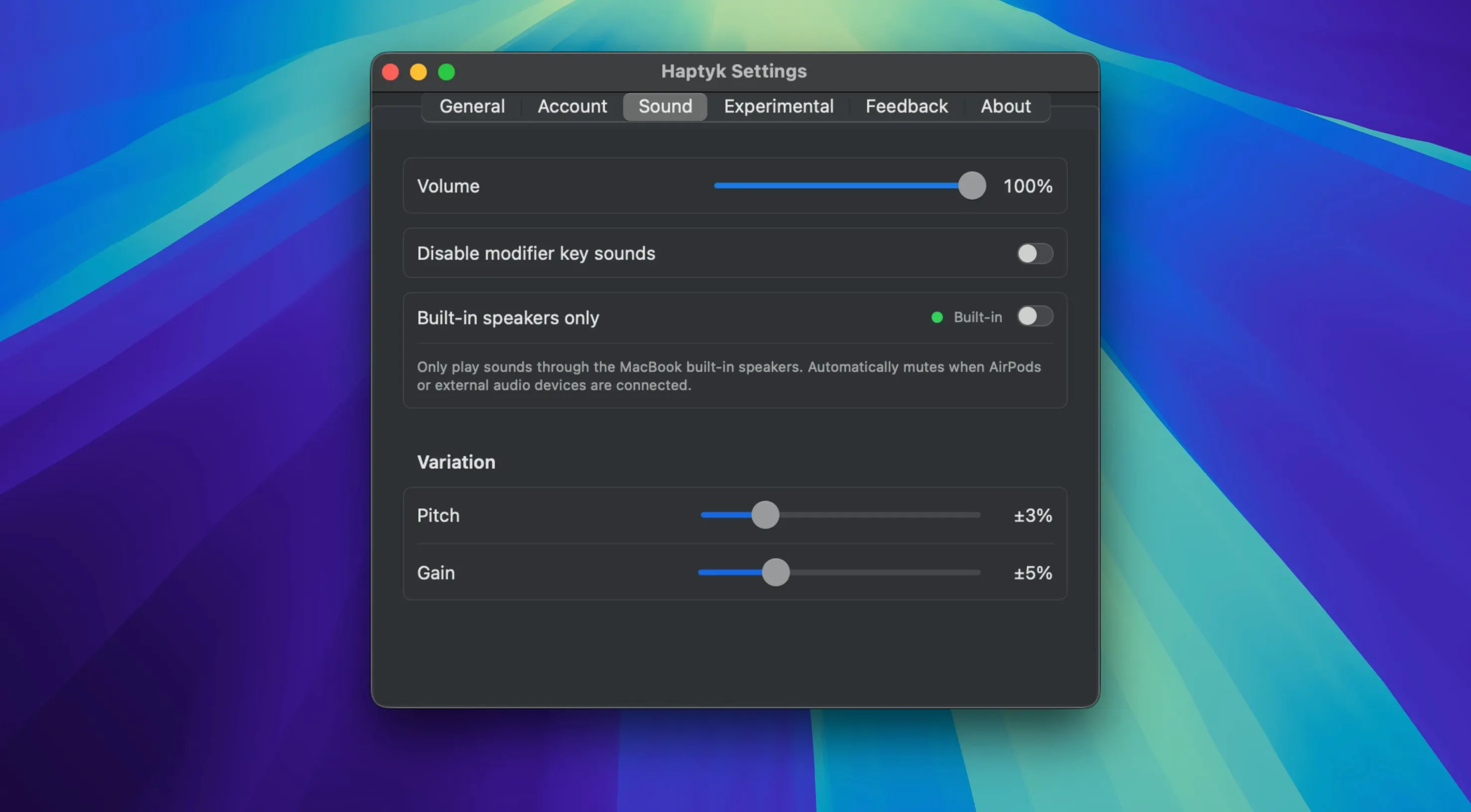
One built-in keyboard, zero moving parts—but a single decibel of feedback changes everything. Haptyk generates typing sounds that respond to keypress force, turning a flat MacBook keyboard into something that sounds tactile and weighted. Press harder and the sound intensifies; type lightly and the click softens. It is a purely auditory layer, no haptic motors involved.
| Detail | Spec |
|---|---|
| Requires | macOS 13 or newer |
| Architecture | ARM, x86 64-bit |
| Keyboards | Built-in MacBook keyboard |
| Developer | Haptyk |
Who it’s for: anyone who misses mechanical keyboard feedback but isn’t ready to haul a separate board to a coffee shop. The roster of supported machines includes MacBook Pro 14-inch and 16-inch models with M1 Pro, M1 Max, and later chips, plus MacBook Air M2 and newer. Sound intensity tracks actual pressure, so the response isn’t a flat sample loop—it’s a variable layer that listens to how you type.
Idle CPU and Flat Memory All Day
Version 2.0.2 stays out of the way. CPU usage sits near zero during normal typing bursts, and memory footprint remains flat over a full workday. The accelerometer polling feels light—no fan spin-ups on a MacBook Air M2, no lag between keypress and sound. Even with Mission Control animations and a dozen Safari tabs open, the click layer keeps pace.
- Startup — appears in the menu bar within two seconds of launch
- Latency — sounds trigger on key down, not key up, so there is no perceptible delay
- Battery — negligible drain during a three-hour writing session
- Stability — no crashes observed across sleep/wake cycles and fast user switching
Independent Sound Layer Across All Apps
Haptyk for Mac works as a background layer, not a foreground tool. It coexists with text editors, IDEs, browsers and chat apps without intercepting keystrokes or altering input. The sound layer is independent of any app’s own audio—Spotify, Zoom and system alerts all continue normally.
On the macOS side, the app respects the system output device. Switching from MacBook speakers to AirPods moves the typing sounds along with everything else. Mute the system volume and Haptyk goes quiet too, which keeps behaviour predictable.
One practical combination: run Haptyk alongside a keyboard remapper or a text expansion tool. Neither conflicts—the sound engine reads force data, while other utilities handle key mapping and macros. The accelerometer input stays separate from the keyboard event stream.
- macOS 13 (Ventura) or later
- Apple Silicon or Intel 64-bit processor
Questions I get before install
Which MacBooks does Haptyk support?
It runs on Apple Silicon MacBooks including MacBook Pro 14-inch and 16-inch with M1 Pro, M1 Max and later, plus MacBook Air M2 and newer, on macOS 13 Ventura or later.
Comments 0
Sign in to leave a comment.Sign inCreate an account
No comments yet. If a step is still there after you install it, say so.
More in Mac Apps
All in Mac Apps Guitar Rig
Processes a clean guitar signal through configurable amp and effect chains.
22 steps saved
 HitPaw Edimakor
Pairs a standard timeline with AI tools so you can cut video without a steep learning curve.
8 steps saved
 Guitar Pro
Writes and plays back tablature and sheet music for stringed instruments.
18 steps saved
 HitPaw Univd
Converts media between formats and pulls video from over 10,000 sites.
10 steps saved
 HitPaw Video Converter
Transcodes files like HandBrake, then adds download, edit, and reframe tools.
11 steps saved
 HitPaw Watermark Remover
Traces and removes unwanted objects or watermarks from a single video frame.
17 steps saved
 Updated
Hopper Disassembler
Disassembles and decompiles binaries so you can trace logic or audit code.
17 steps saved
 GoLand
Surfaces goroutine leak data inline to start debugging immediately.