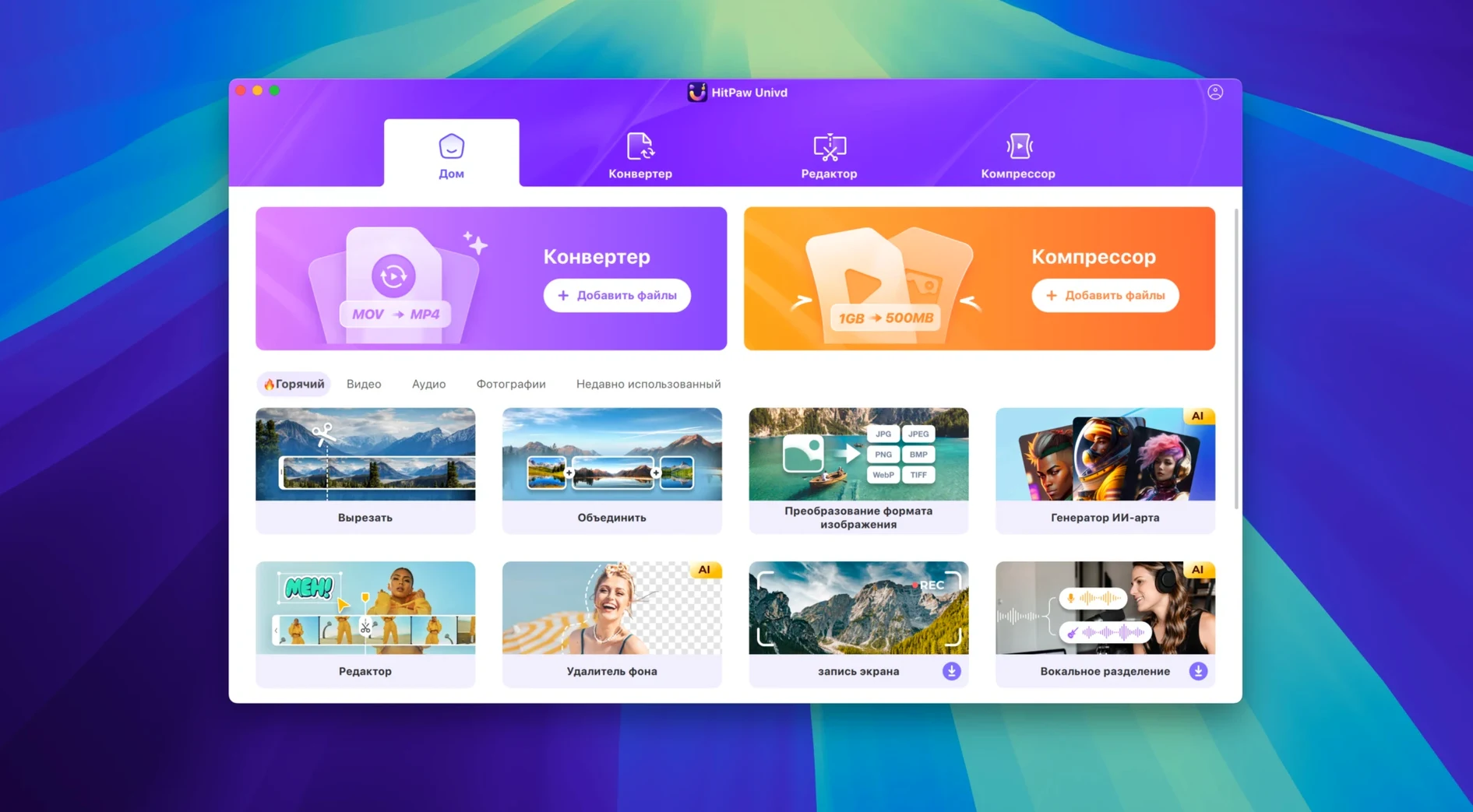
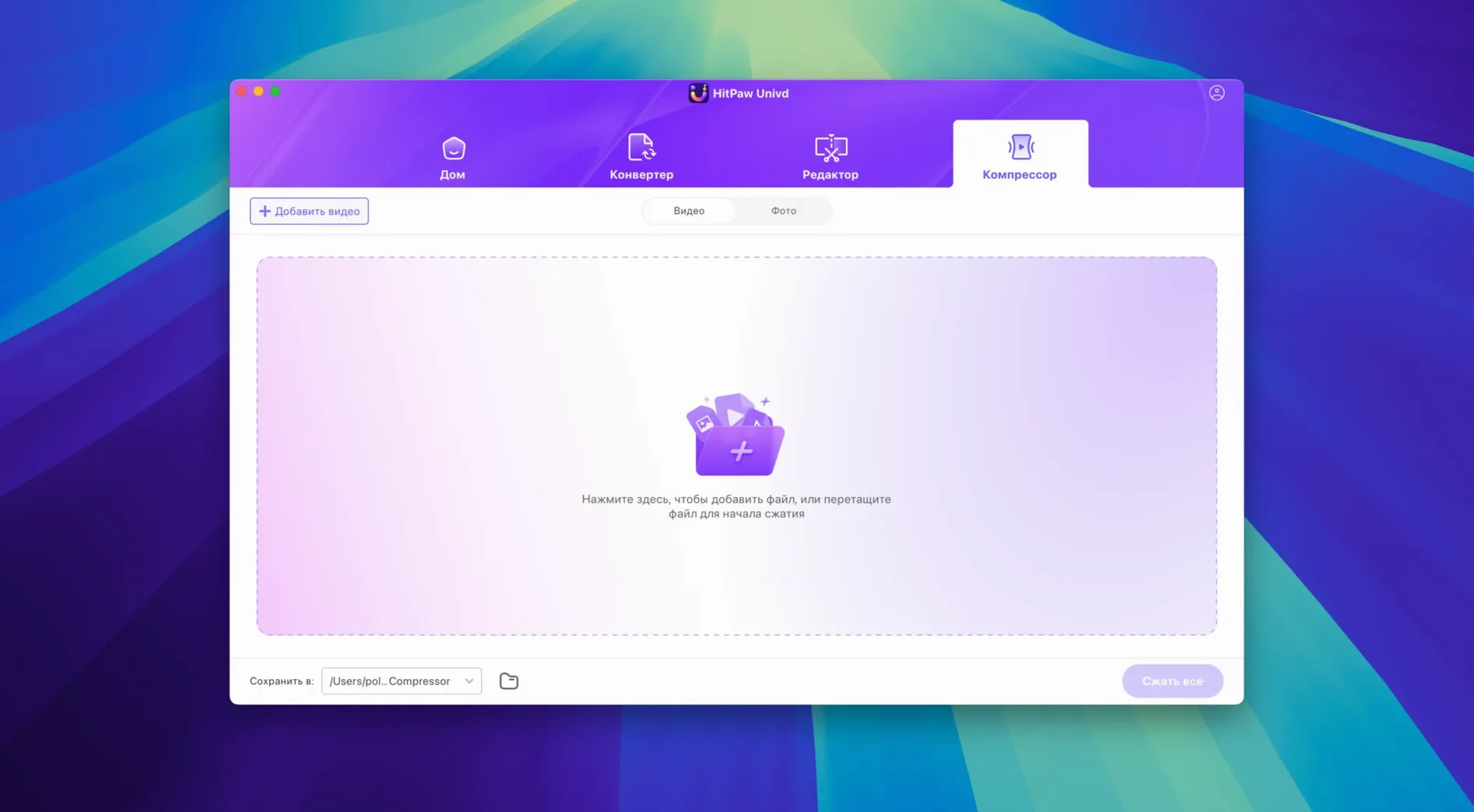
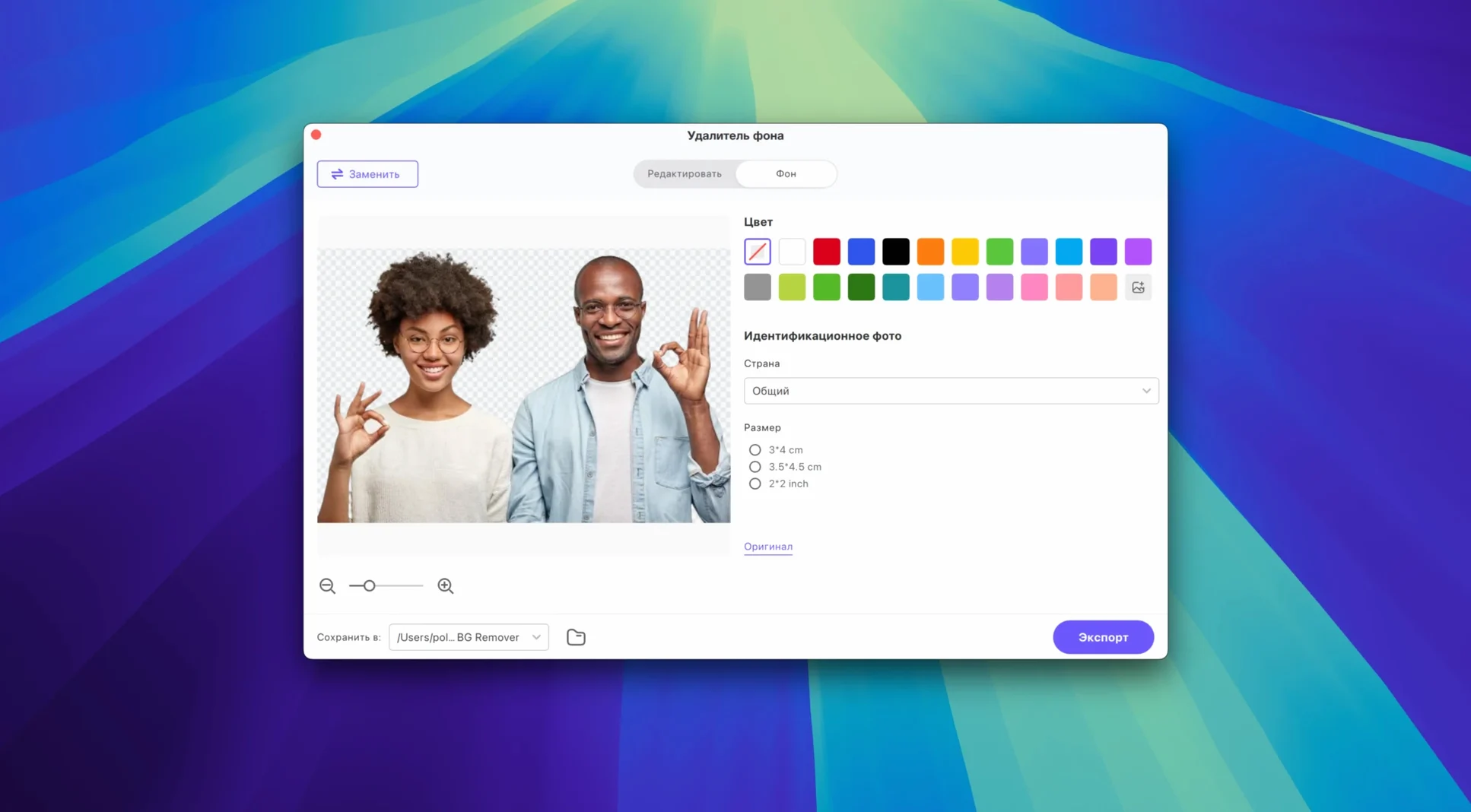
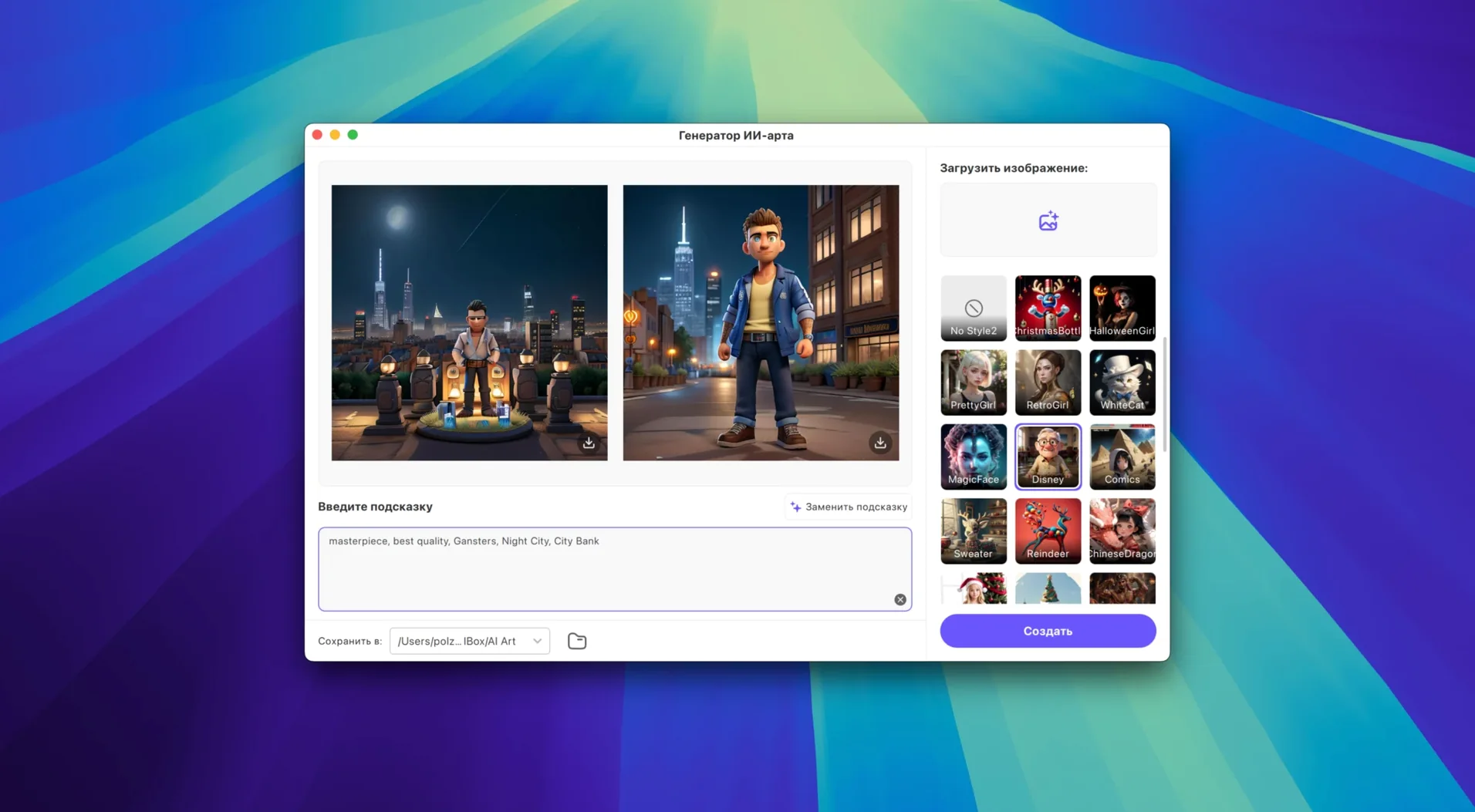
Version 4.7.0 ships a rebuilt interface and a rethought product model. The workflow stays the same.
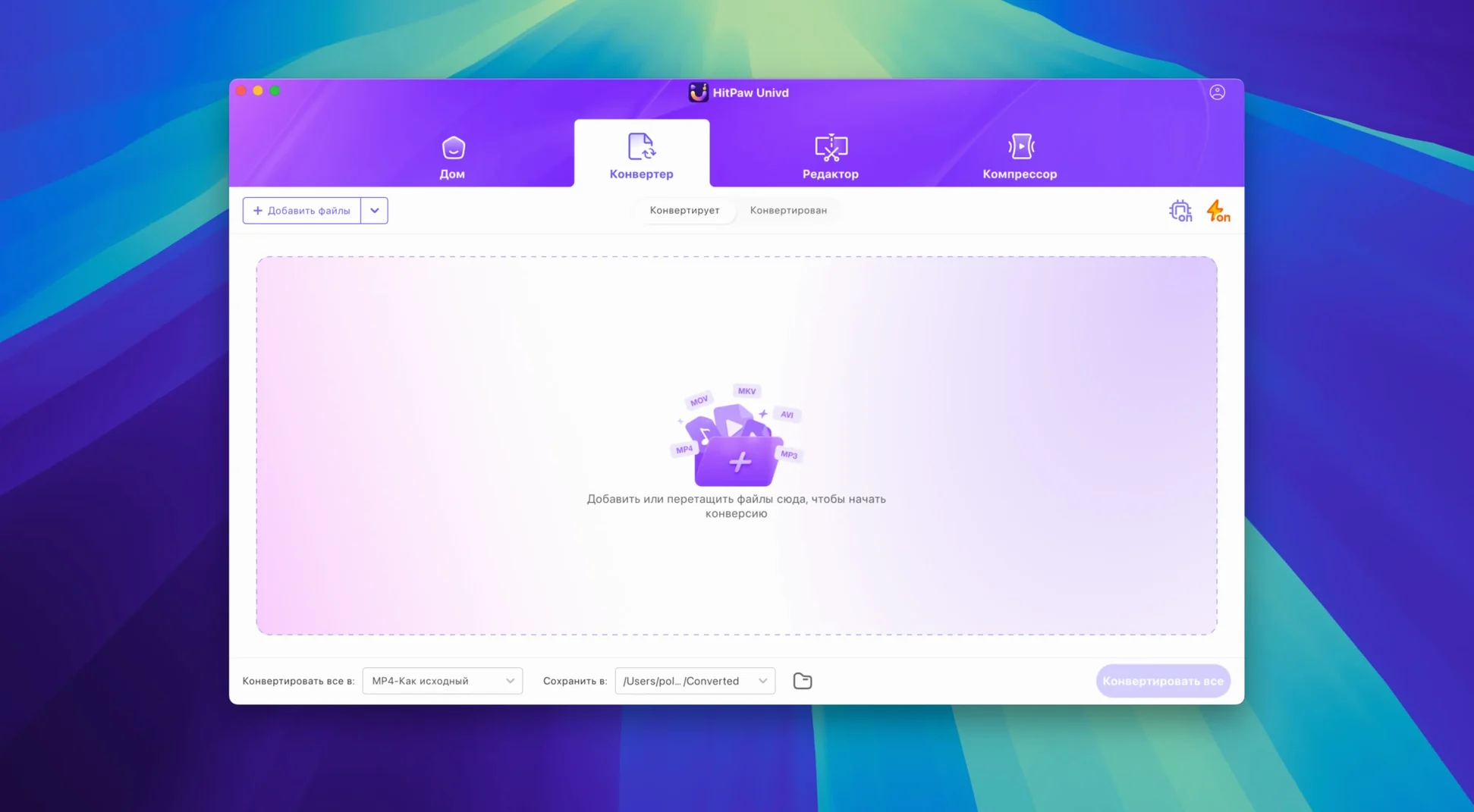
- Source it. Pull a video, film, or music file. Univd reads MP4, MOV, AVI, VOB, and MKV. The downloader grabs from over 10,000 sites.
- Pick a format. Choose from more than 1,000 output profiles. Codec support covers VP9, ProRes, and Opus. The app converts music without loss for Apple Music, Spotify, Deezer, and TIDAL.
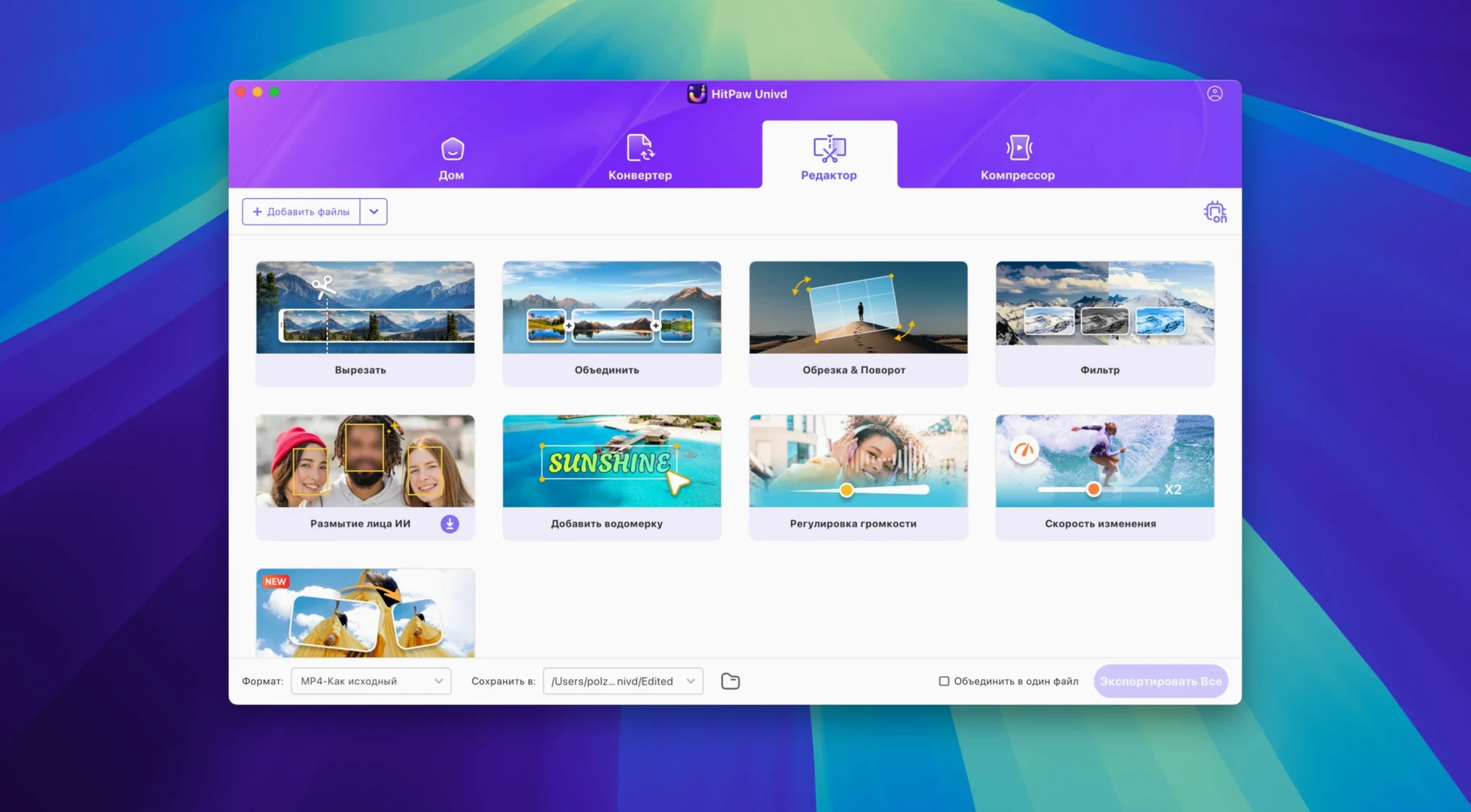
- Edit if needed. Trim, crop, or adjust before the file lands. AI features handle the busywork.
- Export. One click writes the finished file to disk.
HitPaw Univd suits people who collect media from scattered sources and need one Mac app that converts, downloads, and does light edits. No chain of separate tools.
Expired Tokens Stall Downloads
A download that stalls from a site like YouTube or Bilibili usually traces back to an expired session token. Log out of the service inside Univd, quit the app, then sign back in. If the site recently changed its layout, Univd needs a day or two to catch up — check the HitPaw update feed for a hotfix.
The “no audio after conversion” problem almost always sits in the output profile. VP9 video paired with Opus audio in an MP4 container trips some players. Switch the audio codec to AAC or remux into MKV. For Apple Music and TIDAL tracks that come out silent, confirm you ticked the lossless pass‑through option in preferences before converting.
A gatekeeper block on first launch is expected. Mount the disk image, right‑click the app, and choose Open. Terminal‑based workarounds floating around — including some hitpaw univd torrent bundles — often skip version 4.7.0’s updated signature. To get it running smoothly, just verify the code signature with codesign -dv before the override. One clean drag into Applications, one gatekeeper override, done.
Large 4K files that crawl through conversion need the hardware encoder toggle. Preferences → Performance → Enable VideoToolbox hardware acceleration. On Intel‑only Macs running macOS 10.15, software encoding is the only path; close other media apps first to free up CPU cycles.
10‑Bit HDR Pass‑Through Keeps Your Grade
Does it handle 10‑bit HDR footage, or do I lose the colour grade? Univd reads 10‑bit input and can pass through HDR metadata when the target container supports it — MKV, MOV wrapped ProRes, and a handful of MP4 profiles. The preview window does not show HDR, so trust the scopes, not the thumbnail.
Will it download region‑locked content? The downloader module respects the session you give it. If your account can stream the material in a browser, Univd can capture it. No built‑in VPN; pair it with your own network tool when needed.
What happens to metadata on music conversions? Lossless profiles for Deezer and TIDAL preserve cover art, artist, and album tags. Spotify transcodes carry text tags but drop artwork. Apple Music tracks keep everything when you convert from a downloaded file, not a stream.
Can I batch‑download a full playlist? Yes — paste the playlist URL and Univd queues every item. You set the format once and it applies to the whole batch. Processing is sequential, not parallel, so a 40‑track list runs overnight on older hardware.
Test MP4, ProRes, and Opus Output First
Start with a three‑file test. Convert the same clip into MP4 (H.264 + AAC), MOV (ProRes 422), and an audio‑only Opus track. Play each one in your regular editor or player. This confirms codec support before you queue real work.
Set a default output folder early. Preferences → Save to: choose a dedicated directory, not your desktop. Univd writes generously sized intermediate files; a folder on an external drive keeps internal storage clean.
The built‑in editor works best as a trimmer, not a timeline. Crop a head and tail, adjust volume, add a watermark — then convert. Heavy colour grading or multi‑layer compositing belongs in a dedicated editor after export.
For downloader speed, wire your Mac to Ethernet instead of Wi‑Fi during large pulls. The difference on 8‑gigabyte lecture series downloads is noticeable. And when you see a hitpaw torrent or hitpaw vikpea torrent listing that promises the same feature set, you can confirm version 4.7.0’s UI rebuild and updated site‑ripping engine are included by checking the bundle’s Info.plist for build 40700. That way you get the full current capability.
- New — Rebuilt user interface across the entire app.
- New — Revised product model and user experience.
- macOS 10.15 or later
- Intel 64-bit processor
Questions I get before install
Which file formats does HitPaw Univd support?
It reads MP4, MOV, AVI, VOB, and MKV and converts video and audio into more than 1,000 output formats.
Can HitPaw Univd download from streaming music services?
Yes. It can convert music files losslessly for Apple Music, Spotify, Deezer, and TIDAL after downloading.
Comments 0
Sign in to leave a comment.Sign inCreate an account
No comments yet. If a step is still there after you install it, say so.
More in Mac Apps
All in Mac Apps HitPaw Edimakor
Pairs a standard timeline with AI tools so you can cut video without a steep learning curve.
10 steps saved
 HitPaw Video Converter
Transcodes files like HandBrake, then adds download, edit, and reframe tools.
11 steps saved
 HitPaw Watermark Remover
Traces and removes unwanted objects or watermarks from a single video frame.
17 steps saved
 Updated
Hopper Disassembler
Disassembles and decompiles binaries so you can trace logic or audit code.
6 steps saved
 Haptyk
Generates typing sounds that respond to how firmly you press the keys.
15 steps saved
 IDA Pro
Picks apart executables with a guided disassembler, decompiler, and debugger.
9 steps saved
 iExplorer
Mounts an iPhone or iPad on your Mac for direct file browsing without a jailbreak.
8 steps saved
 Imagenomic Plugin Suite
Consolidates skin retouching, noise reduction, and resizing under one installer.