
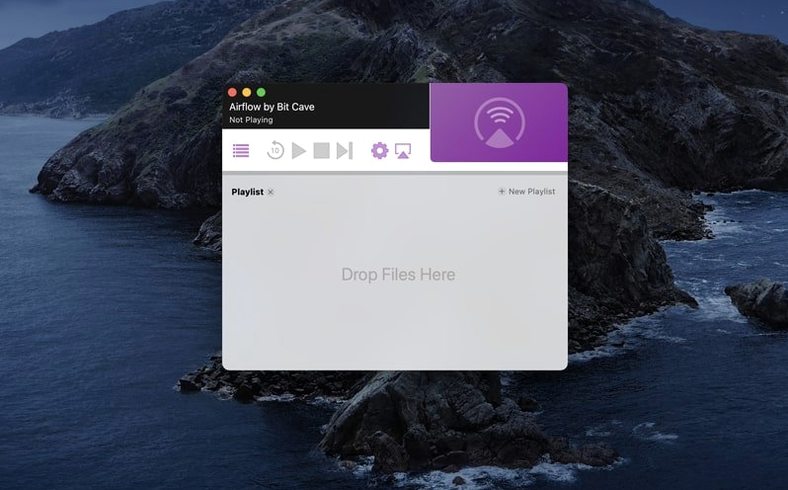
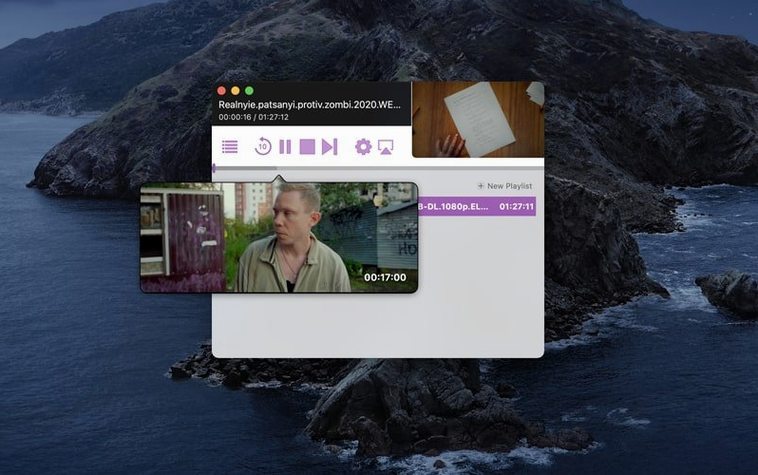
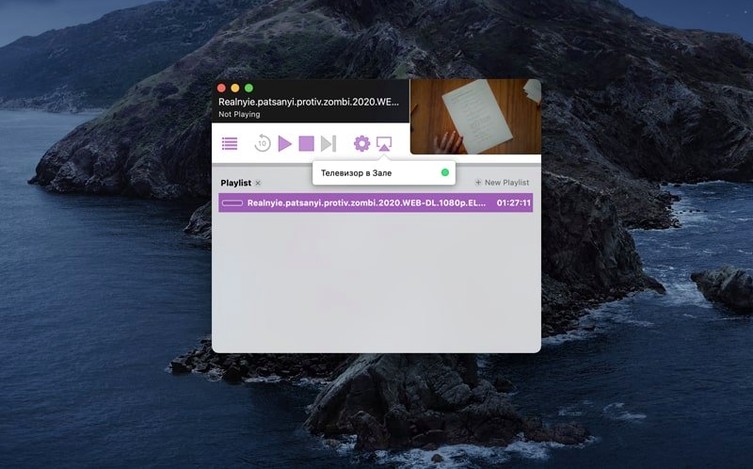
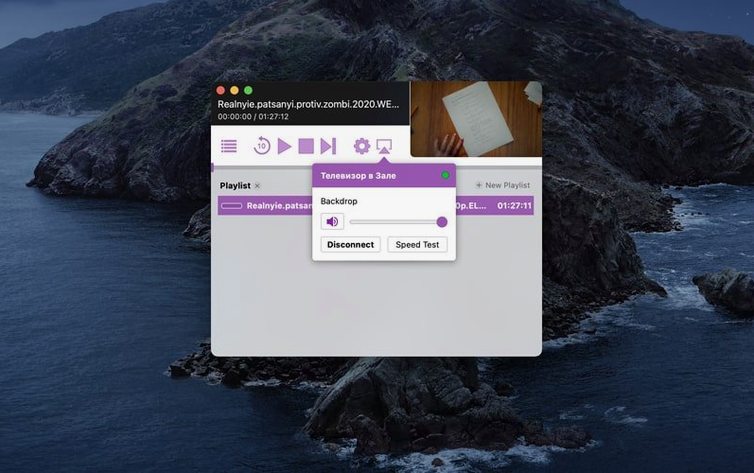
If you already use VLC to play video files on your Mac, Airflow is the missing link between that library and your television. It sends what's on screen to a Chromecast without transcoding fuss.
- Open Airflow and wait for it to find Chromecast devices on the network.
- Drag a video file — MKV, MP4, AVI — onto the window.
- Pick a Chromecast from the list.
- Click Play. The video queues on the TV, and your Mac becomes a remote control for volume, scrubbing, and playlist order.
That's the whole routine. Airflow handles the codec negotiation in the background so you're not converting files or managing a Plex library just to watch something once.
Match Playback Quality to Your Wi-Fi Reality
Airflow works out of the box, but three settings make everyday use noticeably smoother.
- Playback quality — set it to match your network. On a wired Chromecast, leave it at original quality. On Wi-Fi with other devices competing for bandwidth, drop it one step so Airflow buffers less aggressively.
- Start playback automatically — enable this if you almost always cast right after adding files. It removes one click from the routine.
- Resume playback position — for episodic viewing or half-watched films, this saves you from scrubbing back to where you were.
The device list in preferences also lets you rename Chromecasts. If you have more than one — living room, bedroom, basement — giving each a clear label prevents casting to the wrong screen.
Transcodes Unplayable Codecs on the Fly
Most questions come down to file support and network behaviour. Airflow plays the common local formats — MKV, MP4, AVI — without a conversion step. If a file uses a codec the Chromecast can't decode, Airflow handles the transcode on the Mac side. That's the trade-off: an older Intel Mac doing heavy transcode work will spin up fans, but playback stays smooth on the TV.
Another recurring question is whether the Mac needs to stay awake during playback. The answer is yes for local files. Airflow pushes the video from your Mac to the Chromecast, so closing the lid or sleeping the machine stops the stream. For long films, plug in the power adapter and adjust Energy Saver settings.
People also ask about subtitle support before downloading. Airflow reads embedded subtitle tracks and external SRT files placed next to the video. If a film comes with subtitles in a folder, Airflow picks them up automatically when names match.
Drag, Click, Play Instead of Hunting Renderer Menus
VLC can cast to Chromecast directly, but the feature is buried in renderer menus and behaves inconsistently across versions. Airflow strips that process down to drag, click, play. VLC remains the better player for local viewing; Airflow is the better sender.
Plex is a full media server with libraries, metadata, and remote access. Airflow has none of that weight. If you want a Netflix-style library that works outside the house, Plex earns its setup time. If you want to cast a file that's already on disk, Airflow gets there in seconds.
Beamer is the closest alternative — a small Mac app that streams files to Chromecast and Apple TV. Beamer's edge is Apple TV support and a more polished progress bar. Airflow's edge is a simpler queue and lighter feel on older Intel Macs. For Chromecast-only households, Airflow covers the same ground with less interface.
- macOS 10.12 or later
- Intel Mac
Questions I get before install
Can Airflow play torrent files directly?
No. Airflow streams completed video files you have saved locally. You need the actual video file, not a torrent link or magnet URI.
Comments 0
Sign in to leave a comment.Sign inCreate an account
No comments yet. If a step is still there after you install it, say so.
More in Mac Apps
All in Mac Apps Airfoil
Sends audio from any single Mac app to speakers around the house.
7 steps saved
 AirBuddy
Shows charge levels and connection modes for nearby Apple devices at a glance.
11 steps saved
 Alcove
Collects media controls and live notifications into one Dynamic Island-style overlay.
18 steps saved
 AIMP
Plays and organizes a local music collection without streaming dependencies.
9 steps saved
 AlDente
Keeps a MacBook battery at a chosen charge limit to slow chemical aging.
11 steps saved
 Aiarty Video Enhancer
Upscales, deblurs, and cleans up video clips and their audio in one pass.
17 steps saved
 Alfred 5 Powerpack
Chains file actions, searches, and scripts into automated sequences from the keyboard.
15 steps saved
 Aiarty Image Enhancer
Rebuilds lost facial detail and fabric texture in compressed photos.