
Runs on any Mac with macOS 10.15 Catalina or later — Intel or Apple Silicon.
Affinity Photo — a nondestructive photo editor built for pixel-level work
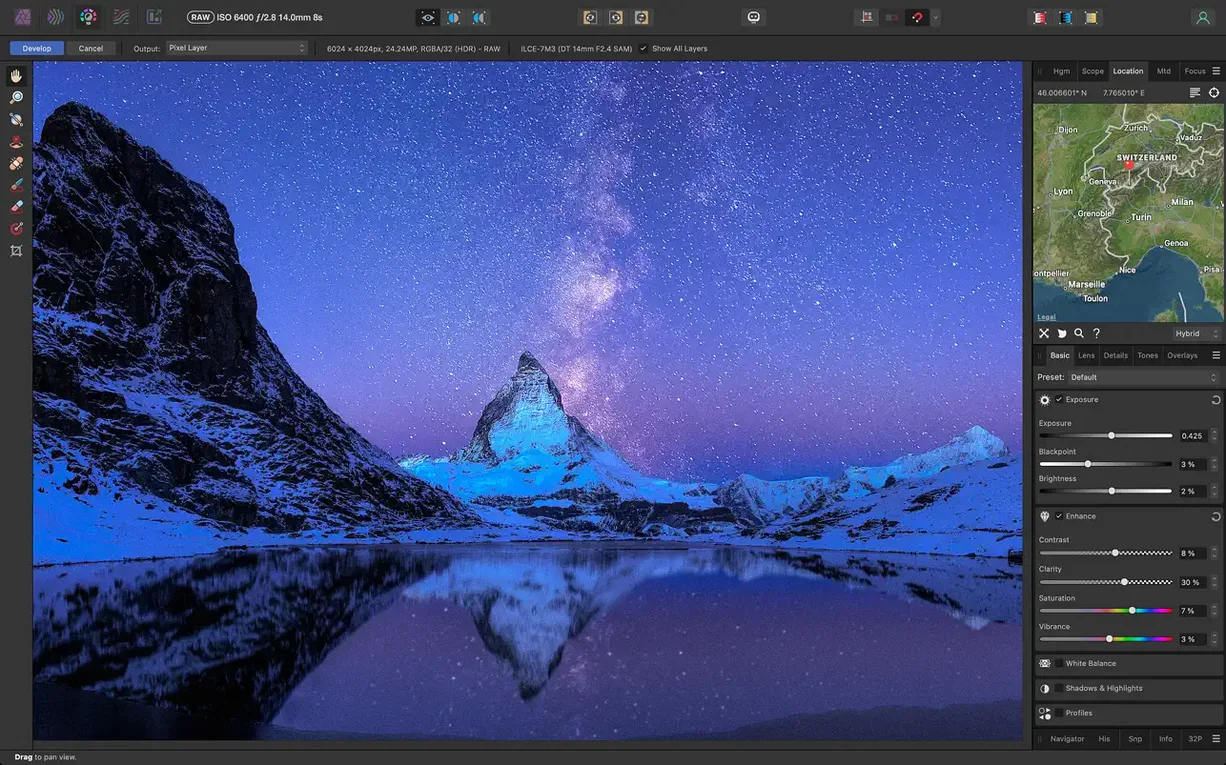
RAW processing — dedicated Develop persona with exposure, black point, clarity, vibrance, white balance, shadow, and highlight controls
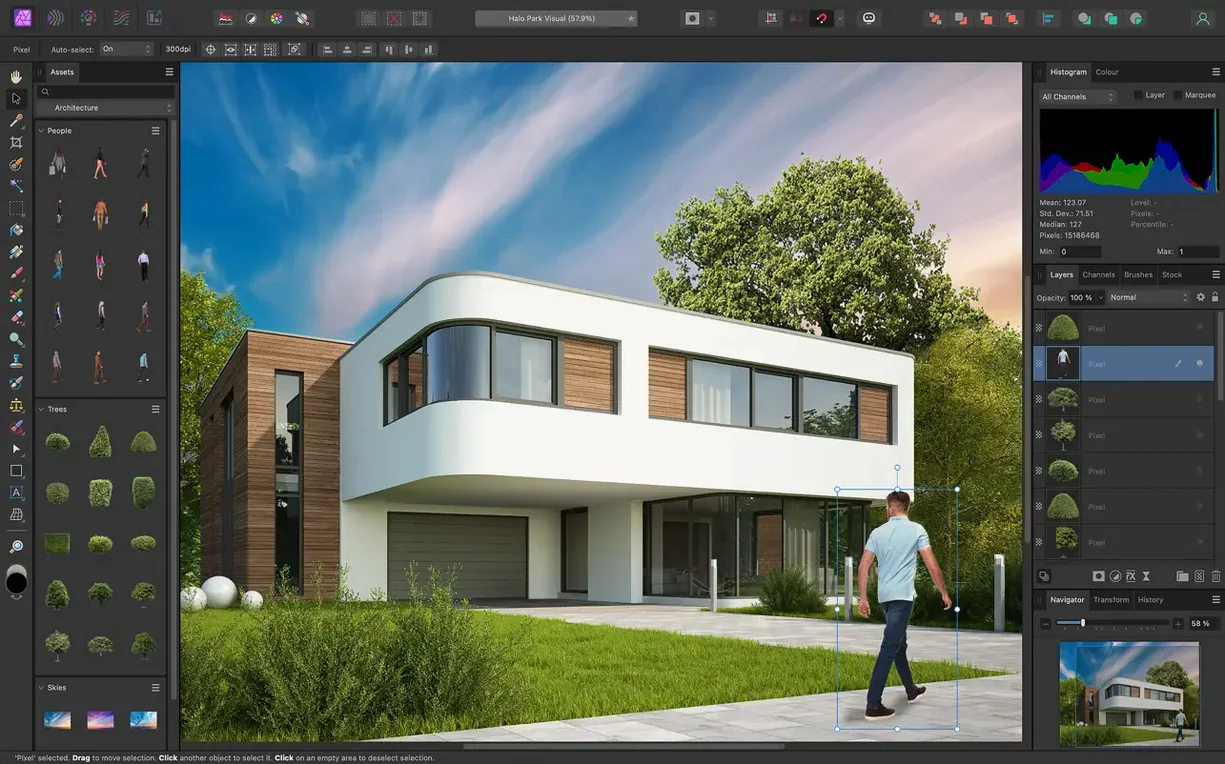
Selections — tools refined enough for hair and fine-detail masking
Retouching — frequency separation for skin smoothing; lens distortion correction, chromatic aberration removal, edge fringing removal, vignetting correction, and noise reduction all live in the same toolkit
Colour spaces — RGB, CMYK, LAB, and grayscale, so it slots into prepress and screen workflows without conversion headaches
Compositing — focus stacking, HDR merge, and tone mapping handle multi-exposure projects
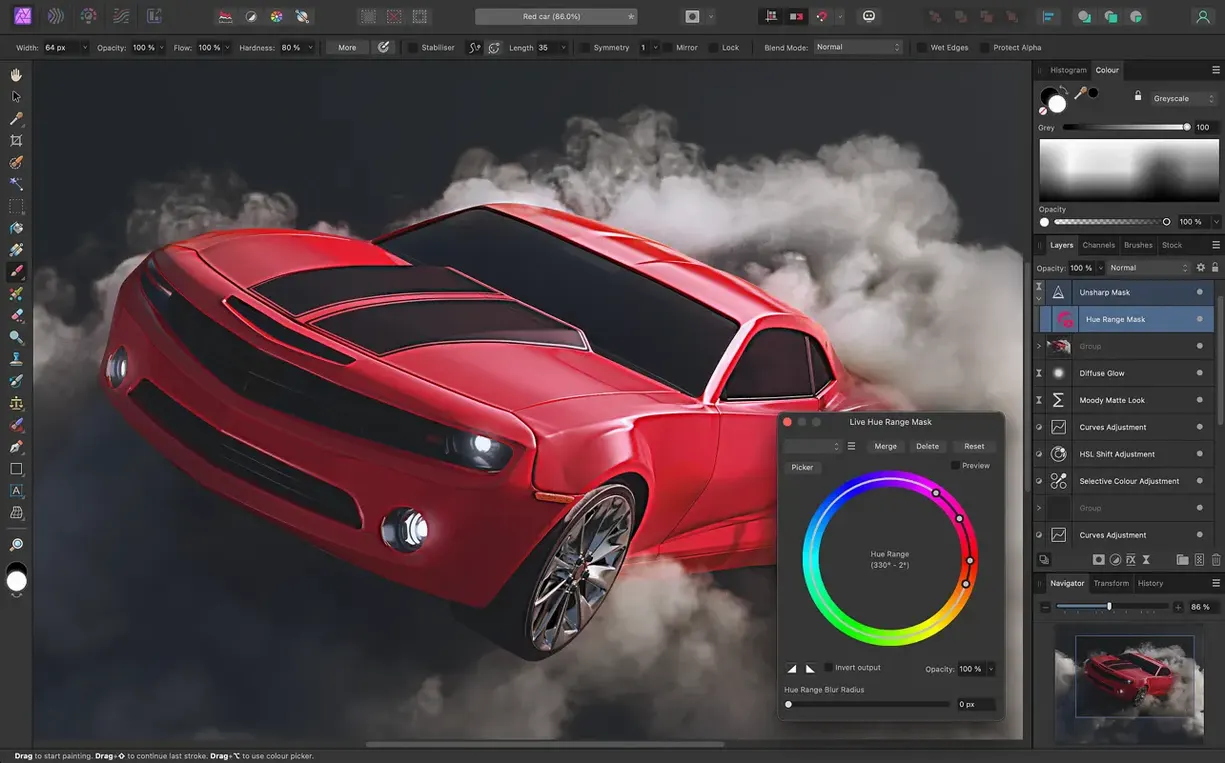
Effects — blur, distortion, tilt-shift, shadow, glow, and lighting filters; real-time brush tip preview visible as you paint
File formats — opens and writes PNG, TIFF, JPG, GIF, SVG, EPS, EXR, HDR, and PDF
App family — shares a file format and undo history with Affinity Designer and Affinity Publisher
Open RAW Files via the Share Extension
Affinity Photo works well with macOS features that already exist on the system. The share extension sends an image from Finder or Preview straight into the editor. A RAW file on the desktop opens in the Develop persona without launching a second utility. Batch processing jobs stay inside the app, but the output folder can be a synced location in iCloud Drive.
With Affinity Designer and Publisher, a layered document moves between all three apps without flattening. Edit history survives the round trip. For anyone handling a product shot in Photo, a label redesign in Designer, and a catalogue page in Publisher, that shared format removes export steps between tools.
Using Photos as a library works too. Export from Photos to a folder, edit in Affinity Photo, and import the finished file back. The app does not replace Photos organisation, but it removes the ceiling on retouching depth that the built-in editor imposes.
Point Scratch Disks to an External SSD
- Open Preferences and set the scratch disk location. The default is the startup drive; pointing it at an external SSD with free space keeps large 16-bit documents moving.
- Create a custom shortcuts set for the three tools reached most often. Inpainting brush, clone stamp, and frequency separation all benefit from one hand staying on the keyboard.
- Run one export test early. A layered file exported to TIFF and reopened should preserve masks, groups, and adjustment layers. Check the checkbox for saving history with the document before the first client job.
- Import a RAW from the camera model used most. Adjust the default tone curve once, then set it as the Develop preset for that camera body.
- Calibrate a graphics tablet in Preferences if one is attached. Pressure and tilt mapping differ from other editors, and a ten-minute calibration prevents hours of brush corrections.
Layer-Heavy Documents on Intel Macs
People ask whether an editor this deep slows down an older Mac. On a Catalina-era machine, layer-heavy documents benefit from disabling live brush preview when not needed. The app remains responsive on Intel hardware for retouching tasks; heavy noise reduction on 32-bit HDR files takes longer, as it would anywhere.
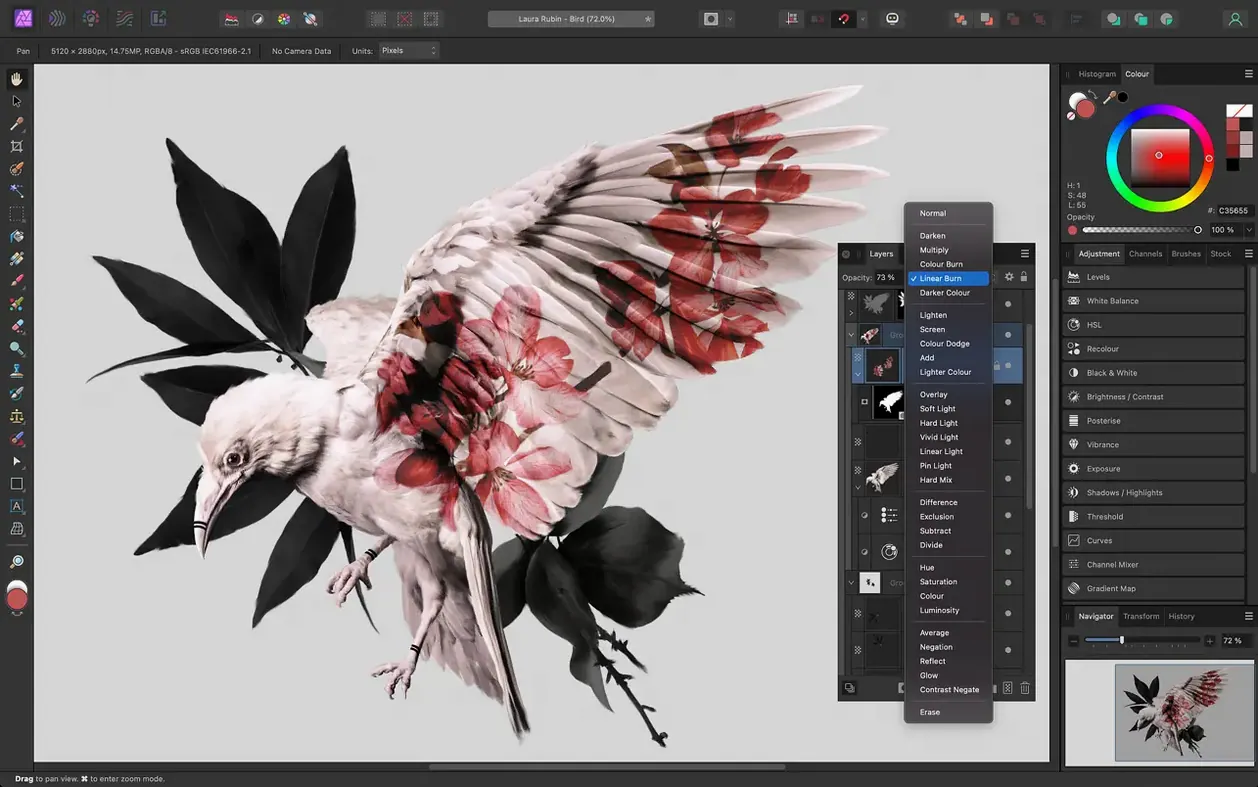
A recurring question is whether Photoshop habits transfer. Keyboard shortcuts differ, but the concepts map one to one: layers, masks, adjustment layers, blend modes, and channel operations all exist here. The PSD import works well enough that files arriving from a client open with structure intact.
Some ask if the app replaces Lightroom. Not for cataloguing. Affinity Photo has no asset management database. It pairs with Finder-based folder structures or an existing photo library; the editing depth is the point, not the organisation.
Colour management questions come up often. CMYK soft proofing works across the supported colour spaces, and LAB mode lets a retoucher separate tone edits from colour edits without building masks. For prepress workflows that touch PDF, the round trip through Export holds vector layers as vectors when the format allows it.
A last question is usually about file compatibility with older versions of the app. Documents saved in 2.6.5 open in later releases; for collaboration, exporting a flattened PSD or TIFF keeps things simple across machines that run different versions.
- macOS 10.15 Catalina or later
- Intel or Apple Silicon Mac
Questions I get before install
Can Affinity Photo open RAW files from my camera?
Yes — RAW images open in a dedicated Develop workspace where you apply non‑destructive adjustments before moving into the main photo editor.
What colour spaces does Affinity Photo support?
RGB, CMYK, LAB, and grayscale are all supported, which makes it suitable for both digital and print production.
Comments 0
Sign in to leave a comment.Sign inCreate an account
No comments yet. If a step is still there after you install it, say so.
More in Mac Apps
All in Mac Apps Affinity Designer
Builds logos, layouts, and print-ready artwork with spot colour support.
9 steps saved
 Affinity Publisher
Assembles multi-page spreads and exports tagged, accessible PDFs from one layout.
18 steps saved
 Adobe XD
Designs, prototypes, and shares user interfaces in one native Mac workspace.
19 steps saved
 Adobe Premiere Rush
Builds a quick rough cut across devices when speed matters more than depth.
15 steps saved
 Aiarty Image Enhancer
Rebuilds lost facial detail and fabric texture in compressed photos.
11 steps saved
 Aiarty Video Enhancer
Upscales, deblurs, and cleans up video clips and their audio in one pass.
17 steps saved
 Adobe Premiere Pro
Assembles a rough cut from a transcript so tight deadlines stay manageable.
17 steps saved
 Adobe Photoshop
Composites multiple exposures and removes distractions at the pixel level.