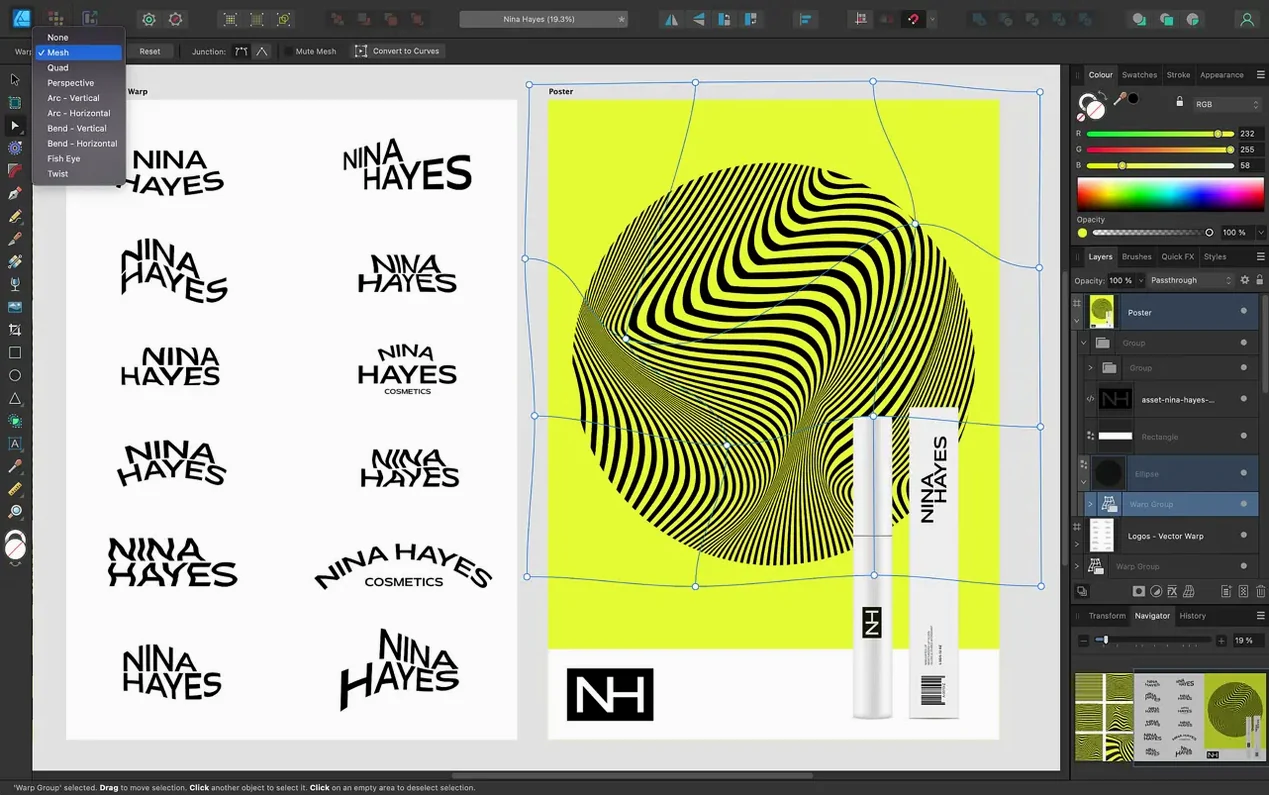
You are halfway through a brand identity for a client in Toronto. The logo needs one more curve adjustment, the poster requires a new artboard, and the exported PDF has to hold crisp spot colours. Affinity Designer handles all three in the same window.
Which colour models does it support for print work?
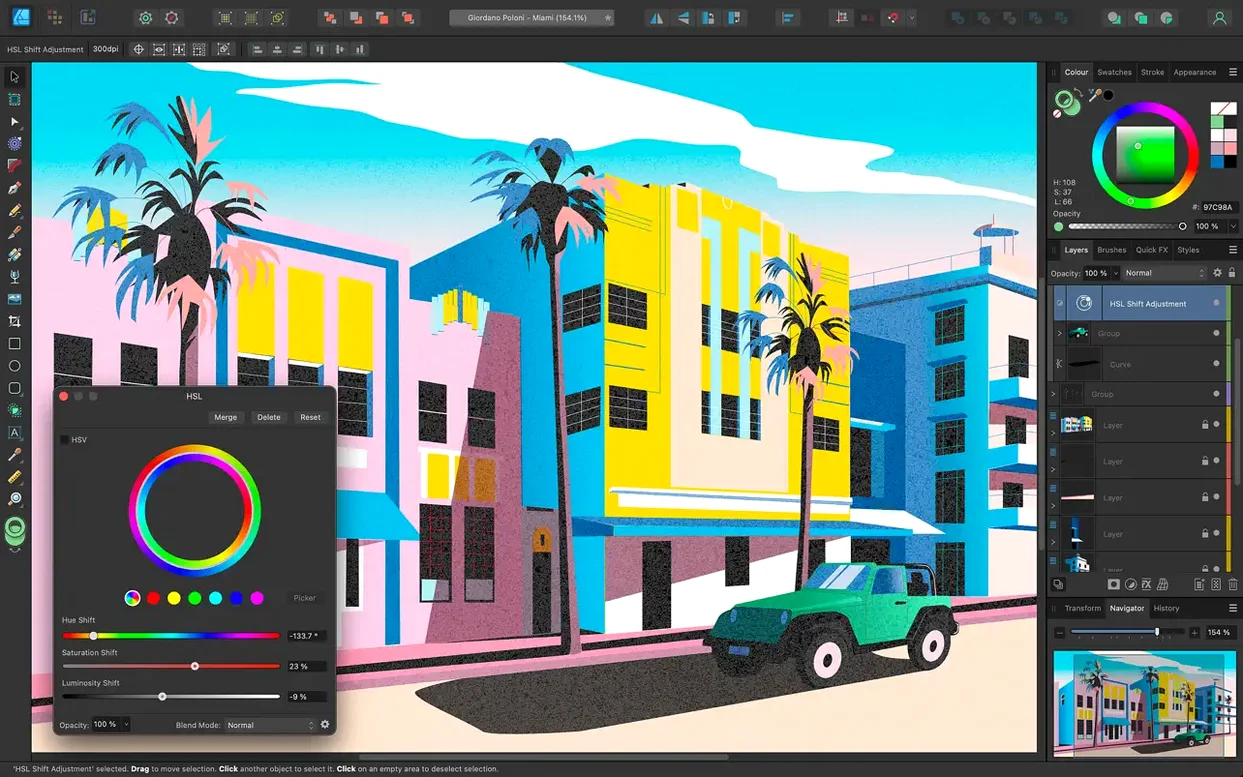
CMYK, LAB, RGB, and grayscale are all available. Editing runs at 16 bits per channel, so gradients and blends stay clean in demanding print jobs.
How does version 2.6 improve curve and stroke work?
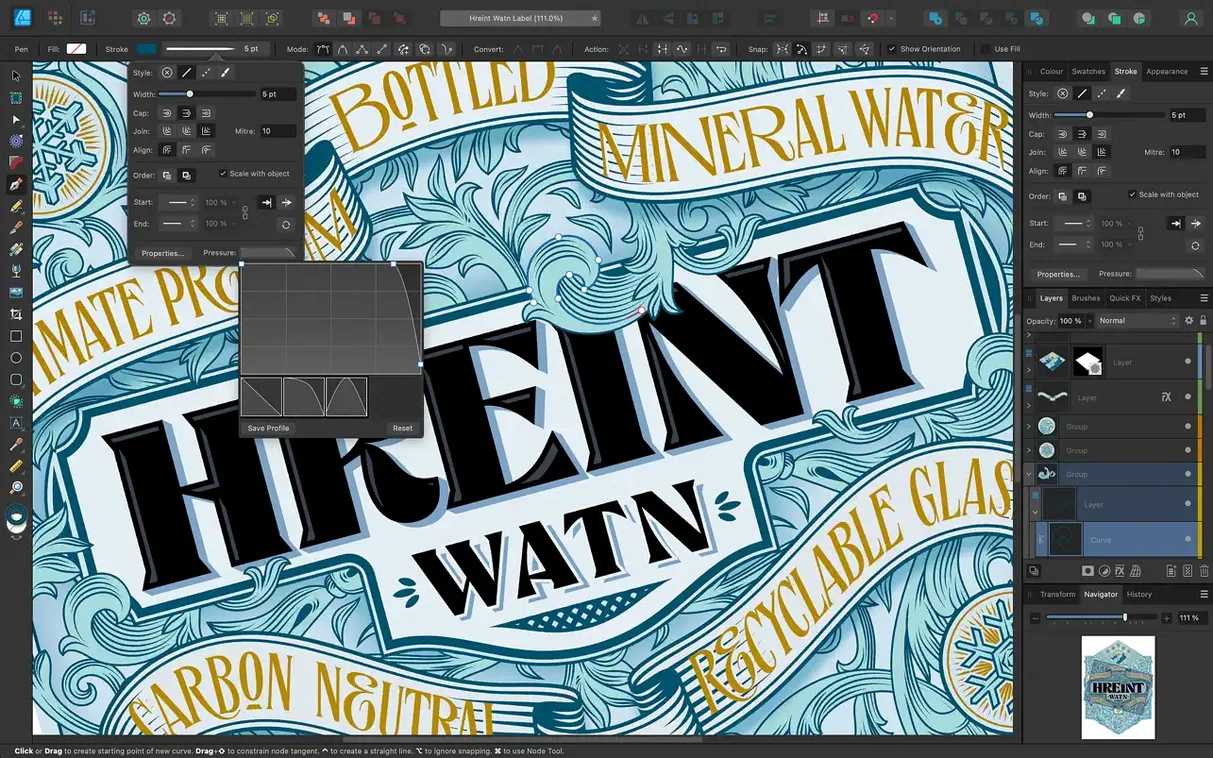
The Stroke Width Tool now profiles variable-width strokes more precisely, and a Reset Profile command returns any stroke to a uniform width in one step. The Pencil tool also received refinements for smoother freehand paths.
Can it open files from Illustrator and Photoshop?
Yes. PSD, AI, PDF, EPS, SVG, JPG, TIFF, and EXR files open directly, which makes migration and client handoffs practical without conversion steps.
What makes marquee selection faster for complex layouts?
Holding Command toggles intersect behaviour while dragging a marquee, so you can isolate overlapping objects quickly. This pairs well with unlimited artboards when a single document holds many layout variations.
Designing an icon set from scratch—step by step
Here’s a practical round-trip workflow I use for a 24-icon glyph set destined for a product’s sidebar navigation.
- Set up artboards. Create a grid of 24 small artboards—six columns, four rows. Naming each board after the icon’s function keeps the Layers panel navigable without scrolling marathons.
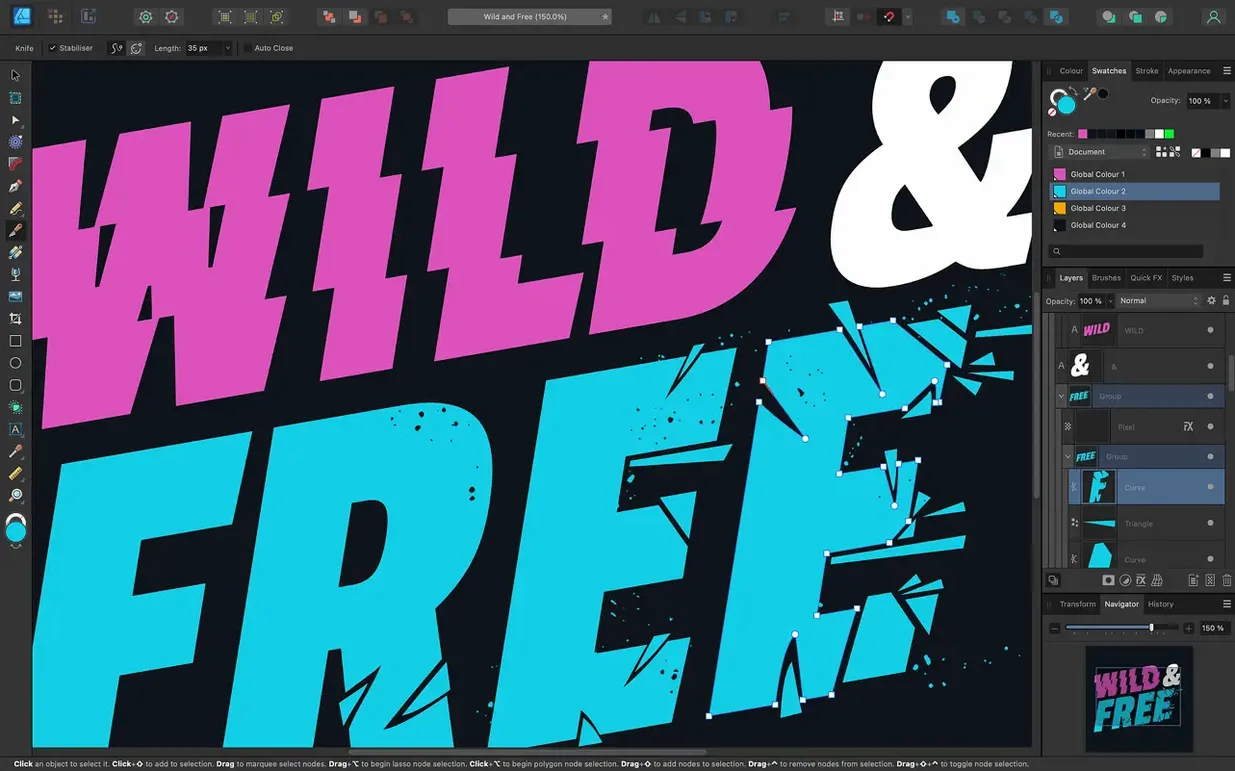
- Rough paths with the Pencil. With the 2.6 pencil refinements, I sketch quick silhouettes on each board. Stabilization handles minor hand jitter, so I get clean base shapes without switching to the Pen for every stroke.
- Refine nodes with the Node and Pen tools. I tab through each artboard and clean anchor points. The Command-drag marquee toggle isolates individual paths inside tight clusters without locking layers manually—fewer trips to the Layers panel.
- Stroke profiling. I assign a tapered stroke for icon lines that suggest movement (arrows, refresh symbols). The Stroke Width Tool adjustment in 2.6 feels more predictable when dragging mid-point handles, and Reset Profile pulls a mis-weighted line back to a constant width instantly.
- Colour and snapshots. I set one artboard as a colour master with the brand palette stored in swatches. From there I apply fills globally. Switching between RGB and CMYK happens in a single Document Setup dialog when the brief changes from screen to print.
- Export persona. I export all 24 boards as SVG and PNG slices in one pass. The Export persona remembers my output sizes, so subsequent iterations are a single-click job.
60 fps pan and zoom across artboards with live effects
Affinity Designer loads in under five seconds on an M-series Mac. Once the workspace fills with artboards and live effects, pan and zoom hold 60 fps consistently—Metal-backed rendering carries the load without visual tearing. I keep activity on a secondary 4K display and have yet to see the fans spin during vector-only sessions, even with a dozen open documents.
Undo history stays deep without ballooning memory. I’ve stacked complex boolean operations, layer effects, and 16-bit gradients without hitting a beachball. RAM usage peaks around 1.2 GB with heavy raster textures dropped in; pure vector files hover under 600 MB. On Intel machines, OpenGL and Grand Central Dispatch keep the interface responsive, though large bitmap imports feel slightly heavier than on Apple Silicon.
Auto-save is quick and unobtrusive. Crashes in 2.6.5 are rare—I’ve lost work once, and the recovery file brought back every document within seconds. It’s the sort of stability that makes you forget to save manually.
Affinity Designer versus Sketch, Vectornator, and Inkscape
Sketch. Sketch lives inside UI design workflows on the Mac, but it’s a one-trick specialist. Affinity Designer handles UI mockups while also owning print and illustration. Designer’s CMYK support, 16-bit colour, and artboard export persona cover ground Sketch leaves to companion tools. For a single app that moves between screen and press, Designer wins on range.
Vectornator. Vectornator runs on iPad and Mac and matches Designer’s price concept, but depth differs. Designer opens .AI and .PSD files directly, profiles strokes with more granular controls, and handles complex typography—OpenType features, text on paths, and linked text frames. Vectornator suits quick mobile sketches; Designer suits production work that will print or ship to a client.
Inkscape. Inkscape is open-source and capable for SVG-centric work, but macOS integration is weak. It lacks Metal acceleration, native colour management at 16 bits, and consistent macOS conventions. Designer’s raw speed on Mac hardware, its tight StudioLink ties with Photo and Publisher, and its PSD/EPS/PDF round-tripping make it the more polished professional tool for Mac workflows.
- New — Pencil tool improvements for smoother freehand drawing.
- New — Stroke Width Tool profiling improvements and a Reset Profile command.
- New — Command or Ctrl toggle for marquee select intersection behaviour.
- Fixed — Bug fixes and stability improvements.
- macOS 10.15 or later
- ARM or 64-bit Intel Mac
Questions I get before install
Which Macs run Affinity Designer?
The app supports ARM and 64-bit Intel Macs running macOS 10.15 or later.
What interface languages are available?
English, German, Spanish, Italian, Simplified Chinese, Portuguese, French, and Japanese.
Does it support Touch Bar and Force Touch?
Yes, both Touch Bar and Force Touch trackpads work with context-sensitive controls.
Comments 0
Sign in to leave a comment.Sign inCreate an account
No comments yet. If a step is still there after you install it, say so.
More in Mac Apps
All in Mac Apps Adobe XD
Designs, prototypes, and shares user interfaces in one native Mac workspace.
10 steps saved
 Affinity Photo
Processes RAW photos and retouches pixels non-destructively in dedicated personas.
9 steps saved
 Affinity Publisher
Assembles multi-page spreads and exports tagged, accessible PDFs from one layout.
19 steps saved
 Adobe Premiere Rush
Builds a quick rough cut across devices when speed matters more than depth.
17 steps saved
 Adobe Premiere Pro
Assembles a rough cut from a transcript so tight deadlines stay manageable.
15 steps saved
 Aiarty Image Enhancer
Rebuilds lost facial detail and fabric texture in compressed photos.
17 steps saved
 Adobe Photoshop
Composites multiple exposures and removes distractions at the pixel level.
11 steps saved
 Aiarty Video Enhancer
Upscales, deblurs, and cleans up video clips and their audio in one pass.