
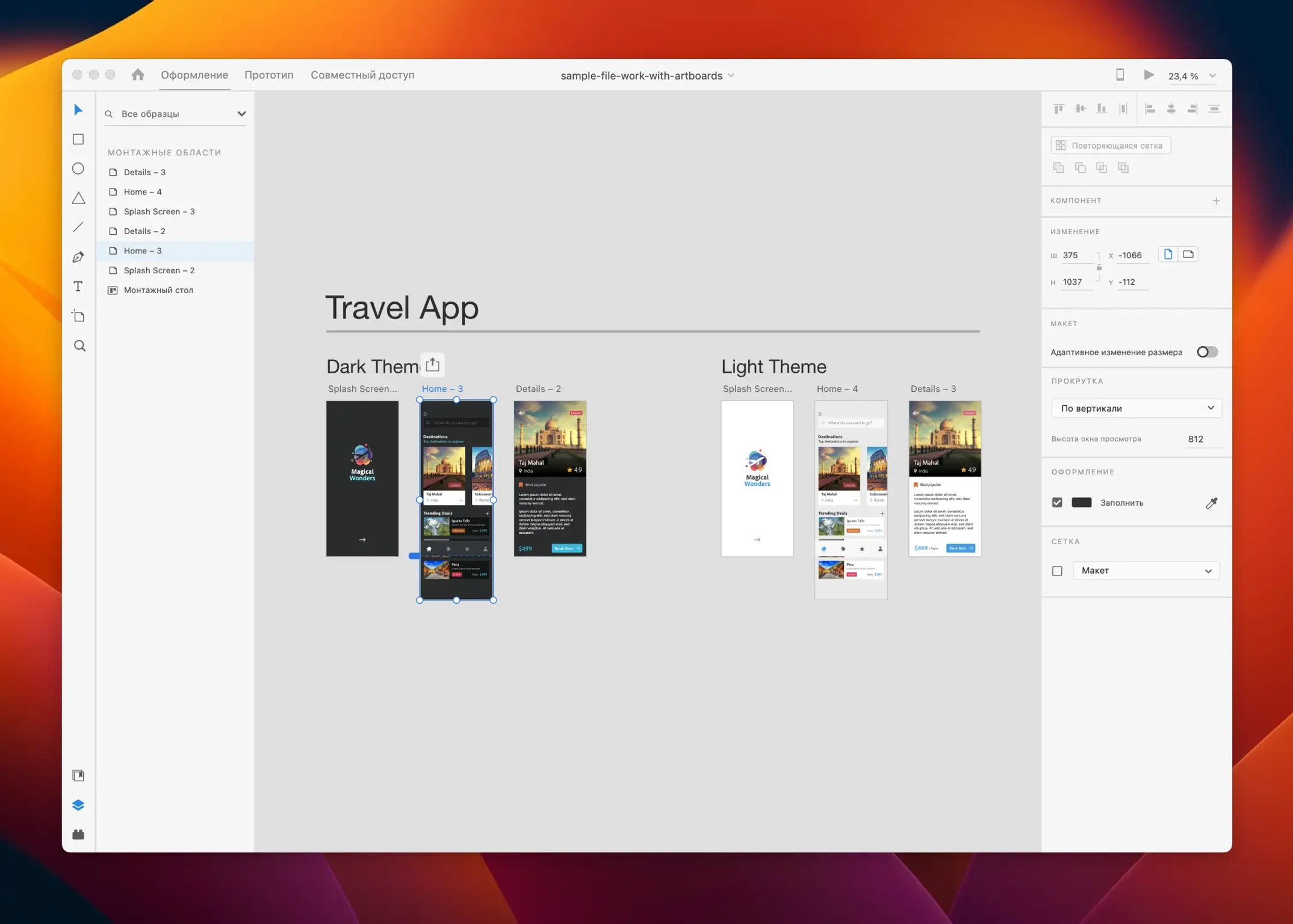
Adobe XD runs on any Mac with macOS 10.15 (Catalina) or newer. It supports both Intel and Apple Silicon processors natively. That covers most Macs from late 2019 onward without emulation or workarounds.
Bug fixes for pasteboard flicker and Repeat Grid handles
- Rollup of bug fixes from the previous two minor releases
- Smoother pasteboard scrolling on large artboards with many layers
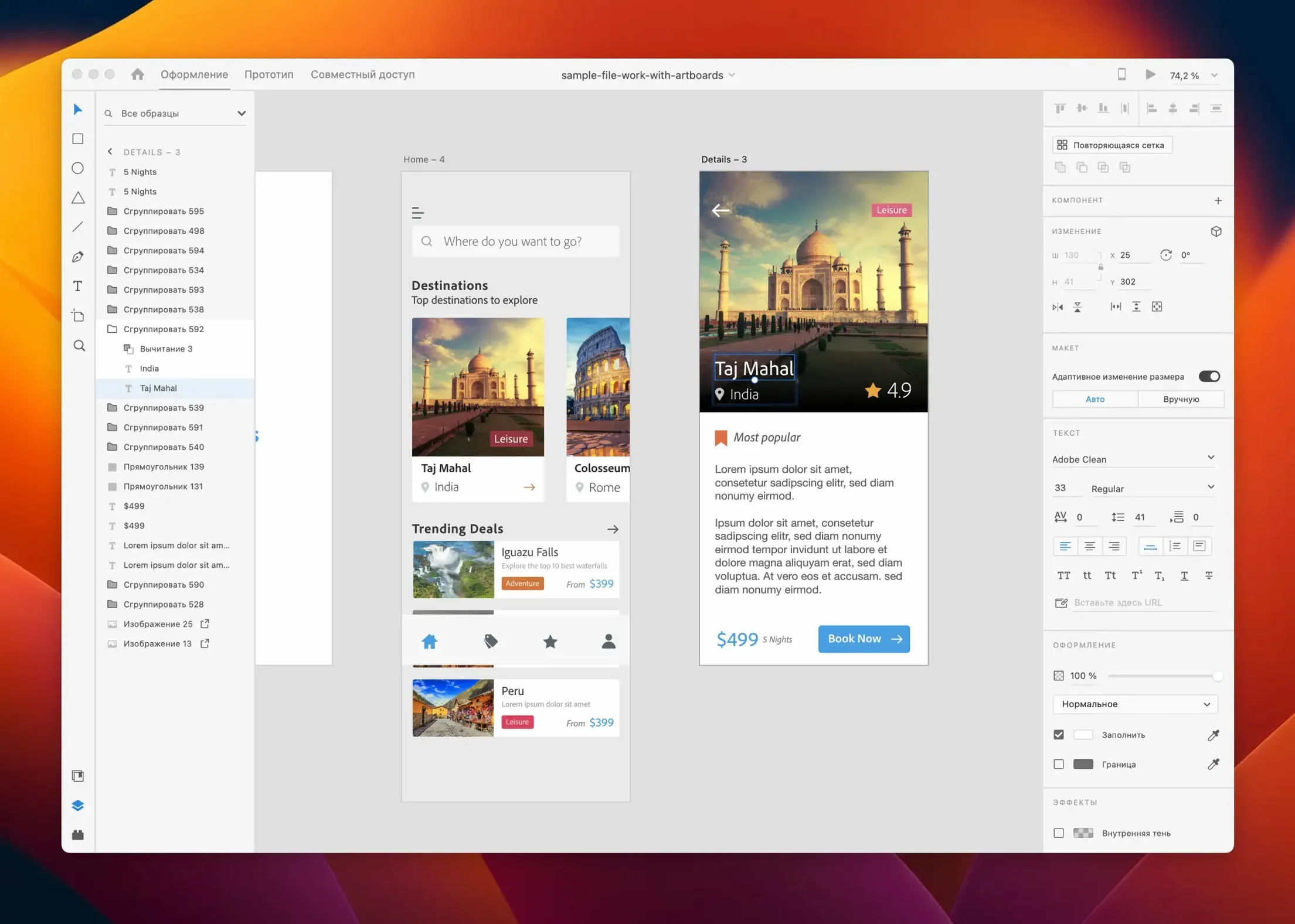
- Repeat Grid handles no longer flicker when editing text overrides
Content-aware layout and auto-animate still drive the toolkit
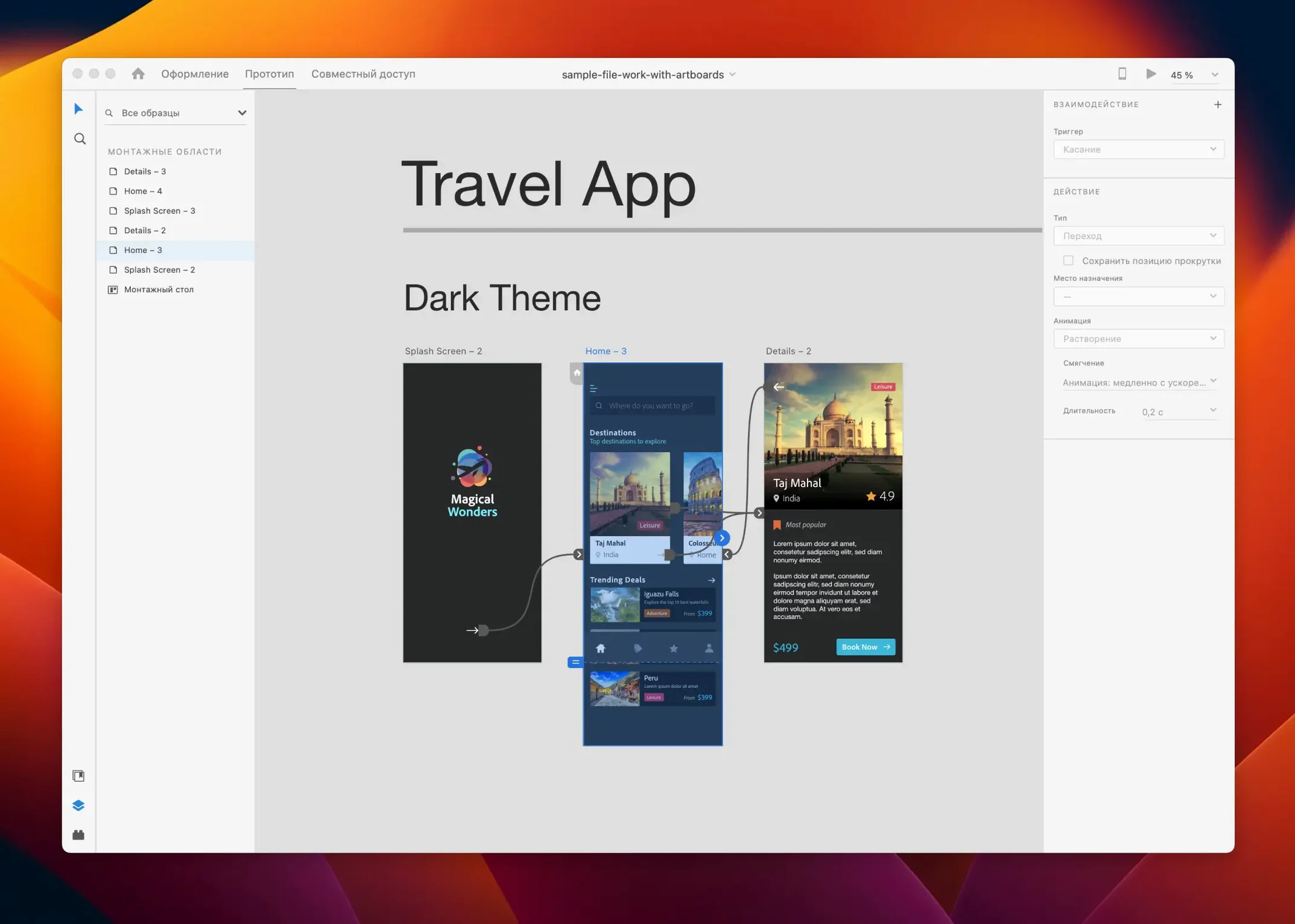
The core toolkit remains intact. Content-aware layout still snaps padding and spacing as you rearrange objects. Responsive resize preserves pinning rules across breakpoints. Auto-animate transitions work across artboards without timeline fiddling. Libraries sync colours, components and character styles with Photoshop and Illustrator. The whole app still loads as a single workspace for wireframing, high-fidelity mockups, prototyping and developer handoff.
A freelancer's morning sprint
A freelance interaction designer picks up a fintech dashboard project. Monday morning. The brief is a half-page Google Doc and three rough whiteboard photos from the client. She creates an artboard grid — four iPhone 14 screens — and roughs out the navigation skeleton with placeholder rectangles. Repeat Grid fills a transaction list with dummy data in seconds. By 10:30 she wires the screens together with auto-animate taps and shares a prototype link with the product manager. No export, no separate prototyping tool, no stitching screenshots together. One file. The client taps through it on their phone before lunch.
Open Preferences early
Three settings make a practical difference the first week:
- Grid default — Set column count and gutter width to match your most-used framework. New artboards inherit the grid, so you stop nudging elements by eye.
- Nudge amount — Arrow keys move objects 1 px by default. Bump it to 8 px for layout work. Hold Shift to use the larger increment.
- Linked Assets folder — Point the Assets panel to a local folder of production icons or a shared Creative Cloud Library. Drag-and-drop replaces placeholder shapes with real SVGs without leaving the canvas.
Co-editing demands more file discipline than Figma
Figma is browser-native and spins up multiplayer sessions effortlessly. Adobe XD's co-editing is solid, but the collaboration flow expects tighter file discipline — fewer people editing the same frame at once. Figma's community plugin catalogue is larger. XD's plugin ecosystem is leaner and design-focused, with fewer utility plugins but deep hooks into Creative Cloud Libraries.
Sketch is Mac-only and app-first, much like XD. Sketch grew its prototyping features over time; XD built them into the single canvas from the start. Where Sketch leans on Craft or third-party tools for realistic data and advanced prototyping, XD ships Repeat Grid and auto-animate as native features. Sketch's symbol overrides have more flexibility. XD's component states cover most UI patterns with less setup.
Penpot is open-source and runs in the browser. It uses SVG as its native format, which makes developer handoff cleaner for web projects. Adobe XD produces design specs, not raw SVG trees. Penpot's prototyping lags behind XD's auto-animate, but its flex layout engine mimics CSS behaviour more closely than XD's responsive resize.
Each tool suits a different rhythm. XD sits in the middle — quick enough for solo work, connected enough for small teams already inside the Creative Cloud orbit. Designers hunting for an Adobe XD Mac torrent or Mac torrents Adobe often run Sketch or Figma alongside it, but the single-workspace workflow keeps some teams from looking elsewhere. When someone searches download Adobe XD for Mac, they usually want the prototyping speed, not just the design surface. The full Adobe Creative Mac torrent bundle appeals to studios already using Photoshop and Illustrator daily, while Adobe CC torrent Mac packages make XD one piece of a larger toolkit.
- New — Minor workflow refinements across the pasteboard and layers panel.
- Fixed — Several rendering glitches in Repeat Grid when editing text overrides.
- Improved — Scroll performance on documents with large artboard counts.
- macOS 10.15 or later
- Intel or Apple Silicon processor
Questions I get before install
What kinds of projects can I design with Adobe XD?
You can design websites, mobile applications, voice interfaces, game interfaces and email templates. It handles everything from low-fidelity wireframes to interactive prototypes.
Can I work with team members in Adobe XD?
Yes. You can use it alone or collaborate with others through shared prototypes and Libraries for synced assets.
Comments 0
Sign in to leave a comment.Sign inCreate an account
No comments yet. If a step is still there after you install it, say so.
More in Mac Apps
All in Mac Apps Affinity Designer
Builds logos, layouts, and print-ready artwork with spot colour support.
19 steps saved
 Adobe Premiere Rush
Builds a quick rough cut across devices when speed matters more than depth.
10 steps saved
 Affinity Photo
Processes RAW photos and retouches pixels non-destructively in dedicated personas.
9 steps saved
 Affinity Publisher
Assembles multi-page spreads and exports tagged, accessible PDFs from one layout.
17 steps saved
 Adobe Premiere Pro
Assembles a rough cut from a transcript so tight deadlines stay manageable.
17 steps saved
 Adobe Photoshop
Composites multiple exposures and removes distractions at the pixel level.
15 steps saved
 Aiarty Image Enhancer
Rebuilds lost facial detail and fabric texture in compressed photos.
15 steps saved
 Adobe Lightroom Classic
Processes raw files in a local folder workflow that never leaves your Mac.