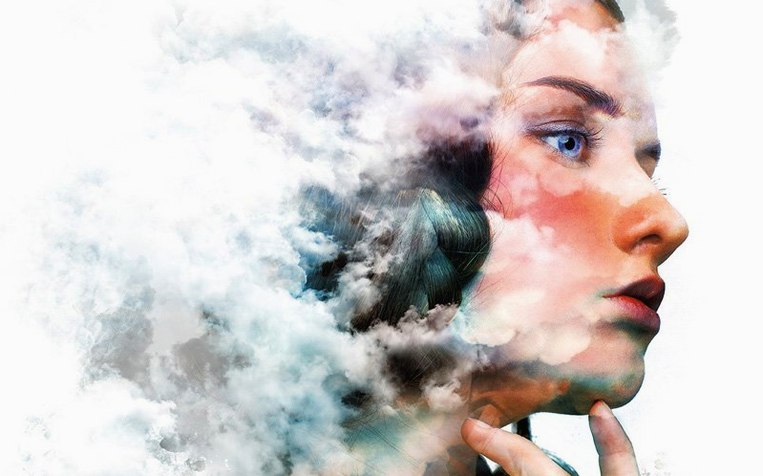

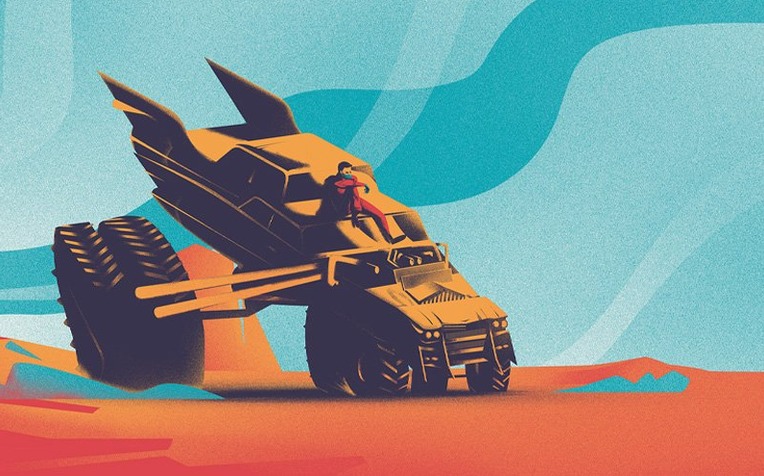
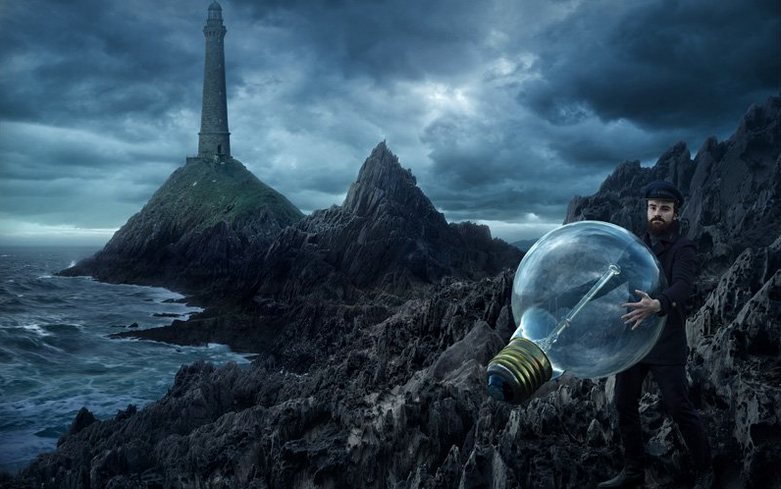
If you already use Lightroom to organize and process a shoot, Photoshop is the next logical tool for the kind of pixel-level work Lightroom was never built to handle. It handles compositing multiple exposures, removing a distracting object from a background, or building a poster where photos, diagrams, and text need to sit on the same canvas.
| Detail | Notes |
|---|---|
| Developer | Adobe |
| Version | 27.10 |
| macOS | 14 or later |
| Architecture | Apple Silicon & Intel |
This release pulls AI-assisted editing directly into the workspace. The new AI Assisted editor (Beta) lets you describe an edit with a prompt, while Markup gives you a way to guide the AI with visual annotations instead of text. A new Light adjustment layer keeps those lighting changes non-destructive. The core retouching toolkit remains intact — one-click selection, automatic masking, background replacement, and a large brush collection with custom brush support. For output, you control which file formats appear in the Save As and Save a Copy dialogs, a small detail that saves time when you ship the same kind of deliverables repeatedly.
200 MB layered file opens in seconds, one-click selections feel instant
On a modern Mac with 16 GB of RAM or more, Photoshop 27.10 feels responsive for most daily tasks. Opening a 200 MB layered file takes a few seconds. Applying a one-click selection or an automatic mask is near instant. The AI Assisted editor (Beta) adds a short wait while the model processes a prompt, but the same is true of any cloud-backed feature.
Resource use scales with the kind of work you do:
- Basic photo retouching — moderate memory use, no noticeable slowdowns.
- Large composites with 30-plus layers — higher memory pressure, occasional brief beachballs on older Intel machines.
- Digital painting with large custom brushes — mostly smooth on Apple Silicon; brush lag shows up only on very large canvases.
- Batch processing — stable, but expect the fans to spin up on Intel Macs.
Stability is solid in this build. Crashes are rare during normal editing. The most common trigger is running too many other memory-hungry apps at the same time — a browser with dozens of tabs plus Photoshop plus a video editor will eventually squeeze RAM on a base-level machine.
One habit that helps: keep History states modest. Photoshop stores every step, and leaving the default at 50 is fine. Dropping it to 20 on older hardware keeps things snappier without losing much.
Affinity Photo does layers and retouching in a one-time purchase
Three other Mac apps cover overlapping ground. Each has a different centre of gravity.
Affinity Photo — closest in spirit. It does layers, masks, retouching, and compositing with a one-time purchase model. Snappier on older hardware and lighter on RAM. Where Photoshop stays ahead: AI-assisted editing, the brush ecosystem, and integration with other Adobe apps. If you work alone and do not need Adobe Stock or the AI tools, Affinity Photo handles most of the same jobs.
Pixelmator Pro — faster, simpler, and very macOS-native. Excellent for quick edits, background removal, and colour work. It feels lighter in daily use. It lacks the depth of Photoshop's text, layer styles, and print-oriented controls. For a photographer who wants to fix a sky or remove a lamp post, Pixelmator Pro is quicker. For a designer building a multi-page layout with precise typography, Photoshop remains the more complete tool.
GIMP — free and endlessly customisable. It covers layers, masks, paths, and many filters. The cost is in polish: the interface feels clunkier, macOS integration is weaker, and there is no built-in AI editing layer. GIMP works when budget is the only constraint, but daily use involves more friction.
For people who regularly search for a photoshop torrent mac or an adobe photoshop torrent file, the appeal is usually the full Adobe toolset without the subscription. To get a smooth setup, focus on builds that include clear install notes and confirm Rosetta 2 is active on Apple Silicon.
Light adjustment layer now gives you nondestructive lighting control
The move to version 27.10 brought three changes that matter in everyday work.
The Light adjustment layer is the quiet winner. Instead of baking exposure or shadow changes into pixels, you now have a dedicated non-destructive layer for lighting. That means going back days later and softening a highlight by dragging a slider, not rebuilding the edit.
The AI Assisted editor (Beta) changes how you start a complex edit. Instead of hunting through menus, you type what you want — remove this object, brighten the subject, add fog to the background. It is not a replacement for manual tools, but it shortens the path from idea to first result.
Markup adds a visual layer to that. You can draw a rough circle around an area and annotate it, then let the AI follow your marks. For people who think better with sketches than with sentences, Markup is faster than prompt-writing.
One note: Generative Fill is unavailable in this build. The one-click selection and automatic masking tools still work, but cloud-based generative features are not active.
App refuses to start on Apple Silicon? Install Rosetta first
A few things trip people up, especially on a fresh install.
Rosetta missing. If the app refuses to start, install Rosetta first, then repeat the installation. This is the most common first-run problem on Apple Silicon Macs.
Neural filters not showing. The Neural Filters Pack needs to be extracted to the correct Adobe UXP plugins folder. If the filters list is empty, check that step before reinstalling.
Adobe Genuine popup. If a Genuine Software window interrupts your work, the package includes a blocking utility. Add it to startup and relaunch. That stops the nag from returning.
Save As missing a format. Photoshop lets you customise which formats appear in the Save As and Save a Copy dialogs. If a client wants TIFF but the list shows only PSD and JPEG, open the preferences and enable the format. The setting stays active for future sessions.
Slow brushes on Intel. Try reducing the canvas size or switching to a smaller brush. Some custom brushes are heavier than the built-ins. On Apple Silicon, brush lag is rarely an issue.
For anyone digging through search results for a photoshop 2025 torrent, a photoshop utorrent link, or an adobe photoshop 2022 torrent, the install notes above cover the usual failure points. Most problems come down to Rosetta, the Neural Filters path, or the Genuine popup—all straightforward to resolve with the right configuration steps.
Photoshop 27.11 delivers Adobe’s latest round of under-the-hood fixes and refinement updates for the 2026 release.
- macOS 14 or later
- Apple Silicon or Intel 64-bit
Comments 0
Sign in to leave a comment.Sign inCreate an account
No comments yet. If a step is still there after you install it, say so.
More in Mac Apps
All in Mac Apps Adobe Premiere Pro
Assembles a rough cut from a transcript so tight deadlines stay manageable.
15 steps saved
 Adobe Lightroom Classic
Processes raw files in a local folder workflow that never leaves your Mac.
19 steps saved
 Adobe Premiere Rush
Builds a quick rough cut across devices when speed matters more than depth.
4 steps saved
 Adobe InDesign
Lays out books, magazines and brochures with precise type and print-ready export.
18 steps saved
 Adobe XD
Designs, prototypes, and shares user interfaces in one native Mac workspace.
22 steps saved
 Adobe Illustrator
Builds logos, icons and print artwork as clean, scalable vectors.
17 steps saved
 Affinity Designer
Builds logos, layouts, and print-ready artwork with spot colour support.
15 steps saved
 Adobe Dreamweaver
Splits visual design and direct code editing so you keep both speed and control.