
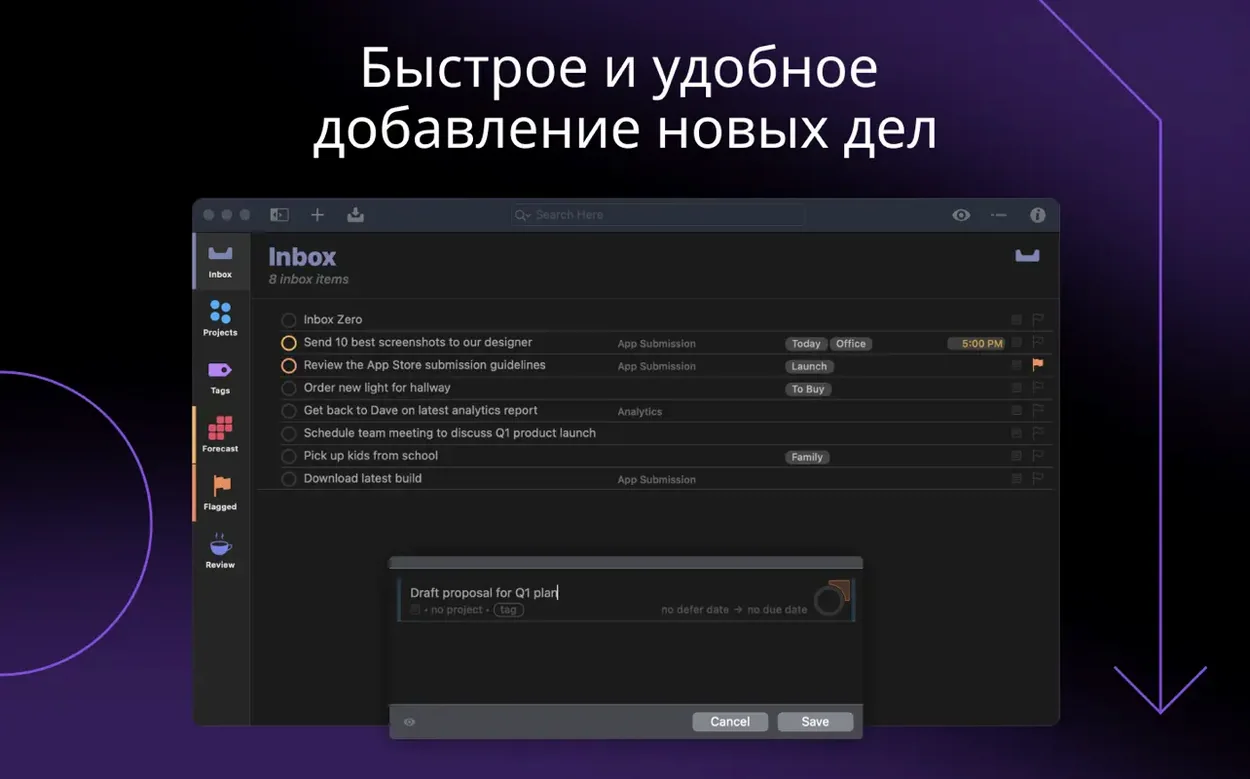
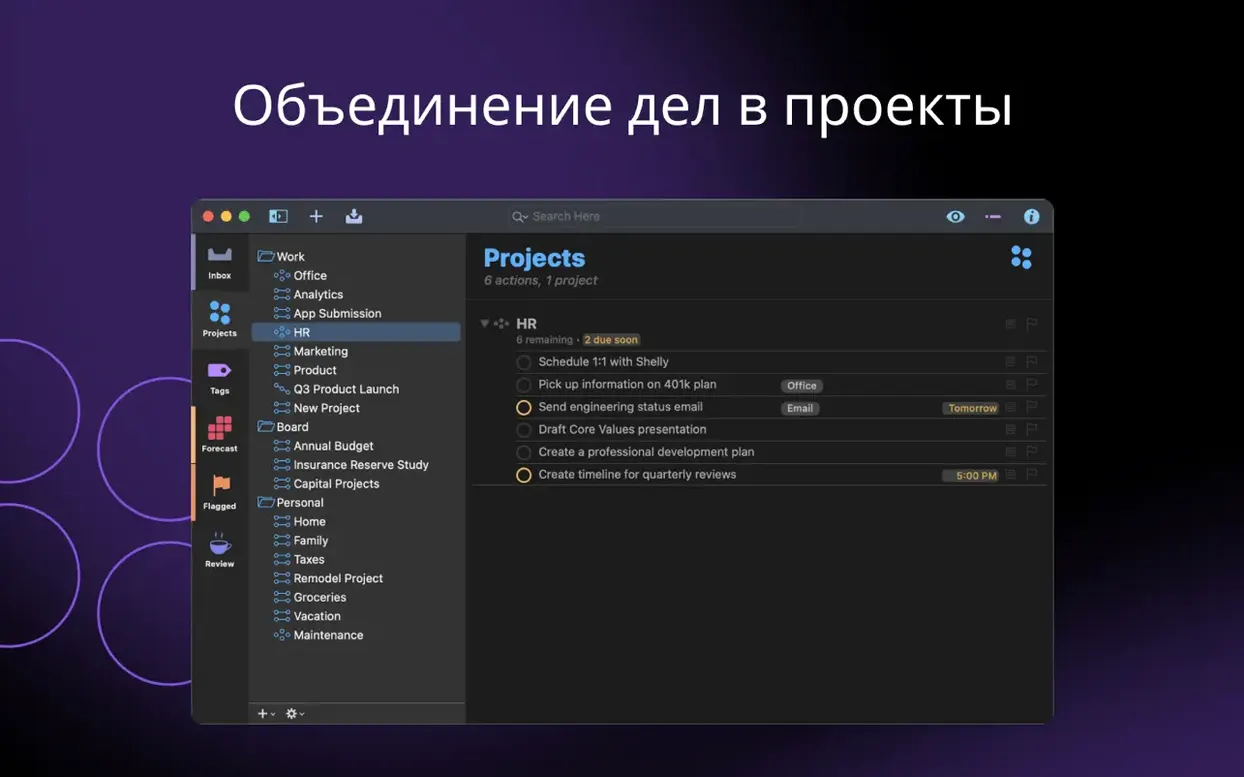
OmniFocus Pro is a dedicated task manager built for turning vague plans into clear, completable actions. Start by learning two habits that shape how the app works for you.
Build a forecast with tags and perspectives
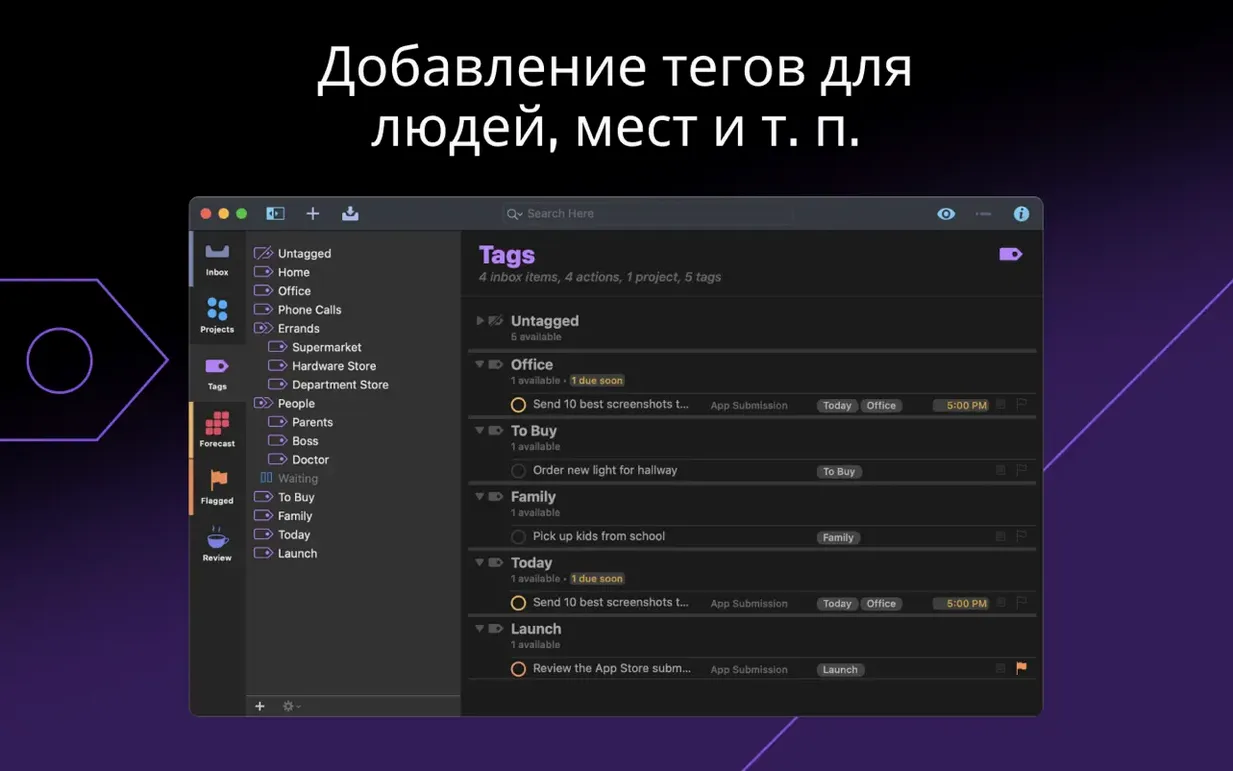
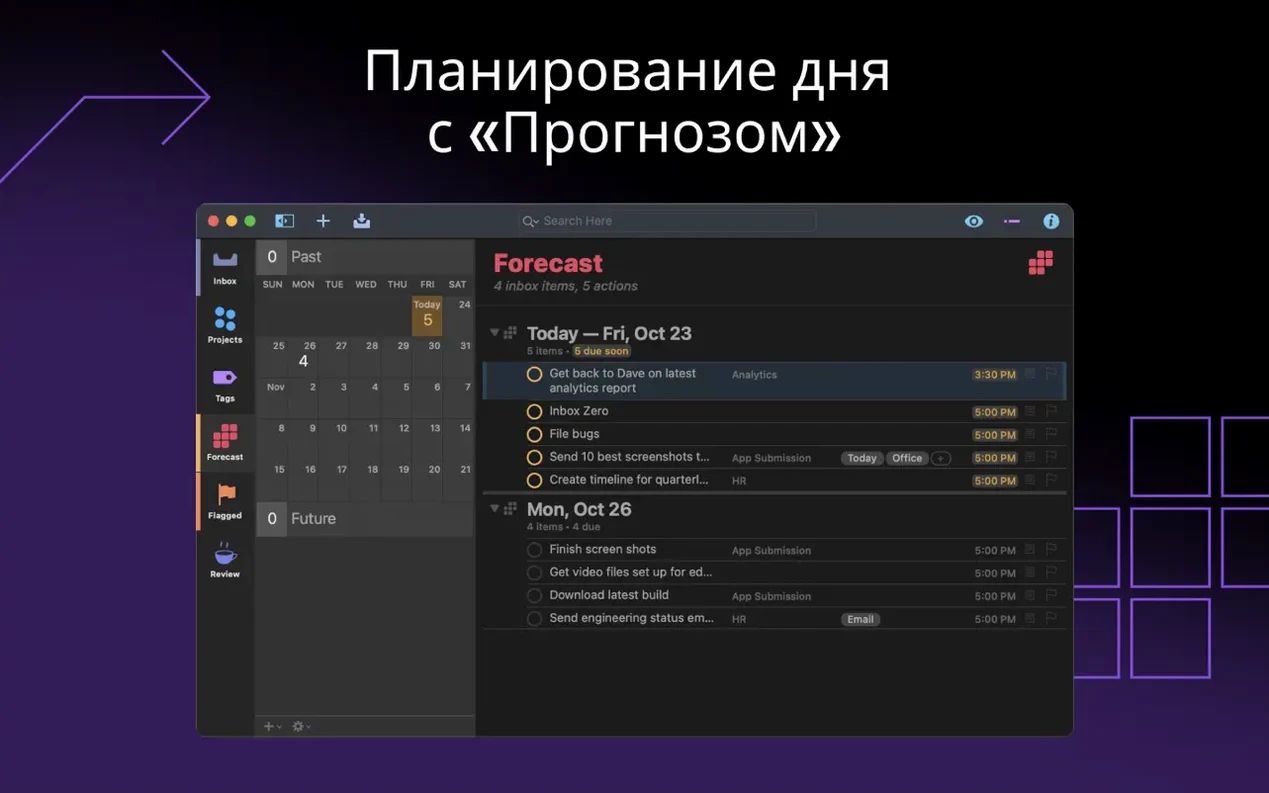
Tags are not just labels — they control what appears and when. Assign tags for energy level, location, or the tools needed. Then create a custom perspective that filters your most urgent tag combination. This single view becomes your daily task list without having to dig through projects.
Use the Review perspective to keep projects moving
A project that has not been reviewed in a week becomes stale. The built-in Review perspective groups projects by their next review date. Mark them reviewed, adjust the next review interval, and move on. This routine stops complex projects from collecting forgotten items and gives you a clear starting point every morning.
When Your Project List Hits 20 and Mental Tracking Fails
Knowledge workers managing 20 or more active projects. The app replaces the mental load of remembering what comes next across multiple clients, deadlines, and contexts.
Freelancers who switch between deep work and quick admin tasks. Tags like "laptop" or "10min" let you grab the right task when a gap opens up, without scanning an entire list.
Researchers and writers tracking long-term deliverables. OmniFocus Pro handles nested tasks and sequential dependencies cleanly — a literature review step does not appear until the source-gathering step is marked done.
Anyone who has outgrown a flat to-do list. If you catch yourself writing the same undone task on Monday, Wednesday, and Friday, the Review perspective gives you a single checkpoint instead of a recurring sense of drift.
Workflow: prepare a weekly client update
A consultant needs to send a status note every Friday. The project has five steps: collect notes from calls, draft the update, attach two screenshots, review for accuracy, and email. Three of those steps require a Mac — the rest can happen on an iPad during a commute.
- Create a sequential project called Client update — Friday. Drag the five actions into dependency order.
- Tag the phone calls action with @phone and @10min. Tag the email action with @Mac and the client's name.
- Open a custom perspective that shows only available actions tagged @Mac. The draft, screenshots, and review steps appear. The call step stays hidden until you are at a phone.
- Work through the visible actions. As each one completes, the next sequential step unlocks automatically.
- Friday morning, switch to the Forecast view. The project's deadline tag ensures the email action appears on the due date alongside calendar events.
- New — Open Folders Shortcuts action displays a flat list of existing folders.
- Improved — In-app Help updated to reflect current behaviour.
- Fixed — Attachment file extension now always included when a file is attached via the Add Actions Shortcuts action.
- macOS 14 or later
- Apple Silicon and Intel Macs
- Interface languages: Russian, English, German, Spanish, Italian, Simplified Chinese, Korean, Dutch, Portuguese, French, Japanese
Questions I get before install
What was fixed in OmniFocus Pro version 4.9.1?
Version 4.9.1 is a minor update that fixes the mini calendar date picker layout in the Inspector, adjusts settings layout in Dates & Times, and ensures file attachments added via Shortcuts always include the extension.
Comments 0
Sign in to leave a comment.Sign inCreate an account
No comments yet. If a step is still there after you install it, say so.
More in Office
All in Office OmniPlan Pro
Breaks a complex initiative into trackable tasks linked by dependencies and resources.
9 steps saved
 OmniReader Pro
Opens PDFs, ebooks and documents in one reader with notes and reading modes.
21 steps saved
 QuickBooks Mac Plus
Gives a small business a clean, guided path from setup to daily tracking.
8 steps saved
 Microsoft Word
Writes and reviews documents with tracked changes that open the same anywhere.
11 steps saved
 Microsoft PowerPoint
Builds presentation decks that move past static bullet points.
13 steps saved
 Microsoft Outlook
Puts mail and calendar in one window so you stop switching apps.
11 steps saved
 Microsoft Office
Gives a team six tools for documents, spreadsheets, and presentations.
19 steps saved
 Microsoft Excel
Builds budgets, forecasts and reports in spreadsheets the whole team can edit.