
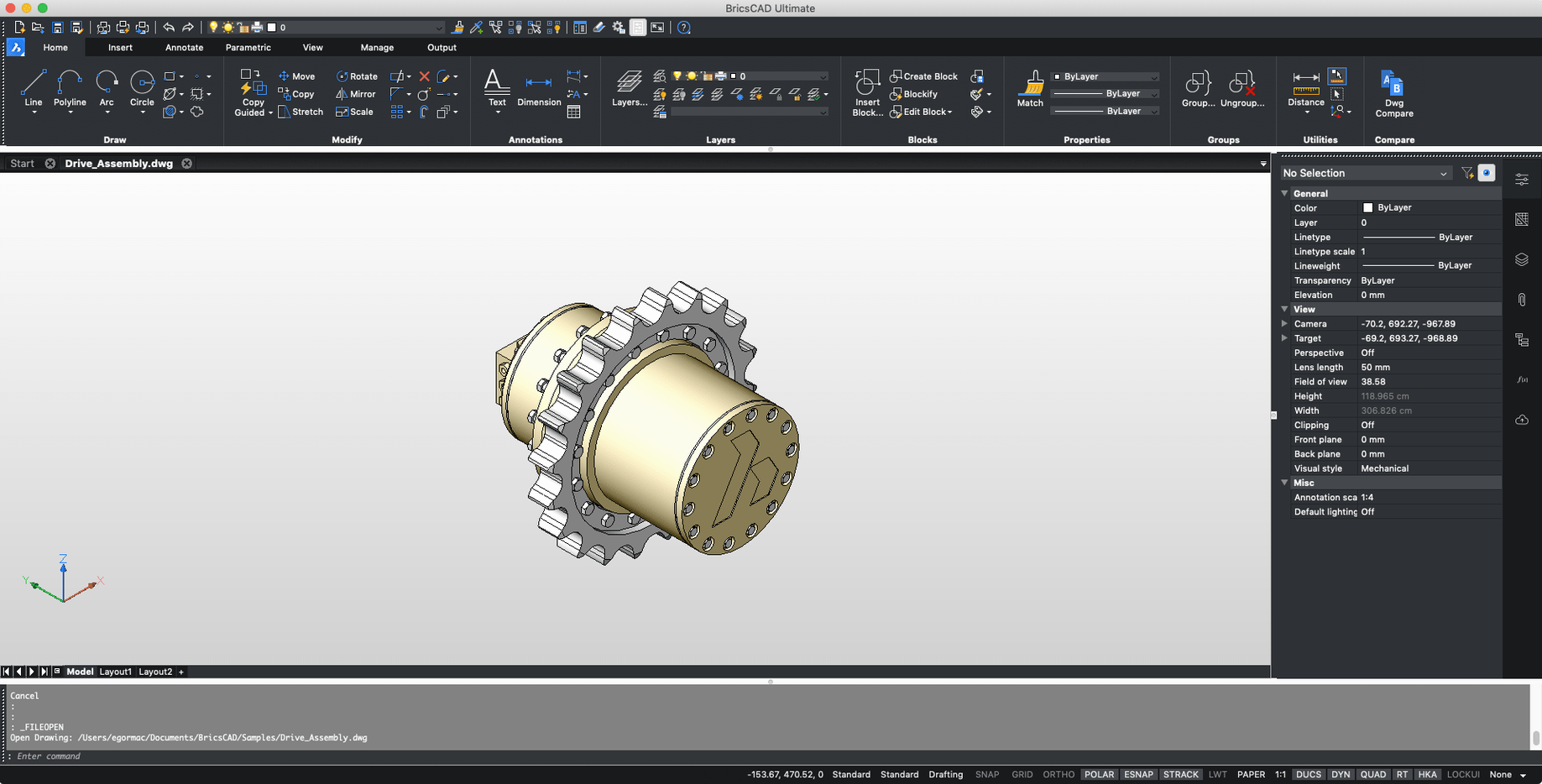
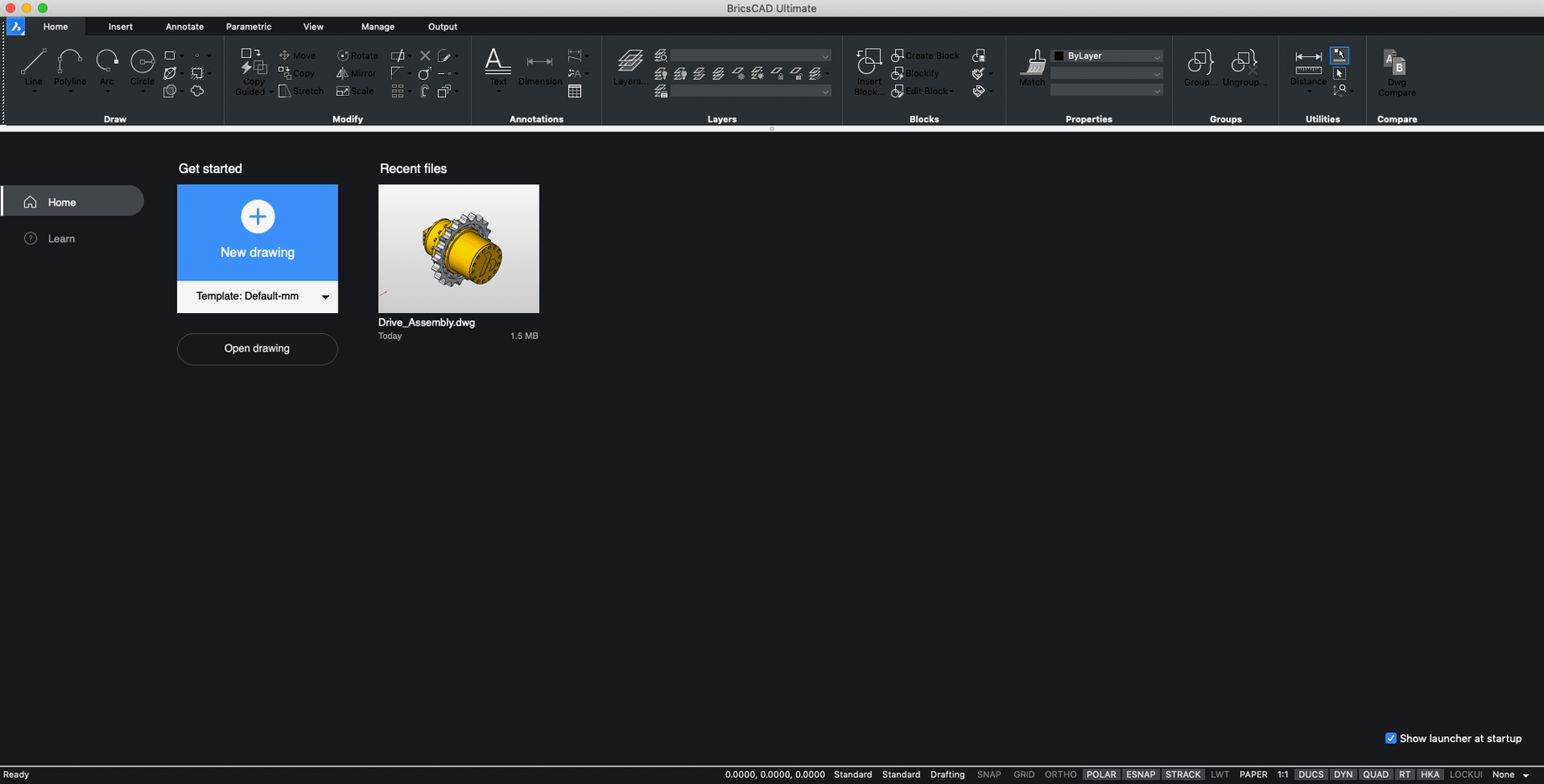
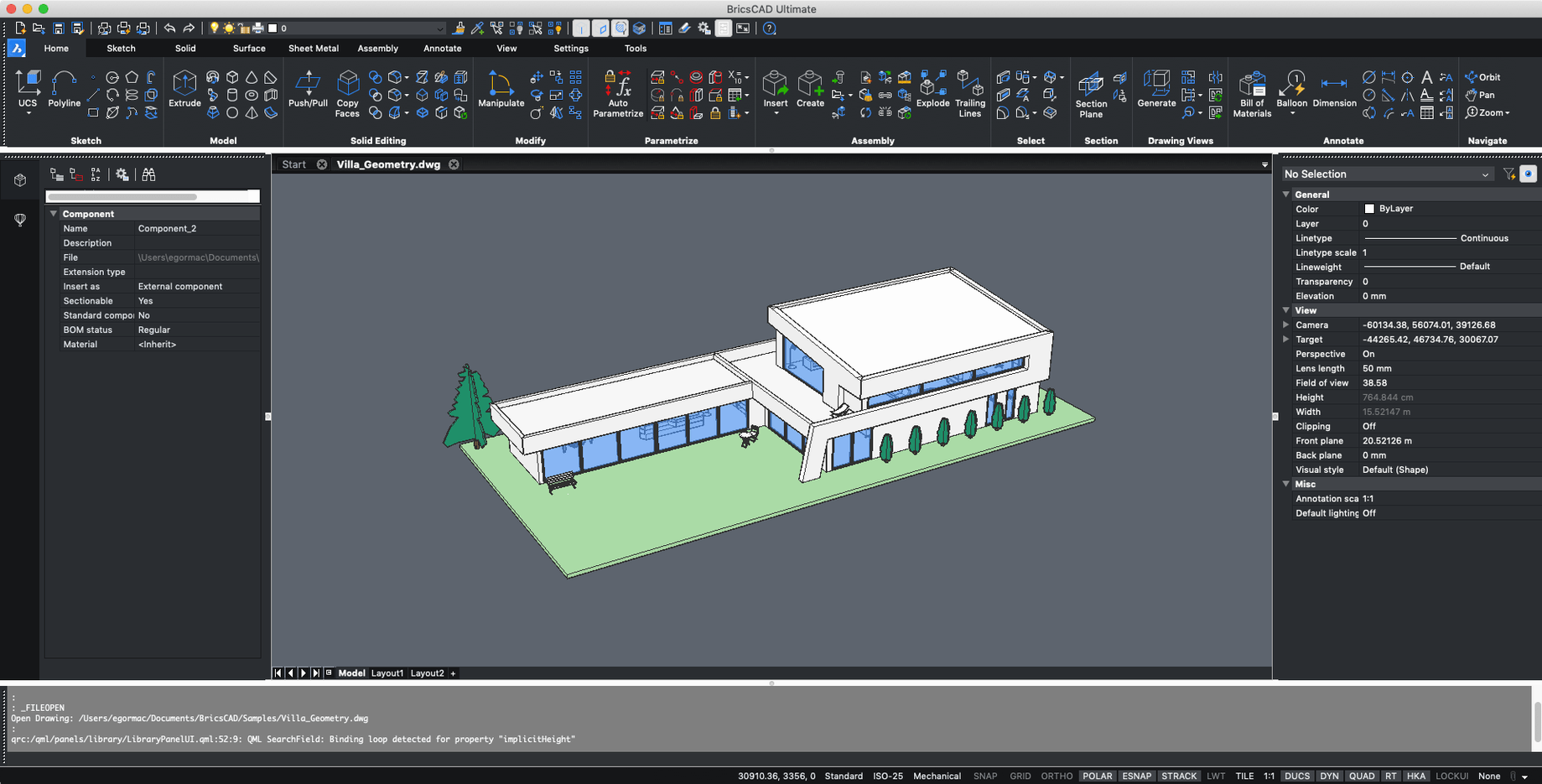
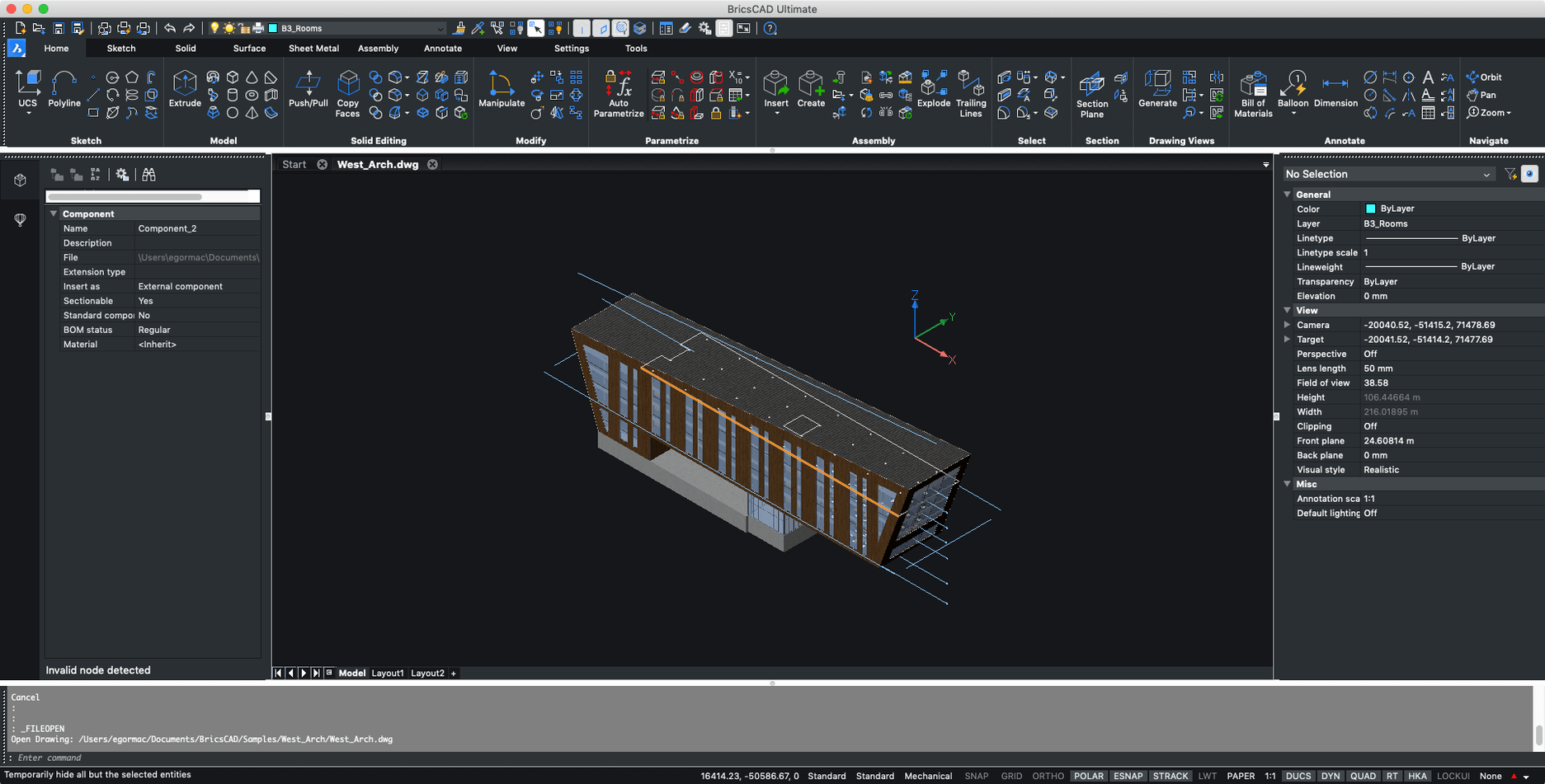
Moving from loose sketches to precise geometry usually means a heavy CAD suite. BricsCAD for Mac covers 2D drafting and 3D modelling and is positioned as an AutoCAD alternative, working with the familiar .dwg format.
Tasks It Handles
- 2D drafting — plans, sections and technical drawings.
- 3D modelling — solids and massing in the same app.
- AutoCAD exchange — compatible with Autodesk AutoCAD files and habits.
- Cross-platform teams — BricsCAD also runs on Windows and Linux.
Runs on Intel Macs via Rosetta 2
Version 24.2.04-05-1 is an Intel build for macOS 10.15 or later; V24 is supported on Big Sur, Monterey, Ventura and Sonoma. Apple Silicon Macs run it through Rosetta 2. The interface comes in English and Russian.
BricsCAD and the Rest of Your Toolkit
BricsCAD for macOS doesn’t sit in a silo. The installer you get contains every edition — Shape, Lite, Pro, Mechanical, BIM and Ultimate — so you choose the tier that matches the work, not the other way round. A single .dmg covers everything.
Integration points worth knowing about:
- Finder Quick Look — .dwg previews appear in the spacebar preview panel once BricsCAD registers its file handler. No extra plug-in needed.
- Spotlight indexing — drawing metadata (title, author, keywords saved inside the .dwg) becomes searchable from the menu bar, which matters when you keep hundreds of sheets in project folders.
- macOS Tags — colour-coded Finder tags stay attached to .dwg files across saves. A dead-simple way to mark drawing status (review, issued, superseded) without touching a drawing management system.
- AutoCAD menu and script compatibility — custom menus (.CUI), toolbars, scripts (.SCR) and object snaps carry over. Teams that split time between AutoCAD on Windows and BricsCAD for Mac keep their muscle memory intact.
English and Russian Interface Options
Does it read and write .dwg natively, or is there a conversion step?
It reads and writes .dwg directly — no import, no export, no intermediate format. Open, work, save. The file remains a .dwg the whole time.
How does the Mac version compare to the Windows version?
The core modelling and drafting engine is the same. The Mac interface follows macOS conventions (familiar palettes, native open/save dialogs, normalised keyboard shortcuts) instead of mimicking Windows chrome. Workflows feel similar enough that switching desk-to-desk is uneventful.
Is this a stripped-down “viewer” or a full CAD tool?
The installer includes all editions. What you get is determined by the licence tier, not by a separate download. Even the lowest tier gives you real editing, not just viewing.
Chain Commands with Semicolons on One Line
A few things that are easy to miss in the first week:
- Command line alias stacking — you can chain multiple commands separated by semicolons on a single line.
L;0,0;10,10;draws a line from origin to 10,10 without waiting for prompts. Saves clicks on repetitive blocking-out. - Middle-mouse button pan with a trackpad — if you lack a three-button mouse, holding Option and dragging with two fingers acts as a middle-drag to pan the viewport.
- Quad cursor menus — right-click in an empty area and a context wheel appears with the last eight commands used. Muscle memory kicks in fast.
- Undo stack persists across saves — unlike some CAD tools that flush the undo history when you save, BricsCAD for macOS keeps it. You can save, continue working, and still step back through actions from before the save point.
- Quick copy with Option-drag — holding Option while dragging any entity duplicates it. No command, no copy-paste round-trip.
Those who search for BricsCAD Mac torrent or similar terms often want to test how deeply the AutoCAD muscle memory really carries over before committing. The answer: menus, snaps and scripts land intact, and the drawing opens pixel-for-pixel identical to what a colleague sees on Windows.
- macOS: 10.15 (Catalina) or newer, including Big Sur, Monterey, Ventura, and Sonoma
- Architecture: Intel
- Languages: English, Russian
Questions I get before install
Is BricsCAD for Mac compatible with AutoCAD?
It is described as compatible with Autodesk AutoCAD and positioned as a direct alternative, working with .dwg files.
Does this build run natively on Apple Silicon?
No. It is an Intel (x86 64-bit) build, so M-series Macs run it through Rosetta 2.
Comments 0
Sign in to leave a comment.Sign inCreate an account
No comments yet. If a step is still there after you install it, say so.
More in CAD & 3D
All in CAD & 3D AutoCAD
Scans a drawing and converts repeated geometry into reusable blocks.
4 steps saved
 CorelCAD
Drafts 2D plans and 3D parts in a DWG-native CAD workspace.
11 steps saved
 Artlantis
Converts raw 3D models into presentation-ready stills with natural light.
18 steps saved
 ArchiCAD
Shares BIM objects across a studio without leaving the modelling tool.
7 steps saved
 Adobe Substance 3D Painter
Applies textures to 3D models with editable layers and Smart Materials.
17 steps saved
 Adobe Dimension
Stages and renders 3D product shots from sourced models without a full 3D suite.
9 steps saved
 Garden Planner
Drags plants and surfaces onto a canvas to arrange outdoor spaces.
17 steps saved
 KeyShot
Renders physically accurate product visuals from CAD data with real-time global illumination.