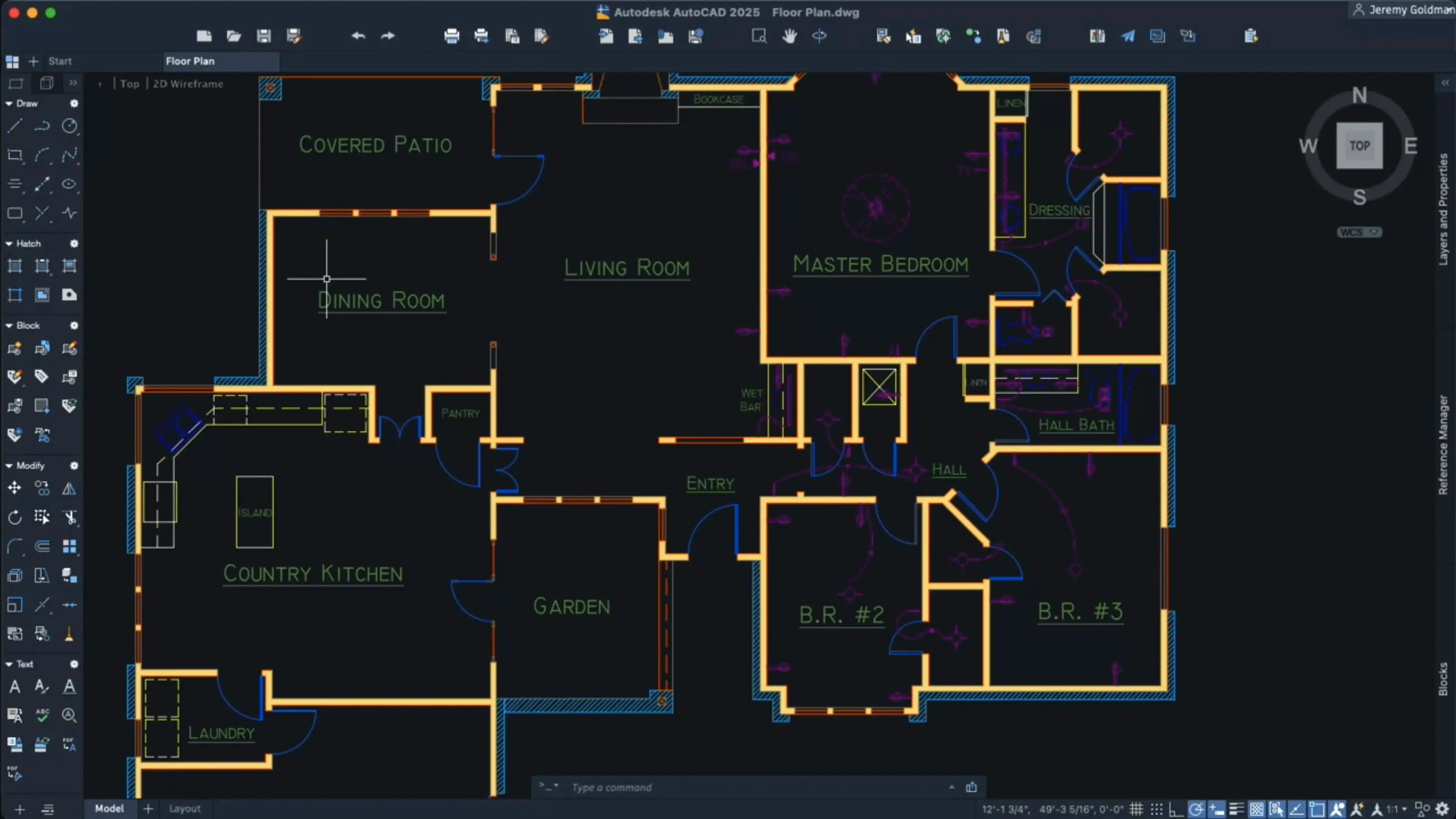
Where SketchUp feels like sketching, AutoCAD is the drafting table. It is the long-standing standard for precise 2D and 3D documentation, and the Mac version runs natively on Apple silicon with Metal as its sole graphics engine.
Convert objects into blocks
AutoCAD 2027 uses Autodesk AI to scan a drawing and identify geometry that can be turned into reusable blocks, complete with scaling and rotation.
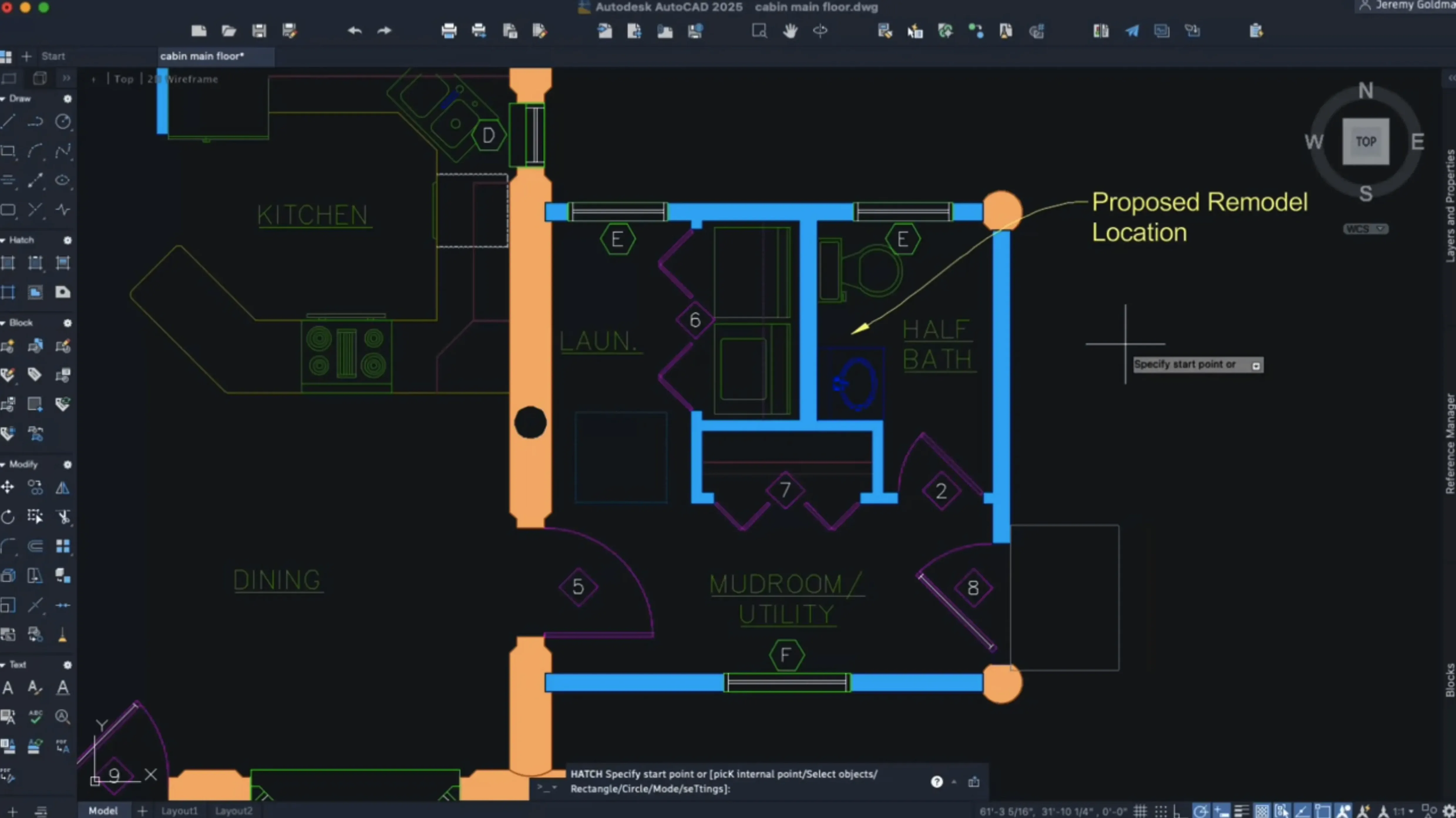
Hatch without existing boundaries
New hatching options let you create shaded fills along a specific contour, no existing boundary geometry required.
Optimize large coordinate scenes
Faster layout tabs reshape multi-sheet reviews
Layout tab switching is noticeably faster. Moving between sheets no longer drags behind the click. For anyone juggling a dozen layouts in one file, that alone reshapes the rhythm of a review session.
Shortcut menus are now customizable. Right-click behaviour can finally match how you work, not how Autodesk guessed you work. Localized versions also gained dynamic grip shortcut keys, so grip editing menus respond to keyboard input in French, German, Japanese and other supported languages.
Crosshair colour can be set separately for layout tabs. A bright green crosshair on a dark model space, a charcoal one on a white title-block layout — small change, less eye strain over long drafting stretches.
Palettes migrate by default when switching workspaces. No more dragging the Properties palette back into position after moving from Drafting & Annotation to 3D Modeling. One less friction point.
Geometry Cleanup quietly solves a problem every CAD manager knows: sloppy linework. The tool scans for gaps, overlaps and micro-segments that break hatches or misbehave during trim operations. A drawing that passes through Cleanup before going to a consultant saves an hour of back-and-forth.
How AutoCAD fits with other apps and macOS
DWG is the common currency. A file saved on the Mac opens on a Windows machine with zero translation, and vice versa. Surveyors send DWG; structural engineers return DWG; the Mac version reads and writes the same format without an import-export dance. That single fact makes it viable in mixed-OS offices.
Under the hood, Metal replaced OpenGL entirely. Screen redraws, orbit operations and zoom responsiveness all lean on Apple's graphics stack. On an Apple silicon Mac, that means the GPU handles orbiting a 3D site model without the fans spinning up — a real improvement over the Rosetta-translated OpenGL days of earlier releases.
AutoCAD LT for Mac shares the same release notes. If a colleague runs LT, a DWG passes between both applications without layer loss or object breakage. Blocks created in full AutoCAD, including those generated by the AI block scanner, open in LT. Dynamic blocks with custom properties may need the full version for editing, but visibility states survive the round trip.
macOS integration remains practical: the Help system works offline as well as online, so a site visit without internet still gives you full documentation access. SIP must be disabled before installation, which is an unusual step for Mac software and worth noting if your IT policy locks down system integrity protections.
Strip right-click menus down to your real commands
Right after install, three adjustments make an outsized difference to daily comfort:
- Customize the shortcut menu. Open the CUI editor and strip out commands you never touch — Arc, Donut, Revision Cloud — and add Match Properties, Overkill and Boundary. Right-click becomes a precision tool instead of a junk drawer.
- Set separate crosshair colours for model and layouts. In the Options dialog, assign a high-contrast colour for model space and something muted for paper space. Your eyes will thank you by hour four.
- Enable the block conversion scanner early. Before you start a new project, run it on an existing template file. Identify repetitive geometry that should be blocks, convert it once, and save the template. Every new drawing inherits a cleaner structure from the start.
For users coming from a Windows workflow, adjust the 3D navigation sensitivity in Preferences. The default orbit speed on Mac feels looser than the Windows equivalent. Tighten it by 20–30 percent for parity. While there, confirm that large coordinate scene optimization is active: it is on by default, but a quick check in the Graphics Performance dialog avoids unnecessary GPU strain on heavy survey files.
Complex drawings benefit from large coordinate scene optimization, which reduces CPU and GPU load to keep navigation smooth.
- New — Autodesk AI scans drawings for objects that can be converted into blocks.
- New — Geometry Cleanup added.
- Changed — OpenGL support removed; Metal is now the only graphics engine.
- macOS 12 or later
- Apple silicon or Intel Mac
- English interface
Comments 0
Sign in to leave a comment.Sign inCreate an account
No comments yet. If a step is still there after you install it, say so.
More in CAD & 3D
All in CAD & 3D Artlantis
Converts raw 3D models into presentation-ready stills with natural light.
18 steps saved
 ArchiCAD
Shares BIM objects across a studio without leaving the modelling tool.
17 steps saved
 BricsCAD
Handles 2D drafting and 3D modelling while working directly with .dwg files.
7 steps saved
 Adobe Substance 3D Painter
Applies textures to 3D models with editable layers and Smart Materials.
17 steps saved
 Adobe Dimension
Stages and renders 3D product shots from sourced models without a full 3D suite.
4 steps saved
 CorelCAD
Drafts 2D plans and 3D parts in a DWG-native CAD workspace.
9 steps saved
 Garden Planner
Drags plants and surfaces onto a canvas to arrange outdoor spaces.
17 steps saved
 KeyShot
Renders physically accurate product visuals from CAD data with real-time global illumination.