
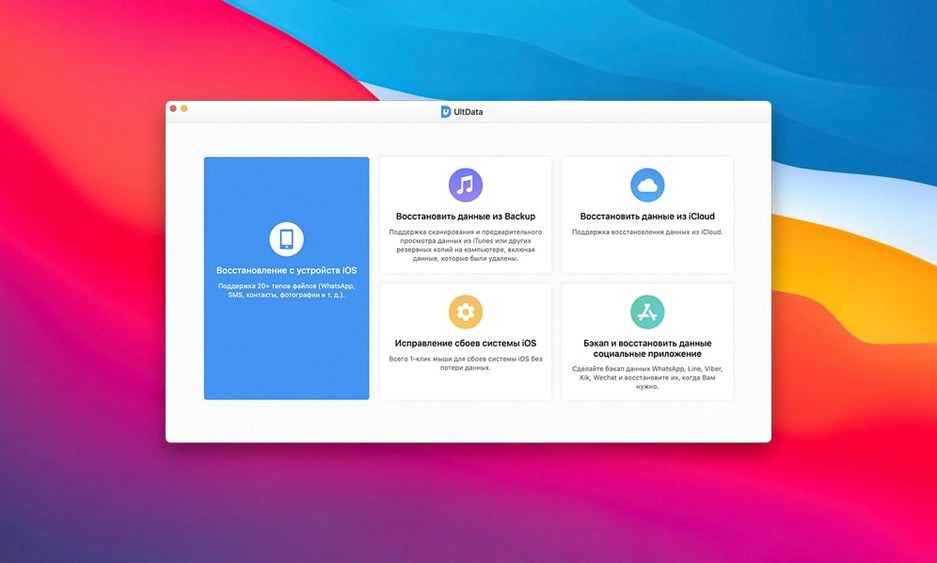
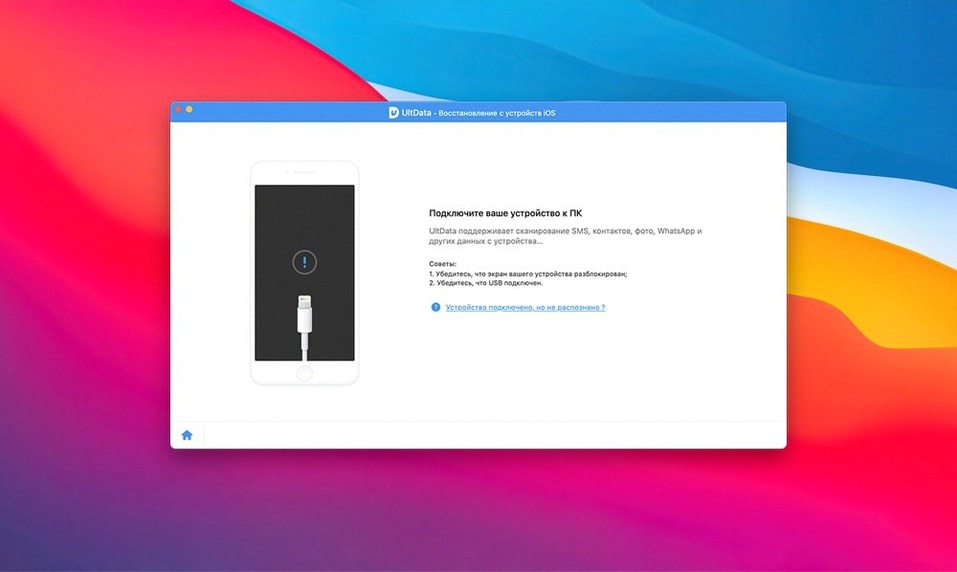
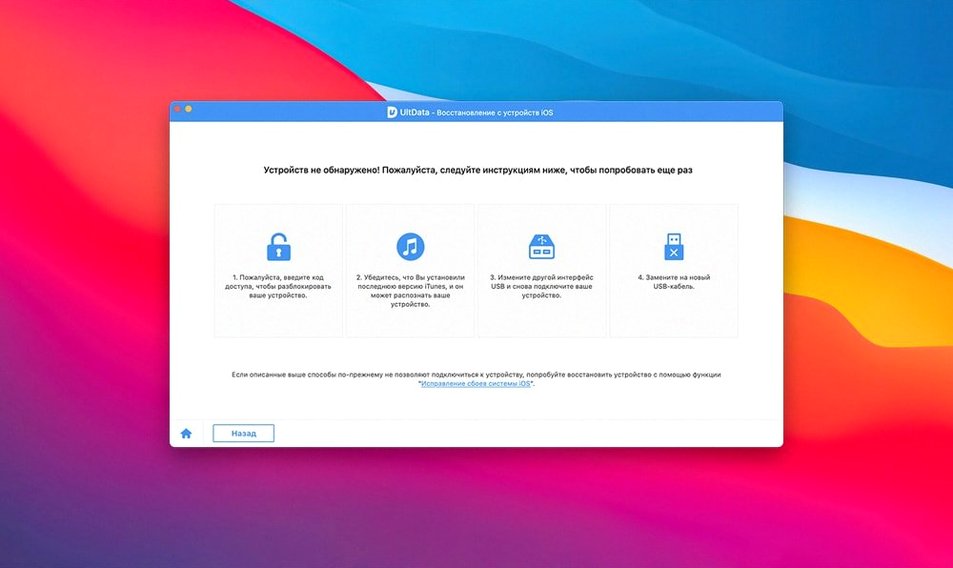
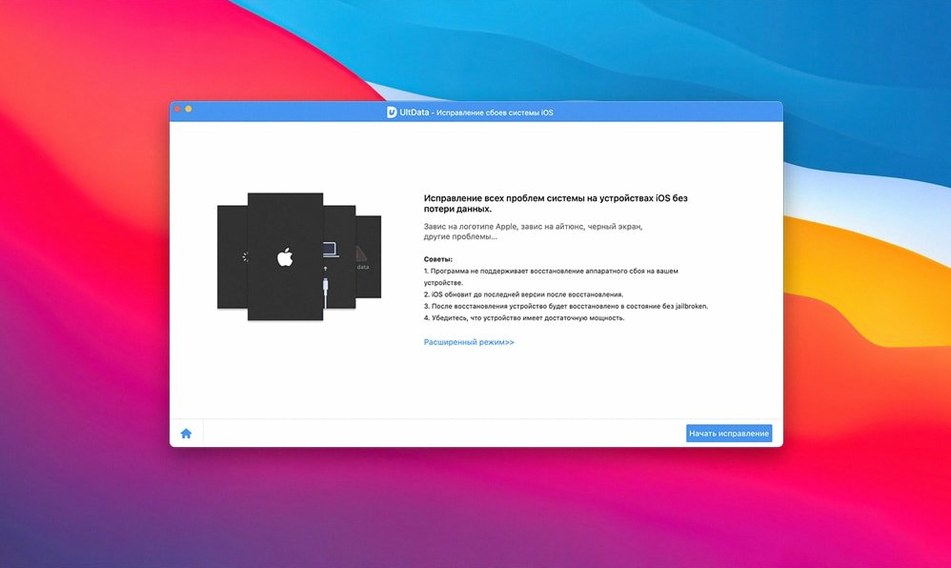
iPhone owners who lost contacts, messages, or media before they backed up use Tenorshare UltData to pull the files back from the device or an iTunes backup.
Recovery scope — retrieves 20+ file types, including app photos, videos, documents, audio, reminders, notes, voice memos, iBook content, FaceTime data, and voicemail.
Three recovery modes — recover from the iOS device directly, extract from an iTunes backup, or pull data from an iCloud backup file.
Compatibility — works with iPhone, iPad, and iPod touch, including the iPhone 11, 11 Pro, and 11 Pro Max.
Architecture — a 64-bit Intel app that runs on OS X 10.8 and later.
First Days with UltData
Most people install the app the moment panic hits — a wiped phone, a failed update, a message thread that vanished overnight. That urgency leads to rushed decisions. Slow down for the first recovery. The extra minutes save hours of sorting later.
Three habits worth building right after installation:
- Run a full scan before cherry-picking. The preview pane loads in chunks. Let it finish. A partial scan misses Voice Memos and app documents that load late in the process.
- Export to a folder, not the desktop. Recovered files arrive in a flat list. Point the output to a named folder —
iPhone_Recovery_March— so you can separate contacts from media without dragging icons across the screen. - Check iCloud sync settings first. If Messages or Photos were syncing over iCloud, the device scan may show gaps. Turn off iCloud sync temporarily before scanning for a more complete local pull.
Stopping Scans Early Skips Deeper Recoverable Files
New users tend to treat UltData like a backup browser — click, preview, grab one file, done. The app recovers data at a much deeper level, and skipping that depth causes avoidable problems.
Stopping the scan too early. The progress bar stalls around 70% for a reason. The app is parsing raw SQLite databases for Messages, WhatsApp, and WeChat. Closing the window mid-parse leaves a broken session and sometimes a partial export that confuses later scans.
Using the wrong recovery mode. Someone who deleted a contact three days ago does not need an iTunes backup extraction — the direct device scan is faster and more current. Reserve backup extraction for when the device itself is unavailable or has been restored since the data loss.
Ignoring the file-type filter. The left sidebar lets you toggle only Photos, only Messages, only App Documents. Beginners scroll the entire preview list, miss small items like Safari history entries, and complain the app “didn’t find everything.” Filter, then review.
Running from a low-space drive. The scan writes temporary files. On a Mac with under 5 GB free, the app slows noticeably. Free up space or point temporary storage to an external volume before scanning a 256 GB iPhone.
Shortcuts and Quiet Conveniences
A few features sit tucked in menus, easy to overlook in the first week.
- Sort by deletion date. The preview column defaults to file name. Right-click the header bar and enable the deletion-date column — it groups recently lost items at the top, skipping the manual scroll through thousands of thumbnails.
- Space-bar preview. Highlight any photo or video in the results pane and press the Space bar for a Quick Look preview. Works exactly like Finder. No need to export a file just to check if it is the right one.
- Direct chat export. For tenorshare ultdata for mac users recovering WeChat or WhatsApp threads, the export button saves conversations as HTML with attachments bundled. That format opens in any browser and preserves threaded timestamps — easier to read than a CSV dump.
- Keyboard navigation during scan results. Arrow keys move through the file list. Press Command-A to select all visible items in a filtered view, then Command-E to export the batch. No mouse required once the scan finishes.
- Scan session resumption. If the Mac sleeps or the app closes unexpectedly, UltData offers to resume the last scan on relaunch. That prompt appears only for a few seconds — do not dismiss it reflexively.
People hunting for an ultdata torrent often miss that the app includes full Japanese and Arabic localisation. Switch the interface language under Preferences — useful for bilingual households where one person reads recovery results more comfortably in a second language.
Tenorshare ultdata torrent distributions occasionally circulate without the localisation files. The full build includes eleven languages, and the scan engine performs identically regardless of the UI language selected. If the app displays only English after install, the language pack was stripped.
- OS X 10.8 or later
- Intel 64-bit processor
Questions I get before install
What data can Tenorshare UltData for Mac recover?
It recovers contacts, messages, photos, app data, reminders, notes, voice memos, music, iBook content, FaceTime history, and voicemail from iOS devices.
Comments 0
Sign in to leave a comment.Sign inCreate an account
No comments yet. If a step is still there after you install it, say so.
More in Mac Apps
All in Mac Apps Techtool Pro
Catches directory damage before it turns into missing folders and beachballs.
8 steps saved
 Termius
Saves clusters of shell commands as one-tap snippets for remote servers.
9 steps saved
 Updated
TechSmith Snagit
Captures, annotates, and sends a screenshot in one loop without switching tools.
9 steps saved
 TextSniper
Extracts live text from anything on your screen straight to the clipboard.
7 steps saved
 Taphouse Pro
Browses and installs Homebrew formulae through a graphical interface instead of the terminal.
23 steps saved
 TG Pro
Gives you full fan control and temperature-based rules for any Mac.
6 steps saved
 Tahoe Cache Cleaner
Clears caches, logs and temporary files to free space and fix glitches.
12 steps saved
 TablePlus
Connects to PostgreSQL and MySQL in separate tabs to run queries side by side before a deploy.