
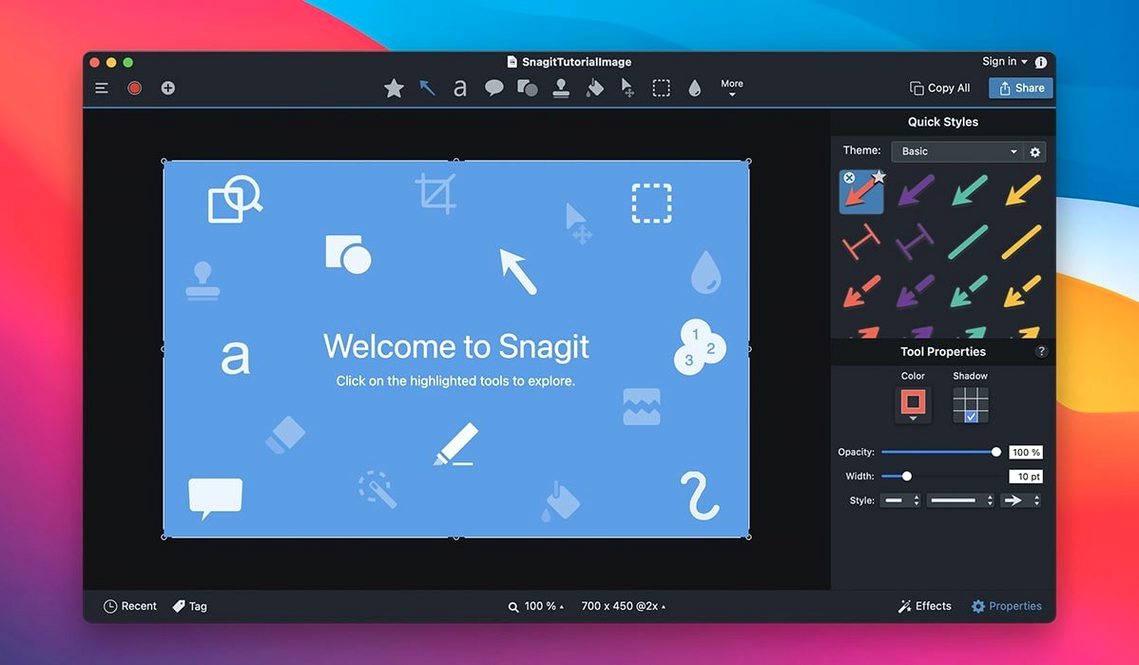
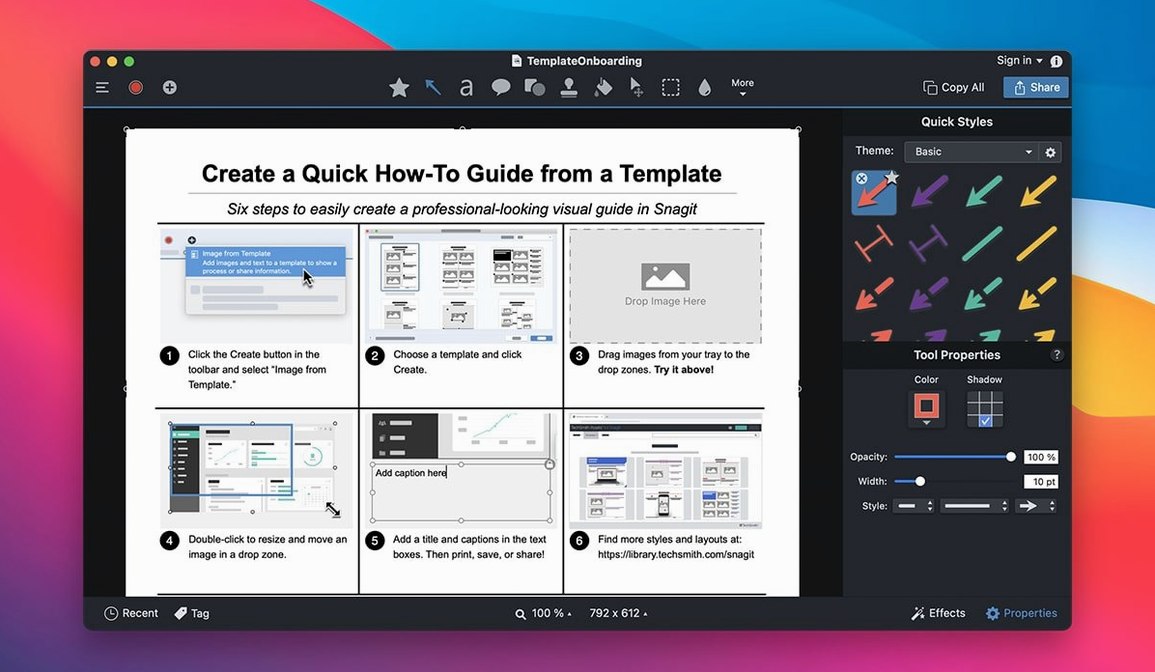
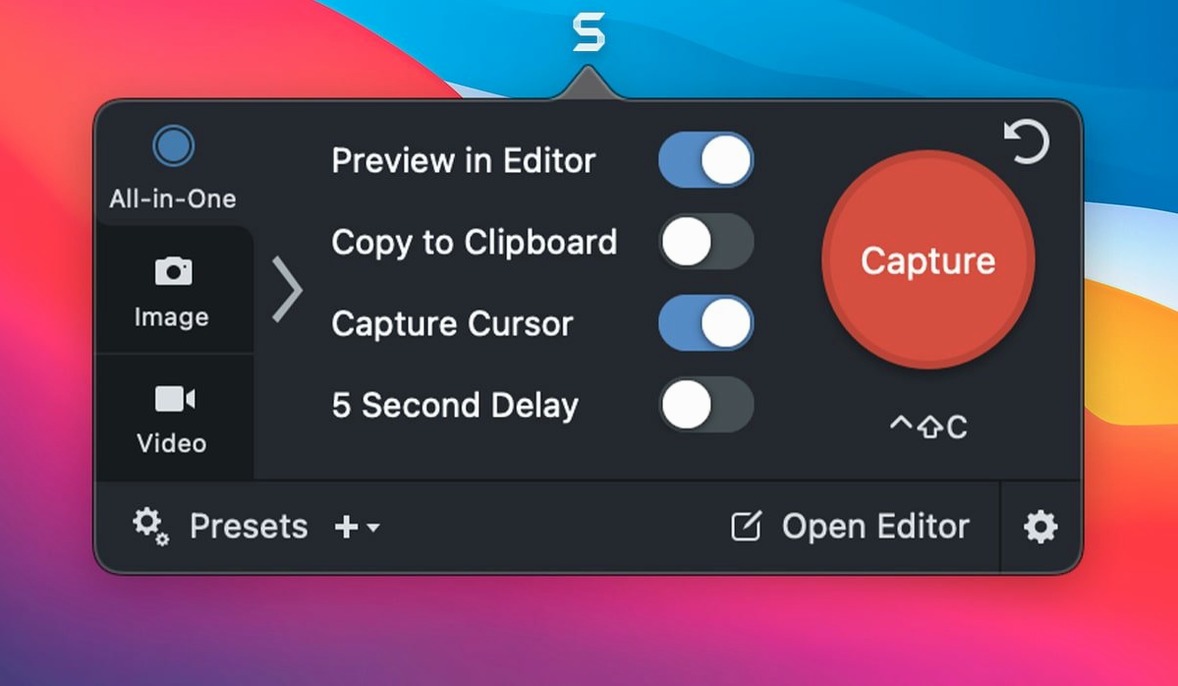
Snagit is a screen capture and recording app that replaces the built-in macOS screenshot tools with a proper workflow — capture, edit, and send, all in one loop.
Grabbing Screens, Annotating Once, and Skipping the Tool Chain
People who explain things with pictures. Trainers building step-by-step guides, support agents answering tickets, developers filing clear bug reports, and anyone who needs to grab what's on screen, annotate it, and hand it off without messing around in three different apps.
What does it capture?
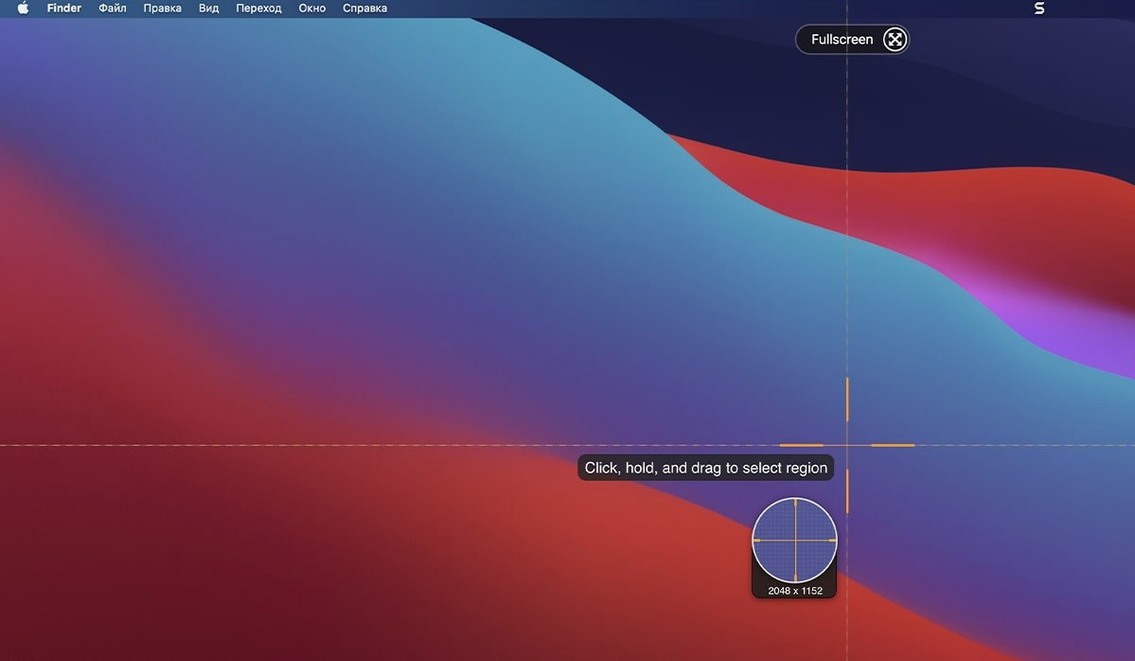
Full screen, a selected rectangle, a single window, or a scrolling region that extends past the visible area. It also grabs text from web pages so you don't have to retype anything.
Auto-Open Editor with Callouts, Shadows, and Direct Publishing
The built-in editor opens automatically. You can add callouts with arrows and labels, apply shadow or highlight effects, dim background areas, and round off corners. Finished images go out by email, land on an FTP server, or publish straight to a blog — no saving-and-attaching dance.
How do you speed it up?
Create custom capture presets and tie them to keyboard shortcuts. One key press grabs a window at a fixed size with your favourite effects already applied. The less you touch the mouse, the faster you ship.
Fast Launch, Slim Overlay, and Low Memory All Day
Snagit launches fast and stays out of the way. The capture toolbar appears as a slim overlay — no splash screen, no lag. In a full workday of grabbing screens, edits, and exports, memory pressure stays low. I've run it alongside Xcode, Figma, and a dozen browser tabs without a single beachball.
Recording a 10‑minute tutorial at 30 fps hits the GPU lightly. The resulting MP4 plays back crisp, and the editor handles image libraries with hundreds of items without slowing down. On Apple Silicon, the app feels native and responsive; Intel Macs handle it well too, though scrolling captures take a beat longer.
Stability on macOS 15 is solid. The 2026.3.3 update patched the toolbar‑movement bug, so you can now position the capture controls exactly where you want them — a small fix that removes daily friction. QuickLook inside the Snagit Library also responds to arrow keys properly now, making it faster to flip through captures without opening the editor.
Shortcuts you shouldn't overlook
- Hold Control during capture — sends the screenshot straight to the clipboard, bypassing the editor. Good when you only need to paste it once.
- Drag from the library thumbnail — drop an image directly into Mail, a chat, or a Finder folder. No export dialog required.
- Right‑click any saved capture — assign tags in two clicks. The search bar respects them, so you can pull up every bug‑report screenshot tagged “login” from the last six months.
- Shift‑drag a callout arrow — snaps to 15‑degree increments, keeping your annotations tidy without zooming.
- Video recording presets — set a region, a mic input, and a frame rate once, then trigger the same setup with a keystroke. Cuts out the pre‑recording checklist.
People searching for a snagit for mac download often overlook these micro‑features, but they're what turn a capture tool into a daily driver. Even a snagit torrent won't teach you that Control‑capture trick — it's the kind of thing you only notice after a week of heavy use.
Version 2026.4.3 is now available. The update includes refinements to capture stability and a handful of interface corrections that tidy up the editor experience.
- macOS 15 or later
- Apple Silicon or Intel 64-bit
Comments 0
Sign in to leave a comment.Sign inCreate an account
No comments yet. If a step is still there after you install it, say so.
More in Mac Apps
All in Mac Apps Taphouse Pro
Browses and installs Homebrew formulae through a graphical interface instead of the terminal.
10 steps saved
 Techtool Pro
Catches directory damage before it turns into missing folders and beachballs.
21 steps saved
 Tenorshare UltData
Pulls lost contacts, messages, and media back from an iPhone or iTunes backup.
6 steps saved
 Tahoe Cache Cleaner
Clears caches, logs and temporary files to free space and fix glitches.
8 steps saved
 Termius
Saves clusters of shell commands as one-tap snippets for remote servers.
12 steps saved
 TablePlus
Connects to PostgreSQL and MySQL in separate tabs to run queries side by side before a deploy.
9 steps saved
 TextSniper
Extracts live text from anything on your screen straight to the clipboard.
23 steps saved
 TG Pro
Gives you full fan control and temperature-based rules for any Mac.