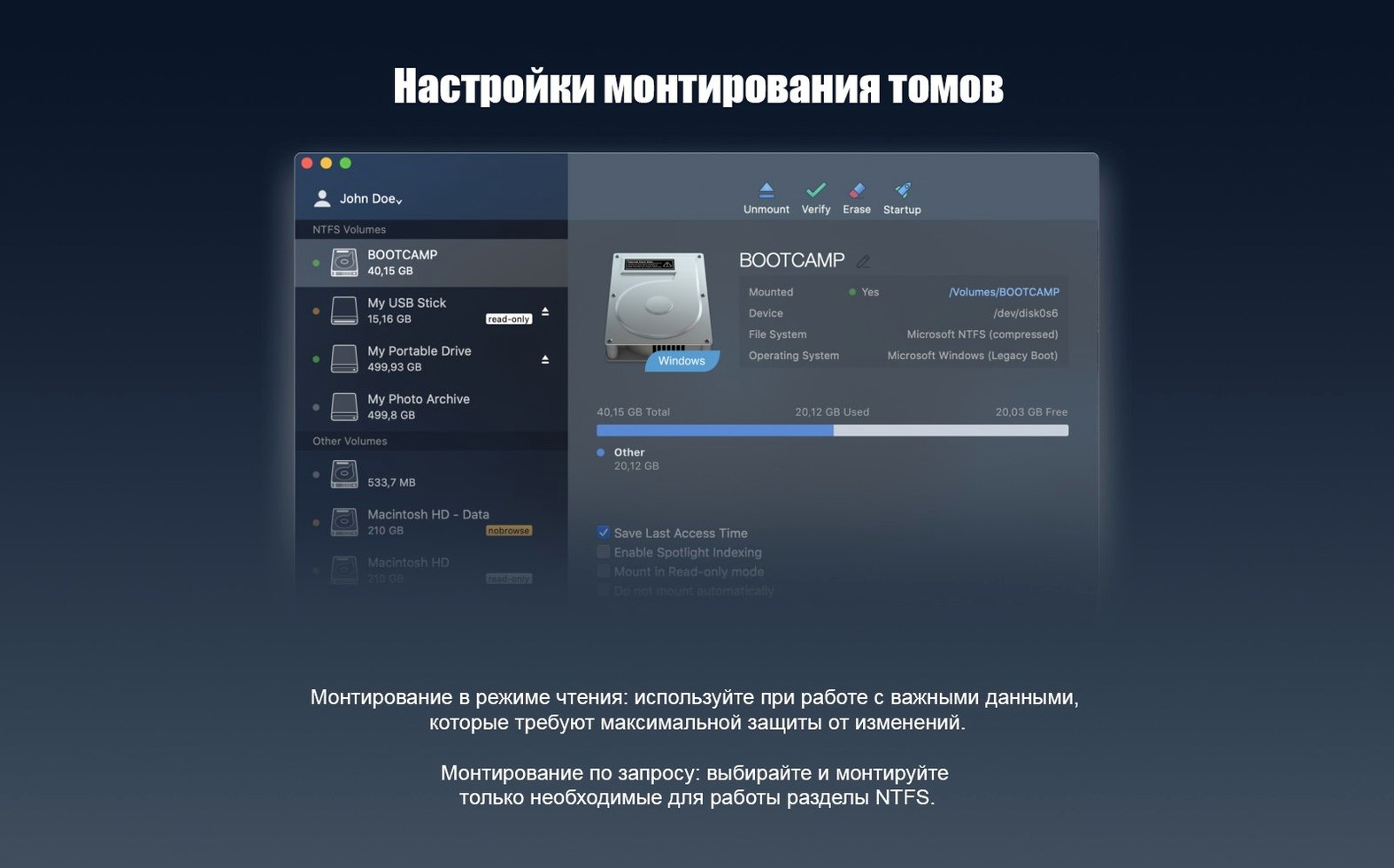
New driver core. That is the first thing you notice after installing Paragon NTFS 15 — volumes just mount, with none of the hesitation older file-system bridges sometimes showed. macOS treats the external SSD exactly as it treats a native APFS drive. You copy a 14 GB virtual machine image across, rename folders, delete a stray installer, and never once see a permissions warning.
- Connect the NTFS drive. The volume appears on the desktop and in Finder’s sidebar. No dialogue boxes, no manual mount commands.
- Work as usual. Drag files in both directions. Open a Premiere project straight from the external disk. Time Machine won’t back it up — it’s still a Windows format — but every other app sees it as writable.
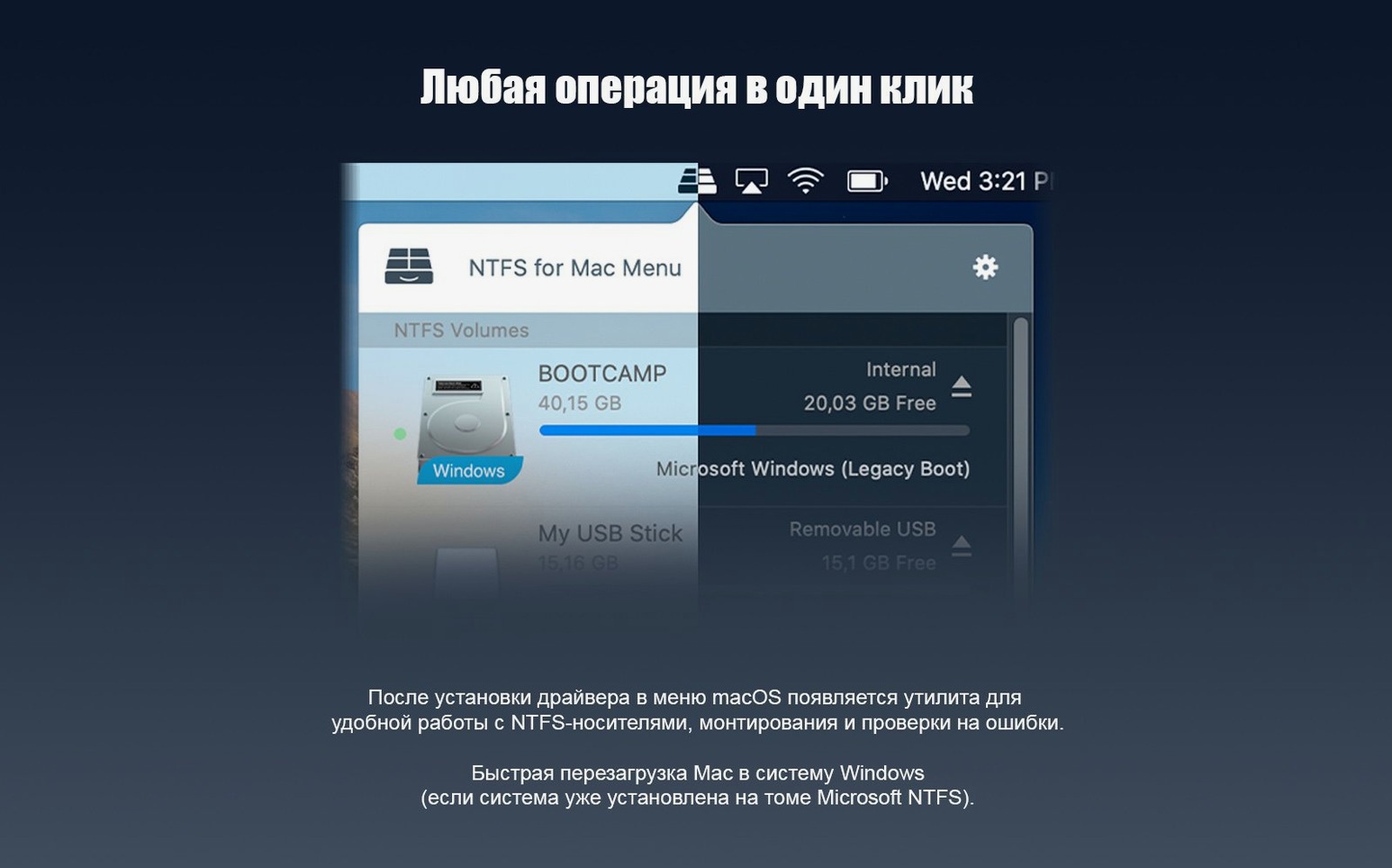
- Eject cleanly. Right-click, choose Eject. The driver flushes the write cache and unmounts the volume, the same as any other external drive.
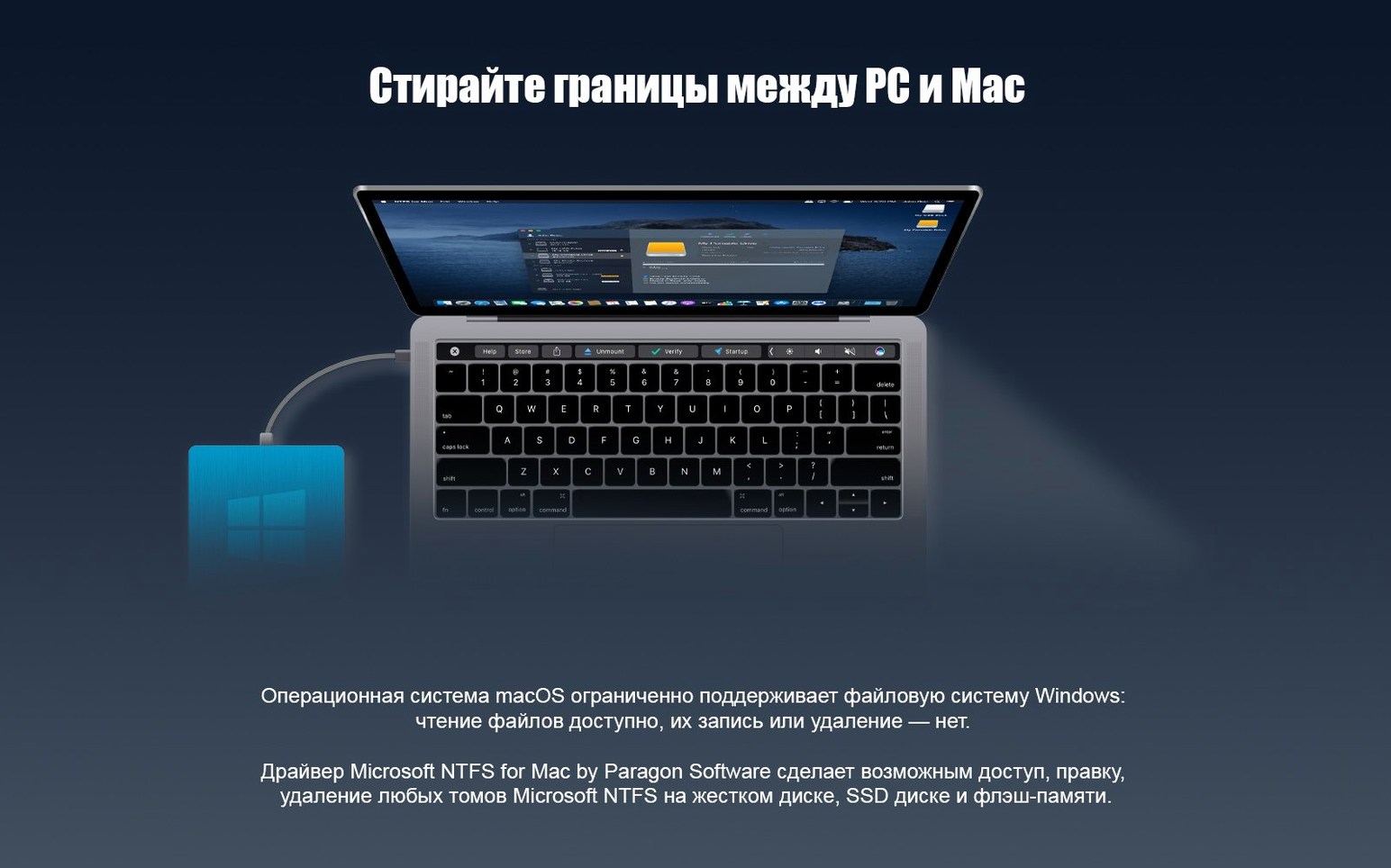
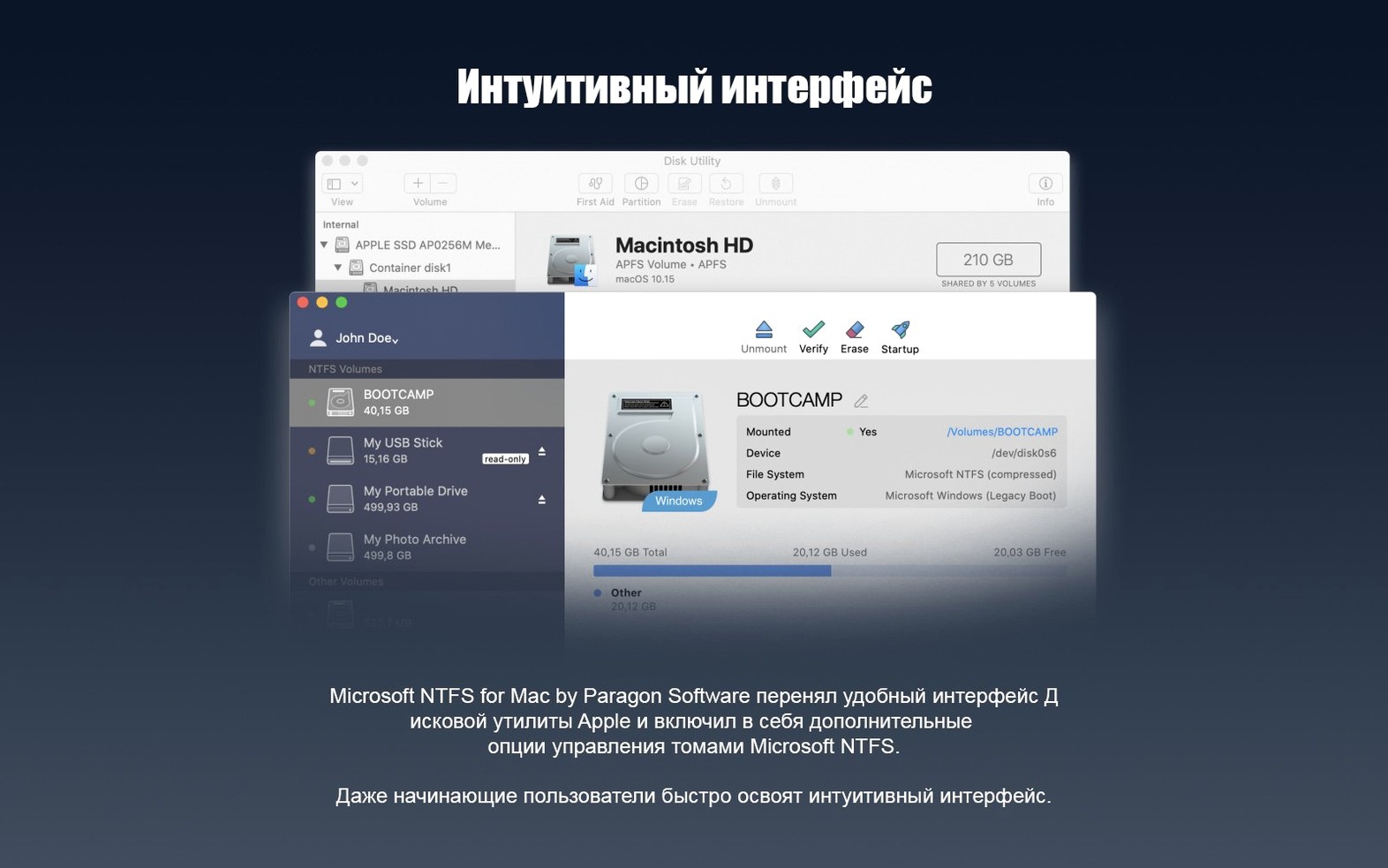
The software replaces the read-only NTFS driver built into macOS with one that handles writes, supports Windows 10 system compression, and runs on both Apple Silicon and 64-bit x86 Macs.
How Paragon NTFS Compares
Not every NTFS driver for Mac takes the same approach. The differences matter when you have a production drive attached and no time for trial-and-error mounting.
Mounty for NTFS — a lightweight free utility that triggers macOS’s built-in, experimental NTFS write support. It works for occasional USB stick transfers, but it relies on Apple’s own ntfs.kext, which remains undocumented and uncommitted. Write performance drops noticeably with large files. Paragon runs its own kernel extension, tuned over multiple generations, so a 20 GB ProRes file copies in one steady pass.
Tuxera NTFS for Mac — the closest direct competitor. Tuxera ships a proprietary driver based on the open-source NTFS-3G, with a caching layer added. It handles basic reads and writes well. Paragon’s driver core, rewritten in version 15, holds an edge in two places: sustained throughput with many small files, and compatibility with Windows 10 system-compressed folders. Tuxera occasionally balks at those; Paragon reads them as if they were uncompressed.
Built-in macOS read-only driver — no cost, no install, but no writes. For anyone who edits video, runs a Windows VM, or moves media libraries between platforms, read-only is a dead end. Paragon replaces that limitation outright.
Opening a Windows NTFS Drive in DaVinci Resolve
An editor arrives at her desk with a 2 TB Samsung T7, formatted NTFS, fresh from a Windows render station. The drive contains a DaVinci Resolve project with graded media and an exported MP4 for client review. Here is what happens next.
- She plugs the T7 into a Mac Studio running macOS Sonoma. The drive spins up and lands on the desktop within seconds — labelled CLIENT_04, exactly as the DIT named it.
- Finder opens the root. She browses straight into the
exportsfolder, drags the MP4 to a local review folder, then opens the Resolve project file directly from the NTFS volume. Resolve reads the media without copying, treating the external disk as a working drive. - Mid-review, the client requests a tweaked title card. She opens the After Effects project — also living on the T7 — makes the edit, and saves. The write commits through Paragon’s driver. No export, no relocate-and-replace. The updated
.aeplands right back where the Windows machine expects it. - She ejects the drive from the desktop sidebar. The LED on the T7 stops blinking. The drive is ready to travel back to the Windows suite, all files updated and intact.
Scenario: The Boot Camp Archivist
Consider a technician who maintains a library of legacy Boot Camp backups. Each backup lives on a standalone NTFS drive — old Windows 10 installations, complete with user profiles, system compression enabled to save space. His Mac is the recovery station. When a colleague needs a file pulled from a backup, he connects the drive and opens it in Finder. Paragon NTFS mounts the volume with full write capability, so he can extract documents and also prune temporary files, clear caches, or reorganize folders before returning the drive to cold storage. Windows 10 system compression — often a stumbling block for other drivers — presents no obstacle. The folder structures appear normal, the files open on double-click, and the drive unmounts cleanly when the job is done. The entire workflow fits into a Finder window and a Spotlight search, no Windows VM required.
The paragon ntfs mac torrent crowd often hunts for exactly this mix of speed and silent reliability — a driver that stays out of the way until a write operation demands it, then delivers without drama.
- New — Driver core rebuilt for faster NTFS volume handling and fewer mount delays.
- New — Support for Windows 10 system compression on NTFS volumes.
- macOS 10.12 or later
- Apple Silicon or 64-bit Intel processor
Questions I get before install
Does it work immediately after installation?
Yes. No special setup steps are required — attached NTFS volumes are available for full read and write access right away.
Comments 0
Sign in to leave a comment.Sign inCreate an account
No comments yet. If a step is still there after you install it, say so.
More in Mac Apps
All in Mac Apps Pacifist
Peers inside installer packages to inspect or extract files before you commit to running them.
15 steps saved
 Updated
Parallels Desktop
Runs Windows apps beside macOS and drags files between them without rebooting.
6 steps saved
 Paste
Keeps your clipboard history searchable, so nothing you copied gets lost.
15 steps saved
 Updated
PasteNow
Stores every clipboard entry so you can recall a stat, paragraph, or screenshot in one click.
18 steps saved
 One Switch
Collapses scattered system controls like Dark Mode and Do Not Disturb into one menu bar panel.
13 steps saved
 Updated
Path Finder
Holds scattered files in a temporary stack so you can move them all to one destination at once.
13 steps saved
 Updated
ON1 Photo RAW
Lets you browse, develop, and retouch raw photos without switching between modules.
5 steps saved
 OmniPlayer: MKV Video Player Pro
Handles subtitle timing, playback speed, and server streams without interface clutter.