
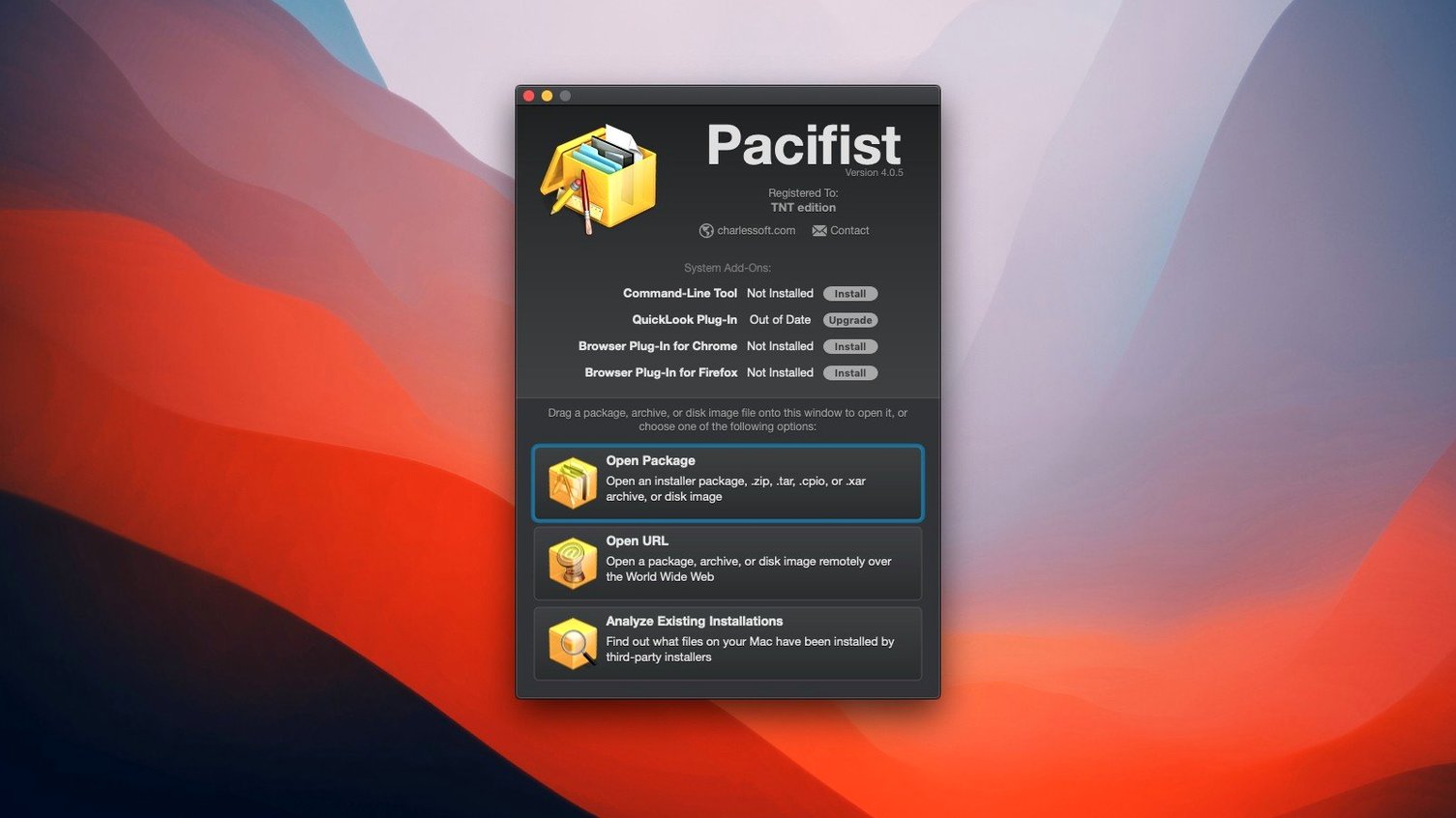
Pacifist 4.1.4 runs on Intel Macs from macOS 10.14.6 onward, with explicit support for systems through macOS Tahoe. The interface stays English-only, and the app remains a focused tool for peering inside installer packages before you commit to running them.
Asset catalog extraction and macOS Tahoe support
This release catches Pacifist up with macOS Tahoe and sharpens its handling of asset catalogs — image extraction from those bundles is now more accurate. A handful of bug fixes round out the update. The core workflow hasn't shifted: you still open a .pkg, .dmg, or archive, browse its contents as a file tree, and pull out just the files or folders you need. Kernel extension inspection also remains, letting you identify whether an extension belongs to Apple or a third-party developer.
Selective archive browsing and app verification
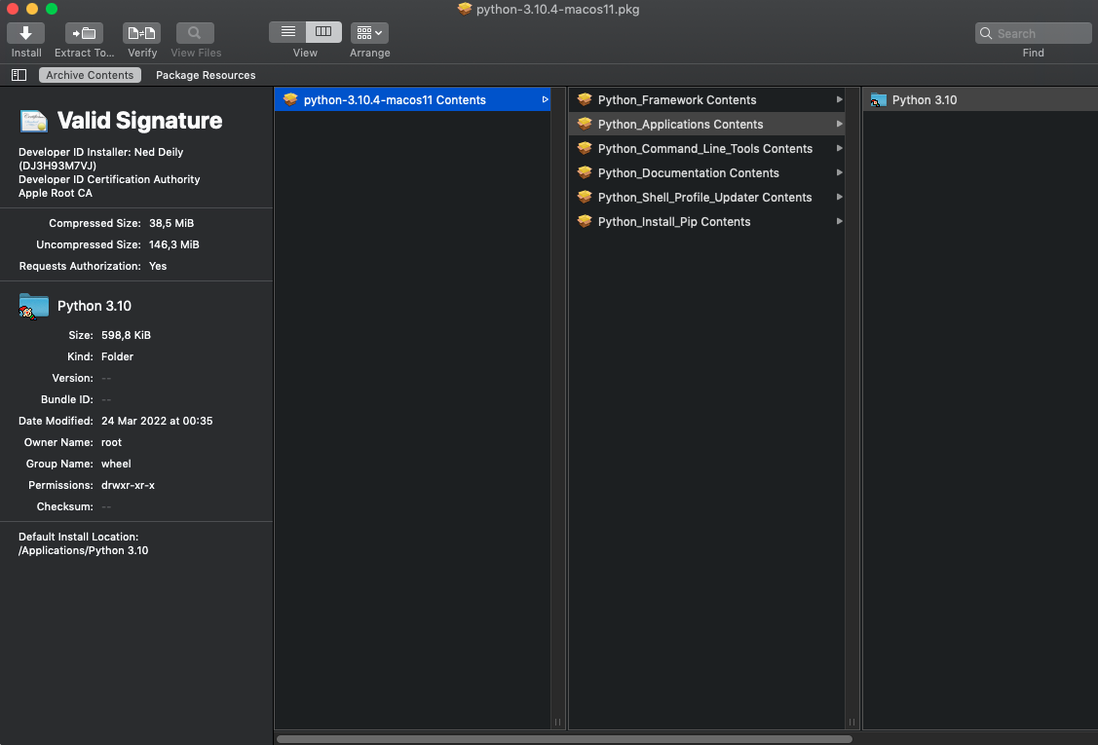
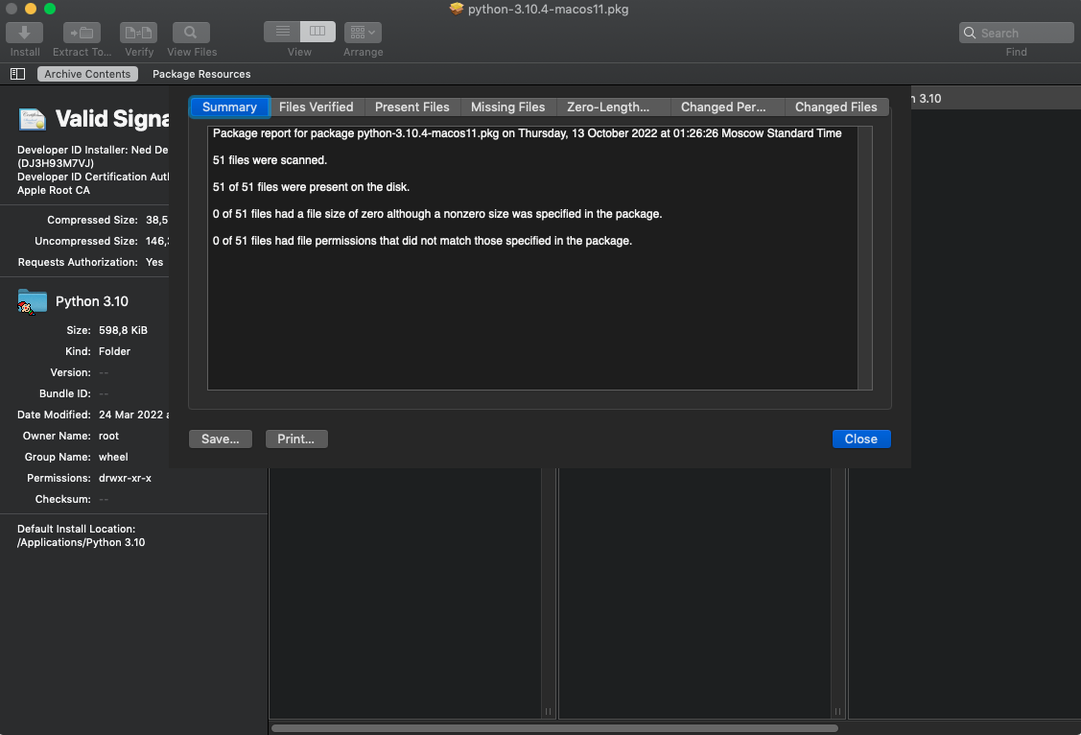
Pacifist still opens package files and archives for selective extraction. It checks installed applications for missing or outdated files. It inspects downloaded packages before installation so you know exactly what a .pkg intends to drop onto your system. No redesign, no feature bloat — just the same utility, updated to stay current.
Drag-to-Dock loading and instant file trees
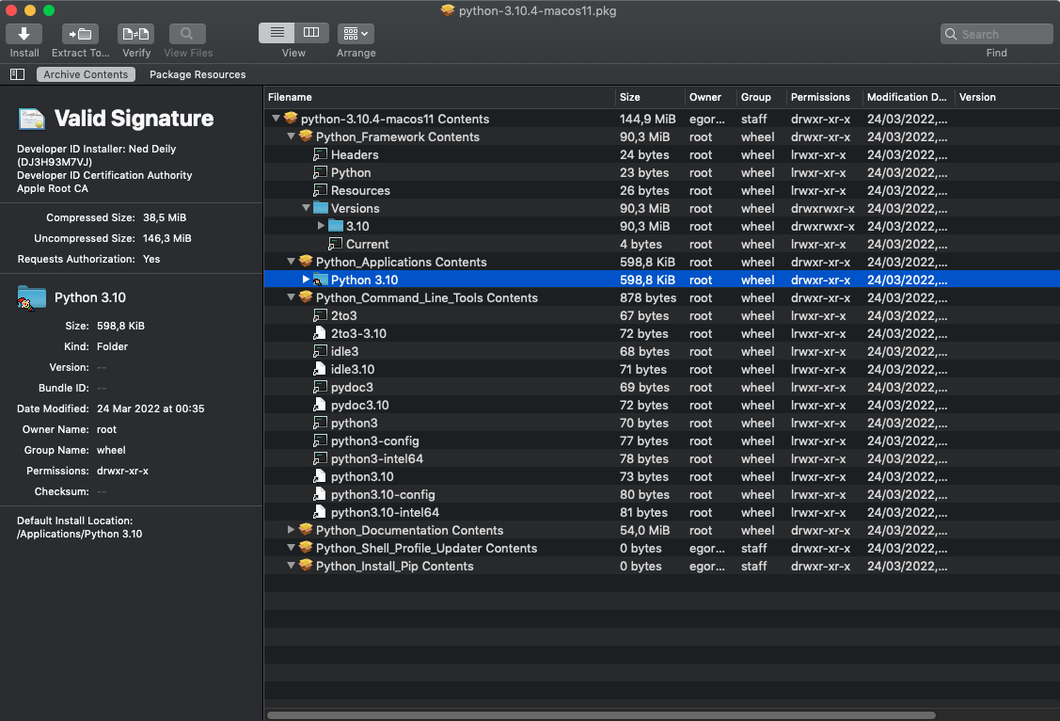
A few design touches in Pacifist save clicks and keystrokes once you spot them. Drag a .pkg or .dmg straight onto the Dock icon — no need to open the app first. The file tree loads immediately, and you can drill into nested payloads without unpacking the outer container. For packages hosted online, use the Open URL command to inspect a .pkg before downloading the whole thing. Pacifist fetches just the metadata and file listing, then lets you pull down a single file over HTTP when the archive format supports it.
Right-click any file in the tree and choose Extract To… — the app remembers your last output folder across sessions. The search field at the top of the window filters the file tree in real time, which matters when a package bundles thousands of items and you only want one dylib. Holding Option while expanding a folder expands every nested subfolder at once.
The kernel extension inspector lives under Tools > Examine Kernel Extensions. It lists every kext on your system, marks Apple-signed ones in grey, and shows which installer package dropped each third-party extension onto the machine. That alone makes it a quick forensic tool after a messy software install.
A session with Pacifist
A design app you rely on suddenly refuses to launch after a system update — crash report blames a missing framework. You still have the original .pkg installer from the developer's site. You drag it onto Pacifist.
The file tree populates in under a second. You type the framework name into the search field; the list collapses to a single match buried three folders deep inside the payload. You select it, right-click, choose Extract To…, and point it at the application's Frameworks folder. Twenty seconds from drag to fix.
Then you get curious about what else that installer touched. You clear the search field, expand /Library, and spot a launch daemon and a preference pane you didn't know about. You extract the receipt files to a temporary folder and skim them in a text editor — just confirming what got installed and where.
Before closing the app, you run the Check Installed Application routine on the repaired app bundle. Pacifist scans the bundle against its own internal checksums, flags two localisation files that have drifted from the original, and marks them in orange. You leave them be for now, but the report is saved.
The whole session took under three minutes. No reinstall, no digging through the macOS package receipts manually, no restoring from backup. Just the files you needed, pulled out of a .pkg with full visibility into what was inside.
- New — macOS Tahoe compatibility.
- Improved — Parsing and extraction accuracy for images inside asset catalogs.
- Fixed — Miscellaneous bug fixes.
- macOS 10.14.6 or later (Intel only)
- English interface
Questions I get before install
Can Pacifist check for missing application files?
Yes, it can scan installed applications and flag files that are missing or out of date.
Does Pacifist work with kernel extensions?
Yes, it can identify which installer placed a kernel extension and whether it comes from Apple or a third-party developer.
What macOS versions does Pacifist 4.1.4 support?
It runs on Intel Macs with macOS 10.14.6 or later, including support for macOS Tahoe.
Comments 0
Sign in to leave a comment.Sign inCreate an account
No comments yet. If a step is still there after you install it, say so.
More in Mac Apps
All in Mac Apps Paragon NTFS
Mounts Windows-formatted drives so they behave like native APFS volumes for file transfers.
18 steps saved
 One Switch
Collapses scattered system controls like Dark Mode and Do Not Disturb into one menu bar panel.
15 steps saved
 Updated
Parallels Desktop
Runs Windows apps beside macOS and drags files between them without rebooting.
13 steps saved
 Updated
ON1 Photo RAW
Lets you browse, develop, and retouch raw photos without switching between modules.
6 steps saved
 Paste
Keeps your clipboard history searchable, so nothing you copied gets lost.
15 steps saved
 Updated
PasteNow
Stores every clipboard entry so you can recall a stat, paragraph, or screenshot in one click.
13 steps saved
 Updated
Path Finder
Holds scattered files in a temporary stack so you can move them all to one destination at once.
5 steps saved
 OmniPlayer: MKV Video Player Pro
Handles subtitle timing, playback speed, and server streams without interface clutter.