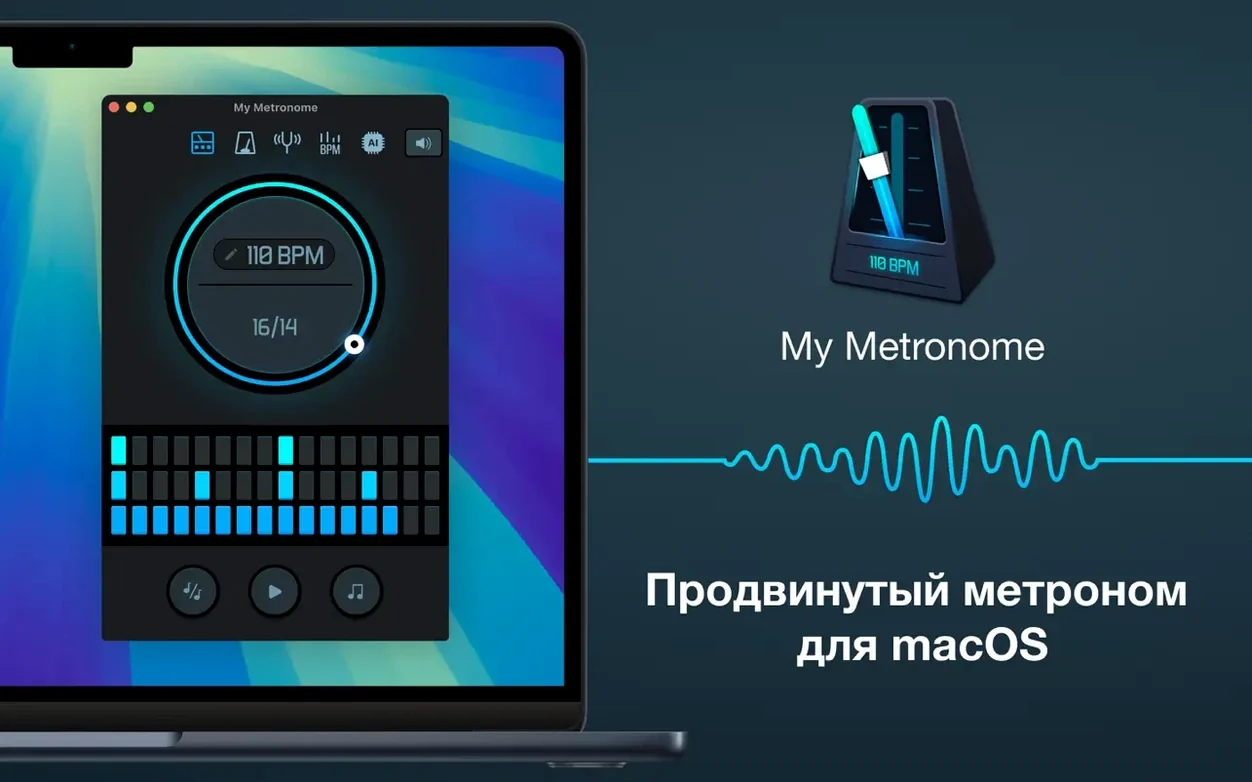
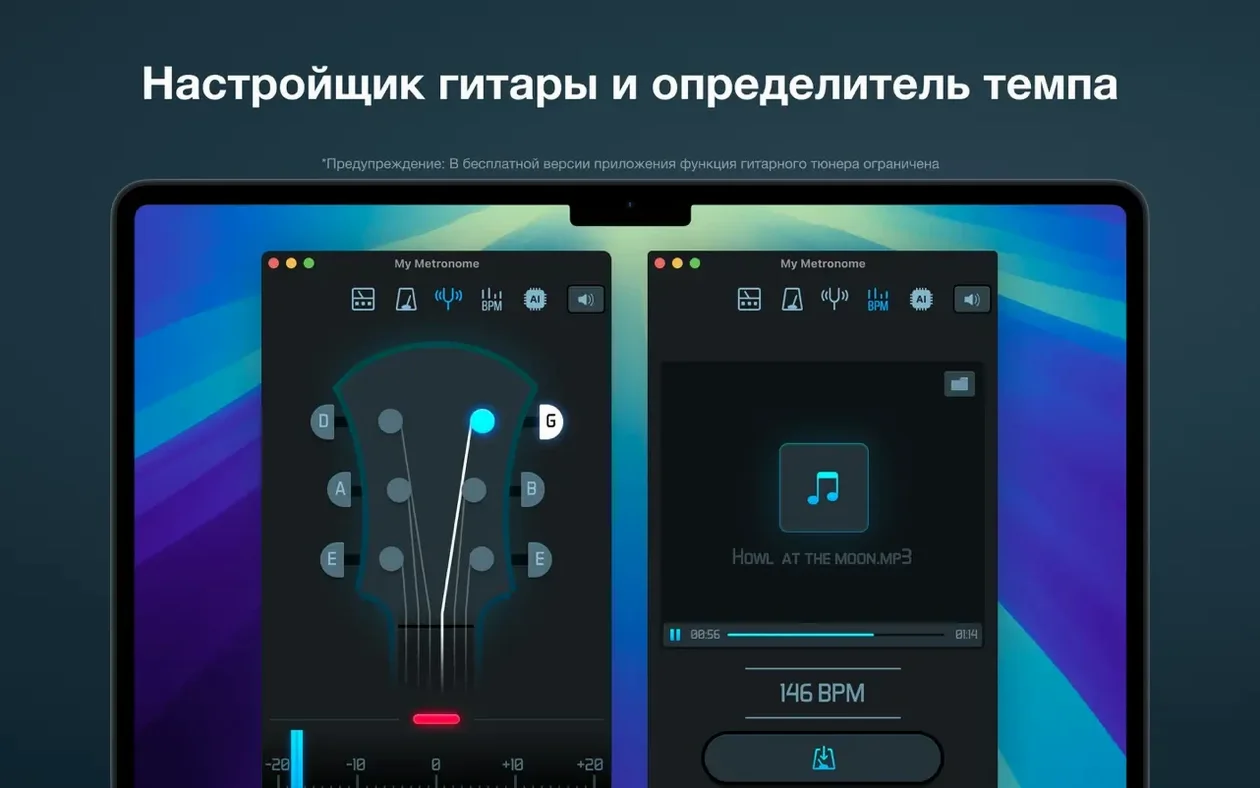
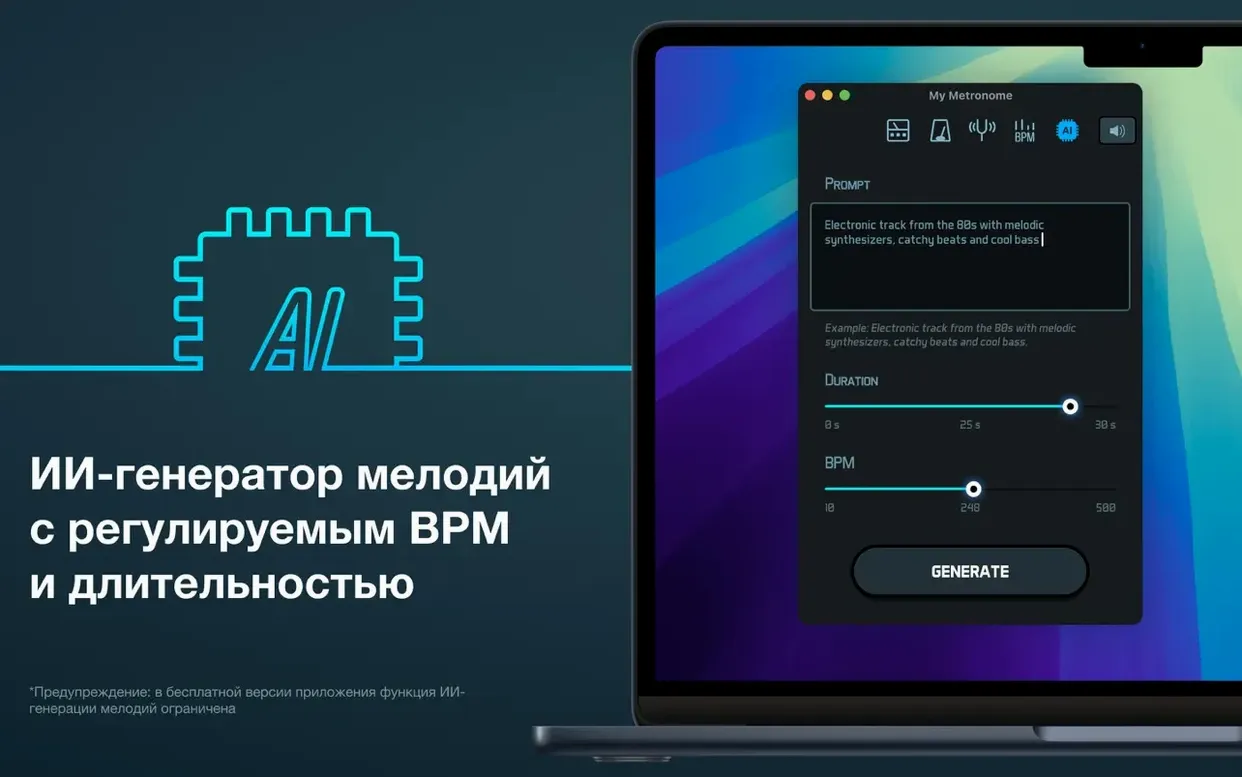
My Metronome is a practice tool that combines a metronome, BPM detector, and guitar tuner in a single Mac app. Before you set it up, confirm your system can run version 1.4.8.
- Verify your macOS version. You need macOS 11.0 (Big Sur) or later on an Intel-based Mac.
- Mount the disk image. Double-click the downloaded .dmg file.
- Run the Gatekeeper helper. Open the included file and press Enter in the Terminal window that appears. This bypasses the standard app verification so the metronome can launch.
- Move the app. Drag My Metronome to your Applications folder.
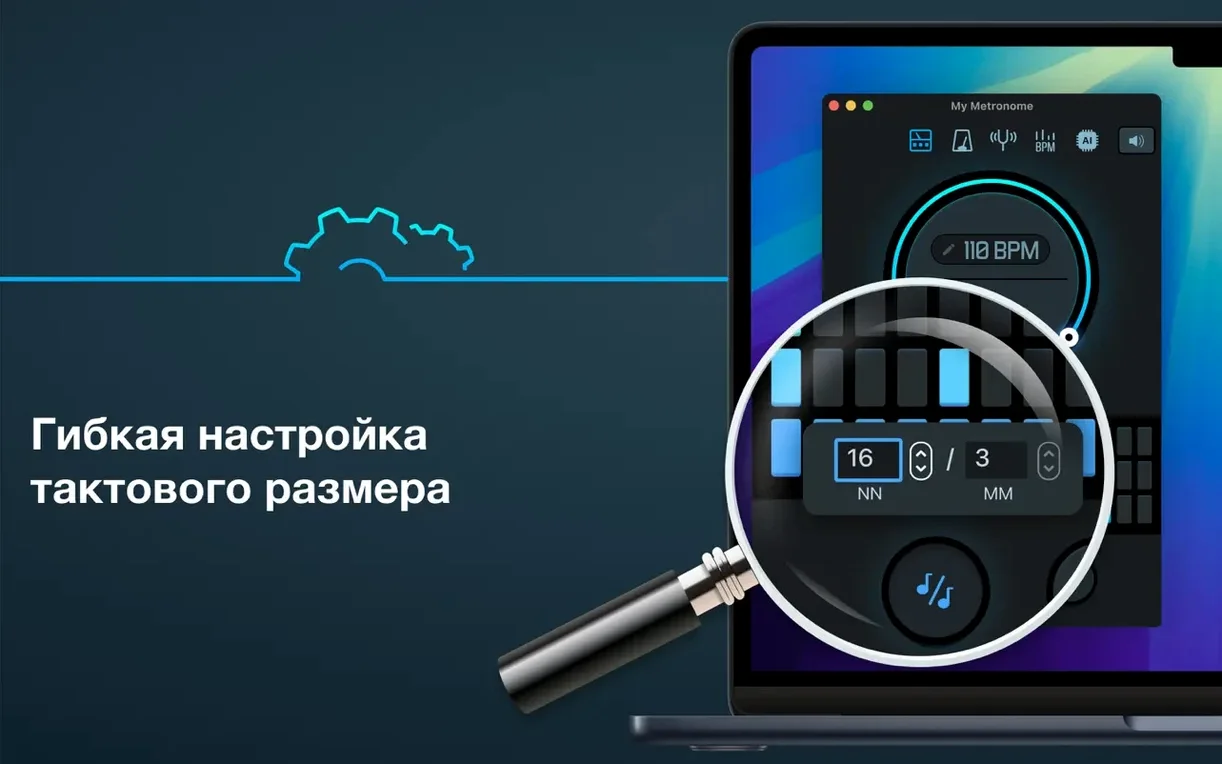
- Launch and configure. Open the app, set a flexible time signature, and pick between the classic and advanced modes for your rhythm practice.
Once you are in, the BPM detector finds the tempo of any melody you play, and the built-in guitar tuner handles string checks without a separate utility. The interface comes in eleven languages, including English, German, Japanese, and Portuguese.
A practice run, step by step
Here is one way a guitar player might use the app for a twenty-minute session. Start with the classic mode and set the metronome to 10 BPM below your target tempo. Play the passage twice. If both runs stay clean, open the advanced mode, switch the time signature to match the chart, and raise the tempo by 6 to 8 BPM. Repeat until you reach full speed, then use the BPM detector on a reference recording to confirm you are matching the original tempo. Finish with the guitar tuner before you put the instrument away.
Everyday changes in 1.4.8
Version 1.4.8 keeps the Intel 64-bit build stable on macOS 11 and newer. The MAS label means the package follows Mac App Store-style structure, though the download runs directly from the disk image. In daily use, the most visible improvements are in switching between modes:
- Faster mode changes. Moving between classic and advanced views feels quicker, which matters when you are adjusting settings mid-practice.
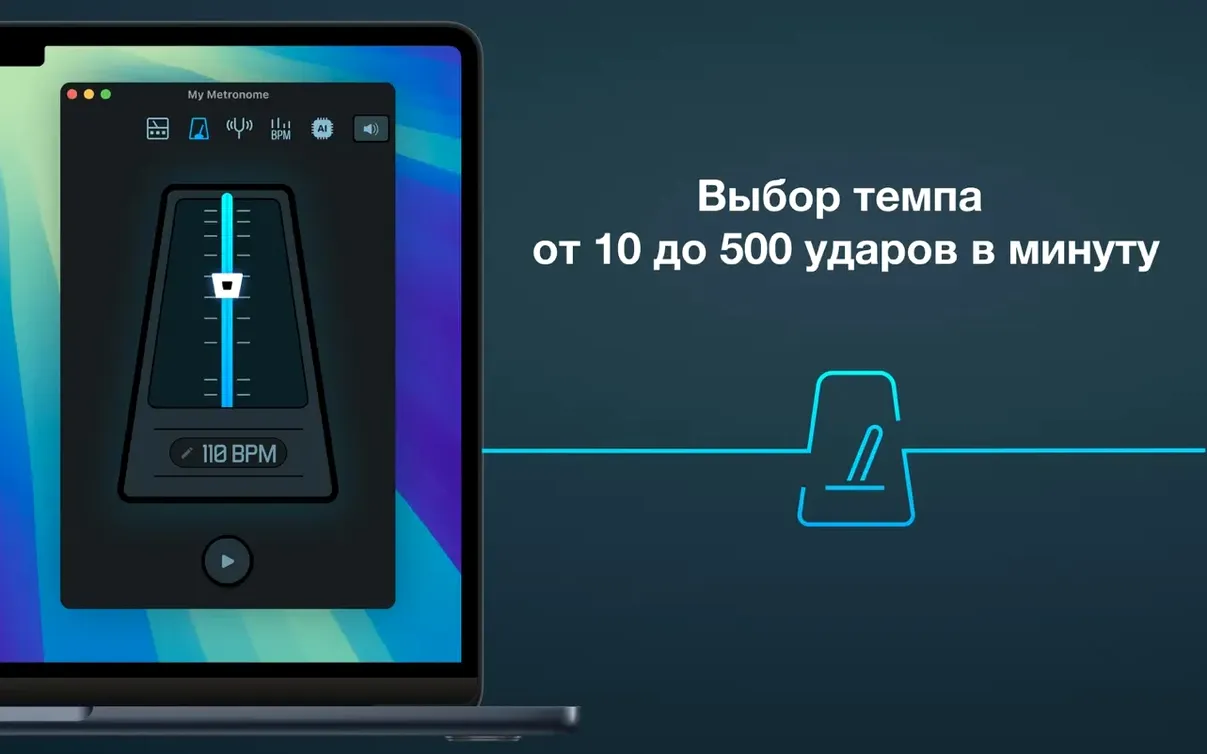
- Reliable tempo range. The full 10 to 500 BPM span remains available without resetting the session.
- Consistent tuner response. Guitar tuning holds steady after the Gatekeeper-friendly launch sequence.
If you want a straightforward rhythm setup, download my metronome - tempo keeper for mac and start with the classic mode before exploring the advanced options.
- macOS 11.0 or later
- Intel 64-bit processor
Questions I get before install
Does My Metronome for Mac include a guitar tuner?
Yes, version 1.4.8 includes a built-in guitar tuner alongside the metronome and BPM detector.
Comments 0
Sign in to leave a comment.Sign inCreate an account
No comments yet. If a step is still there after you install it, say so.
More in Mac Apps
All in Mac Apps MuMu Player Pro
Runs a full Android environment on macOS with keyboard and mouse control.
9 steps saved
 m’s HalfTone
Applies halftone dot patterns to footage directly within the layer stack.
15 steps saved
 Native Instruments Reaktor
Opens a blank canvas for visually wiring custom synths and samplers.
22 steps saved
 Updated
Mp3tag
Pulls structured metadata from Discogs and MusicBrainz for precise tagging.
11 steps saved
 Updated
Navicat Premium
Manages multiple database types from a single macOS workspace.
11 steps saved
 Updated
Movist Pro
Plays obscure video formats with hardware decoding and rich subtitle controls.
20 steps saved
 Movavi Video Suite
Combines rough cuts, format conversion, and screen capture in one Mac app.
21 steps saved
 NeoFinder
Catalogues offline disks and folders into a searchable media asset database.