
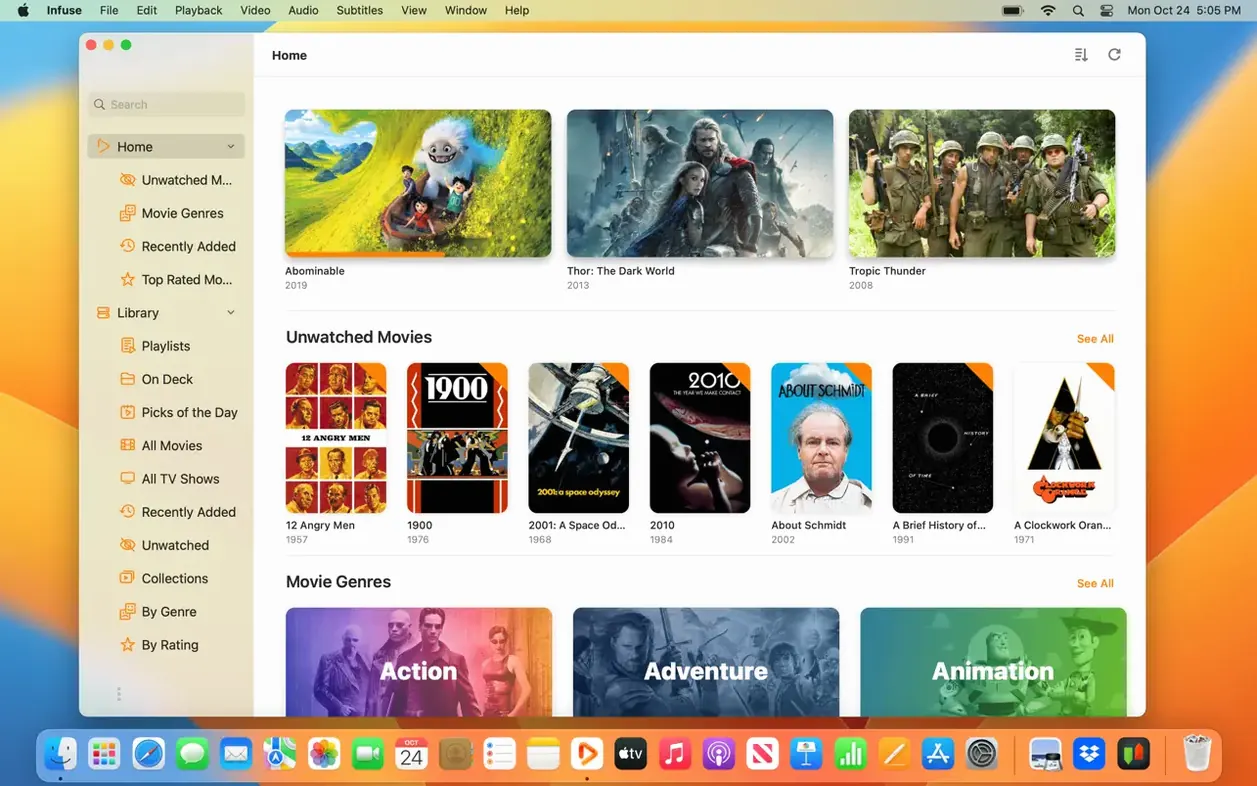
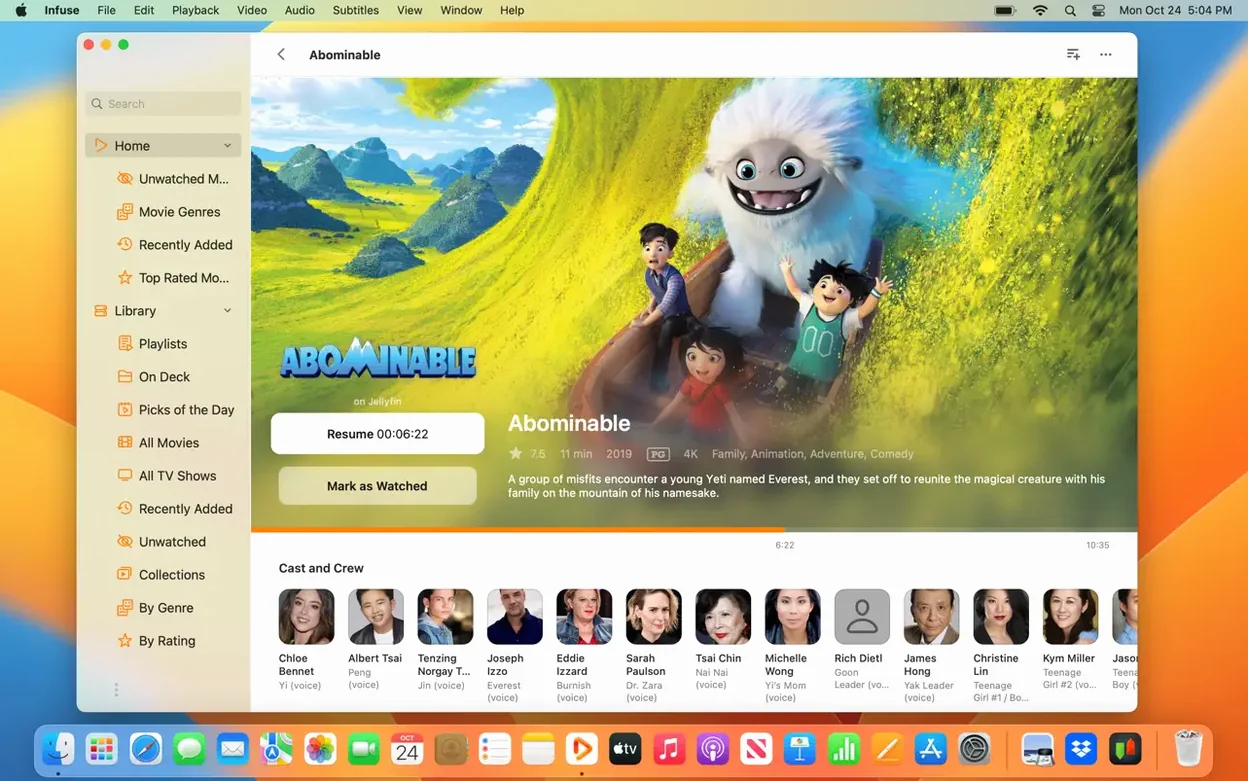
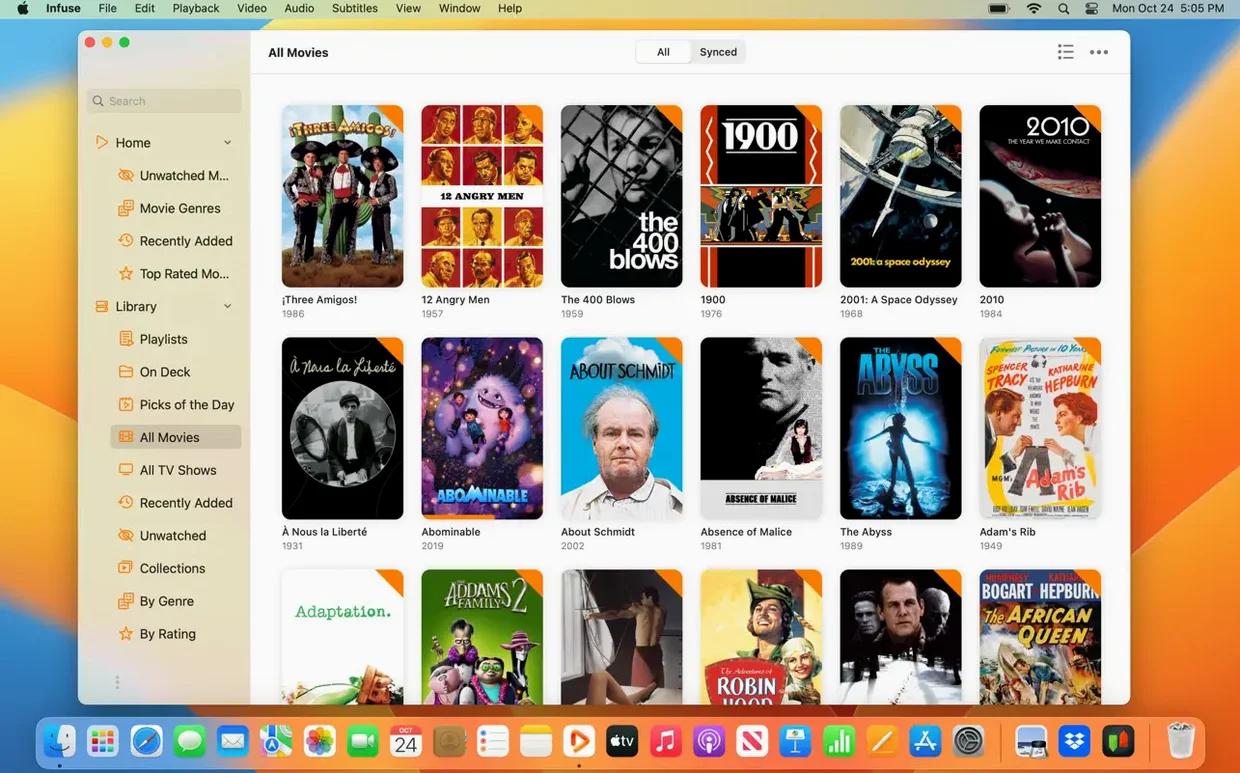
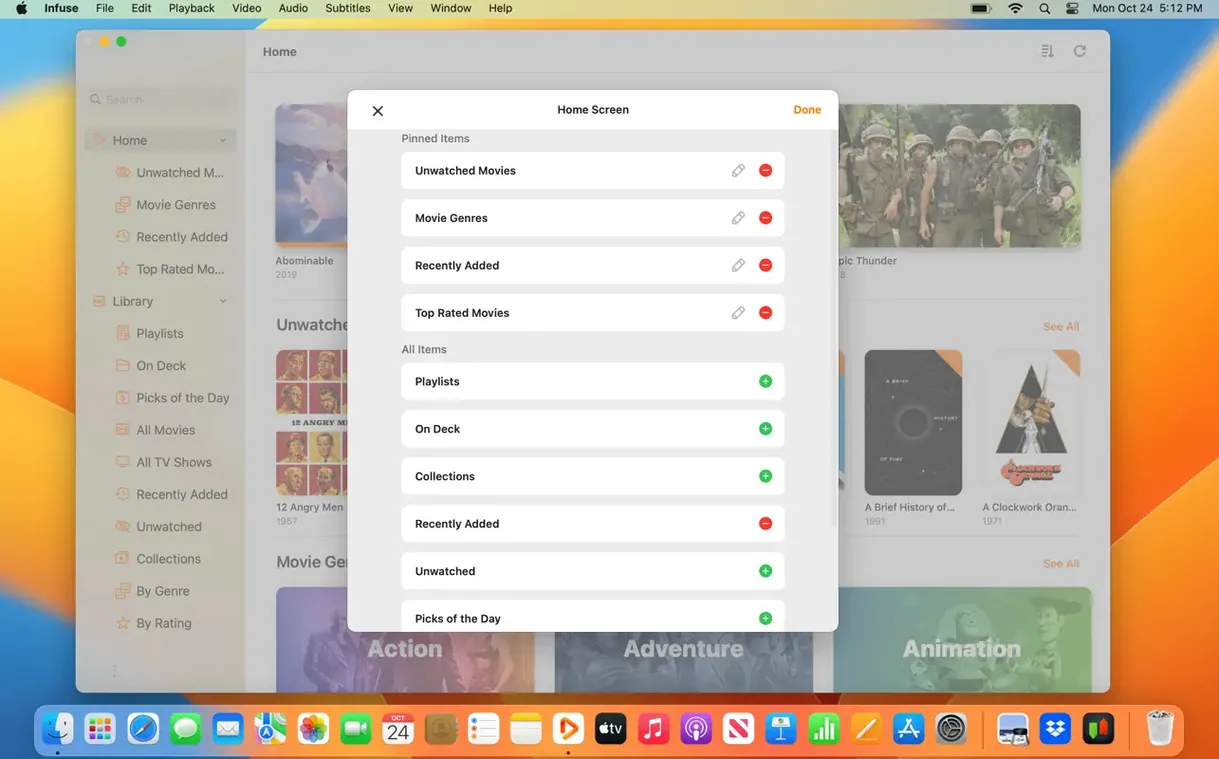
Infuse Pro needs a Mac with an Apple Silicon chip or a 64-bit Intel processor, running macOS 12 (Monterey) or later. Firecore builds it as a universal binary, so it opens natively on both architectures. The same app also runs on iPhone, iPad, Apple TV, and Vision, with a single licence covering the whole set.
- Plays a wide range of video formats without converting anything first
- Streams from Mac, PC, and NAS drives over SMB, NFS, FTP, and WebDAV
- Syncs library, watched status, and in-progress position via iCloud
- Connects to Trakt to push watched history, ratings, and comments
- Grabs metadata and artwork automatically for movies and TV shows
Compatibility is straightforward—if your Mac runs Monterey or newer, the player works. The Pro features layer iCloud and Trakt sync on top of the free player, turning a capable media opener into a hub that stays current across devices.
Small touches that reward attention
Most people launch Infuse, point it at a folder, and start watching. A handful of controls sit just below the surface—easy to skip, useful to know.
- Tap
Iduring playback — the inspector panel slides out with codec details, bitrate, subtitle track flags, and colour space. Handy when a file stutters and you need to rule out a bad encode. - Right-click a poster in the library — the contextual menu offers "Refresh Metadata." If a mismatched poster or missing season artwork bugs you, this forces a single-item fetch without rebuilding the whole library.
- Swipe gestures on the trackpad — a two-finger horizontal swipe skips forward or back in ten-second increments. A vertical swipe adjusts volume. Both work without the controls overlay visible.
- Hold
Optionwhile opening a file — Infuse bypasses the library index and plays the file directly. Useful for one-off downloads you do not want polluting your main collection view.
Lock Metadata Language Before Your First Library Scan
The player works out of the box, but four deliberate moves in the first forty-eight hours prevent friction later.
- Choose one metadata language. Infuse picks up the system language, but the setting lives under Settings > General > Metadata Language. Lock it early. Switching mid-library triggers a full re-scrape, and mixed-language posters look sloppy.
- Set bookmark folders, not whole drives. Point the library at
/Moviesand/TV Showsseparately. Scanning a root volume drags in unrelated files and slows initial indexing. - Test a single SMB share before adding five. Authentication quirks vary by NAS model. One working connection with confirmed read speeds tells you the protocol config is right before you duplicate it.
- Connect Trakt on day one. If you already have a Trakt history, waiting means duplicate watched flags. The sync is one-directional on first run—Infuse pulls the history in, then keeps both sides aligned after that.
Scenario: a researcher with a local archive
A documentary researcher keeps two terabytes of interview footage, archival clips, and rough cuts on a Synology NAS. Files arrive in half a dozen codecs—some h.264 MP4s from a field recorder, some AVCHD folders pulled off old SD cards, a few WMV exports from Windows-era archives. Before Infuse, playback meant three different apps and at least one failed transcode per project.
After mounting the NAS share over SMB, the library populated within minutes. Artwork pulled from filenames matched to documentary titles. The I inspector became a daily tool—one tap during footage review showed whether a clip was 8-bit or 10-bit, which determined whether it was usable for a colour grade. Subtitle files placed alongside rough cuts loaded automatically; no manual pairing. The researcher keeps the library sorted by "Date Added" and uses the ten-second trackpad swipe to jog through long interviews without touching the timeline.
The practical win was eliminating the "which app opens this" decision. Every file, regardless of origin, plays in the same window with the same controls. That consistency removes a small but persistent cognitive tax during deadline edits.
- macOS 12 or later
- Apple Silicon or 64-bit Intel processor
Questions I get before install
Does Infuse Pro work on Intel Macs?
Yes, it runs on any 64-bit Intel Mac with macOS 12 or later.
Comments 0
Sign in to leave a comment.Sign inCreate an account
No comments yet. If a step is still there after you install it, say so.
More in Mac Apps
All in Mac Apps iMazing
Backs up, browses and moves iPhone and iPad data without iTunes.
19 steps saved
 Imagenomic Portraiture
Replaces manual skin retouching with an automated mask-based smoothing engine.
8 steps saved
 Imagenomic Plugin Suite
Consolidates skin retouching, noise reduction, and resizing under one installer.
16 steps saved
 iReal Pro
Generates a backing band from chord charts so you can rehearse like a full ensemble.
9 steps saved
 iExplorer
Mounts an iPhone or iPad on your Mac for direct file browsing without a jailbreak.
6 steps saved
 iStat Menus
Puts CPU, memory, and network graphs in your menu bar to catch issues early.
15 steps saved
 IDA Pro
Picks apart executables with a guided disassembler, decompiler, and debugger.
23 steps saved
 iZotope Ozone
Reshapes a mix into a finished master using genre-specific tonal targets.