
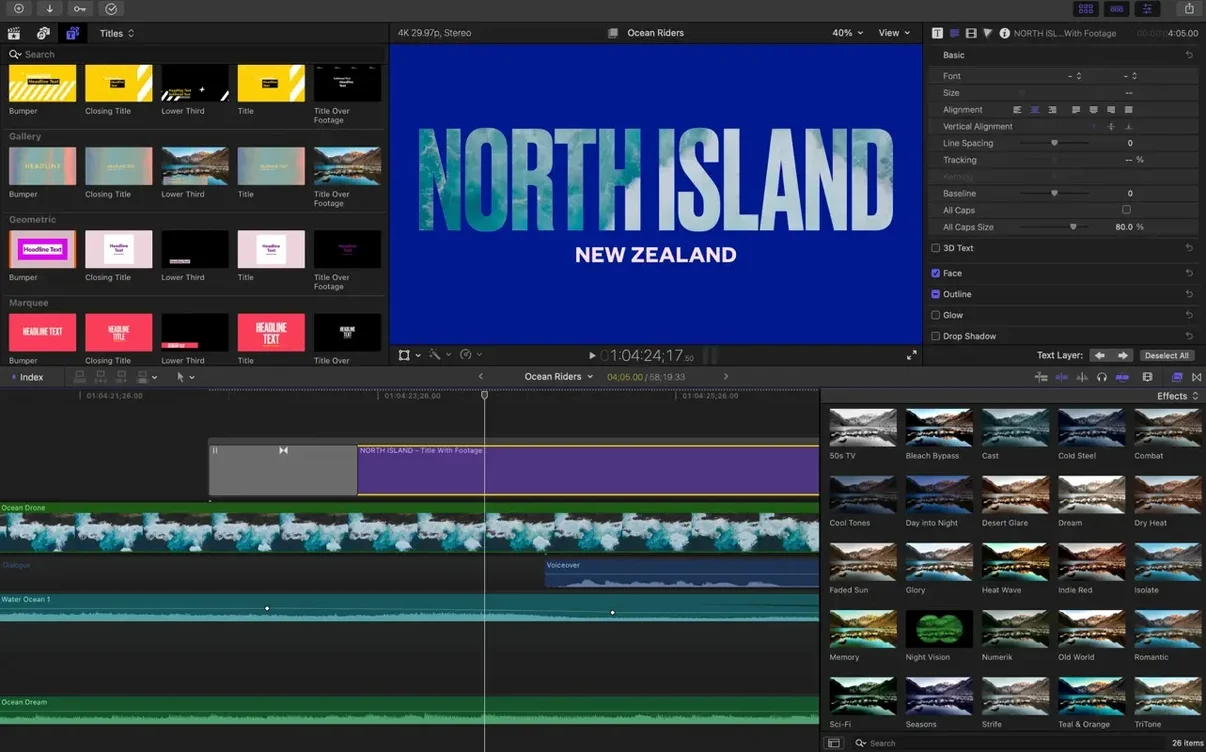
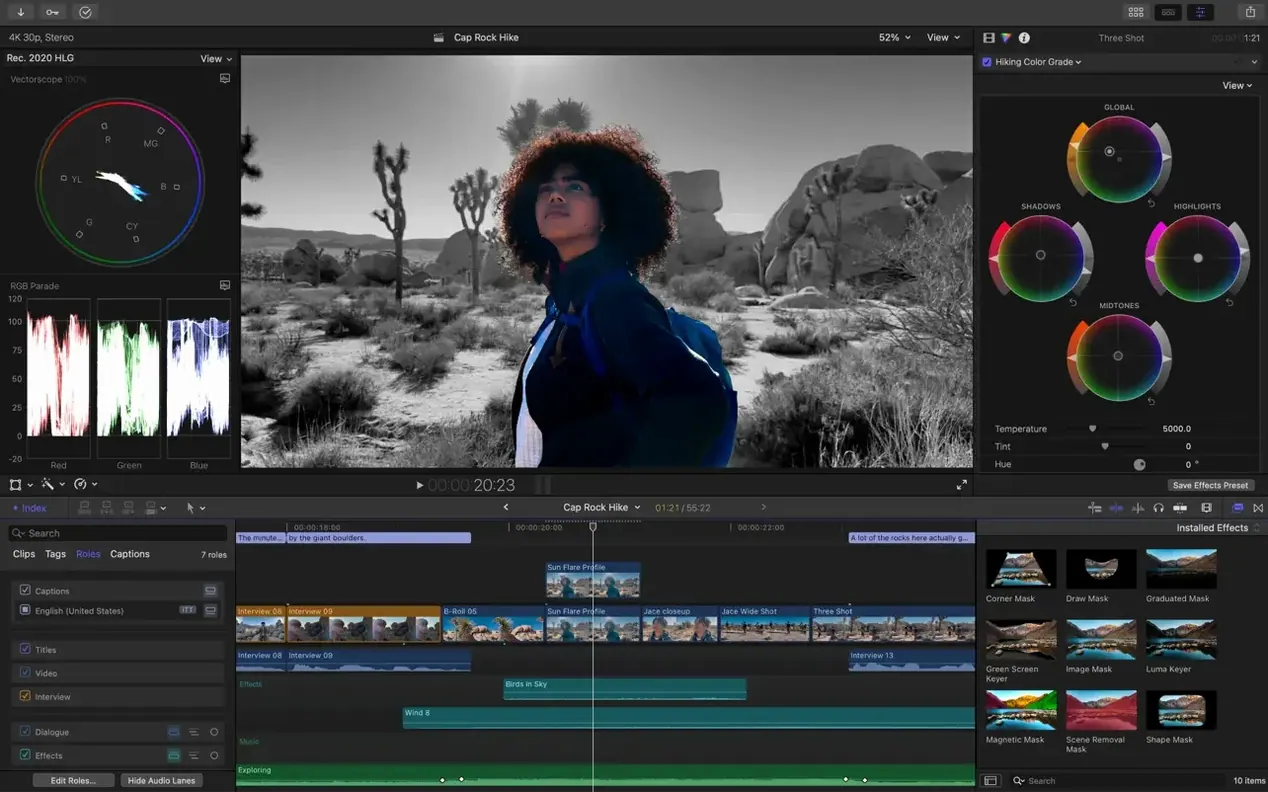
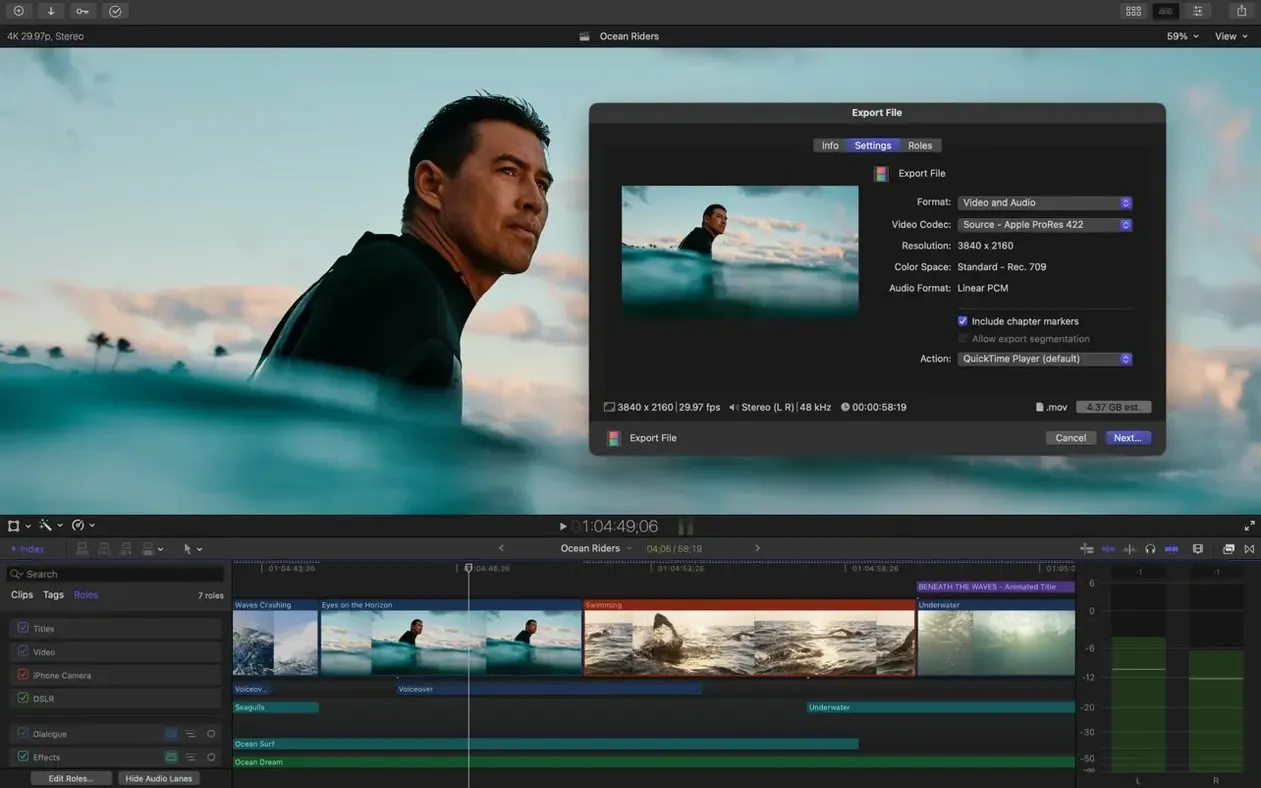
Final Cut Pro runs on any Mac with macOS 15.6, 8 GB of RAM, and a Metal-capable graphics card. Apple silicon Macs unlock the full feature set. It is a professional video editor built to handle everything from a single-camera edit to a 64-angle multicam shoot, all inside a library-based media management system.
Magnetic Timeline keeps clips connected as you trim
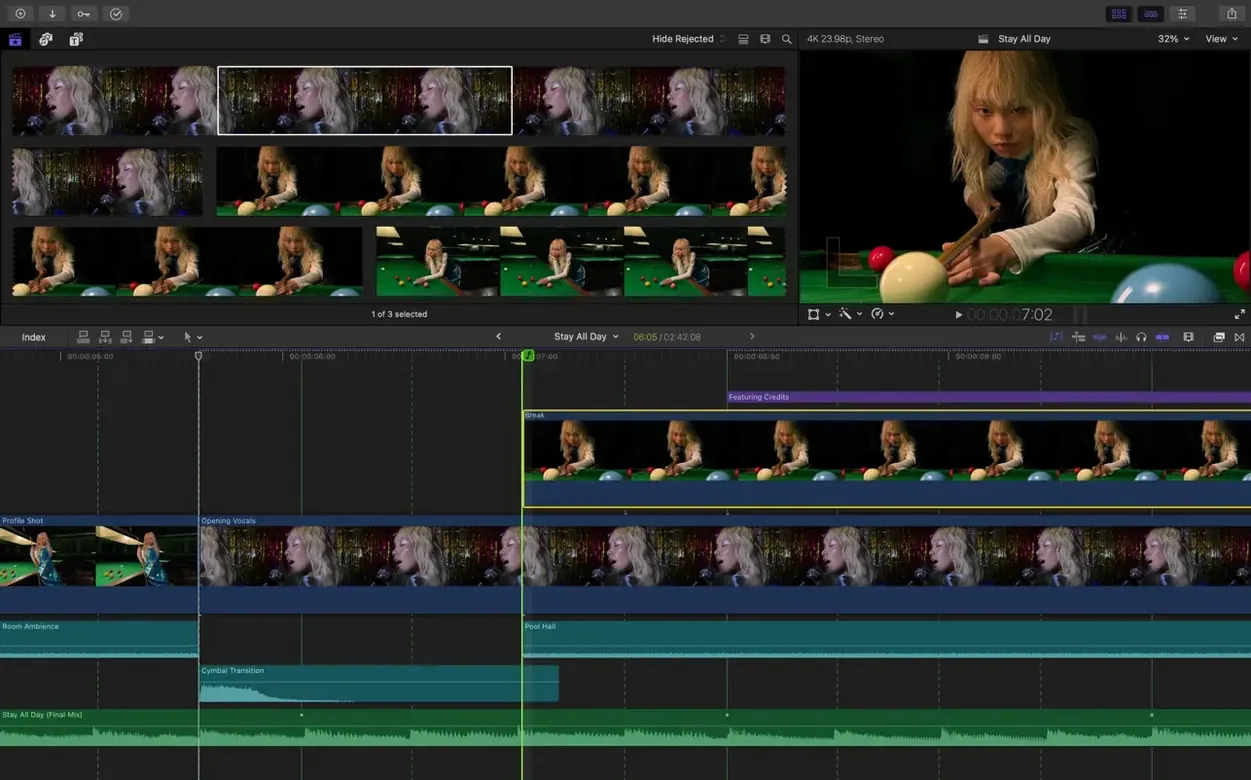
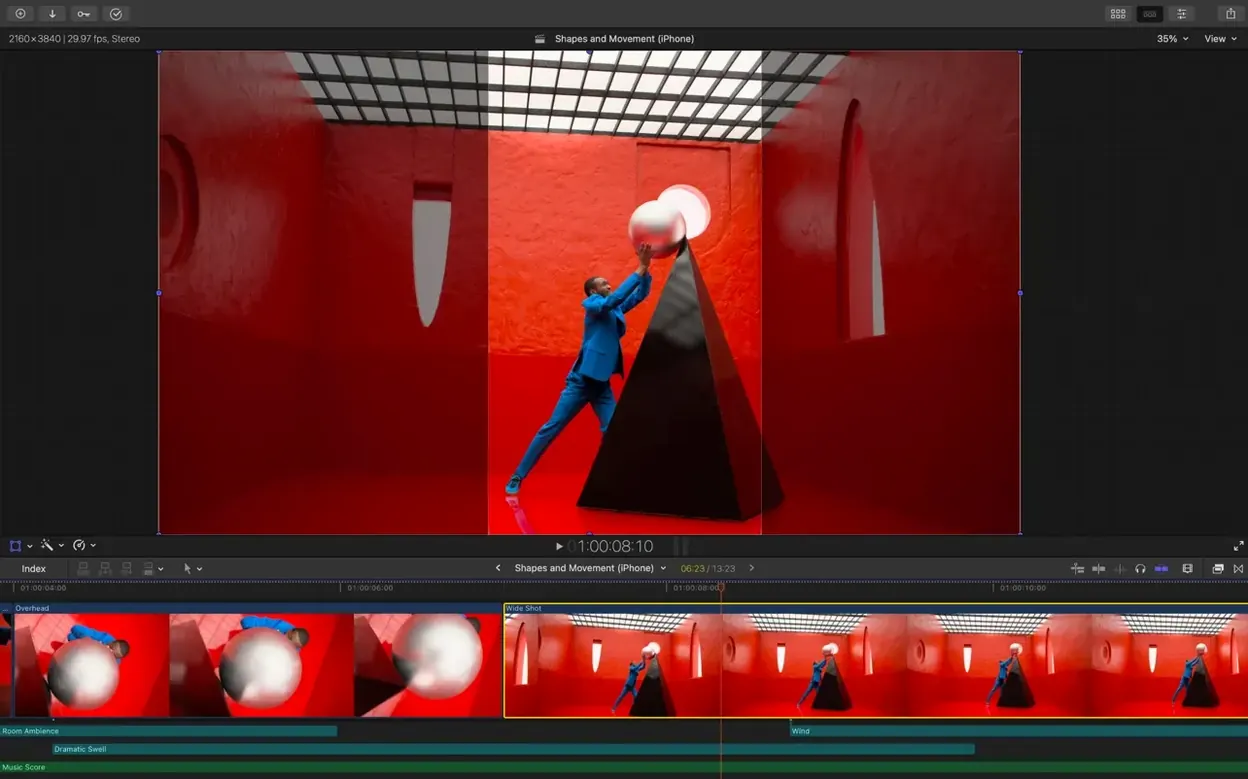
Editors who need a timeline that does not fight back. The Magnetic Timeline keeps clips connected to music, titles, and effects as you trim. Multicam syncs up to 64 angles automatically using audio waveforms. The Object Tracker pins titles or corrections to a moving face or car without keyframes. Audio roles and multichannel editing give sound its own structure, and XML export hands the project off to colourists or audio mixers without rebuilding the timeline.
Generate captions right on the timeline
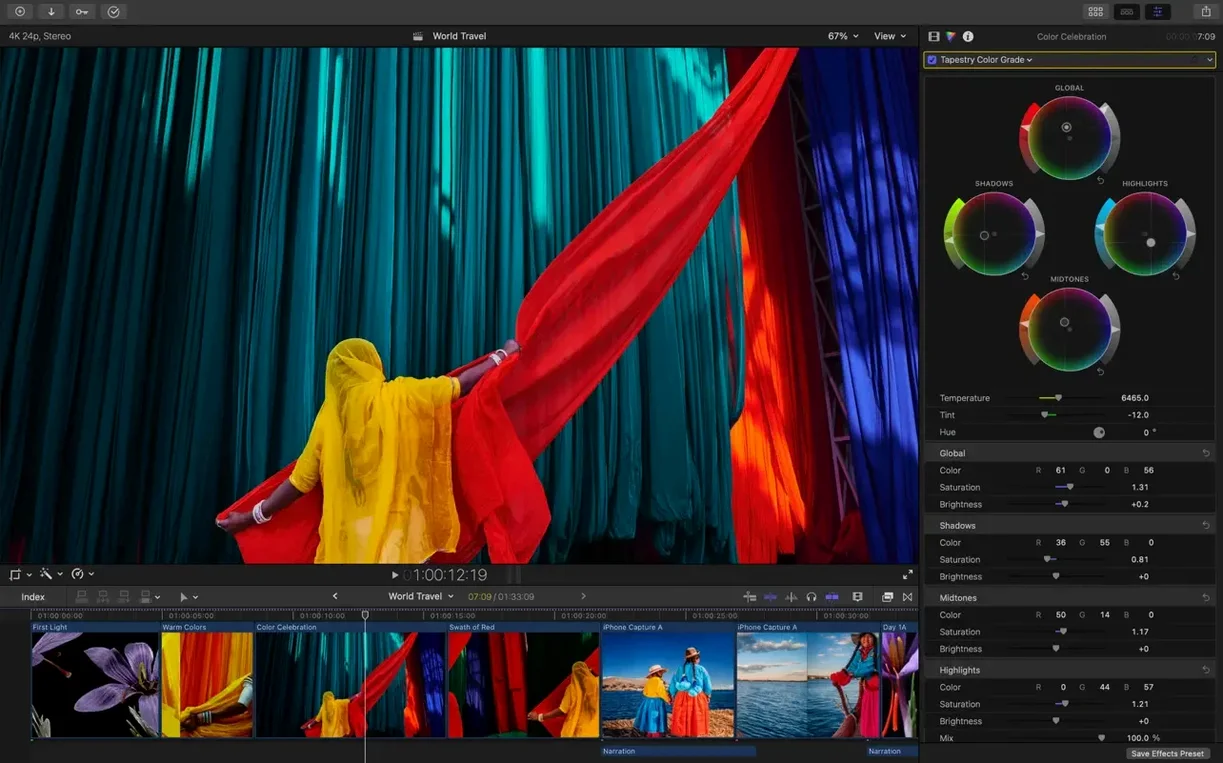
A stack of separate tools for proxy creation, colour matching, and captioning. Generate Captions builds subtitles you can style directly on the timeline. Auto Mask isolates a person or object for a quick colour pop. Match Color balances shots from different cameras, and Edit Detection splits a rendered file back into editable clips. Colour workflows cover standard spaces, Rec. 2020, and HLG. Export presets for Vimeo and YouTube cut out the guesswork.
Decide your library structure before you cut
Get familiar with libraries before you start cutting. Every project lives inside a library, and every library can hold events, projects, and media. Decide early how you want to organize: one library per client, or one library per series. Both work. Consistency matters more than the choice itself.
Three things to set up on day one:
- Create proxy media for every large import. Check the option in the import window. You can toggle between original and proxy playback in the viewer, and the switch pays off on any Intel Mac or a MacBook Air.
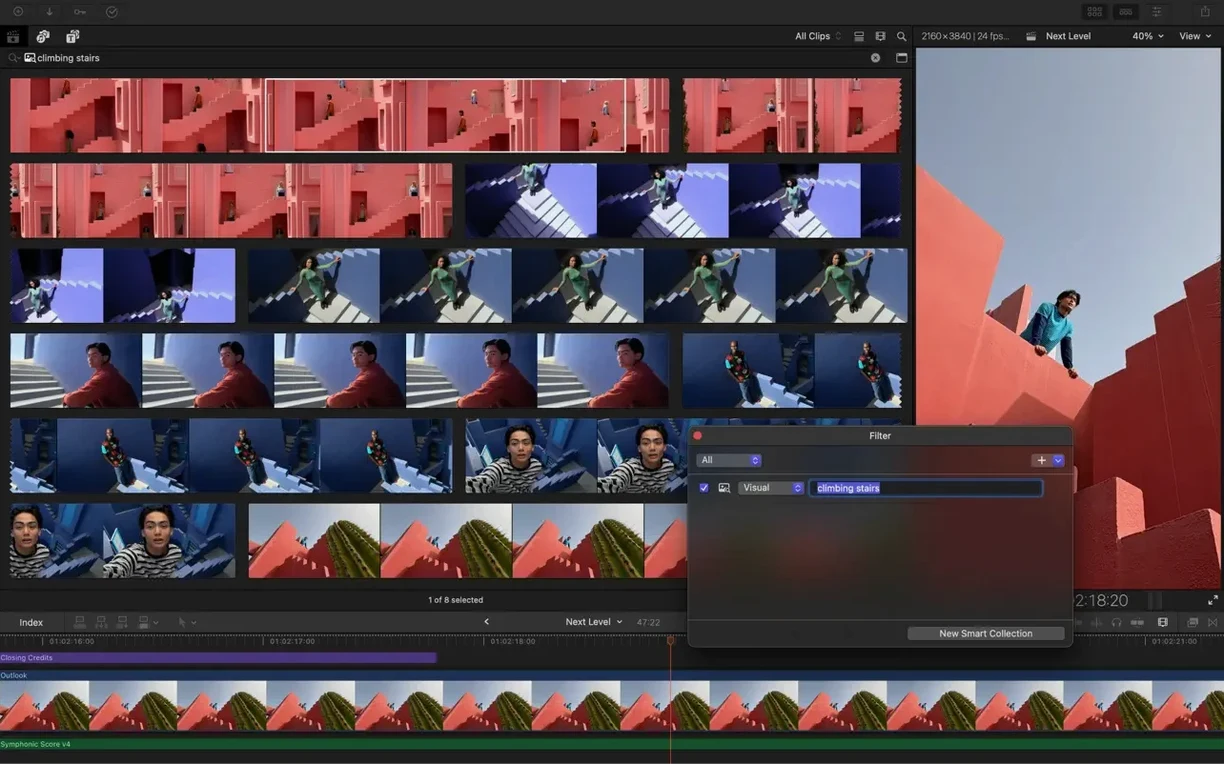
- Build a keyword system before you tag anything. Pick ten or twelve keywords you will actually use: interview, b-roll, close-up, drone, hero shot. Tag ranges on clips, not just whole files. Smart collections then assemble themselves.
- Open the audio roles inspector once. Assign dialogue, music, and effects roles to your most common sources. That one-time setup makes later export and mix delivery much cleaner.
Also worth doing: run Edit Detection on any rendered files you plan to re-cut. It splits long exports back into usable clips in a few minutes and saves a lot of manual razor work.
For anyone exploring a final cut download or a finalcut torrent out of curiosity, the real app reveals its value only once libraries, keywords, and roles are in place. The first hour of setup is quiet work that pays off for months.
Real-world scenario: a wedding editor
Consider someone cutting eight weddings a month. Footage arrives from three cameras — two handheld, one drone — plus a separate audio recorder. The old workflow involved syncing everything in a separate utility, exporting a flattened timeline, and then cutting from that. Half a day disappeared before the creative edit even began.
With Final Cut Pro, the multicam sync handles all three angles plus the external audio in one pass. The editor switches between angles live while playing the synced clip, exactly like a director cutting a live show. The drone shots get their own keyword. The ceremony audio gets dialogue and music roles. A smart collection for “vows” assembles every usable take from all cameras. What used to take four hours now takes one.
Captions become a deliverable, not an afterthought. Generate Captions adds stylized subtitles for the ceremony and speeches, saved inside the project itself. The editor exports a vertical cut for social media with Smart Conform, then a full 16:9 master for the couple. One library, two outputs, no rebuilding.
Your last state returns exactly as you left it
Open the library from the previous day. The last state comes back exactly as you left it: timeline scrolled to the rough cut, viewer showing the current frame. No project loading dialogue, no relinking.
Start by playing the last ten minutes of the timeline at full speed. Something in the pacing feels off. You grab the end of a clip and trim it two frames shorter. The connected title moves with it. The music track keeps its position relative to the clip connection. Nothing ripples out of place.
Next, you need a shot of the speaker's hands. Type “hands” in the library search. The smart collection shows every range tagged with that keyword across all imported media. You drag a clip into the timeline. The Magnetic Timeline opens a gap, slides everything right, and closes behind the insert. Audio roles stay clean.
Colour looks slightly warm on the second camera. You select a clip from camera one as the reference, then apply Match Color to camera two's shots. The correction lands instantly. You push a slight exposure adjust on top. No round-trip to another application.
Before finishing, run Generate Captions on the interview section. The captions appear as connected clips on their own role. You adjust the font and background to match the project's lower-third style. Export for Vimeo runs in the background while you open the next day's library.
Multiple ProRes streams play smoothly on Apple silicon
On Apple silicon, playback stays smooth with multiple streams of ProRes and HEVC. Scrubbing through a 4K timeline feels direct. On Intel, proxy media keeps things workable, though some newer features expect an M-series chip.
Memory use sits moderate for a video editor. Background rendering will use what you give it, but you can pause it. Background export does not lock the interface. Libraries with many keywords load quickly, and the search index stays responsive even with hundreds of tagged clips.
Stability is uneventful, in the best way. The autosave keeps every edit, and a crash or forced quit rarely costs more than the last few seconds. The library format stays consistent across updates, so projects keep opening without conversion steps.
For anyone who got here after searching Final Cut crack or Final Cut Pro crack for Mac, the real performance story is straightforward: this is software that does not interrupt the work. Speed shows up in small places — instant keyword filtering, background export, proxy switching that takes one click.
Apple has posted release notes for Final Cut Pro 12.4 CS on its support site. This maintenance update is now available for download.
- macOS 15.6 or later
- Apple Silicon or Intel 64-bit processor
Questions I get before install
Does Final Cut Pro support iPad workflows?
Yes, the app is designed for both Mac and iPad, letting you move projects between devices.
Can I hand off a project for external colour correction?
Yes, XML import and export let you send a timeline to dedicated colour correction or audio mixing tools.
Comments 0
Sign in to leave a comment.Sign inCreate an account
No comments yet. If a step is still there after you install it, say so.
More in Mac Apps
All in Mac Apps FileMaker Pro
Builds custom databases and business apps with forms, layouts and scripts.
20 steps saved
 Fig Player - play mp4 mkv mp3
Plays formats like mkv and flac that macOS won't open, without a cluttered interface.
7 steps saved
 Find Any File
Searches the whole disk for files Spotlight misses, including hidden items and package contents.
14 steps saved
 Festivitas
Adds a string of holiday lights to your Dock and menu bar on launch.
12 steps saved
 Firewall Scudo
Lets you allow or block an app's network access the moment it first tries to connect.
12 steps saved
 Fender Studio Pro
Records, edits, and mixes inside one window, with tools to split a mixed track into stems.
10 steps saved
 FL Studio
Builds beats in the pattern playlist and piano roll, from the first loop to the mixdown.
23 steps saved
 Flicker Free
Removes rolling light-source flicker from any camera's footage.