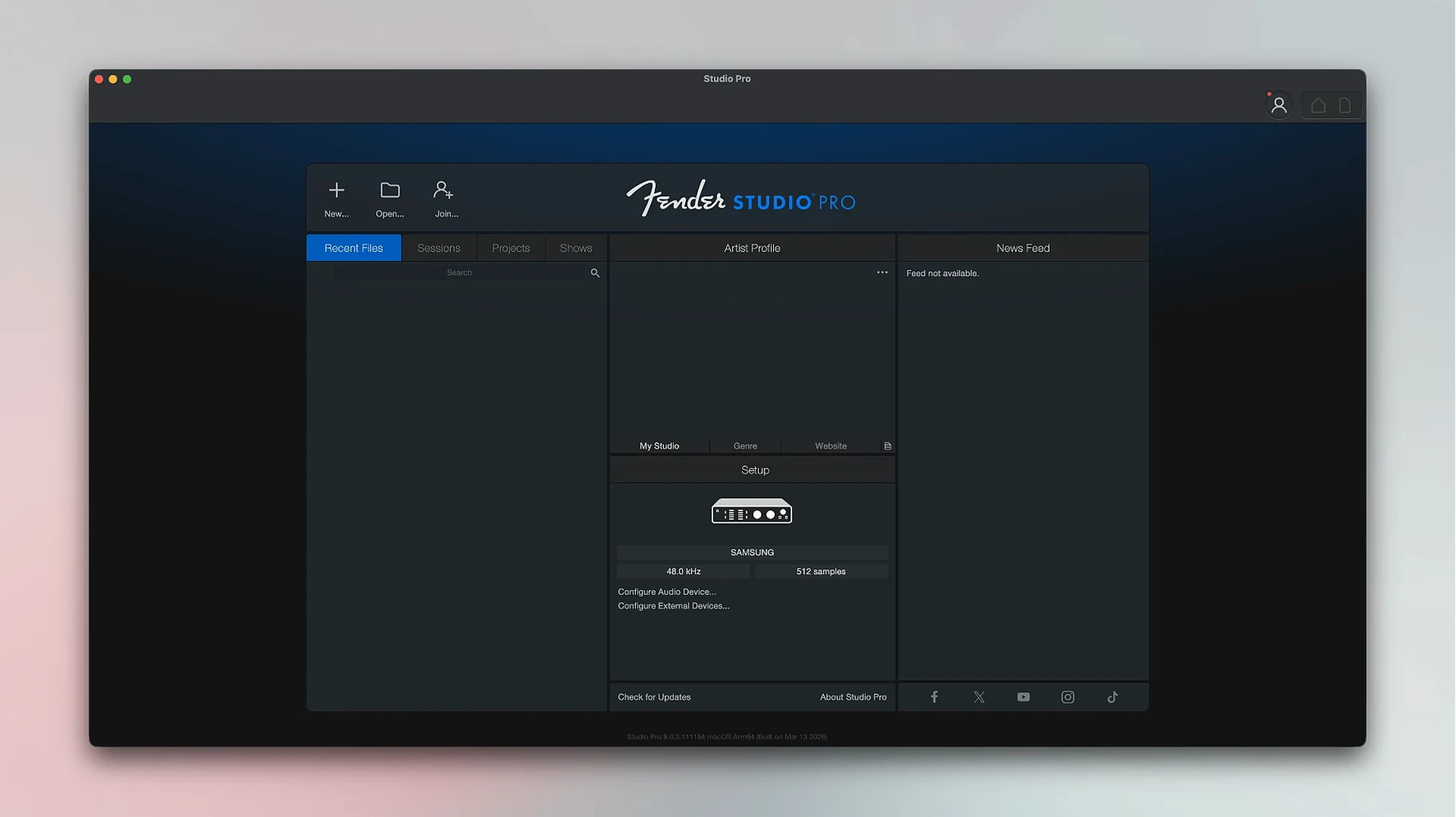
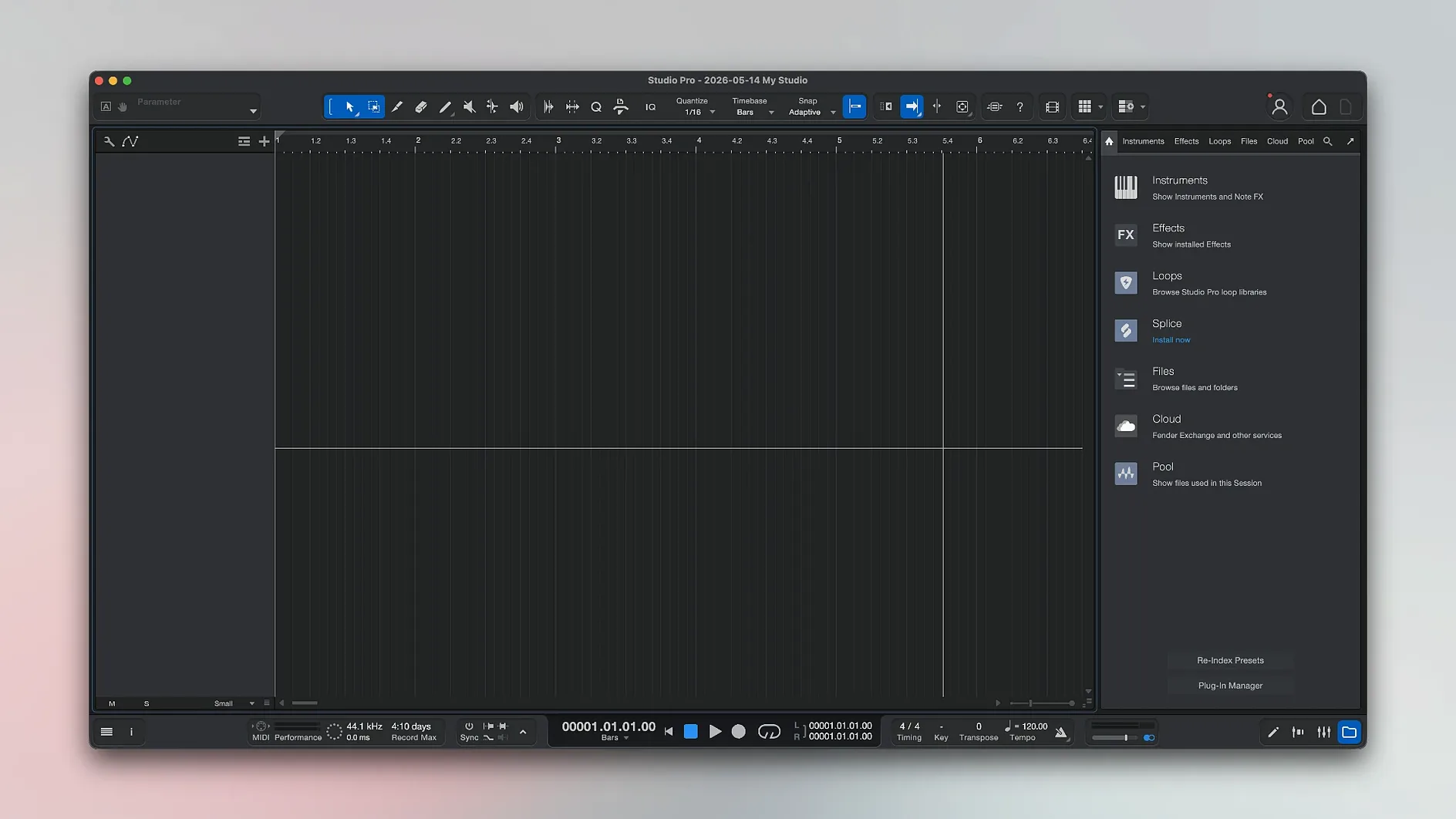
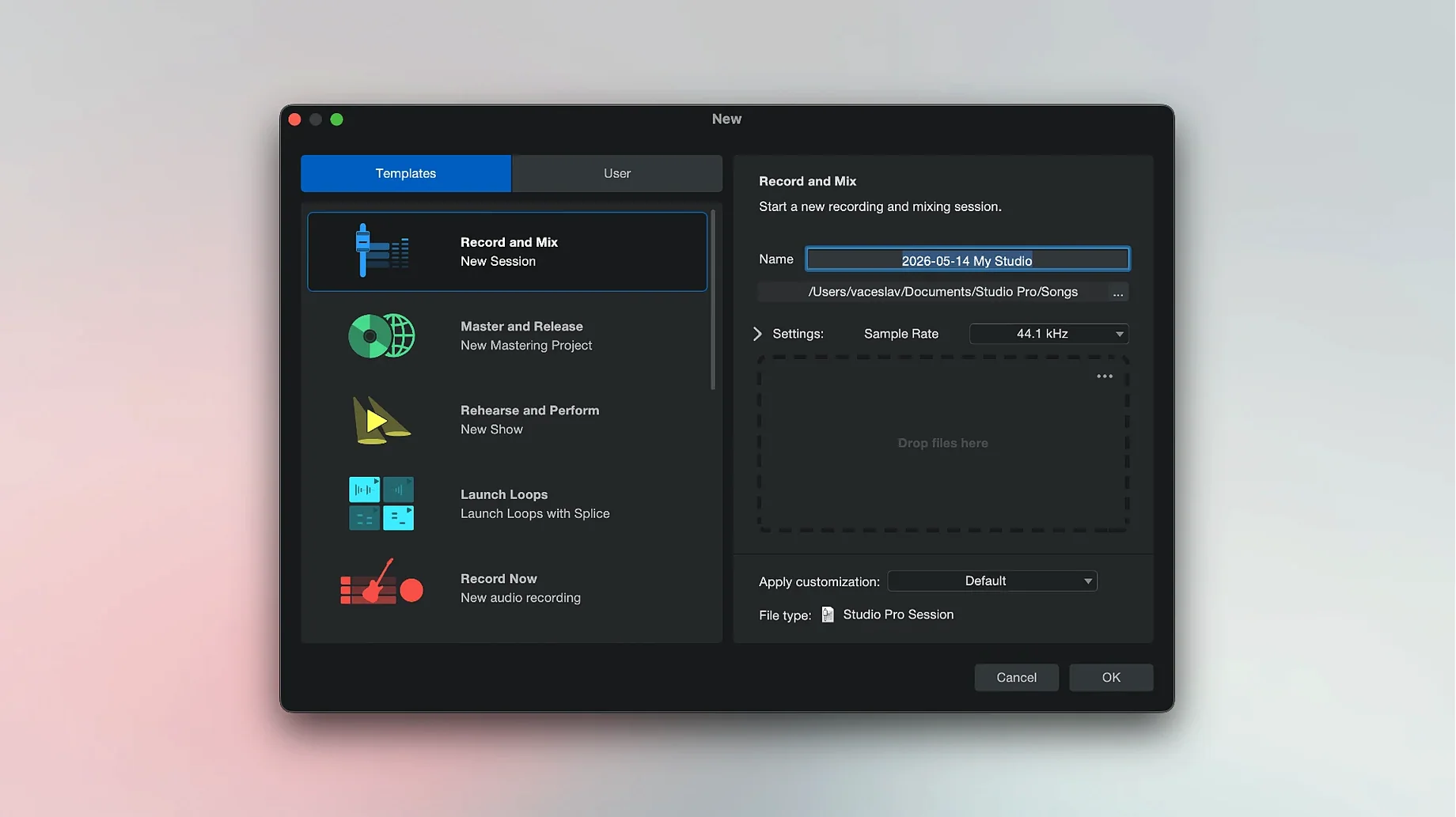
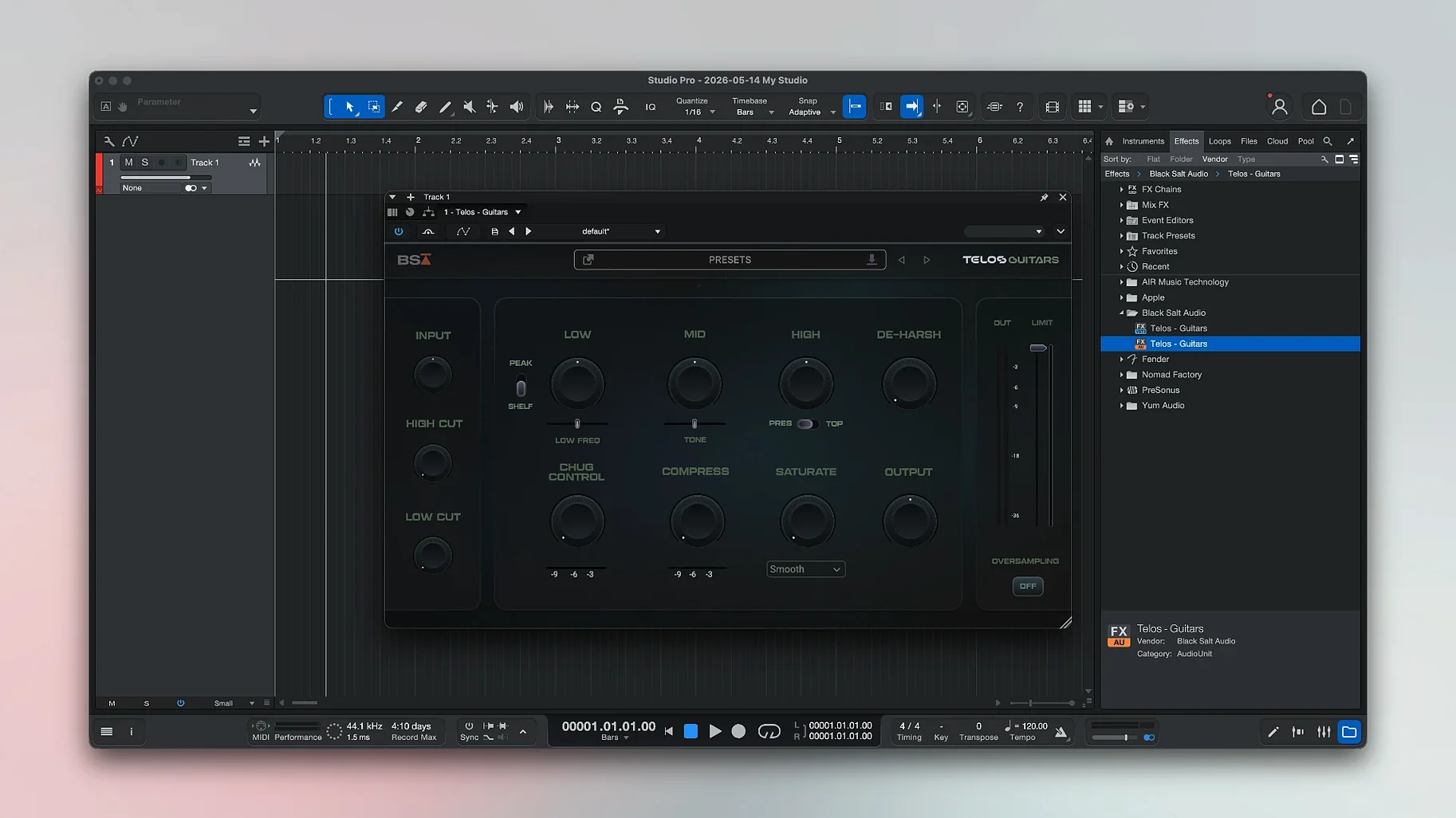
Fender Studio Pro is a full Mac recording, mixing, and editing workstation that keeps the entire process inside one window. For producers who have moved past the basics, the current release adds a handful of precision tools worth knowing.
- Split a mixed track into stems. Feed the app a stereo file and it separates the material into vocals, drums, bass, and other instruments. Use this to build remixes or to rebalance a two-track master when the multi-track session is long gone.
- Convert audio to MIDI notes. Record a guitar line or hum a melody, then turn it into editable note data. The conversion respects pitch and timing well enough to feed a soft synth without reprogramming by hand.
- Build a virtual pedalboard. The included Mustang and Rumble effect models give you amp and stompbox chains directly in the insert rack. Dial in a tone, save it as a preset, and recall it across sessions.
- Lock in latency compensation. The updated Audio Batch Converter now accounts for plug-in latency, so processed stems line up with the original timeline. Small fix, real time saver when exporting stems for a mix engineer.
These features sit inside a single-window workflow that carries recording, editing, and mixing without switching views. It is a deliberate design that removes friction once you commit to the environment.
Drop In Files From Anywhere Without Conversion
Fender Studio Pro does not demand that you abandon your other tools. It reads standard audio formats, so files recorded elsewhere — a voice memo, a field recorder capture, a rough take from another DAW — import without conversion gymnastics. The stem separation feature pairs well with reference tracks pulled from anywhere on your drive.
macOS features slot in cleanly. Use Spaces to keep the mixer on one desktop and the arrangement on another. Quick Look previews bounced files before you share them. If you record outside, files saved to iCloud Drive appear in the app's browser without a manual drag-and-drop ritual.
For guitar players, the obvious companion is any direct-in audio interface. The Mustang and Rumble models expect a clean signal, so set your interface to instrument level and keep the preamp gain conservative.
Buffer Size for Tracking vs. Mixing
- Buffer size. Lower it while tracking, raise it while mixing. Start at 128 samples for recording and move to 512 or 1024 once you add heavy virtual instruments.
- Auto-save interval. The default is fine until a session grows large. Set it to five minutes for long tracking days.
- Stem separation quality. Higher quality takes longer but matters when the source is dense. Test a short section before committing a whole track.
- Monitoring mode. Enable Direct Monitoring if your interface supports it. The 8.1.1 update makes Mustang and Rumble plug-ins follow automation properly in this mode, so you no longer trade automation for low latency.
Stop Peaks Before They Clip Your Input
Recording too hot remains the most common error. Digital clipping cannot be fixed after the fact. Aim for peaks around −12 dB to −6 dB at the input stage.
Another pattern: stacking amp simulations and pedal models without checking gain staging between them. Each insert expects a sensible input level. If a virtual pedal sounds fizzy, back off the output of the block before it.
New users also ignore the Freeze Instrument Track command in the Launcher. When a virtual instrument eats CPU, freeze the track instead of adding more latency or removing effects. You can unfreeze and adjust later.
Finally, some people treat stem separation as a mix shortcut and skip proper monitoring. Separated stems still need checking against the original full mix for phase issues and artefacts.
For those setting up the app on a new machine, fender studio pro for mac works on both Apple Silicon and Intel 64-bit Macs running macOS 13.5 or later. The package is a single build for either architecture.
- New — Freeze Instrument Track now available in the Launcher.
- Improved — Audio Batch Converter compensates plug-in latency.
- Fixed — Mustang/Rumble native plug-ins now follow automation when Direct Monitoring is enabled.
- macOS 13.5 Ventura or later
- Apple Silicon or Intel 64-bit processor
- Interface language: English
Questions I get before install
Does Fender Studio Pro run on Apple Silicon Macs?
Yes, the app runs natively on both Apple Silicon and Intel 64-bit Macs running macOS 13.5 Ventura or later.
Can I freeze instrument tracks to save CPU?
Version 8.1.1 added Freeze Instrument Track to the Launcher, letting you bounce software instruments to audio with one click.
Comments 0
Sign in to leave a comment.Sign inCreate an account
No comments yet. If a step is still there after you install it, say so.
More in Mac Apps
All in Mac Apps Festivitas
Adds a string of holiday lights to your Dock and menu bar on launch.
20 steps saved
 Fig Player - play mp4 mkv mp3
Plays formats like mkv and flac that macOS won't open, without a cluttered interface.
4 steps saved
 FileMaker Pro
Builds custom databases and business apps with forms, layouts and scripts.
6 steps saved
 Updated
Final Cut Pro
Handles editing from a single angle to a 64-angle multicam shoot inside a magnetic timeline.
7 steps saved
 Find Any File
Searches the whole disk for files Spotlight misses, including hidden items and package contents.
12 steps saved
 Firewall Scudo
Lets you allow or block an app's network access the moment it first tries to connect.
22 steps saved
 Updated
Exposure X7
Combines RAW processing, local adjustments, and file management in a single editing workflow.
10 steps saved
 FL Studio
Builds beats in the pattern playlist and piano roll, from the first loop to the mixdown.