
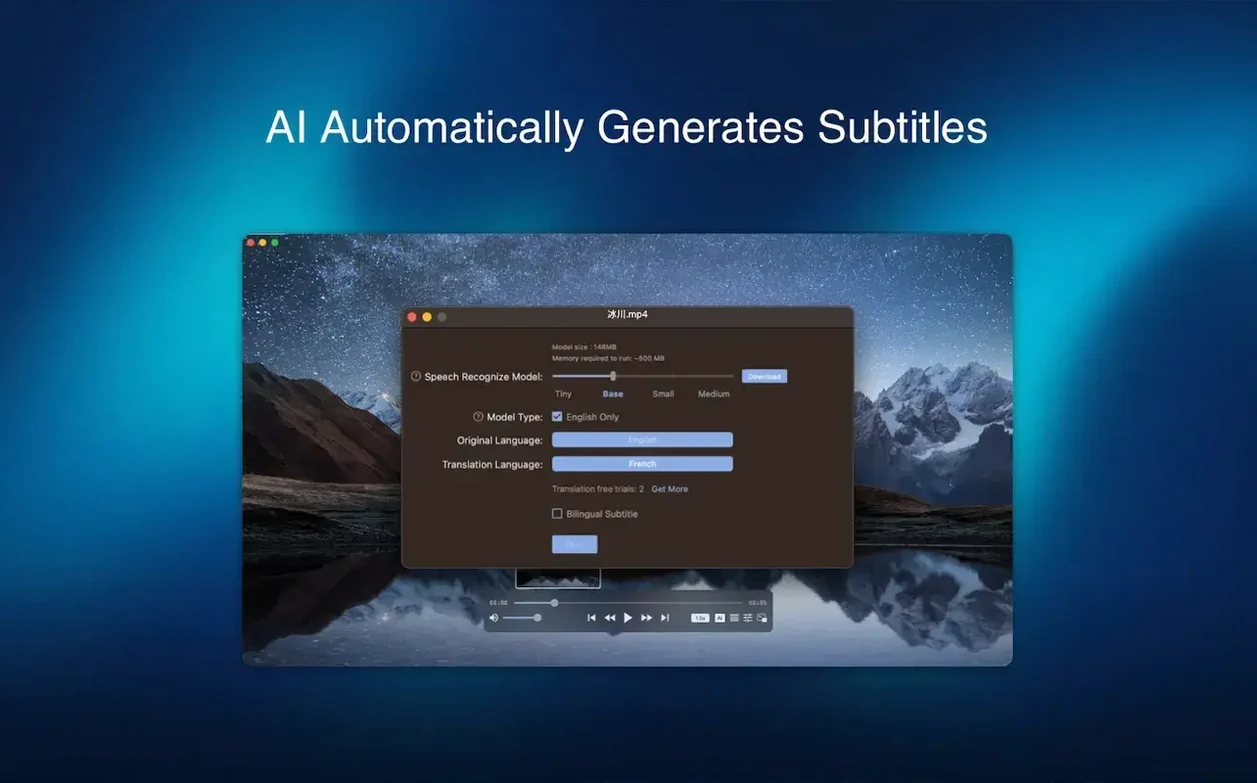
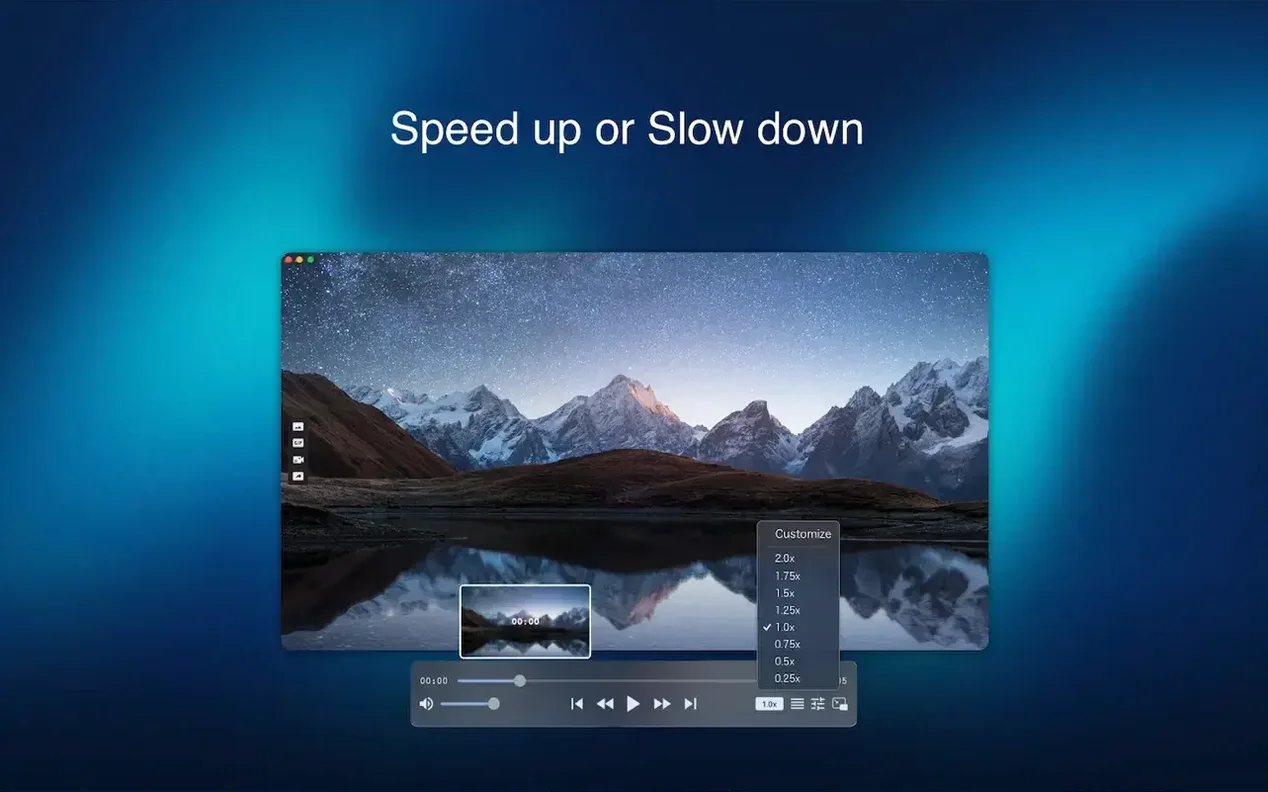
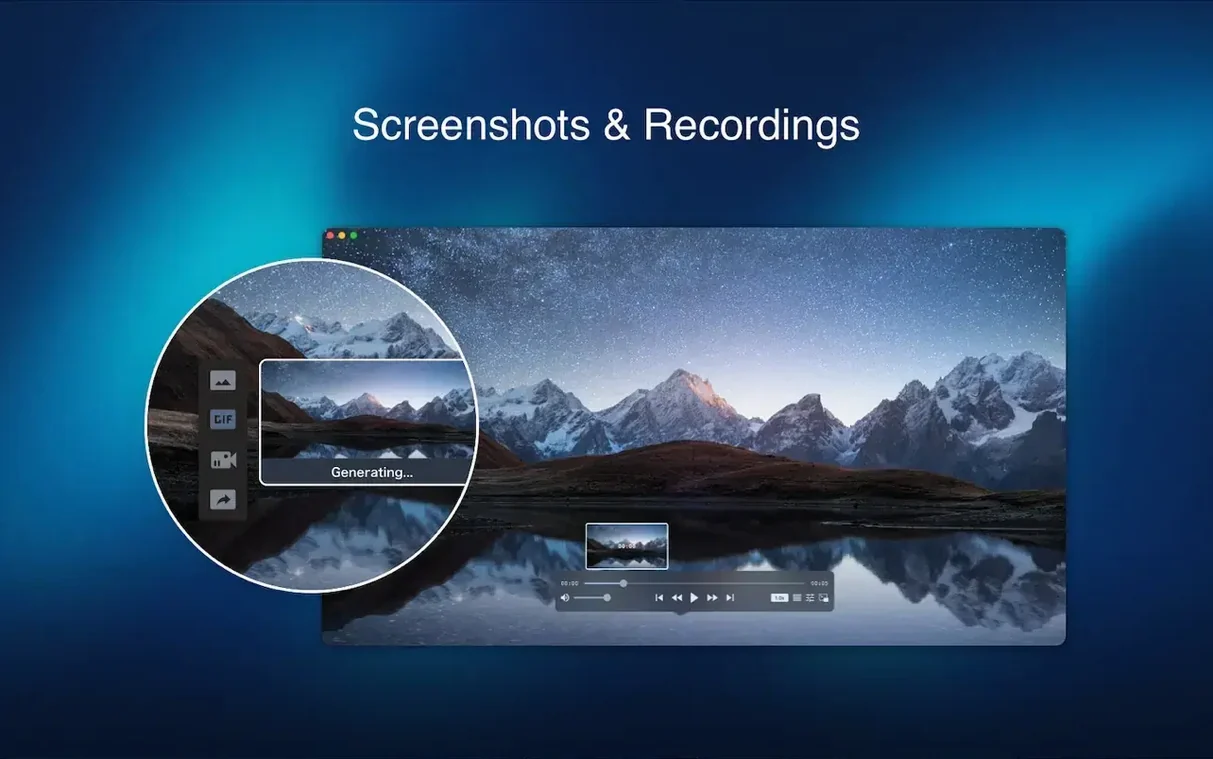
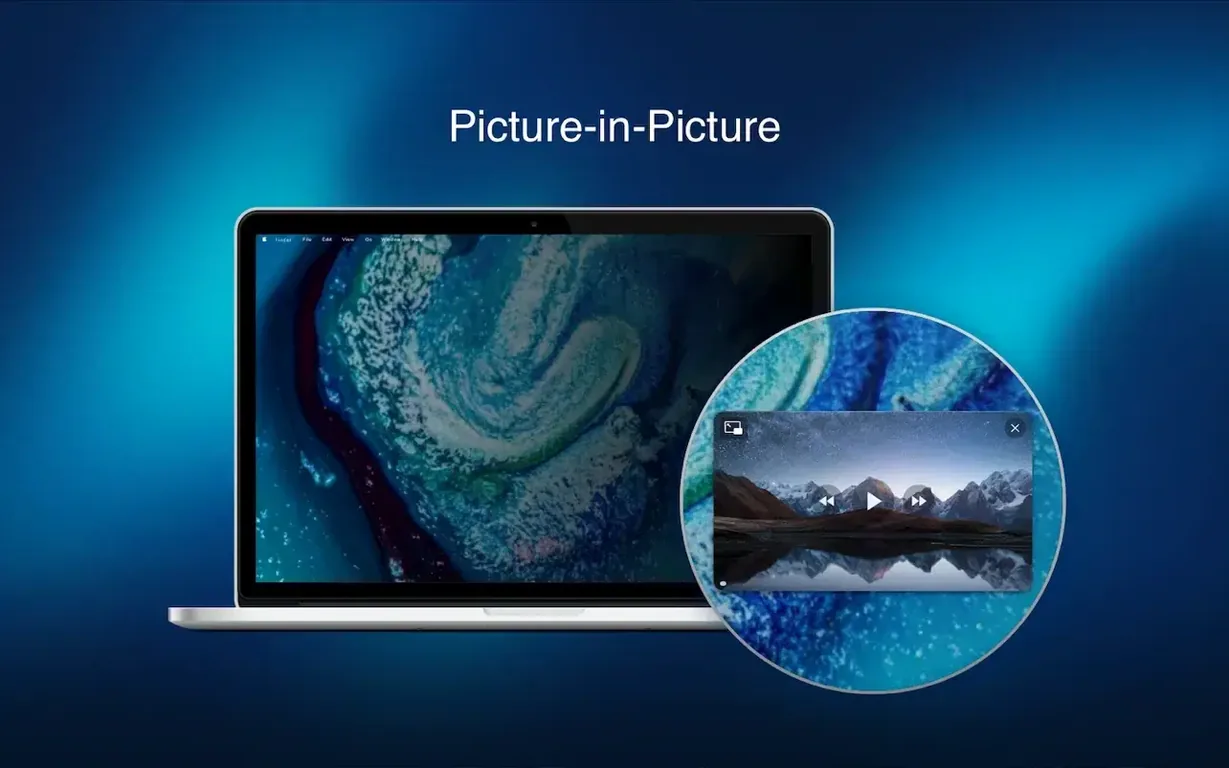
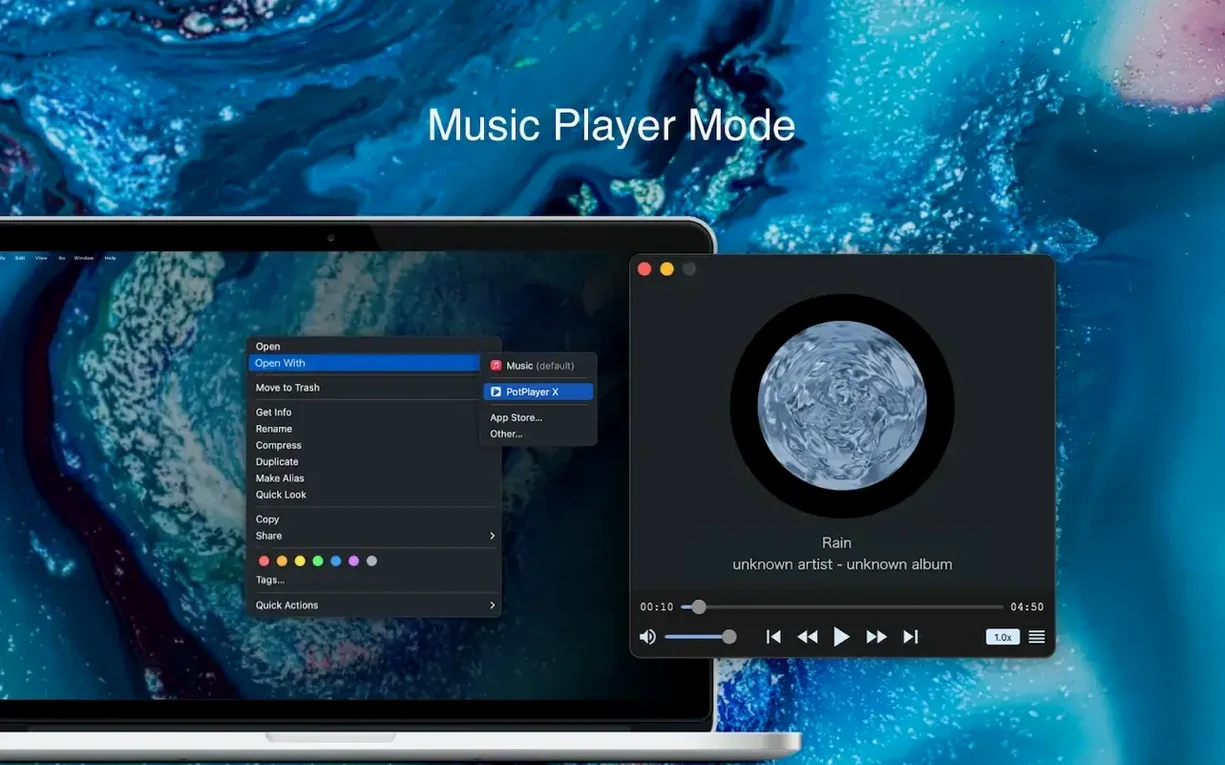
Where VLC offers a deep toolkit, Fig Player pares things back to focused playback. It opens the formats your Mac won't touch natively—mkv, flac, ASS subtitles, and more—without turning the screen into a control panel. The compatibility window is generous: Intel Macs on macOS 11 and later get hardware-accelerated decoding, so older machines stay quiet under load.
- Play mp4, mkv, mp3, aac, flac, wav, ogg, and opus files in separate windows simultaneously
- Step through frames one by one and grab a still as a scene poster
- Load ASS, SSA, SRT, and IDX+SUB subtitles with automatic deinterlacing
- Cast to a DLNA, Chromecast, or Roku device wirelessly
Multiple windows mean you can reference one clip while scrubbing another. It is a tidy, single-purpose player for people who just want the file open, full stop.
Missing Codecs and Gatekeeper Blocks on First Launch
Most playback problems trace back to two things: a missing codec or a Gatekeeper prompt on first launch. If a file won't open, check that the extension isn't renamed—Fig Player matches on container type, not file name. A corrupt download often plays audio but no video. Re-downloading the file fixes that more often than any setting.
Subtitles
ASS and SSA files sometimes load with styling out of proportion on 4K screens. Turn deinterlacing off for progressive sources; it can blur fine subtitle edges. SRT files with a byte order mark occasionally fail to auto-load—drop the file onto the player window instead.
Wireless Display
DLNA and Chromecast both need the Mac and receiver on the same subnet. If the cast icon stays grey, restart the router before blaming the player. Roku devices may need screen mirroring enabled in their settings first.
Workflow: Frame-Accurate Scene Poster
- Open the video and pause near the moment you want.
- Use the frame-step keys to move forward or backward one frame at a time.
- Hold the frame steady and trigger the scene poster capture.
- Name the still and save it to a posters folder.
- Repeat for each scene, then batch-rename the captures in Finder.
This turns a review session into a clean set of labelled stills—no external screenshot tool, no timing guesswork.
- macOS 11 or later
- Intel 64-bit
Comments 0
Sign in to leave a comment.Sign inCreate an account
No comments yet. If a step is still there after you install it, say so.
More in Mac Apps
All in Mac Apps FileMaker Pro
Builds custom databases and business apps with forms, layouts and scripts.
14 steps saved
 Festivitas
Adds a string of holiday lights to your Dock and menu bar on launch.
6 steps saved
 Updated
Final Cut Pro
Handles editing from a single angle to a 64-angle multicam shoot inside a magnetic timeline.
12 steps saved
 Fender Studio Pro
Records, edits, and mixes inside one window, with tools to split a mixed track into stems.
7 steps saved
 Find Any File
Searches the whole disk for files Spotlight misses, including hidden items and package contents.
12 steps saved
 Firewall Scudo
Lets you allow or block an app's network access the moment it first tries to connect.
10 steps saved
 FL Studio
Builds beats in the pattern playlist and piano roll, from the first loop to the mixdown.
23 steps saved
 Flicker Free
Removes rolling light-source flicker from any camera's footage.