
Dorico Pro is a desktop application for writing, arranging, engraving, and playing back musical scores with professional-level control.
Precision engraving for complex scores and parts
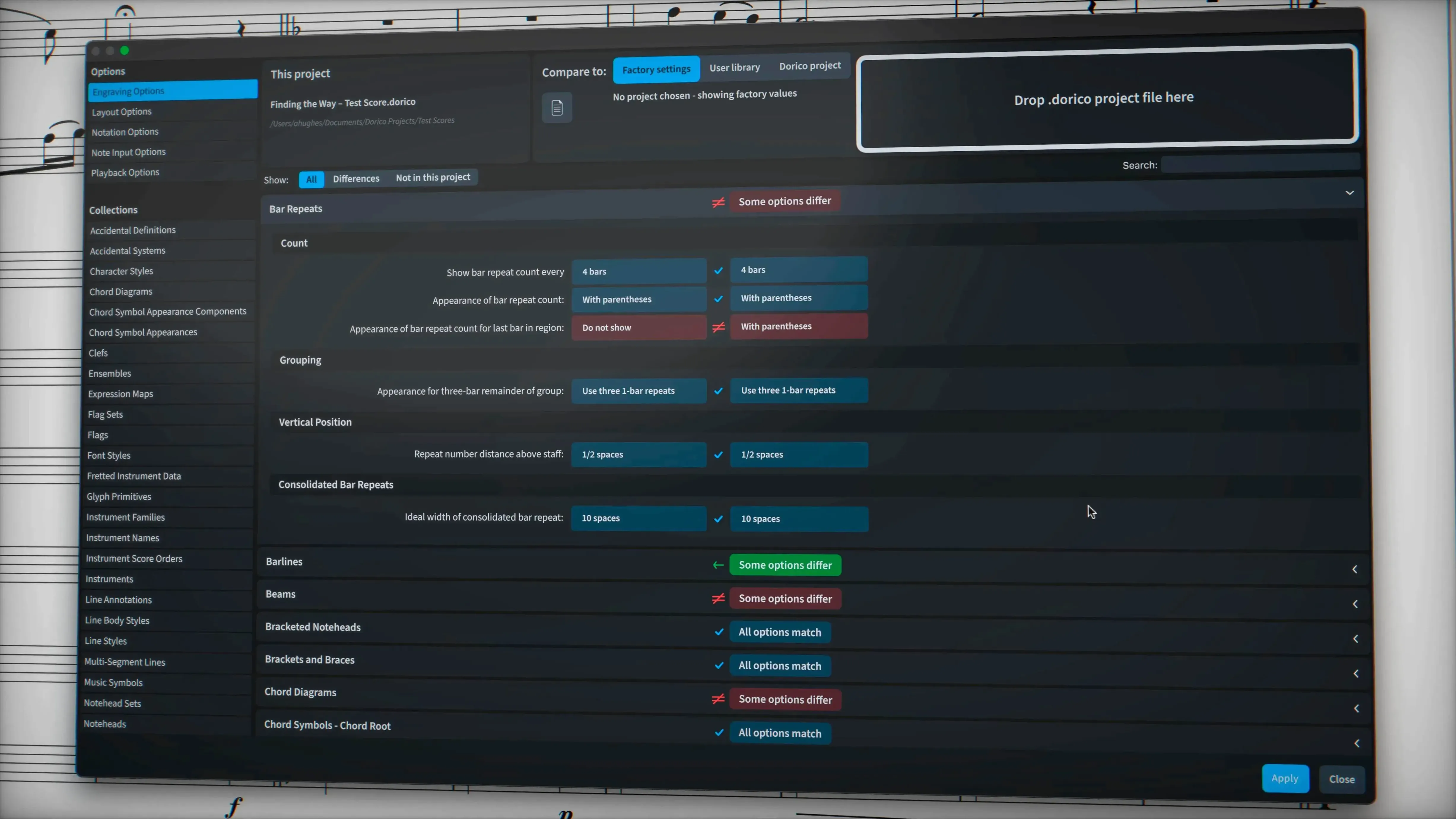
- Composers and arrangers who need precise control over every element on the page
- Engraving and publishing tasks where automatic collision avoidance saves hours of manual adjustment
- Preparing parts with complex chord symbols, percussion notation, and non-standard instruments
- Projects that require independent voice playback routed through the Track Inspector in Play mode
- Exporting clean MusicXML with correct tuplet brackets and hidden engraving options intact
Modern Mac requirement and a steep learning curve
- The application demands a modern Mac running macOS 12 or later, Apple Silicon or Intel
- Its deep feature set means a deliberate learning process for users switching from lighter notation tools
- Export of sustain and sostenuto pedal lines is a recent addition, so older project compatibility may need checking
How Dorico Pro fits among notation apps
Three names dominate the Mac notation landscape: Dorico Pro, Sibelius, and MuseScore. Each targets a different working style, and picking the wrong one means fighting the tool instead of writing music.
Dorico Pro vs. Sibelius. Sibelius leans hard on a ribbon interface and a magnetic-layout philosophy that can feel rigid once a score grows complex. Dorico Pro takes a different route — its layout engine calculates spacing, collisions, and justification as a single system. The payoff shows up fastest in large orchestral scores, where condensing staves and avoiding collisions happens without manual nudging. Sibelius users accustomed to clicking through panels may find Dorico’s modal approach — Write, Engrave, Play, Print — restrictive at first. The trade-off is cleaner defaults and fewer late-night layout cleanups.
Dorico Pro vs. MuseScore. MuseScore covers the needs of most students and hobbyists without cost. Its engraving has improved sharply in version 4, but it still relies on a plug-in ecosystem for tasks Dorico handles natively: condensing, divisi, and independent voice playback. Where Dorico Pro pulls ahead is with professional part preparation. The part-layout engine works from the same data as the full score, so edits in one propagate sensibly to the other. For quick lead sheets or quartet arrangements, MuseScore is enough. For engraving-quality publication work, Dorico Pro’s automation earns its place.
Dorico Pro vs. Finale. Finale’s sunset in 2024 left a gap. Dorico Pro is the logical landing pad for Finale refugees. It reads Finale files via MusicXML and handles tuplets across barlines, feathered beams, and microtonal accidentals without workarounds. The adjustment period centres on unlearning Finale’s tool-based model — in Dorico, you set properties on the music, not on individual objects.
From blank page to ready-to-read string quartet parts
Imagine a Thursday afternoon. A string quartet commission is due Monday, and the first violin part needs to look ready for a reading session tomorrow.
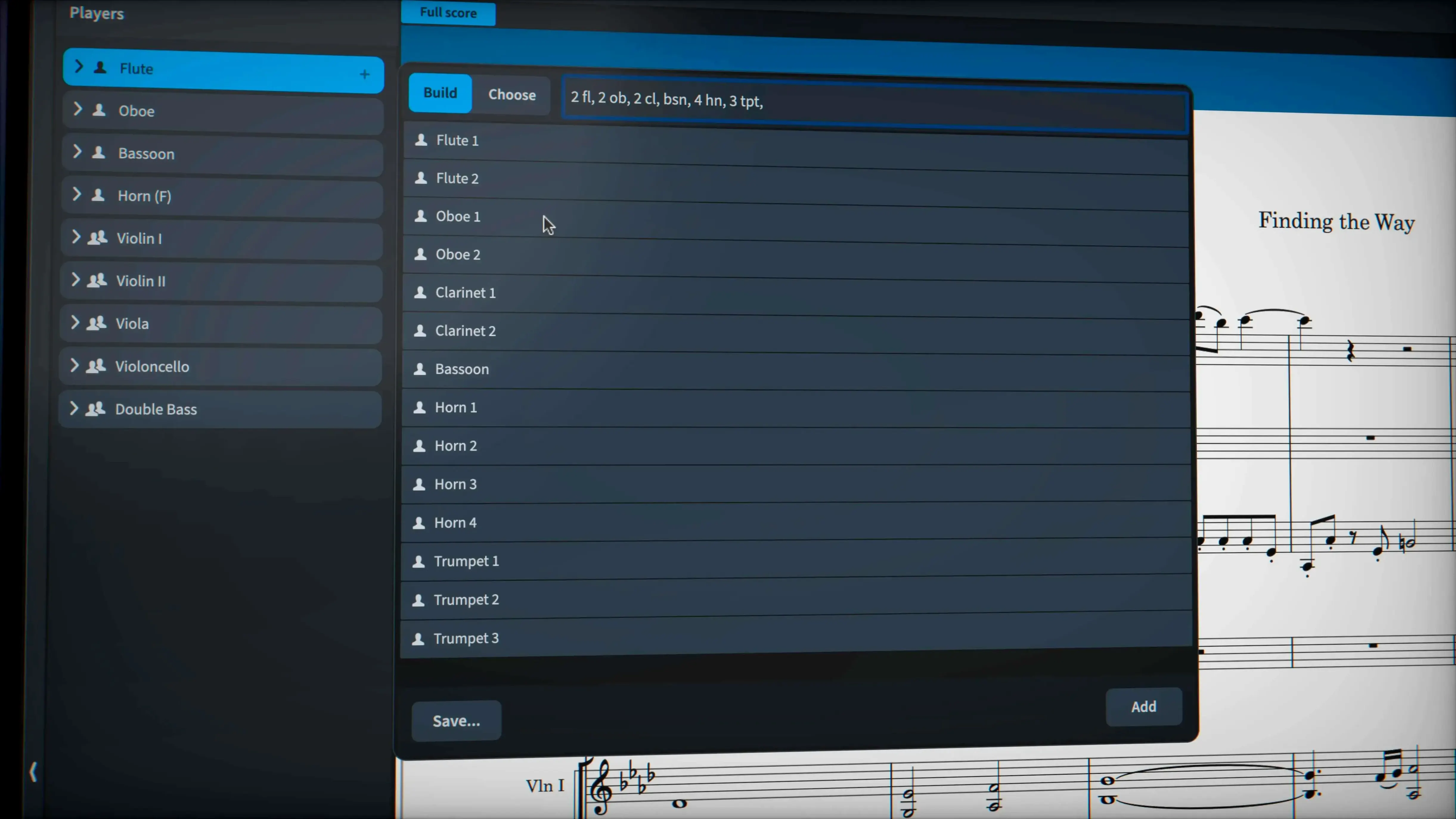
You open Dorico Pro in Setup mode. Add four players — two violins, viola, cello — and pick a Halion string sound for playback. The empty page appears with a default layout already calculated.
Switch to Write mode. The caret appears. You type durations with the number keys and pitches with letter names, same as always. A passage with triplet sixteenths spills across the beat — Dorico splits it cleanly without forcing a tuplet dialog. You enter a wiggly glissando on the viola line, switch its line style property in the lower zone, and the symbol converts from a default straight line to the traditional trill wiggle glyph.
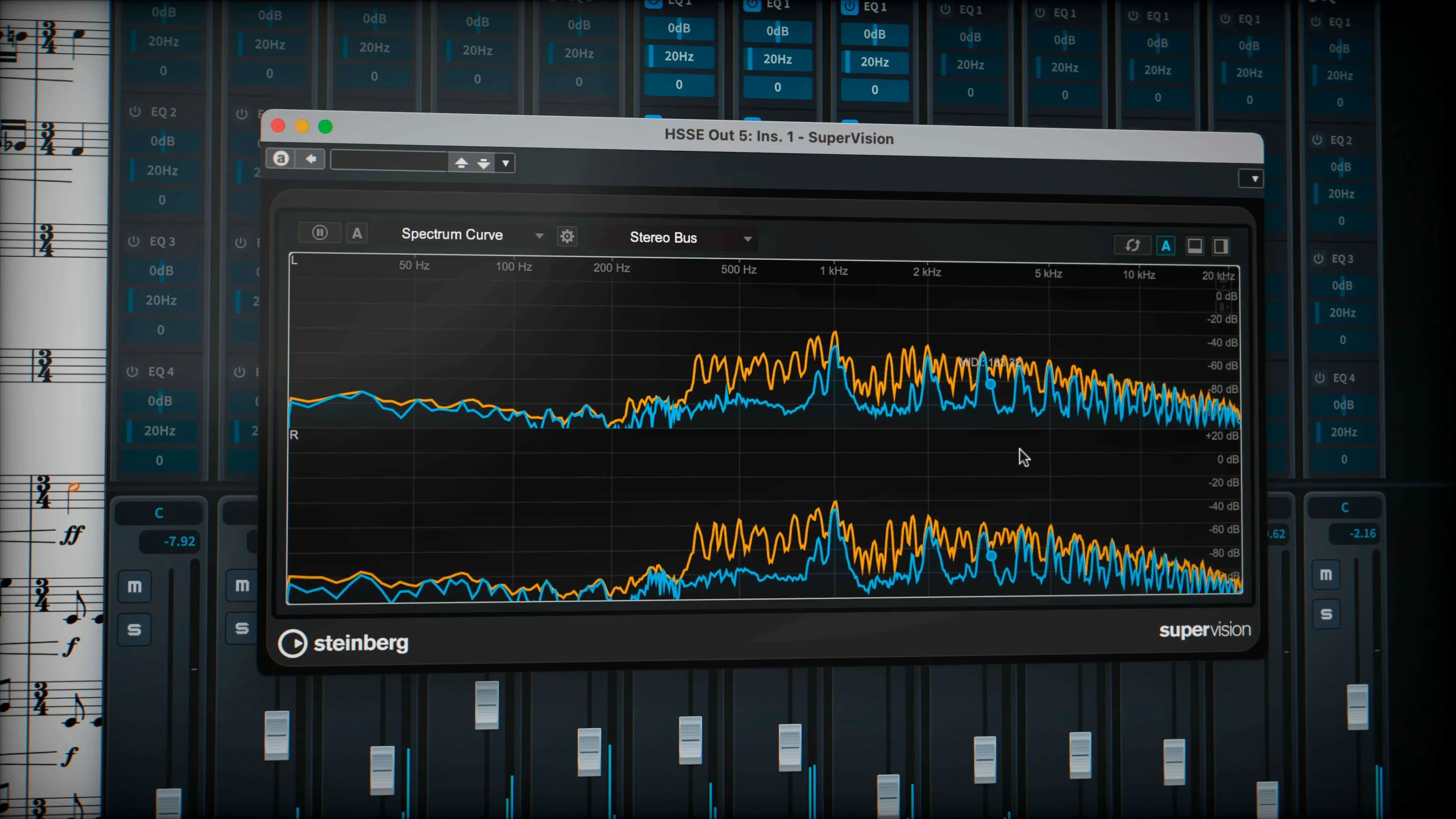
Playback check. Press Space. The transport runs. You route the cello to an independent voice channel from the Track Inspector and audition just that line against the first violin. The Halion samples sit well, but you drop a VST 3 compressor on the master to tame a resonant peak.
Over to Engrave mode. The score already stacked staves and avoided collisions. You adjust staff spacing in one system, and the rest of the page recalculates. Hidden notes you masked earlier stay invisible; the exported MusicXML confirms tuplet brackets are where they belong.
Print mode spits out four parts to PDF. Sustain pedal lines export cleanly. The violist gets a readable part with the glissando intact. You send the PDF before dinner.
Where Dorico Pro sits in a Mac workflow
No notation app works in isolation. Dorico Pro slots into a chain that usually starts in a DAW and ends on a music stand.
DAW to Dorico. Composers who sketch in Logic Pro or Cubase export MIDI and pull it into Dorico for clean notation. The piano-roll editor in Write mode keeps a MIDI-style view available for timing tweaks. MusicXML handles the trip back to the DAW when stems and articulations matter.
Dorico to PDF and print. The built-in PDF export feeds Apple Preview, GoodNotes, or a Fujitsu ScanSnap for annotating proofs. Because layout decisions happen in one pass, the exported PDF is ready for tablet reading without extra trimming.
Sound libraries. The included 1,500 Halion sounds cover basic mockups, but the VST 3 slot accepts third-party libraries. A composer working with Spitfire Audio or Orchestral Tools loads those inside Dorico and hears the score through the same samples the mockup used — no need to export audio just for a playback check.
Collaboration. MusicXML export lands in Sibelius or MuseScore when collaborators use different tools. PDF parts go to bandleaders and session musicians. MIDI stems feed a producer’s Pro Tools session. The app sits at the centre of a document flow that rarely touches paper until the final proof.
macOS integration. The app respects native Mac conventions: standard Open and Save dialogs, Quick Look support for project thumbnails, and font handling through the system library. Music Fonts installed at the system level appear in Dorico’s font menus without extra configuration. Full-screen mode and Spaces keep the score available on its own desktop, which matters when you switch between notation and a DAW all afternoon.
- macOS 12 or later
- Apple Silicon or Intel Mac
Questions I get before install
What was addressed in the Dorico 6.2.30 update?
The update delivered more than 40 bug fixes and improvements, including better MusicXML import and export handling and corrected tuplet bracket exports.
What playback tools come with Dorico Pro?
It includes 30 VST 3 processors and supports independent voice playback when instruments are routed to Cantai from the Track Inspector.
Comments 0
Sign in to leave a comment.Sign inCreate an account
No comments yet. If a step is still there after you install it, say so.
More in Mac Apps
All in Mac Apps Drama
Turns a static screen design into a clickable prototype on a single canvas.
13 steps saved
 Disk Drill
Recovers lost files from a disk that macOS wants to reinitialize.
8 steps saved
 DriveDx
Reads full drive-health diagnostics and warns you before a disk fails silently.
8 steps saved
 Dropover
Stages scattered files on a floating shelf until you reach the destination folder.
21 steps saved
 Depth Scanner
Generates a depth matte from any video clip or photo directly inside After Effects.
11 steps saved
 Updated
Duplicate File Finder Pro
Finds exact file copies by content, not name, across your Mac and external drives.
20 steps saved
 Dehancer Pro
Emulates film stock colour and grain as a plugin inside your existing editing timeline.
5 steps saved
 Deep Glow
Generates physically accurate light falloff so glows bloom without clipping highlights.