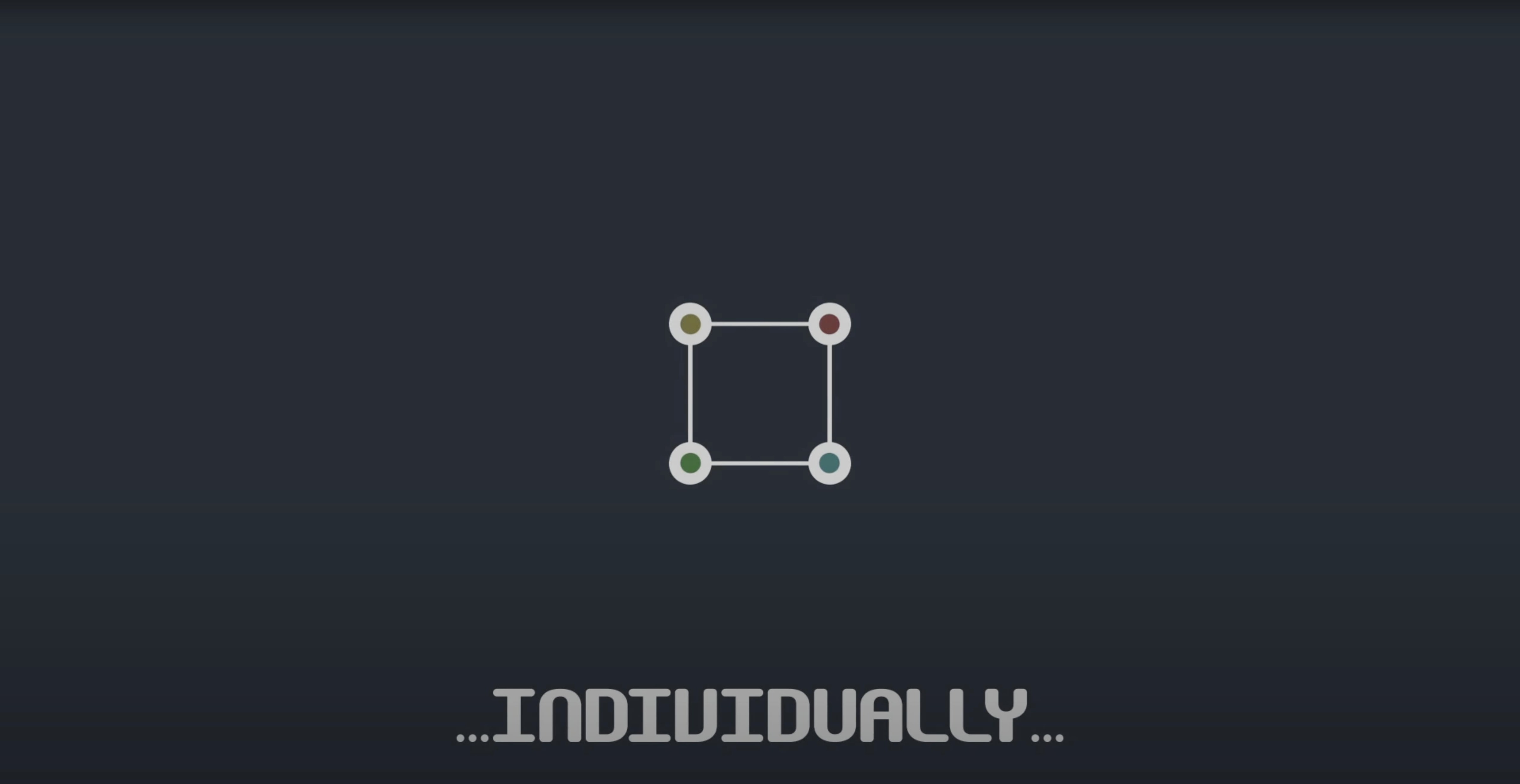
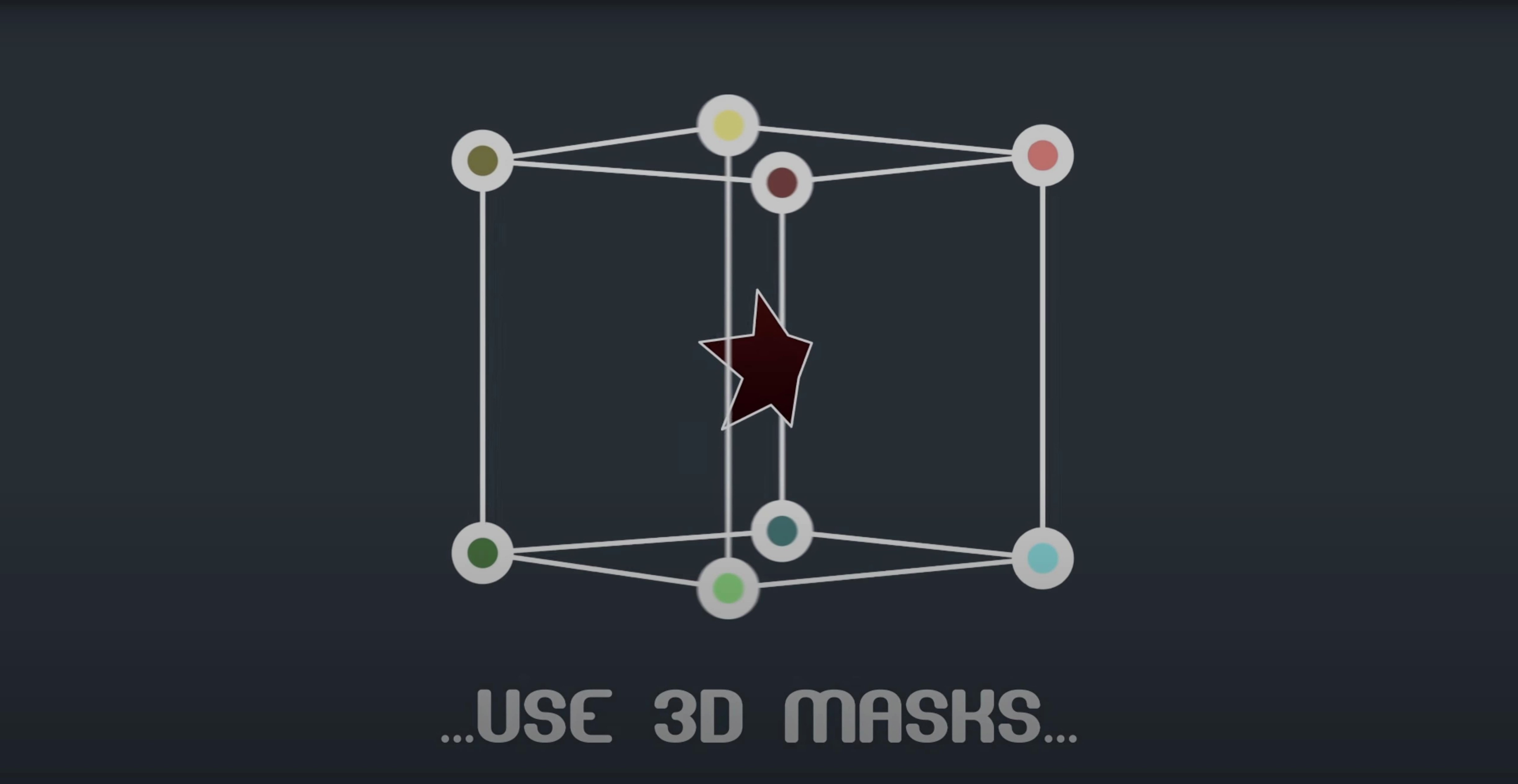
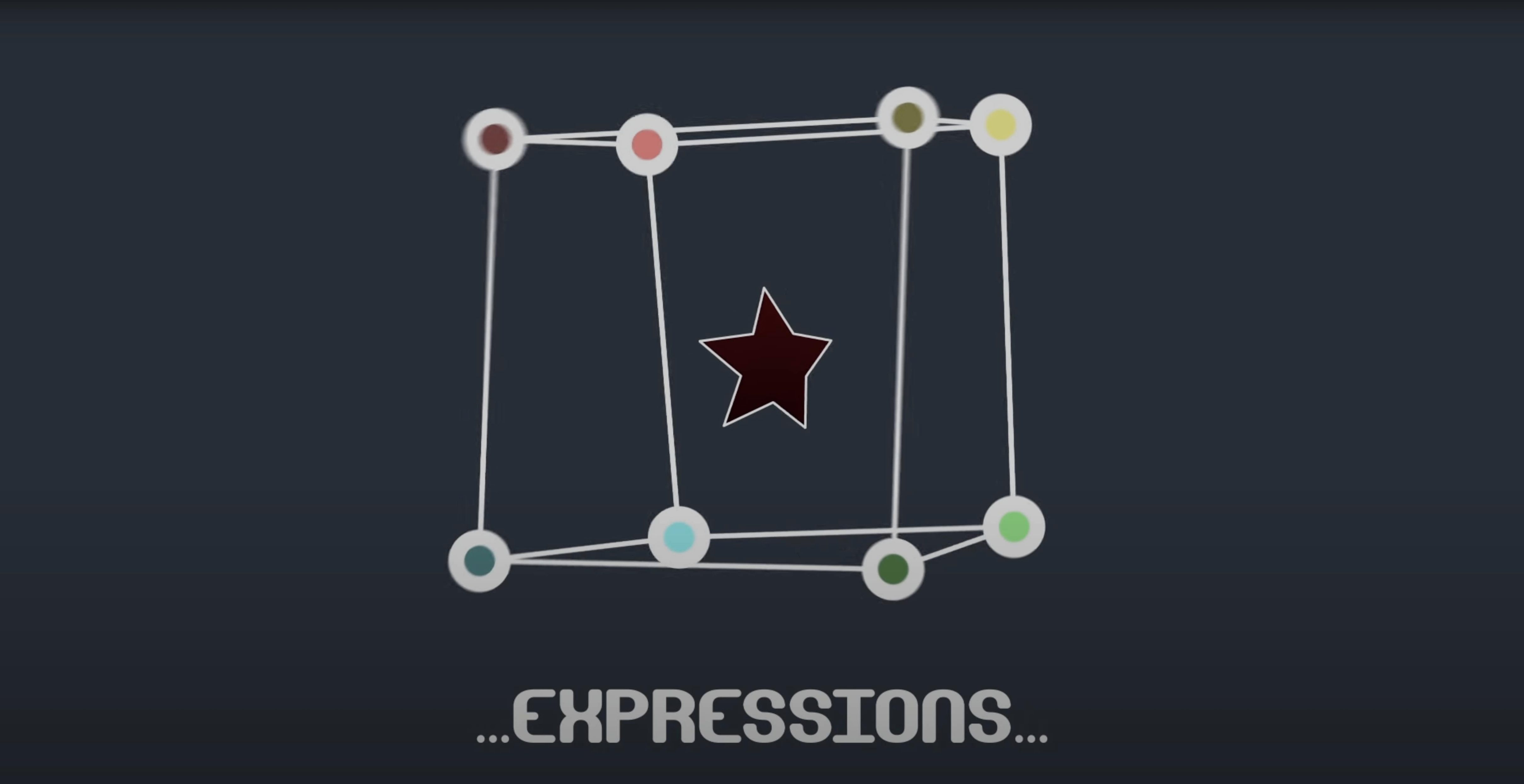
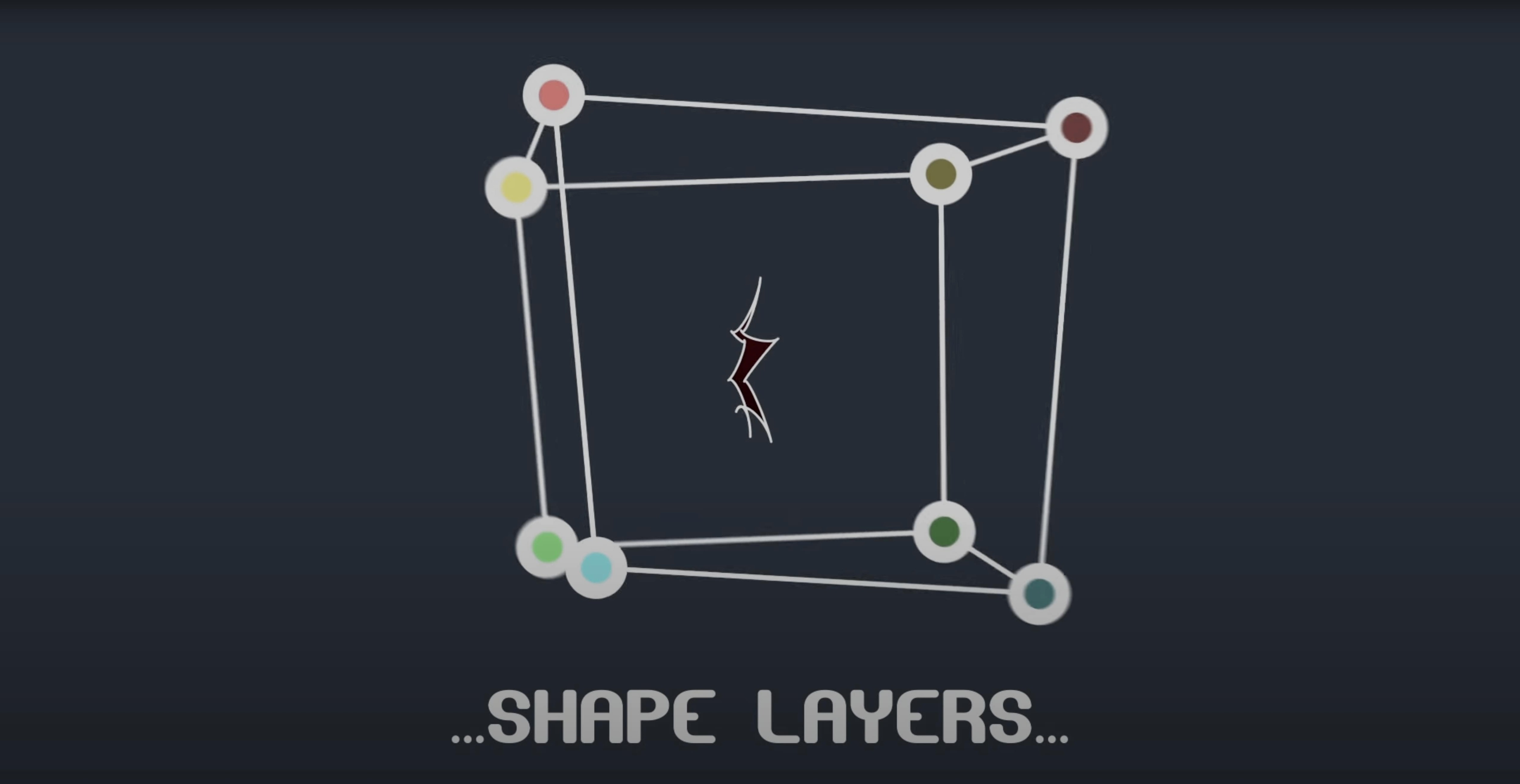
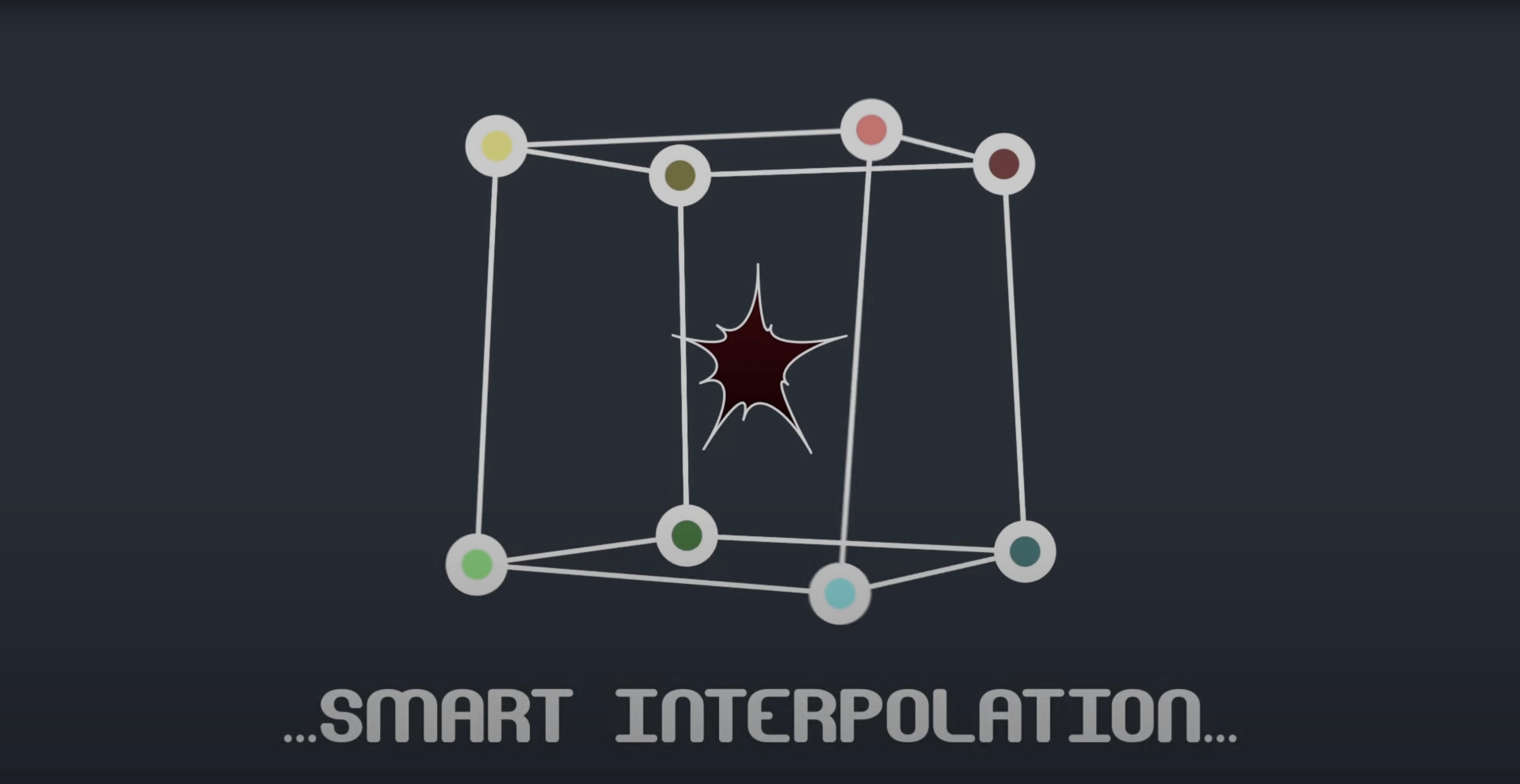
Mask Avenger exposes 3,600 mask points in a single shape layer — each one addressable, each one animatable. It breaks mask paths into individual vertices and tangents so you can animate a roto shape the way you animate a null: point by point, keyframe by keyframe.
Good for
- Rotoscoping sessions where a handful of vertices need independent motion
- Tracking a mask to a moving object with a pick-whip expression
- Building complex shape-layer rigs linked to null controllers
- Sharing a project with non-plugin users via freeze mode
Keep in mind
- Works only inside After Effects — no standalone version
- Full tangent control adds complexity; vertex-only mode keeps things light when tangents aren’t needed
- Freeze mode bakes the effect for collaboration but removes live control
Keyframing All 3,600 Points by Hand
- Animating every vertex by hand. Mask Avenger lets you keyframe 3,600 points. That doesn’t mean you should. Start with a coarse mask, keyframe only the vertices that drift, then add detail.
- Ignoring vertex-only mode. New users often leave full tangent control on for simple roto shapes. If the curve between points isn’t critical, vertex-only mode keeps the timeline clean and the graph editor readable.
- Forgetting to name linked nulls. When you pick-whip a mask vertex to a tracker null, name the null immediately. Six unnamed nulls linked to six vertices becomes a forensic exercise by frame 200.
- Freezing too early. Freeze mode bakes the mask into a standard AE mask path — great for handoff, but it strips all expression links and per-vertex keyframes. Freeze only when the animation is locked and the collaborator genuinely needs a plugin-free project.
- Skipping the interpolation mode setting. The default centre-of-gravity interpolation works for most organic motion, but if a mask rotates around an off-centre pivot, switch to the independent key anchor point. Otherwise vertices arc in ways you didn’t intend.
A compositor’s afternoon
A compositor cleaning up a handheld dialogue shot needs to roto a shoulder that drifts out of frame, then back in. Four vertices along the shoulder seam slip with every step the actor takes. The rest of the mask holds fine. She applies Mask Avenger, isolates those four vertices, and pick-whips each to a tracker point generated from the fabric pattern. She sets the interpolation mode to the tracker’s centre of gravity, then adds a slight ease to the tangent handles on frame 140 where the shoulder turns. The result is a roto that follows the fabric, not the frame edges. When the edit goes to the colourist — who doesn’t own BAO plugins — she hits freeze mode, saves a copy, and sends a self-contained project. No missing-effect warnings. No frantic messages at 11 p.m.
Choose Interpolation That Matches the Subject
- Default interpolation mode. Open the plugin preferences and set this to match your most common roto style. Centre of gravity suits characters and organic shapes; independent key anchor suits mechanical objects with fixed pivot points.
- Vertex-only as the default. Unless every project demands bezier-level control, switch the default mode to vertex-only. You can enable tangents per mask when a shot needs them — it’s faster than disabling tangents on twenty masks you didn’t need them for.
- Expression link behaviour. Mask Avenger can link vertices to nulls with expressions that either follow position only or position plus orientation. The second option reads rotation data from any point along the mask path. Set your default to position-only unless you specifically need a vertex to inherit a null’s angle; position-plus-orientation on a fast-moving null can introduce micro-rotations that look like jitter.
- Freeze mode output naming. The plugin appends a suffix to frozen layers. Customise it to something short — like
_FRZ— so frozen copies don’t bloat your layer names in a panel that’s already 40 layers deep.
- Fixed an M1 compatibility issue on Mac.
- After Effects CS6 through 2024
- Intel or Apple Silicon Mac
Questions I get before install
Can I link mask vertices to tracker points with Mask Avenger?
Yes. The plugin includes a pick-whip expression that lets you connect mask vertices directly to tracker points for automated match-moving.
Comments 0
Sign in to leave a comment.Sign inCreate an account
No comments yet. If a step is still there after you install it, say so.
More in Mac Apps
All in Mac Apps Bartender
Hides the menu bar icons you rarely need behind a single click.
5 steps saved
 BBEdit
Opens massive plain-text files and lets you edit them without a lag spike.
7 steps saved
 Audiofile Engineering Fidelia
Plays a local music library with audiophile-grade output and per-device settings.
14 steps saved
 Beauty Box Photo
Smooths skin texture automatically while keeping eyes and hair sharp.
20 steps saved
 Audiobook Builder
Stitches a stack of audio files into one structured, chaptered audiobook.
4 steps saved
 Audio Hijack
Captures any audio your Mac plays and applies a denoise filter before it saves.
12 steps saved
 BetterDisplay Pro
Overrides the factory EDID so your screen matches the brightness and resolution you need.
4 steps saved
 attn LED
Flashes the camera LED instead of popping a banner for important notifications.