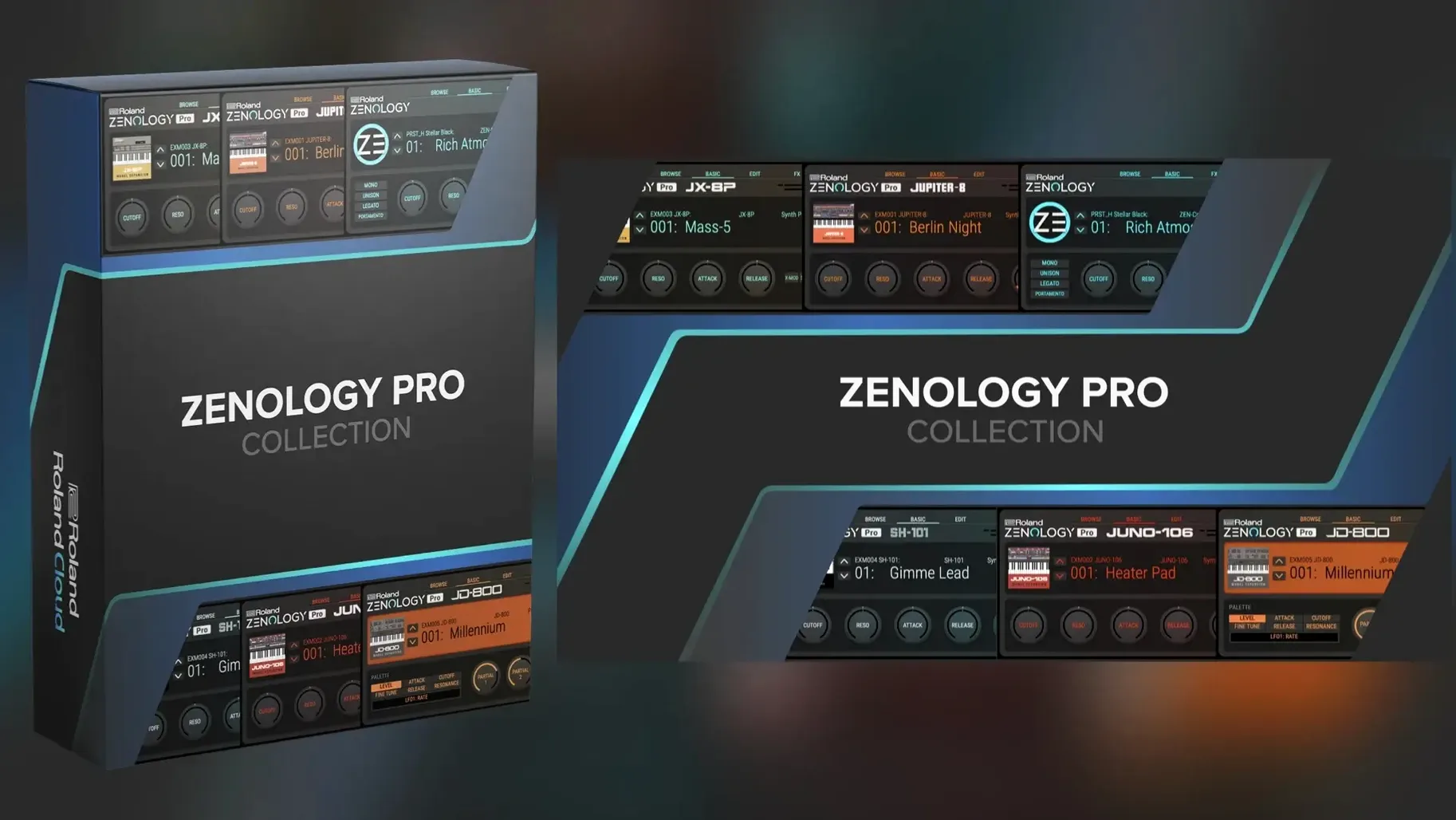
Runs natively on Apple Silicon and Intel Macs from macOS 11 onward. ZENOLOGY Pro is the deep editing counterpart to the standard ZENOLOGY player, built for producers who build their own patches.
- Track stack starter. Load it on an instrument track to pull from 4,000+ tones and 200 drum kits. Ten filter types—including modelled JUPITER circuits—give you immediate tone-shaping before you reach for a separate EQ.
- Sound design layer. Open the full ZEN-Core engine when a preset isn't enough. Edit partials, step-LFOs, and effects chains, then save the result. Patches stay compatible with ZEN-Core hardware like FANTOM and JUPITER-X.
- Bus processing. Route audio through its 90+ Roland effects. Use the resizable interface to keep chorus, delay, and reverb controls visible on a second screen while you mix.
- Hybrid rig sync. Share sounds between the plug-in and hardware instruments. Design a patch on tour with a FANTOM, then pull it up in your DAW session back at the studio.
ZENOLOGY Pro sits where a synth track graduates from browsing to building. It replaces the standard ZENOLOGY plug-in when you need access to every partial, modulation routing, and effect parameter in the ZEN-Core system.
Built for Filter-Cutoff Tweakers, Not Preset Surfers
ZENOLOGY Pro favours users who already think in synth architecture. If you spend more time adjusting filter cutoff than scrolling presets, the full ZEN-Core engine will feel like the right tool. Producers working on electronic, cinematic, or hybrid orchestral material tend to benefit first, because those genres reward custom modulation and layered partials.
- Patch builders. Anyone who creates signature sounds from an initialized tone rather than a preset gets immediate value. Four partials per tone, each with its own oscillator, filter, amp, dual LFOs, and EQ, make deep sound design possible without leaving one window.
- Roland hardware owners. Musicians using FANTOM, JUPITER-X, or other ZEN-Core instruments gain a portable editing environment. A patch designed on the road can land in a DAW session unchanged, and vice versa.
- DAW-centric producers. Users who want Roland's synthesis character without adding another piece of hardware to the desk. The plug-in format keeps everything inside the session, with recall and automation handled by the host.
- Sound pack collectors. Producers who already browse Roland Cloud expansions will find the tone browser a faster way to audition, tag, and organize thousands of sounds than digging through hardware menus.
Casual preset browsers can still work here, but the advantage shrinks. The standard ZENOLOGY plug-in covers that ground; ZENOLOGY Pro earns its place when you open the editor.
A Producer's Afternoon
A media composer needs a dark, pulsing bass for a tense cue. The brief calls for movement and analog character, but the deadline leaves no time for patching from scratch. She opens ZENOLOGY Pro on an instrument track, filters the tone browser by category, and lands on a JUPITER-style bass preset that sits close to the brief.
Two things need to change. The filter opens too slowly, and the low end lacks weight. She opens the editor, switches one partial's filter type to a JUPITER model, tightens the envelope amount, and raises the drive slightly. Then she copies the partial, detunes the copy by seven cents, and pans the pair wide. The result is a thick, moving bass that fits the cue within twenty minutes.
She saves the patch to a custom bank. Later that week, the same patch loads on a FANTOM for a live scoring session, with no translation step in between.
Workflow: Designing a Pad From an Init Tone
- Start empty. Load an initialized tone in ZENOLOGY Pro. Set the tempo to match the project so tempo-synced LFOs behave predictably.
- Shape the first partial. Choose a virtual analog sawtooth waveform. Set the filter to a 24 dB low-pass model, pull the cutoff to around 800 Hz, and add a slow attack to the amp envelope.
- Add movement. Assign LFO 1 to filter cutoff with a triangle shape. Set the rate to a dotted eighth note and keep the depth modest so the pad breathes without wobbling.
- Layer a second partial. Duplicate the first partial, switch its waveform to Supersaw, and detune it by ten cents. Raise its filter cutoff slightly higher than the first partial to keep the highs airy.
- Blend PCM texture. Add a third partial with a soft PCM waveform from the 1,840-waveform library. Set its amp level lower than the other two partials and band-pass it so it adds presence without clutter.
- Process the sum. Insert a slow chorus, then a hall reverb with a 2.5-second tail. Add a touch of EQ at 400 Hz to clear mud. Save the tone to a custom bank and mark it as a favourite.
The whole patch stays inside ZENOLOGY Pro. No external effects, no resampling, no exporting to finish the sound elsewhere.
Patch Compatibility Between Hardware and Your DAW
Does it replace my hardware synth? Not exactly. ZENOLOGY Pro runs the same ZEN-Core engine as Roland hardware, and patches move between the two. But the plug-in still needs a Mac and a DAW. If you already own compatible hardware, the plug-in becomes an editor and a second instance of the same sound engine. If you don't, it brings that engine into your DAW without the hardware.
How heavy is it on the CPU? A single tone with one or two partials stays light on modern Macs. Four partials with multiple effects and dense PCM waveforms will ask more of the machine. Producers running large sessions often freeze or bounce tracks after designing a sound, which keeps the project moving.
Can I use zenology vst mac in any DAW? The plug-in runs in hosts that support AU or VST3 formats on macOS 11 and later. Most major DAWs on Mac qualify. Check your host's plug-in format support if you are unsure.
Do I need Roland Cloud to use it? The plug-in itself installs as a standard disk image, and the version covered here is 2.0.7. Sound Packs and Wave Expansions come through Roland Cloud, but the core library of over 4,000 tones and 200 drum kits is available once the plug-in is running.
Is a cracked zenology mac safe to run? The version described on this page is a standard installation of ZENOLOGY Pro 2.0.7 for Apple Silicon and Intel Macs. No activation steps beyond the normal installation procedure are required. If you are researching a zenology vst crack or a zenology free mac setup, the build here mounts from a disk image and runs through the standard installer.
- macOS 11 or later
- Apple Silicon or Intel processor
- DAW host supporting AU, VST3, or AAX
Comments 0
Sign in to leave a comment.Sign inCreate an account
No comments yet. If a step is still there after you install it, say so.
More in VST Plugins
All in VST Plugins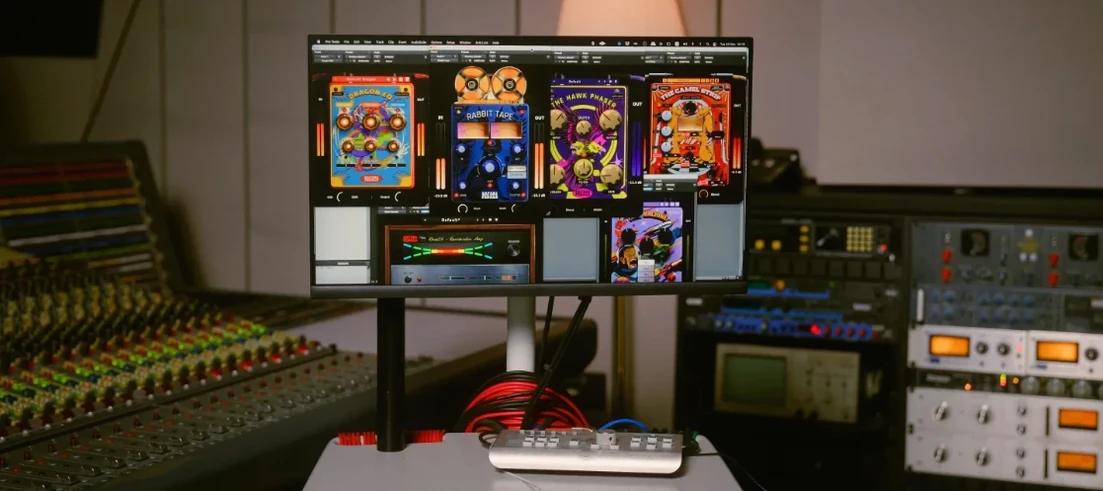 Safari Pedals Everything Bundle
Puts a saturator, chorus, and transient clipper chain in one plugin folder.
9 steps saved
 Roland Cloud Legendary Series
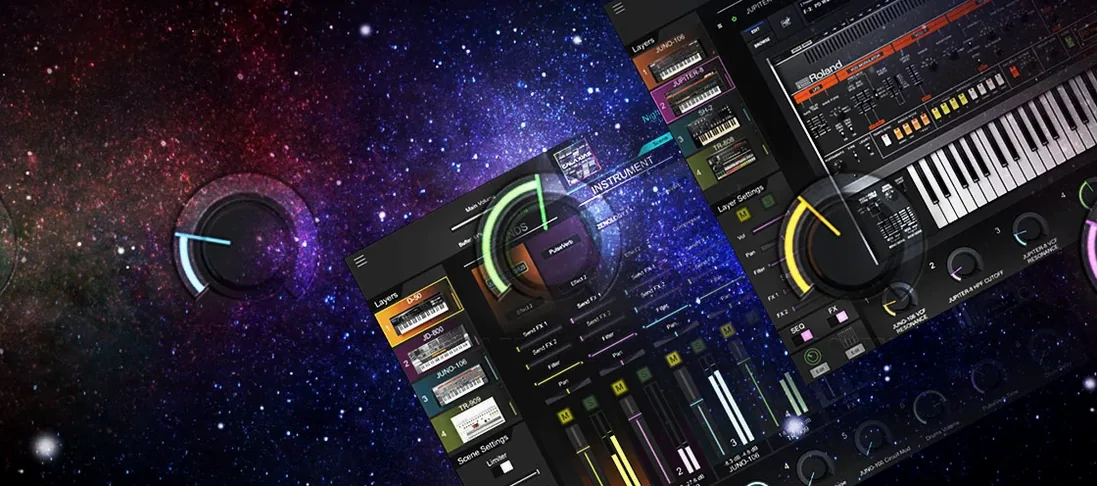
Delivers the exact tone of a JUNO-60 or TR-909 without the vintage hardware hunt.
23 steps saved
 RipX DAW Pro
Splits any song into notes and stems you can edit one by one.
14 steps saved
 Sauceware Audio Scorch 2
Turns a simple chord progression into a full arrangement without a keyboard.
4 steps saved
 Scaler 3
Suggests chords and progressions and plays them across your tracks.
17 steps saved
 Revoice Pro
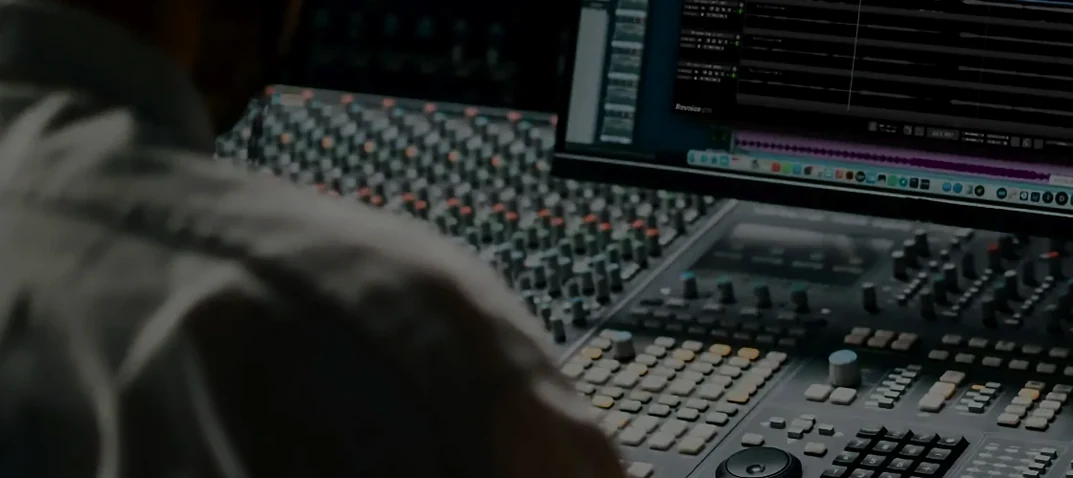
Tightens a vocal comp by aligning time, pitch, and loudness without artifacts.
15 steps saved
 reFX Nexus
Loads your existing libraries while opening up custom sound design under the hood.
12 steps saved
 RC-20 Retro Color
Adds the grit and warmth of old recording chains to a modern session.