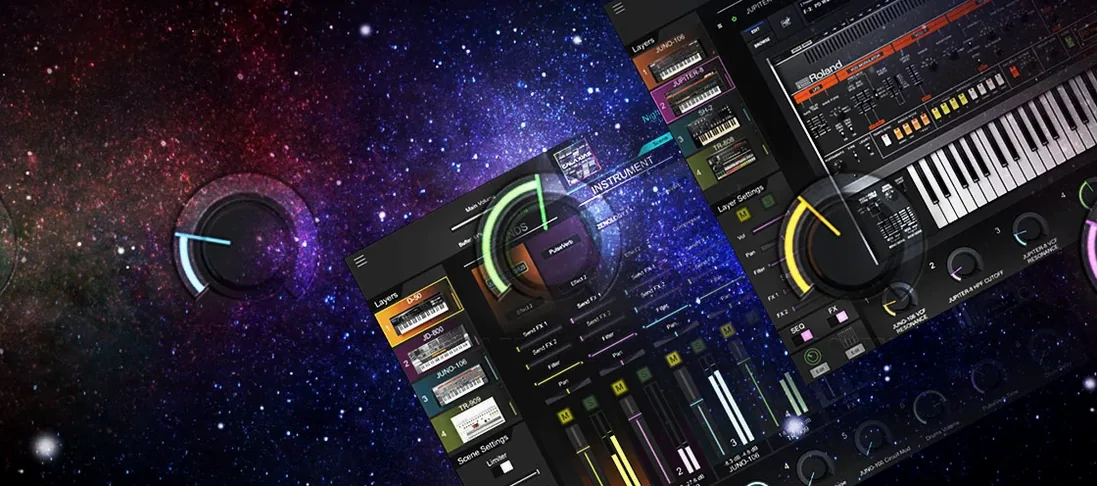
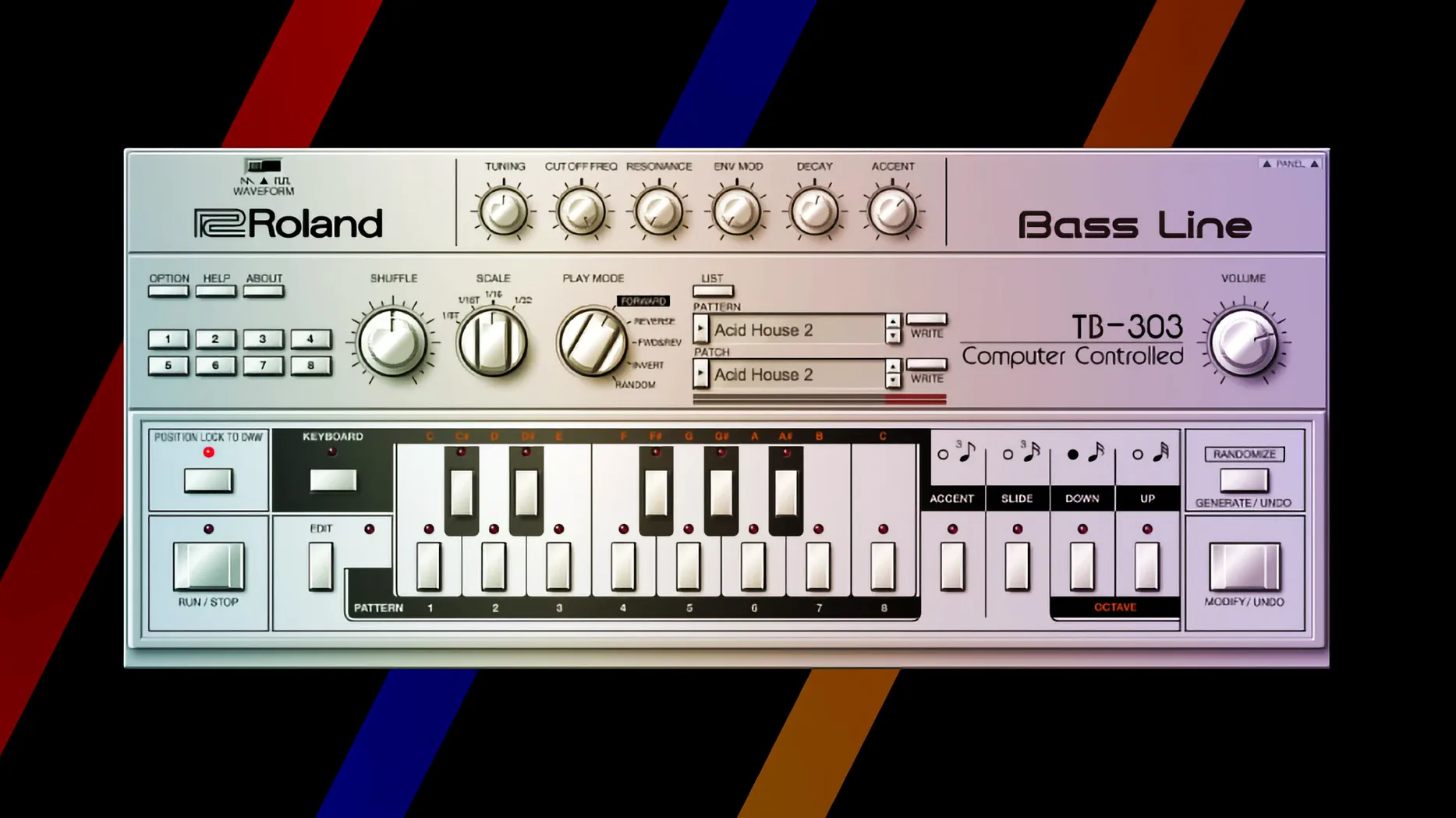
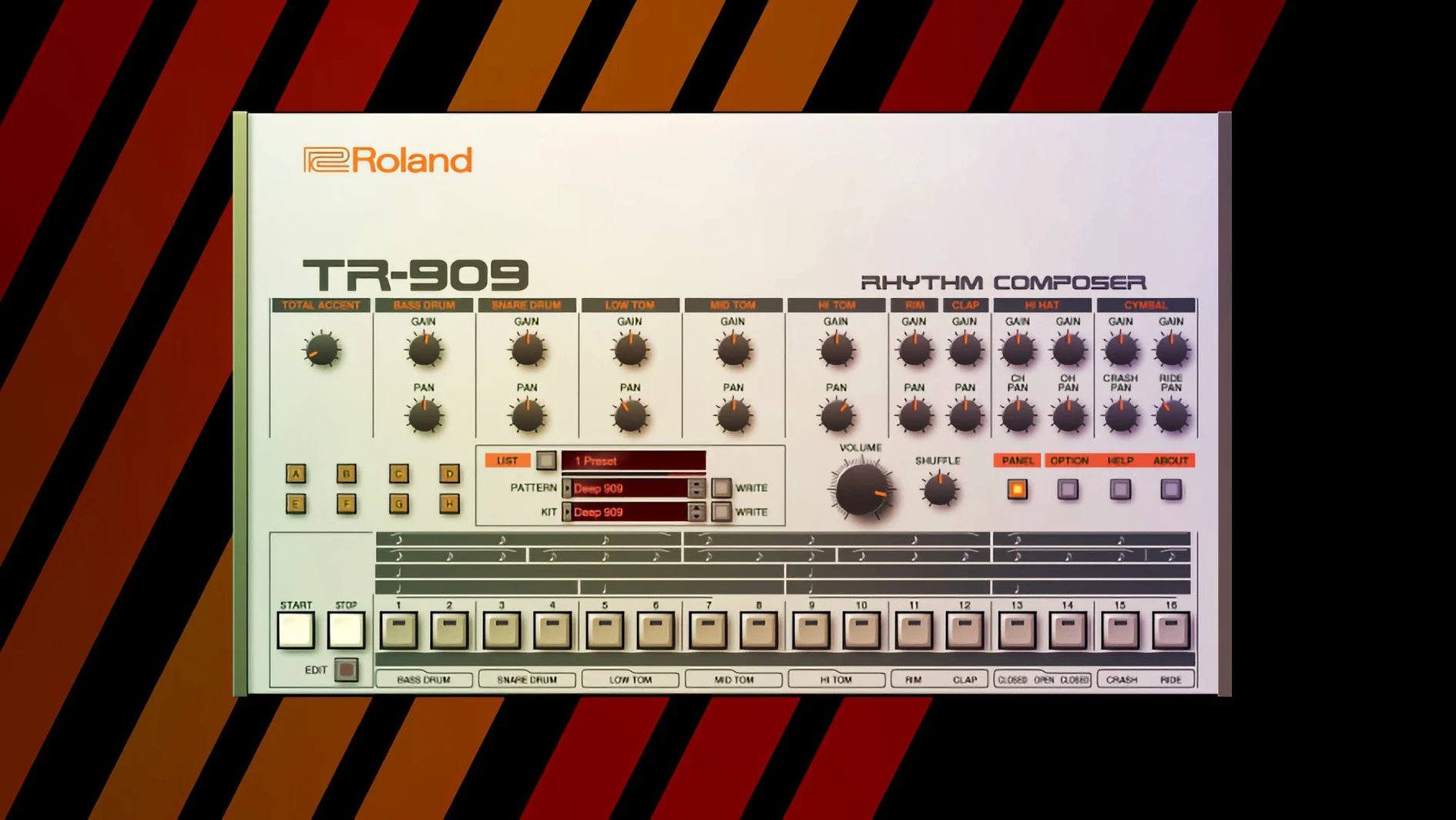
Producers and sound designers who need the exact tone of a JUNO-60 or the punch of a TR-909 without hunting for mint-condition hardware.
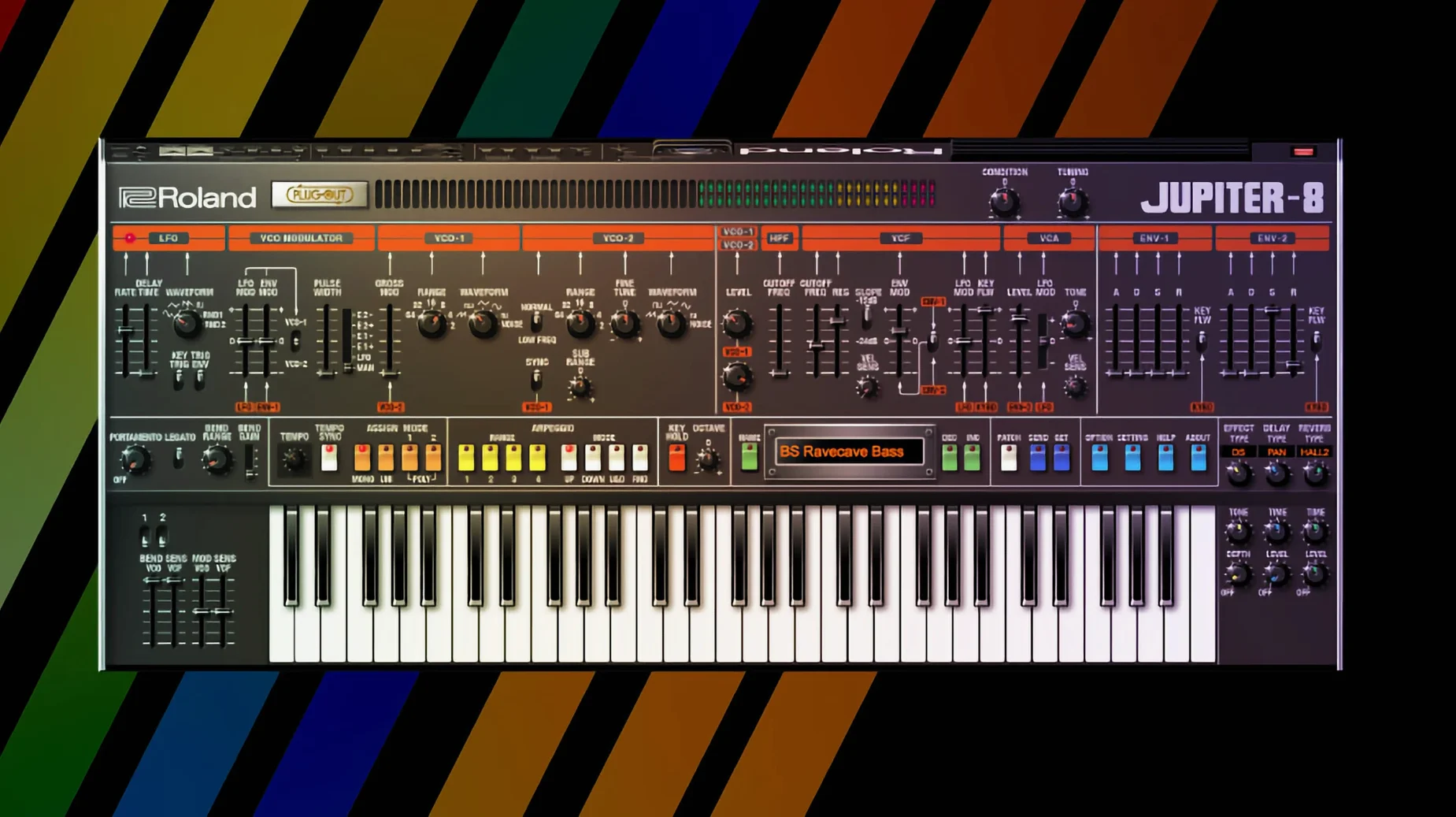
Lead synth tracks — where a JUPITER-8 pad or a D-50 digital stab sits in the spotlight, wide in stereo.
Bass duties — a JUNO-106 or JUPITER-4 patch, mono and centered, handling sub-weight and midrange growl.
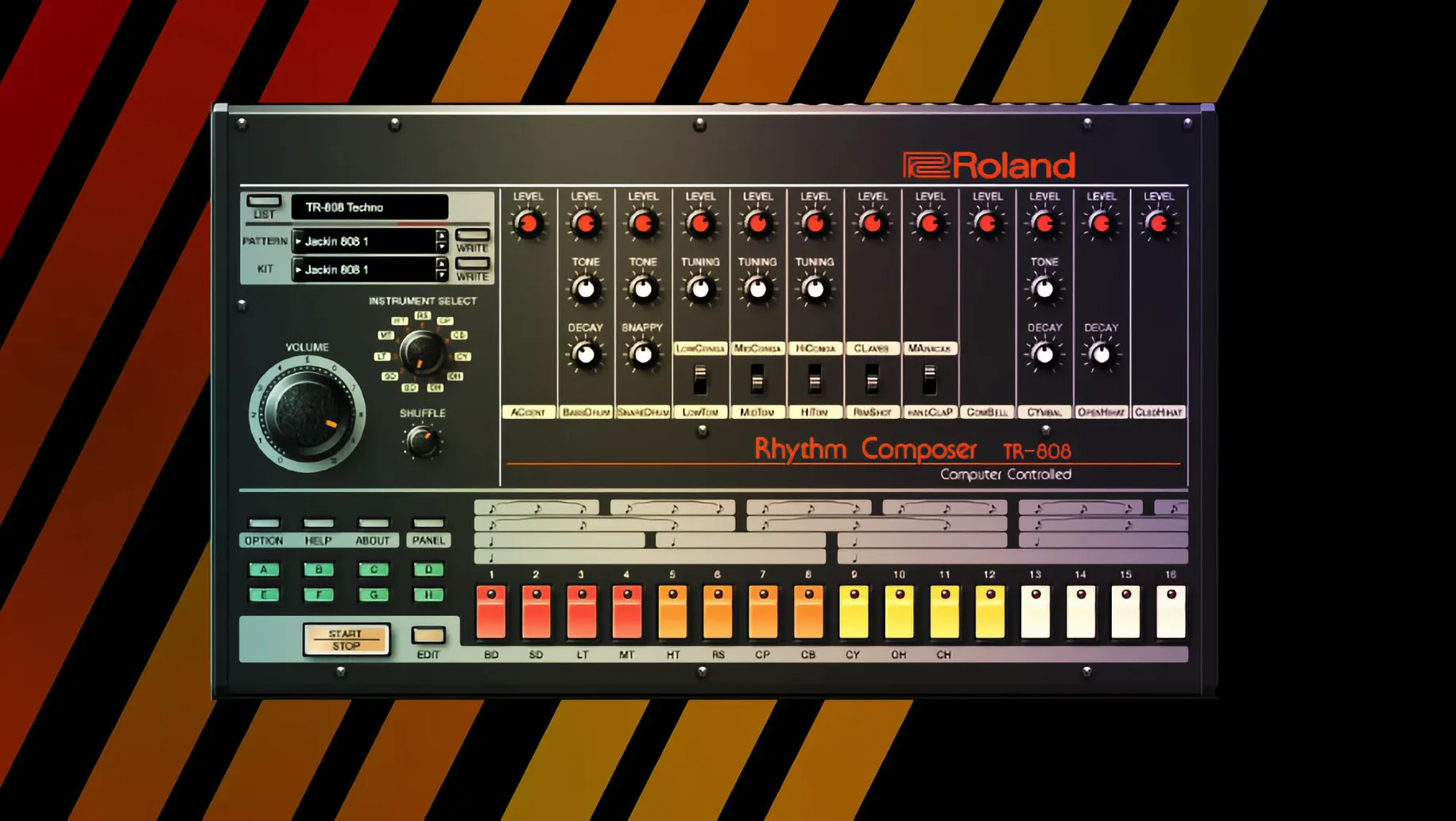
Drum bus — the TR-808 and TR-909 driving the foundation, each sound routed to its own mixer channel for processing.
Texture layers — a second instance on a send, high-passed and drenched in reverb, adding width behind a dry lead.
Analog Circuit Behavior — Roland's component-level modeling that gives each plugin the voltage swings and drift of the original circuits.
Legendary Series vs. the Field
Three contenders sit in the same lane. Each takes a different approach to vintage Roland tone, and the differences matter once you load them into a session.
Arturia V Collection — Arturia models a wide net of synthesizers, Roland units among them. Their JUP-8 V and Jun-6 V use physical modeling rather than component-level emulation. The result is a polished, slightly modernized take. Filter resonance behaves cleaner. Oscillator drift is more predictable. For a producer who wants the silhouette of a Roland classic without the quirks, Arturia fits. The Legendary Series digs deeper into circuit behaviour — the odd voltage sag that makes a JUNO-60 bass patch sit differently in a mix, the way the TR-808 kick compresses when you push the decay past noon.
Cherry Audio — Cherry Audio's recreations, like the DCO-106, are lean plugins with a streamlined feature set. They load fast and consume little CPU. The interface is functional but not high-resolution on large displays. Cherry Audio prioritises affordability and low system overhead. The Legendary Series counters with high-dpi interfaces on the v2 instruments, deeper modulation routing, and the ACB engine's extra detail. Cherry Audio wins on speed; Roland wins on depth.
TAL Software — TAL's J-8 and U-NO-LX are laser-focused single instruments. A developer known for meticulous Roland-inspired plugins, TAL calibrates filter curves and envelope shapes with obsessive precision. The J-8 compares favourably to the JUPITER-8 in the Legendary collection. The difference is scope: TAL gives you one synth per plugin. The Legendary Series bundles multiple instruments under one roof, sharing preset management and DAW integration. If you only need a JUPITER-8, TAL is a valid pick. If you rotate through a D-50 for pads, a JUNO-60 for chords, and a TR-808 for drums, the collection consolidates three jobs that TAL would spread across separate purchases.
The roland cloud legendary series occupies a specific spot: it's the first-party option, built by the company that designed the original hardware. The ACB engine models individual transistors and op-amps, not just the final output. That matters most on patches where the original hardware misbehaves in a musical way — the JUPITER-4's unstable voice allocation, the TR-909's clipped kick drum when you overdrive the internal mixer.
Force a Full Plugin Rescan to Catch Every Format
After the standard installation, a few configuration steps save time later.
- Rescan your plugin folder. The Legendary instruments install as AU, VST3, and AAX. Force a full rescan in your DAW so every format registers. A missed VST3 can cause duplicate track assignments when you swap between Logic and Ableton sessions.
- Map the master tuning. Each instrument defaults to 440 Hz. If your productions use 432 Hz or a detuned piano, set it once and save it as the default patch. The setting lives under the Utility or System tab depending on the instrument.
- Create a drum routing template. Load the TR-808 or TR-909 into a track, then route each sound — kick, snare, hi-hats, clap, rim — to a separate mixer channel. Name them, colour-code them, and save the track as a DAW template. You'll drag it into every production session.
- Turn off the internal reverb on preset browsing. Many factory patches load with a hall reverb enabled. It sounds impressive in isolation but clouds a mix. Disable it while scrolling presets so you judge the raw tone, then add your own send reverb later.
- Set the interface scale. The v2 instruments — JUPITER-8, JUNO-106, JUPITER-4 — support high-resolution displays. In the plugin menu, scale the window to match your monitor. A 5K iMac benefits from 150% or 200%. The older D-50 and TR instruments remain at fixed resolution.
- Test CPU loading with a chord stack. Load four instances of the JUPITER-8, play a six-note chord on each, and watch your DAW's CPU meter. The ACB engine is hungry. On an Apple Silicon Mac, the performance cores handle three or four instances comfortably before you need to freeze tracks. Know your ceiling early.
A Producer's Tuesday Evening
A synthwave producer opens a project at 9 p.m. The brief: a dark, driving instrumental for a short film cue. The palette is simple — a single bass line, a pad, a melodic hook, and a drum backbone. All four roles fall to the Legendary Series.
She starts with the TR-909. Kick on channel one, snare on two, open and closed hi-hats on three and four. She pulls the kick's decay down to shorten the tail, tightens the attack, and layers a sub tone from the JUNO-106 underneath — a pure sine patch, no filter movement, just body under the 909's click. The snare gets a touch of the 909's internal noise generator for sizzle, then a gated reverb from the DAW's send bus.
The bass arrives next via the JUPITER-4. Unison mode, two detuned saw waves, low-pass filter at 200 Hz with key tracking off. She plays a sparse eighth-note pattern, sidechained to the 909 kick. The low-end ducks cleanly. A subtle overdrive from the plugin's built-in effect adds harmonics that cut on laptop speakers.
For the pad, the D-50 loads a factory Fantasia patch, stripped of its chorus and reverb. She plays whole-note minor-seventh chords, high-passed at 400 Hz, with an eighth-note delay ping-ponging across the stereo field. The JUPITER-8 takes the melody — a lead patch built from a single square wave, portamento on, filter envelope shaped for a sharp attack and quick decay. By 10:45 p.m. the cue is mixed and printed.
Building a JUNO-60 Bass Patch from Scratch
A blank init patch is the fastest route to a working bass sound. Start there, not from a preset.
1. Reset the instrument. Open the JUNO-60. Clear all modulation, set the filter wide open, set the amp envelope to a gate shape — attack at zero, decay at maximum, sustain at maximum, release at zero.
2. Pick the oscillator shape. Engage the sub-oscillator and the saw wave on DCO-1. Drop DCO-2's level to zero — one oscillator is enough for a focused low end. The sub adds weight an octave below without muddying the midrange.
3. Set the filter. Switch to low-pass mode, 24 dB/octave. Pull the cutoff down until the high-mids dull, roughly 300 Hz. Push the resonance to about 30% — just enough to create a bump at the cutoff frequency. Assign the envelope to the filter with a negative polarity if the plugin allows, so the attack briefly opens the filter before it clamps down.
4. Shape the envelope for pluck. On the amp envelope, drop the sustain to 50%. Keep attack at zero. Set decay to a short value — 200 to 400 milliseconds. The note hits hard and decays into a held body. On the filter envelope, set the decay to match, with a slightly shorter release so the filter closes before the note fully fades.
5. Add the chorus. The JUNO-60's built-in chorus is part of its DNA. Engage Chorus I for a subtle widening. Keep the wet/dry at
- macOS 11 or later
- Apple Silicon or Intel processor (64-bit)
Questions I get before install
What instruments are in the Roland Cloud Legendary Series?
The collection includes precise recreations of the D-50, JUNO-60, JUPITER-8, TR-808, and TR-909, with JUPITER-4, JUPITER-8, and JUNO-106 forming the Legendary v2 instruments.
Comments 0
Sign in to leave a comment.Sign inCreate an account
No comments yet. If a step is still there after you install it, say so.
More in VST Plugins
All in VST Plugins Roland ZENOLOGY Pro
Gives producers who build their own patches a deep editor with ten filter types.
8 steps saved
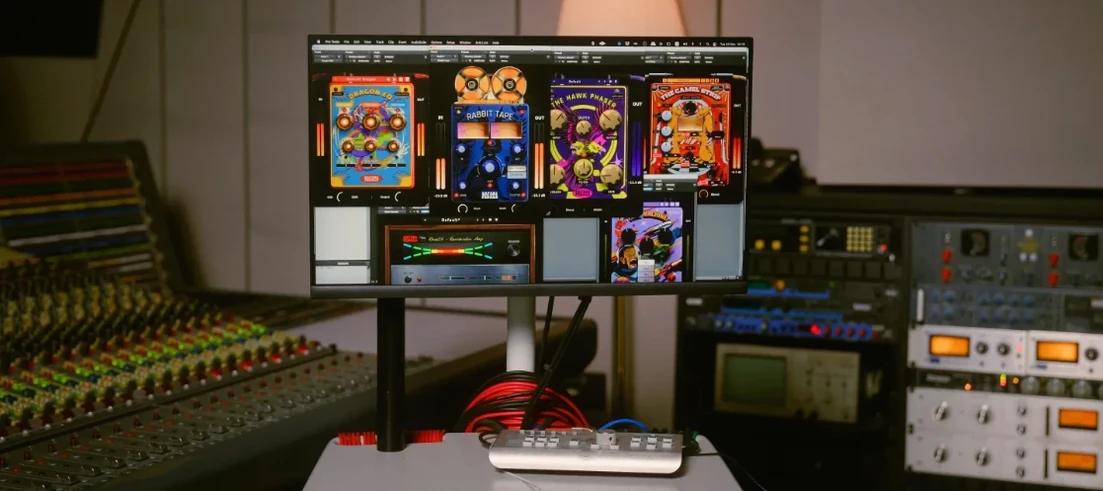 Safari Pedals Everything Bundle
Puts a saturator, chorus, and transient clipper chain in one plugin folder.
23 steps saved
 RipX DAW Pro
Splits any song into notes and stems you can edit one by one.
14 steps saved
 Sauceware Audio Scorch 2
Turns a simple chord progression into a full arrangement without a keyboard.
4 steps saved
 Scaler 3
Suggests chords and progressions and plays them across your tracks.
17 steps saved
 Revoice Pro
Tightens a vocal comp by aligning time, pitch, and loudness without artifacts.
15 steps saved
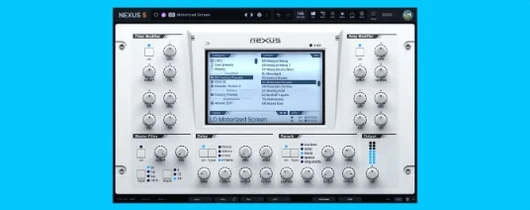 reFX Nexus
Loads your existing libraries while opening up custom sound design under the hood.
12 steps saved
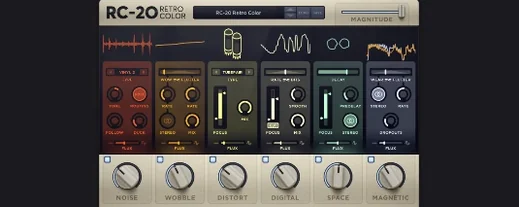 RC-20 Retro Color
Adds the grit and warmth of old recording chains to a modern session.