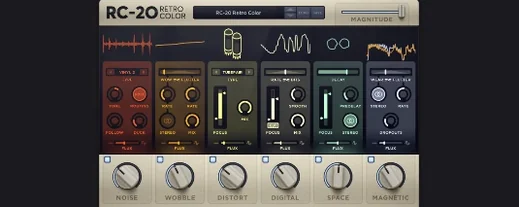
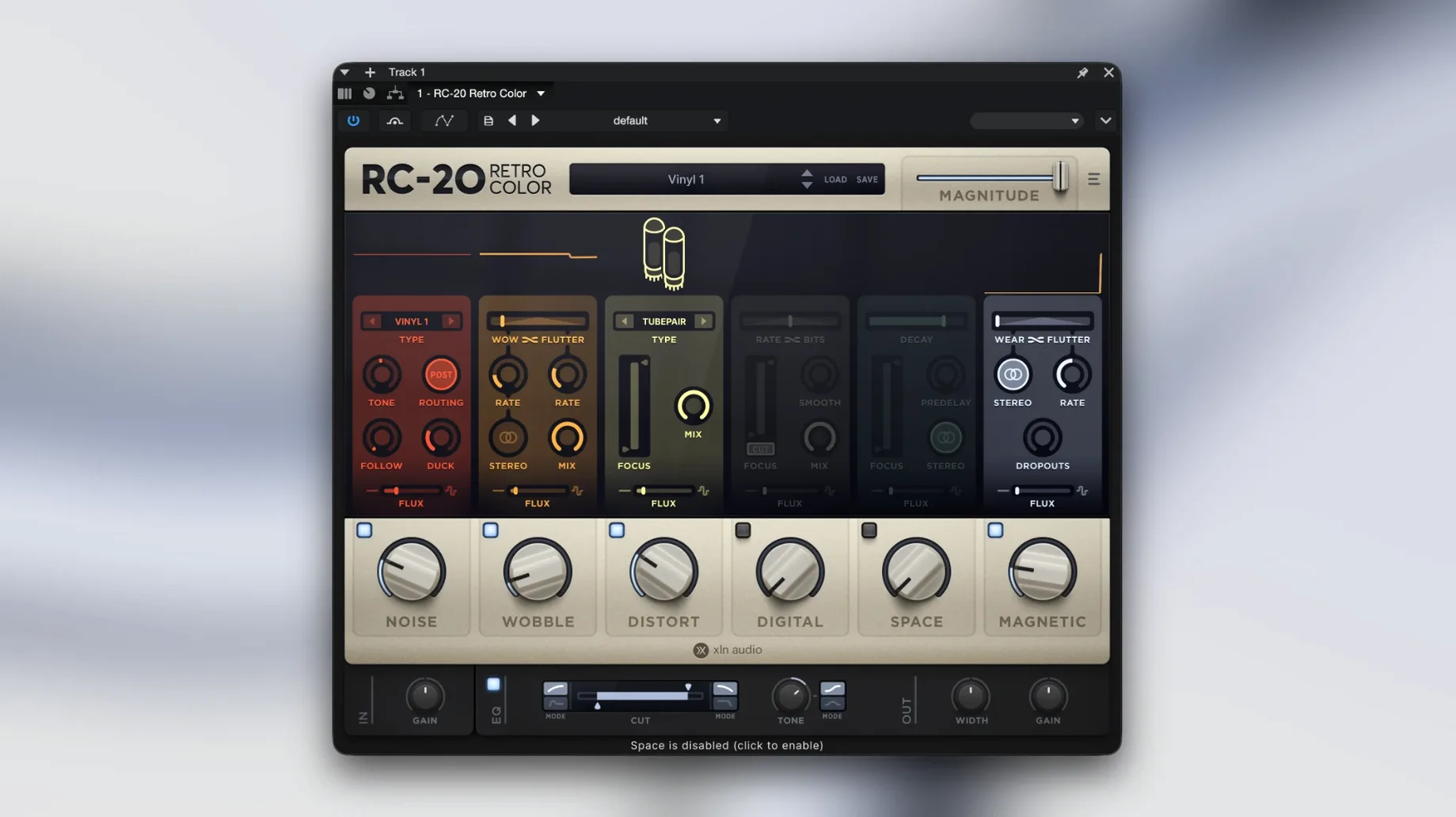
Producers and beatmakers reach for RC-20 when a track feels sterile. It adds the grit and warmth of old recording chains to modern sessions.
Six-Module Format Support Across Major DAWs
- VST, AU, and AAX formats — works in Ableton Live, Logic Pro, Pro Tools, and similar hosts
- macOS 10.13 or later, 64-bit only, Intel and Apple Silicon
- Six modules: Noise, Wobble, Distort, Digital, Space, and Magnetic
- Adding life and texture to clean recordings
Creative Color Tool, Not a Surgical Repair Unit
- 64-bit host required — no 32-bit bridge support
- Current version is 1.5.1
- Designed as a creative colour tool, not a surgical repair unit
A bedroom producer’s Saturday morning
A beatmaker opens a finished loop at 9 a.m. The drums sit flat, the synth lead feels plastic. They drop RC-20 on the drum bus, raise the Noise module a touch, and nudge Wobble until the hi-hats breathe. On the lead they add a little Digital grit and pull the Space module back to mono. By 9:25 the track sounds like it was pulled from a dusty cassette found in a thrift shop. That is the whole job, done without leaving the DAW.
Daily Texture Shortcut for Lo-Fi and Electronic Mixes
Mix engineers working on indie, lo-fi, and electronic records reach for it daily. It gives them quick access to textures that would otherwise take a chain of three or four plugins. Sound designers use the Flux engine to keep pads and drones from sitting still. Recording musicians who track at home benefit too: a clean DI guitar or a dry vocal can gain character in one insert slot.
Producers who work mostly with samples and loops tend to adopt it fastest. The presets cover common starting points — worn tape, broadcast console, old sampler — so a usable sound is usually one click away.
Stacking All Six Modules Creates Instant Mud
- Stacking every module at once. Six modules on full make mud. Start with one or two, then add more only if the track still asks for it.
- Ignoring the output level. Distort and Magnetic can push gain hard. Match the bypassed level so the “improvement” is not just loudness.
- Treating Flux like an LFO. The Flux engine drifts slowly. Dial it in small amounts and listen over eight bars, not two seconds.
- Skipping the manual link inside the plugin. The built-in help explains module interactions that are not obvious from the panel alone.
- macOS 10.13 or later
- 64-bit only
- Intel and Apple Silicon
- VST, AU, AAX host
Comments 0
Sign in to leave a comment.Sign inCreate an account
No comments yet. If a step is still there after you install it, say so.
More in VST Plugins
All in VST Plugins reFX Nexus
Loads your existing libraries while opening up custom sound design under the hood.
17 steps saved
 Revoice Pro
Tightens a vocal comp by aligning time, pitch, and loudness without artifacts.
23 steps saved
 RipX DAW Pro
Splits any song into notes and stems you can edit one by one.
9 steps saved
 Roland Cloud Legendary Series
Delivers the exact tone of a JUNO-60 or TR-909 without the vintage hardware hunt.
15 steps saved
 Roland ZENOLOGY Pro
Gives producers who build their own patches a deep editor with ten filter types.
8 steps saved
 Safari Pedals Everything Bundle
Puts a saturator, chorus, and transient clipper chain in one plugin folder.
13 steps saved
 Pulsar Audio IPA
Glues a mix bus or drum group together with three distinct detector paths.
14 steps saved
 Sauceware Audio Scorch 2
Turns a simple chord progression into a full arrangement without a keyboard.