
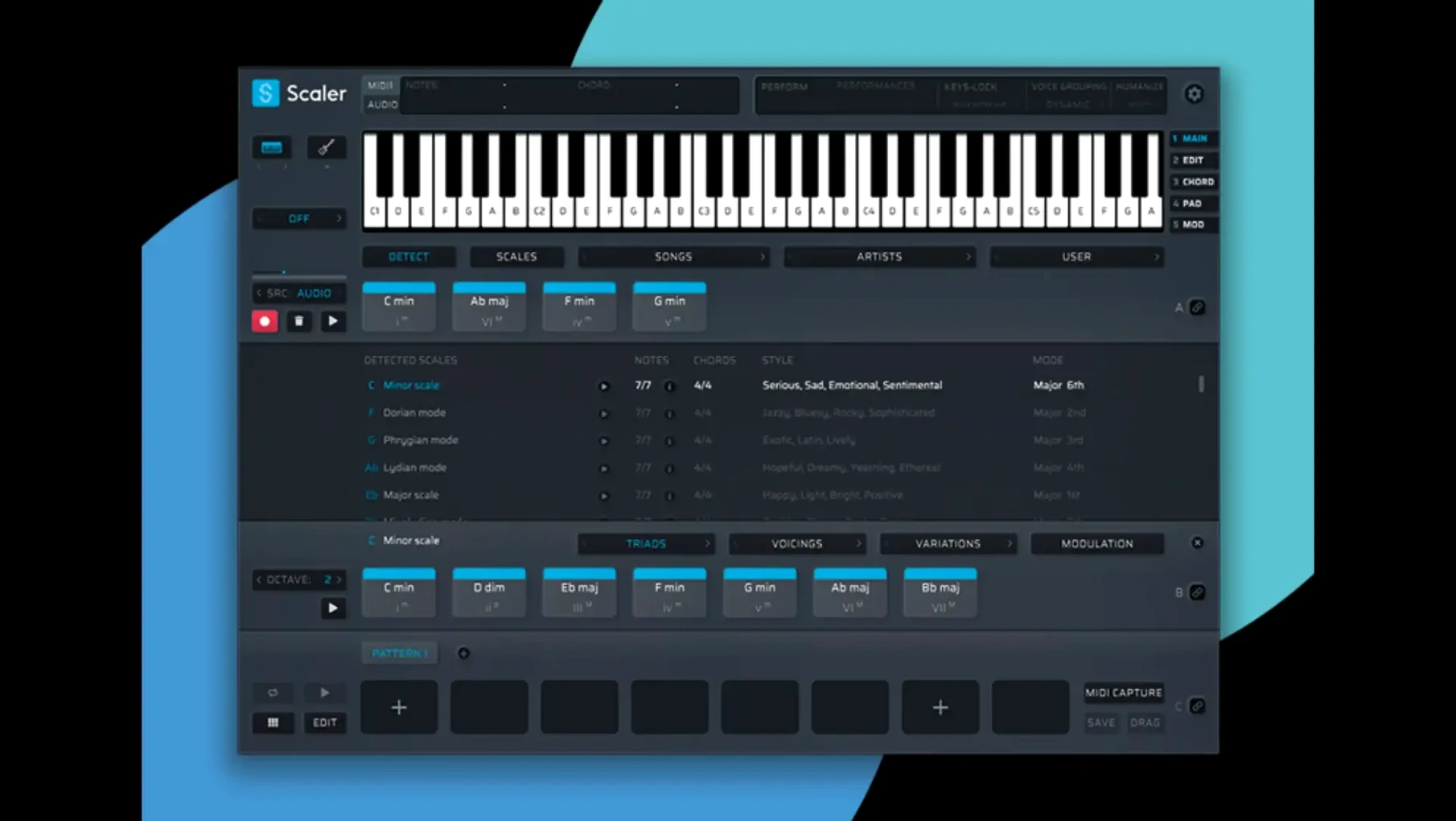
Multi-Bind is where a single progression starts pulling weight across an entire arrangement. Select your source track, assign three or four destination instruments, and a chord change on one ripples through the rest. It turns a sketch into a full-band voicing without duplicating MIDI clips. The control lives inside the main workstation panel, next to the chord display.
Drag genre-chord sets straight into your DAW
- Building progressions from genre and artist-based chord libraries, then dragging them straight into a DAW as MIDI.
- Stacking synth and sample layers with linked harmony, using Multi-Bind to keep parts in lockstep.
- Hosting a favourite AU reverb or VST arpeggiator directly on a chord section, treating Scaler 3 as a contained sound-design sketchpad.
- Standalone composition sessions where the DAW isn't open yet — the app runs independently with full detection and editing tools.
macOS 10.15 minimum, English-only interface
- The workstation is 64-bit only and needs macOS 10.15 or newer.
- It supports VST, VST3, AU, and AAX formats on both ARM and x86 architectures.
- Interface language is English; no localizations are currently provided.
Shift-drag chords without closing the browser
A handful of shortcuts sit just below the surface. Holding Shift while dragging a chord from the library drops it onto the timeline without closing the browser — useful when you are assembling a progression bar by bar. Option-click any chord block to mute it temporarily during playback, which beats hunting for a mute button in a dense arrangement.
The chord display responds to arrow keys for step-by-step browsing through suggestions, and the Space bar triggers audition previews without touching the mouse. On the Multi-Lane Timeline, Command-drag copies a block while preserving its voicing and octave, so variations stay consistent.
Less obvious details:
- The standalone app remembers your last window size and plugin host routing between sessions. No reconfiguration on restart.
- Right-clicking a chord label in the timeline opens a contextual menu with inversions and alternate voicings — the same set the main browser offers, but faster to reach mid-edit.
- MIDI export now crops leading silence automatically. The version 3.3.2 fix means dropped files start cleanly on the downbeat, no trimming needed in the DAW afterward.
Apple Silicon loads the plugin in under two seconds
Scaler 3 loads as a plugin in under two seconds on Apple Silicon, and the standalone app opens almost as quickly. The interface stays responsive with ten or more plugin hosts active across chord sections — no lag when switching between the chord browser, the editor, and timeline lanes. Memory use hovers around 300 to 400 MB in typical sessions, climbing only when you load heavy AU instruments inside the workstation itself.
On Intel machines running macOS 10.15, the same session feels slightly heavier but remains usable. The 3.3.2 update cleaned up display glitches in the MIDI Editor that used to swallow note data or misalign chord blocks, and the screen redraws now feel reliable even during rapid transport moves.
Plugin hosting inside Scaler 3 has limits: a handful of instances work well; stacking ten convolution reverbs will push it. For sound design sketches, though, the stability holds up. Crashes are rare, and the auto-saved state means reopening picks up where you left off.
Build D minor progressions from Artist-tagged sets
Open Scaler 3 standalone around 9 a.m., before the DAW is even running. Select D minor from the key menu, pull up the Artist tab, and browse a few chord sets tagged with electronic and ambient descriptors. Audition four or five progressions with the Space bar, find one that fits a verse idea, and drag it onto the Chord lane.
Add a Bass lane. Set it to follow the chord track, then switch its pattern to a syncopated rhythm from the preset list. A third lane gets a simple arpeggio assigned — three notes, sixteenth-note spacing, octave range locked to +1. The timeline now holds eight bars of structured harmony with almost no manual note entry.
Load a soft pad instrument as an AU plugin directly on the chord section. Tweak its filter cutoff inside the Scaler 3 host panel, listening to how the progression breathes. Drag the whole timeline as a MIDI file onto the desktop, then drop it into the DAW later in the day. The exported clip starts right on the bar line — no leading silence, no cleanup required.
By the time the DAW session begins, the harmonic framework is already in place. The morning's work was browsing, layering, and exporting, not staring at a piano roll. That shift — from placing notes to shaping direction — is where the tool quietly changes the pace of a writing day.
- Fixed — MIDI Editor display glitches. Missing notes, incorrect chord representations, and blank space before chords no longer appear.
- Fixed — Exported MIDI now automatically crops empty space at the start of the sequence.
- macOS 10.15 or later
- 64-bit only
- Intel and Apple Silicon supported
Questions I get before install
What formats does Scaler 3 run in?
Scaler 3 works as a VST, VST3, AU, and AAX plugin, plus a standalone application.
Can I host other plugins inside Scaler 3?
Yes, you can load VST and AU plugins directly onto chord and MIDI sections for processing or performance.
Comments 0
Sign in to leave a comment.Sign inCreate an account
No comments yet. If a step is still there after you install it, say so.
More in VST Plugins
All in VST Plugins Sauceware Audio Scorch 2
Turns a simple chord progression into a full arrangement without a keyboard.
8 steps saved
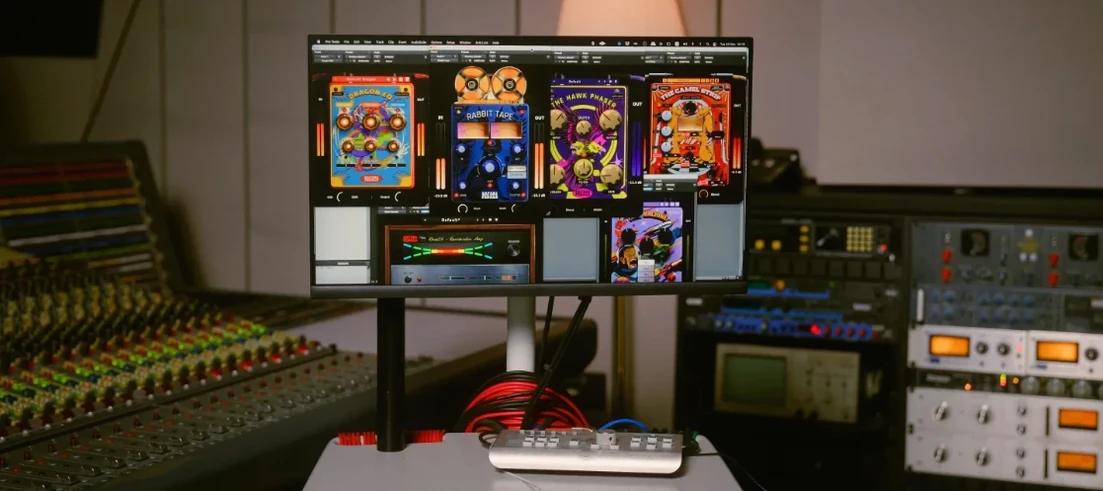 Safari Pedals Everything Bundle
Puts a saturator, chorus, and transient clipper chain in one plugin folder.
15 steps saved
 Roland ZENOLOGY Pro
Gives producers who build their own patches a deep editor with ten filter types.
9 steps saved
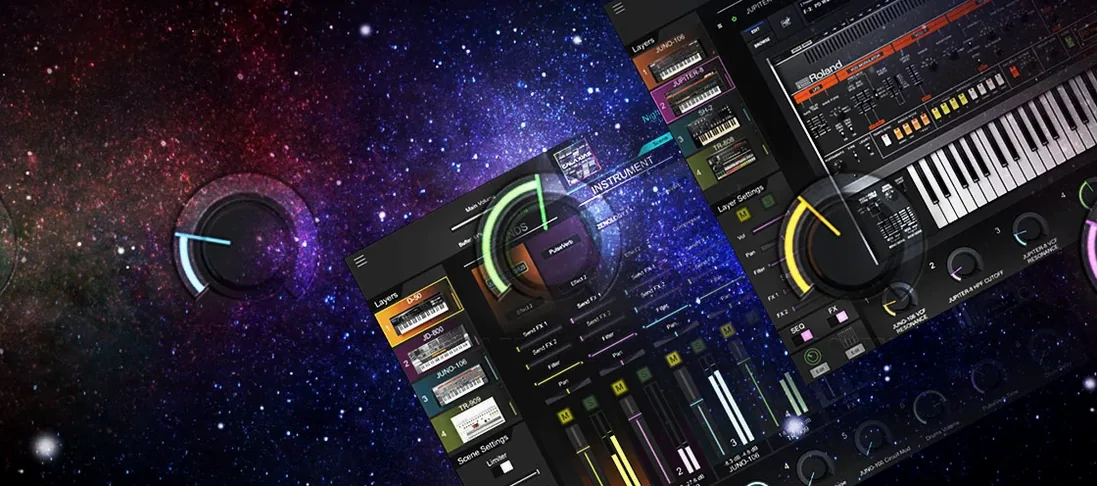 Roland Cloud Legendary Series
Delivers the exact tone of a JUNO-60 or TR-909 without the vintage hardware hunt.
13 steps saved
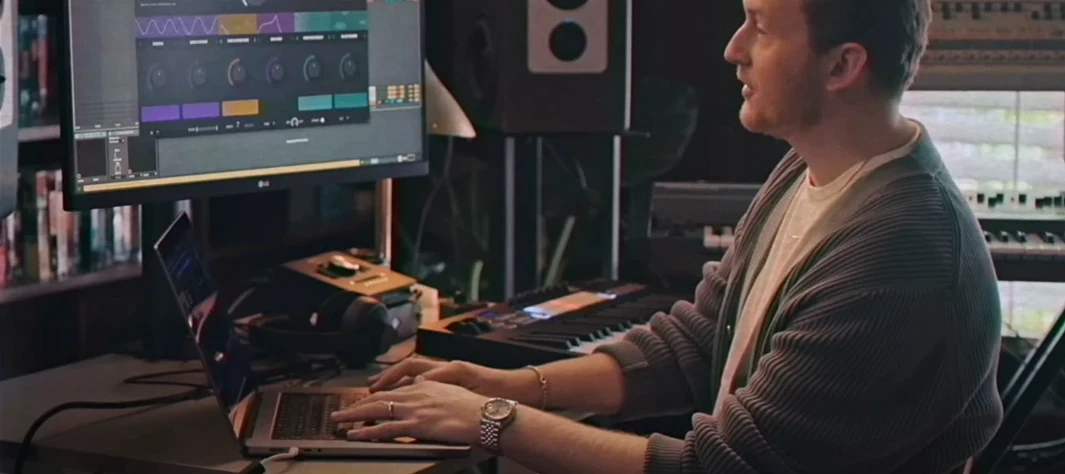 Serato Hex FX
Chains up to fifty effects in a custom order inside a single plugin.
20 steps saved
 Serato Sample
Splits a stereo mix into isolated stems for sampling and remixing.
23 steps saved
 RipX DAW Pro
Splits any song into notes and stems you can edit one by one.
13 steps saved
 Updated
Serum
Lets you build and warp wavetables to place a sound precisely in a mix.