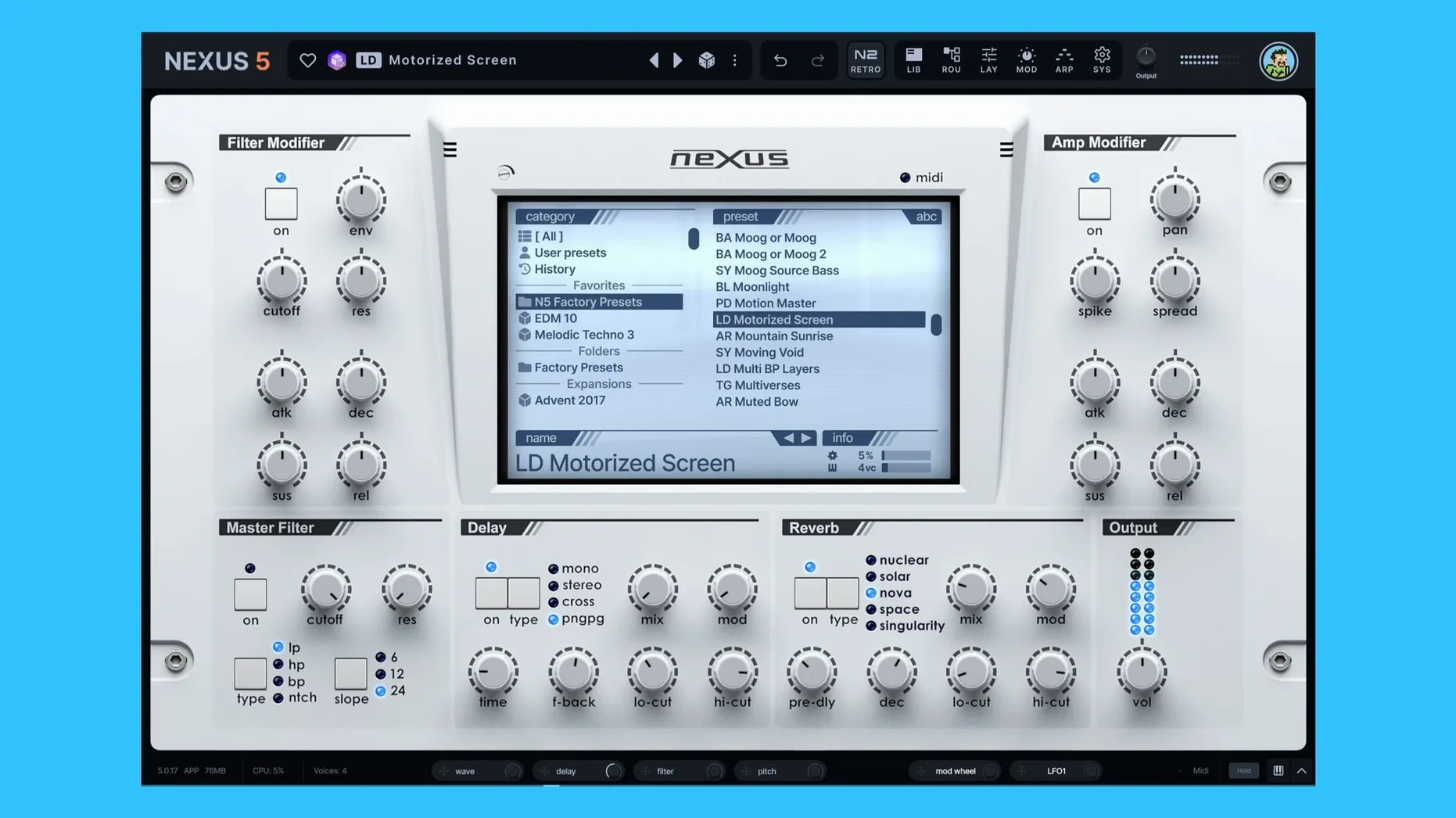
The Clipper FX arrives where you'd least expect it — at the end of a signal chain that can also hold a reworked unison engine with up to 16 voices. That's the kind of instrument Nexus 5 is now. It still loads your existing NEXUS libraries, but the architecture underneath has shifted toward custom routing, multi-oscillator layering, and hands-on audio editing.
Browsing, layering, and custom sample editing inside the instrument
- Browsing and tweaking large preset libraries without leaving the instrument
- Layering samples with virtual analog, wavetable, granular, or FM oscillators in a single patch
- Editing audio directly — slice, loop, crossfade, and map custom samples
- Building custom modulation routings with visible source tracking in the depth rings
- Matching preset previews to host tempo, with a BPM override when you need it
Existing library required plus a learning curve beyond preset recall
- Requires existing NEXUS content — the plugin references the library, it doesn't ship with a full factory set
- Skin editor and advanced oscillator wrap modes mean a learning curve if you only need quick preset recall
- Architecture supports both Intel and Apple Silicon, but the macOS floor is 10.15 Catalina
Unison overhaul removes phase smear across 16 stacked voices
Version 5.5.12 tightens up three areas that used to feel scattered across the interface. The unison overhaul is the most audible change in day-to-day patch design. Up to 16 voices now stack without the phase smear older versions produced at high voice counts. Setting detune and stereo spread takes longer to dial in, but the result holds together in a mix instead of collapsing into a washy pad.
The Clipper effect sits in the effects section as a hard limiter for transient shaping. You can push a kick or pluck into it before the output stage and get a controlled top-end crack rather than digital clipping. The keyzone trigger for the Ducker also changes how sidechain-style movement works — you can now drive the ducker from a specific key range, which is useful when a preset has to respond to a bassline played in a particular octave.
On the SYS page, the BPM readout and override option remove the guesswork from tempo-synced patches. If the host tempo drifts or you're building a preset outside a DAW session, you can lock the internal tempo to a fixed value. The two oscillator wrap modes affect how wavetable and granular oscillators behave at the loop boundary, which matters when you load short, non-looping samples and want them to wrap cleanly instead of clicking at the endpoint.
BPM override breaks tempo‑matched previews
- Preset previews don't match the host tempo. Check the BPM override on the SYS page. If it's on, the preview ignores host sync. Turn it off or set it to the session tempo.
- Unison patches sound thin after updating
- New — Skin Editor now styles dialog windows: background, title bar, body text, and buttons are all customisable.
- New — Open a skin file directly from the Skin Browser’s context menu.
- Improved — Colour names in the Skin Editor display without internal prefixes, so they’re readable at a glance.
- Improved — The Impulse oscilloscope now matches the colour scheme used by other effect displays.
- Fixed — Loading, saving, and thumbnail previews for skins whose filenames contain dots.
- Fixed — Knob colours now persist correctly when switching from a light skin back to the default.
- Fixed — Oscilloscope styling inside the Impulse import window.
- Fixed — Live text refresh in an open dialog after a skin change.
- Fixed — Double-pressing Save As no longer re-opens the window.
- macOS 10.15 or later
- Apple Silicon or Intel 64-bit processor
Questions I get before install
Can I load my own samples into reFX Nexus?
Yes. Nexus 5 lets you import, edit, slice, loop, and crossfade custom audio files alongside its internal oscillators.
Does Nexus 5 open older NEXUS projects?
It does. Version 5 remains compatible with existing NEXUS projects and third-party libraries.
What oscillator types are available in Nexus 5?
You can combine sample playback with virtual analog, wavetable, granular, and frequency-modulation oscillators, then route them freely.
Comments 0
Sign in to leave a comment.Sign inCreate an account
No comments yet. If a step is still there after you install it, say so.
More in VST Plugins
All in VST Plugins RC-20 Retro Color
Adds the grit and warmth of old recording chains to a modern session.
17 steps saved
 Revoice Pro
Tightens a vocal comp by aligning time, pitch, and loudness without artifacts.
23 steps saved
 RipX DAW Pro
Splits any song into notes and stems you can edit one by one.
9 steps saved
 Roland Cloud Legendary Series
Delivers the exact tone of a JUNO-60 or TR-909 without the vintage hardware hunt.
15 steps saved
 Roland ZENOLOGY Pro
Gives producers who build their own patches a deep editor with ten filter types.
8 steps saved
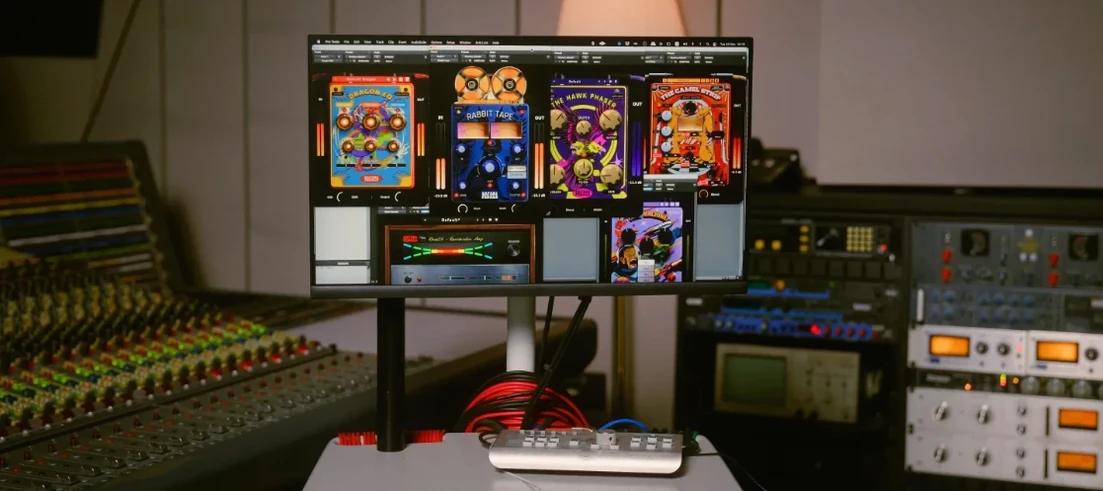 Safari Pedals Everything Bundle
Puts a saturator, chorus, and transient clipper chain in one plugin folder.
13 steps saved
 Pulsar Audio IPA
Glues a mix bus or drum group together with three distinct detector paths.
14 steps saved
 Sauceware Audio Scorch 2
Turns a simple chord progression into a full arrangement without a keyboard.