
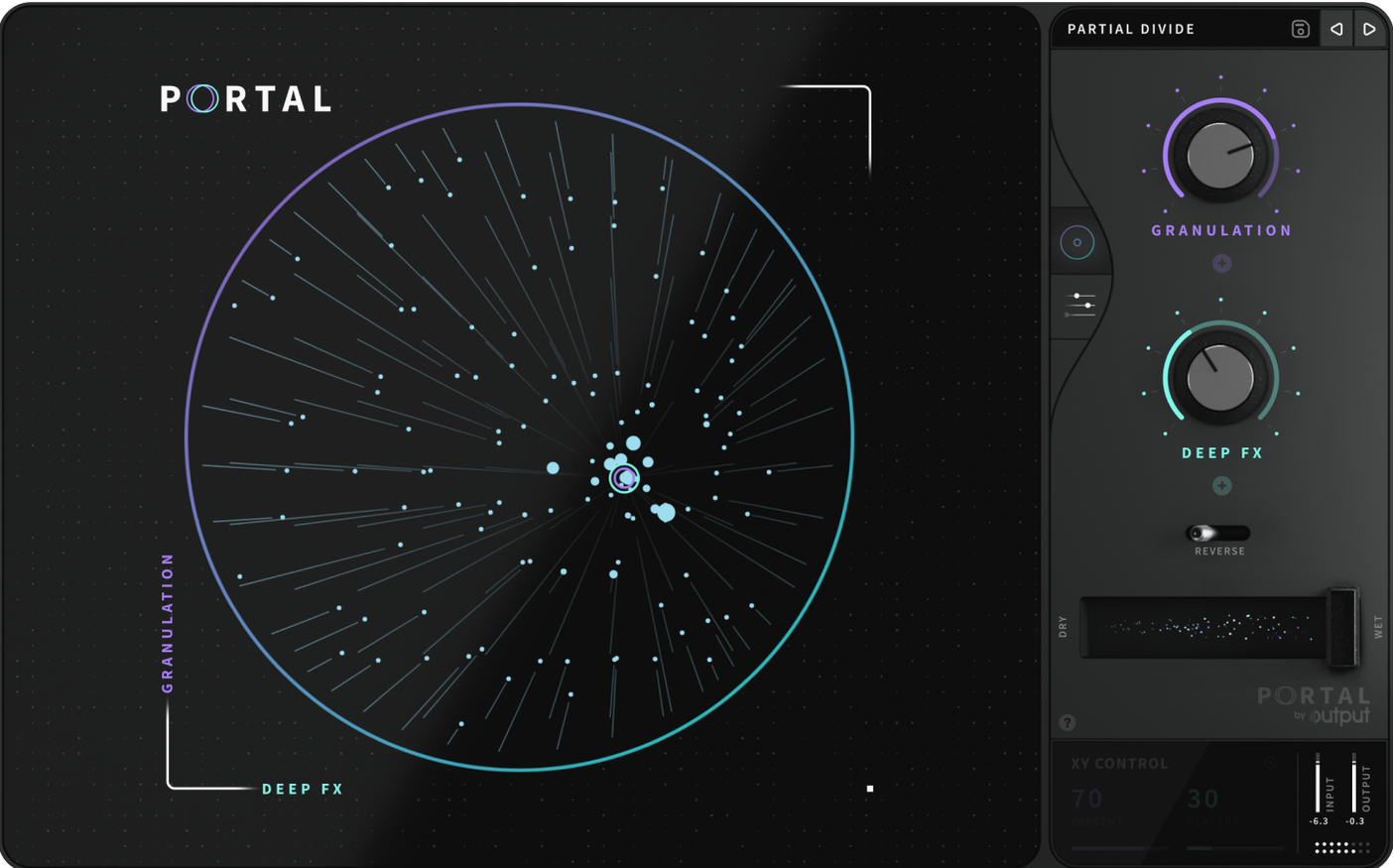
A static loop doesn't have to stay static. Portal grabs incoming audio, slices it into grains, and lets you rearrange those pieces into new textures.
- Capture the source. Feed it a synth line, a drum break, or a live vocal. Portal’s engine analyses the input and prepares the grain cloud.
- Set the timing. Lock grain playback to tempo for rhythmic repeats, or run unsynchronized for drifting, out-of-phase layers.
- Shift the pitch. Move grains up or down without touching duration or sync. The original timing holds while the tonal character changes.
- Shape the movement. Apply natural variation to envelopes so no two grains hit exactly the same. The result breathes instead of repeating mechanically.
Portal sits beside Thermal and Movement in Output’s effects lineup, but it takes a distinct path. It doesn’t colour or compress—it rebuilds. A vocal can warp into a pad, a hi-hat pattern can scatter into a granular tail, and a guitar phrase can stretch into something unrecognizable while keeping its harmonic footprint.
First days with Portal
Drop Portal onto a return track before you reach for it as an insert. Feeding it a blend of sources often produces more usable texture than processing a single dry signal. Start with the mix knob around 40% wet and pull it back if the grain cloud overwhelms the transient.
Three habits that pay off early:
- Lock the scale early. Engage pitch quantisation before you twist the shift knob. Guessing the key after you have created a dissonant cloud wastes time.
- Automate grain size, not just wet/dry. A slow sweep from short grains to long ones transforms a static pad into a rising swell without touching the fader.
- Print the output. Portal’s grain engine responds differently to the same input on each pass. Commit the take you like. The next playback may not repeat it.
When you process drums, try the unsynchronized timing mode with a tight envelope shape. The grains scatter just enough to smear the transient without losing the pocket. On vocals, slower grain rates and gentle pitch shifts turn a single phrase into a chordal wash that still carries the original formant character.
Speed, stability, resource draw
Portal loads quickly and recalls settings without stalling the host. On an Apple Silicon machine the interface draws at full resolution with no perceptible lag, even while the grain display animates in real time. Intel Macs handle the plugin fine, though complex grain clouds at low buffer sizes nudge the CPU meter upward.
Memory usage stays modest. A single instance rarely exceeds a few hundred megabytes, so stacking multiple Portals across a session does not choke the system. The real-time grain visualisation does not degrade when you resize the window or toggle between tempo-synced and free-running modes.
Stability holds across major DAWs. No crashes during long sessions with heavy automation, and preset changes do not produce the audio dropout spikes that some granular effects trigger. If you have used an output portal mac torrent to explore the plugin before committing, the release build tightens up the same responsiveness with fewer background thread stalls. The portal mac torrent builds that circulate tend to match the retail behaviour closely, so impressions of speed from testing usually carry over. For anyone who grabbed the output portal torrent to trial the grain engine on an older Intel rig, the same snappy load times and low-latency grain tracking appear in the current version.
- Apple Silicon and Intel
Questions I get before install
What kind of audio can I process with Portal?
You can process VST instruments, drum samples, and live inputs such as vocals or guitars.
Does Portal have to follow my DAW’s tempo?
No. You can run the grain playback synchronized to the main tempo or let it drift unsynchronized for a looser feel.
Comments 0
Sign in to leave a comment.Sign inCreate an account
No comments yet. If a step is still there after you install it, say so.
More in VST Plugins
All in VST Plugins Omnisphere
Layers huge synth and sample libraries into deep, evolving patches.
10 steps saved
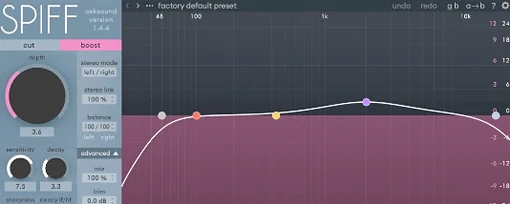 oeksound Spiff
Cuts or boosts transient detail to soften a pick attack or lift finger noise.
23 steps saved
 Nudist Audio Nudistort
Shapes a polite, buried signal into a dense and confrontational sound.
19 steps saved
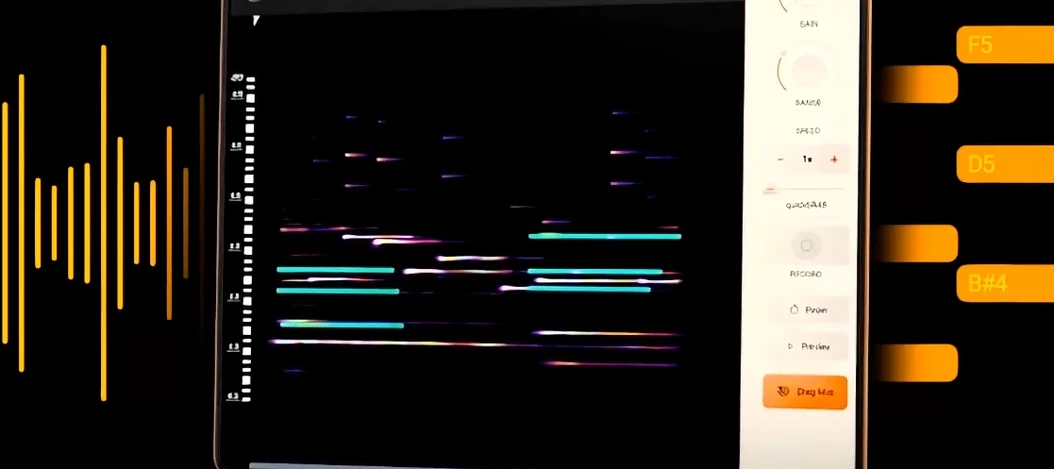 noteGRABBER
Converts a melody from any audio source into editable MIDI data.
17 steps saved
 Neural DSP Soldano SLO-100 X
Recreates the Soldano SLO-100 high-gain amp with cabs and effects.
17 steps saved
 Neural DSP Parallax X
Processes bass through three distinct tube-modelled distortion bands.
18 steps saved
 Neural DSP Fortin Nameless Suite X
Produces an articulate, percussive guitar overdrive that cuts through a dense mix.
6 steps saved
 Neural DSP Archetype Rabea X
Models Rabea Massaad's amp rig, from clean chords to heavy riffs.