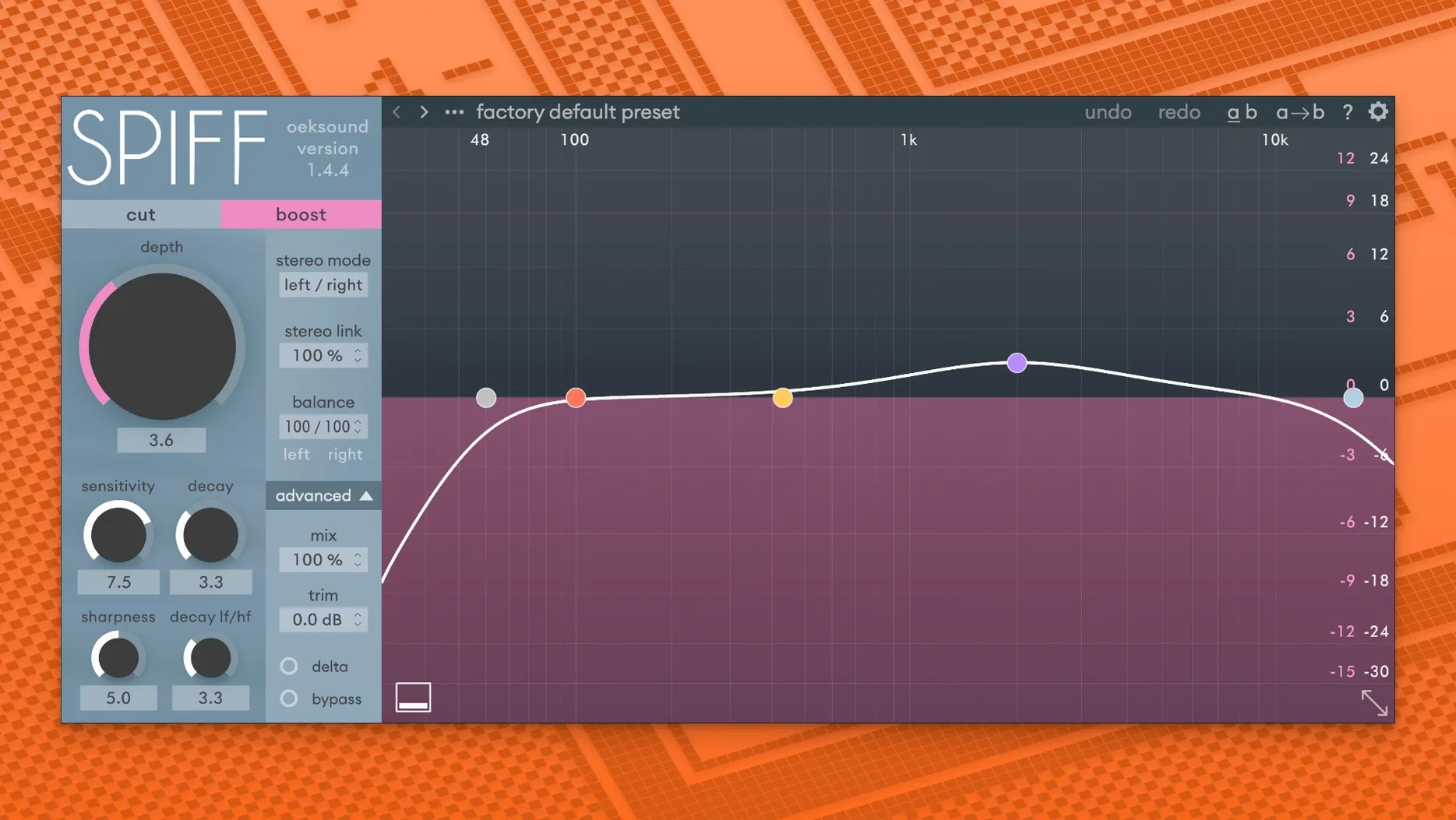
Spiff runs on Intel Macs up to macOS 15 Sequoia and on Apple Silicon machines, as a VST, VST3, AU, or AAX plug-in.
Cut/Boost slider — sets how much transient detail to remove or emphasise. Move it down to soften a pick attack; move it up to bring out finger noise on a guitar string.
Mix knob — blends the processed signal with the dry original. Dial it back for parallel treatment without setting up a separate bus.
Delta button — solos the difference signal so you can hear exactly what Spiff is adding or taking away. Useful for checking whether you are only affecting the click and not the body of a snare hit.
Frequency focus — limits processing to a chosen range. Tighten it around 3–6 kHz to catch vocal sibilance without touching the low-mid warmth of a voice.
Decay control — adjusts how quickly the processing lets go after a transient. A faster decay keeps the effect tight on the initial hit; a slower setting extends it into the sustain, which can reshape the tail of a cymbal or a plucked note.
Shift-Drag for 0.1 dB Gain Steps
The output gain slider sits next to the main controls and compensates for level changes without opening a separate trim plug-in. Adjust it in 0.1 dB steps by holding Shift while dragging. Double-click any knob to return its value to the default; Option-click the Cut/Boost slider to reset it to zero.
The graphical display shows the transient difference curve in real time. Hover over the waveform and Spiff highlights the exact moment it is processing — a fast way to confirm your frequency focus is hitting the right part of the sound. Right-click the Delta button to latch it on, then solo-sweep across the track without holding the mouse.
Automation lanes respond to the parameter names you see on screen. No buried code names. Write a quick ramp on the Decay control to tighten the verse and loosen the chorus in one pass.
How Spiff Compares
Versus SPL Transient Designer Plus. The SPL plug-in works with two broad knobs — attack and sustain — and no frequency-dependent control. It excels on drums when you want simple, broad shaping. Spiff gives you a spectral window and a decay curve, which makes it the choice for surgical work on a vocalist's mouth clicks or a single string in a guitar bus.
Versus Softube Transient Shaper. Softube's tool splits the signal into two bands, so you can treat highs and lows separately. It is fast and intuitive. Spiff replaces bands with a continuous frequency focus and adds the Delta listen mode. For isolating a narrow ring of pick noise without touching the bass resonance, Spiff is the more precise instrument.
Neither alternative gives you a difference-solo button or the same visual feedback on what the detector is catching. If you spend a lot of time cleaning up spoken word or restoring overcompressed stems, the extra resolution adds up.
- Fixed playback overloads in Logic when opening the GUI for the first time.
- Fixed automation issues in Pro Tools after mod-key parameter clicks.
- Improved minor fixes and stability adjustments.
- macOS 10.14 Mojave or later
- Intel or Apple Silicon Mac
- VST, VST3, AU, or AAX host
- AAX requires Pro Tools 11 or later
Comments 0
Sign in to leave a comment.Sign inCreate an account
No comments yet. If a step is still there after you install it, say so.
More in VST Plugins
All in VST Plugins Nudist Audio Nudistort
Shapes a polite, buried signal into a dense and confrontational sound.
19 steps saved
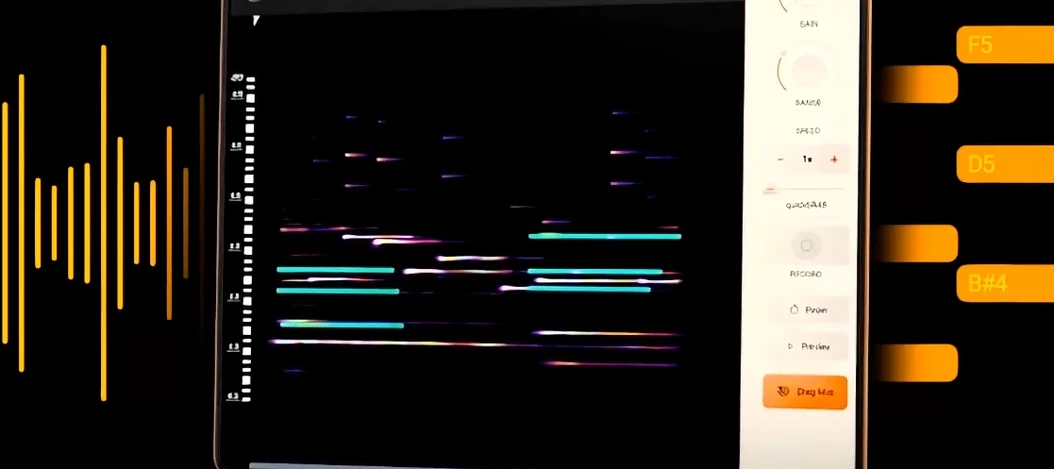 noteGRABBER
Converts a melody from any audio source into editable MIDI data.
8 steps saved
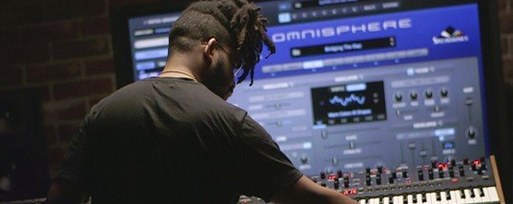 Omnisphere
Layers huge synth and sample libraries into deep, evolving patches.
5 steps saved
 Output Portal
Grains incoming audio and rearranges the pieces into new, shifting textures.
17 steps saved
 Neural DSP Soldano SLO-100 X
Recreates the Soldano SLO-100 high-gain amp with cabs and effects.
17 steps saved
 Neural DSP Parallax X
Processes bass through three distinct tube-modelled distortion bands.
18 steps saved
 Neural DSP Fortin Nameless Suite X
Produces an articulate, percussive guitar overdrive that cuts through a dense mix.
6 steps saved
 Neural DSP Archetype Rabea X
Models Rabea Massaad's amp rig, from clean chords to heavy riffs.