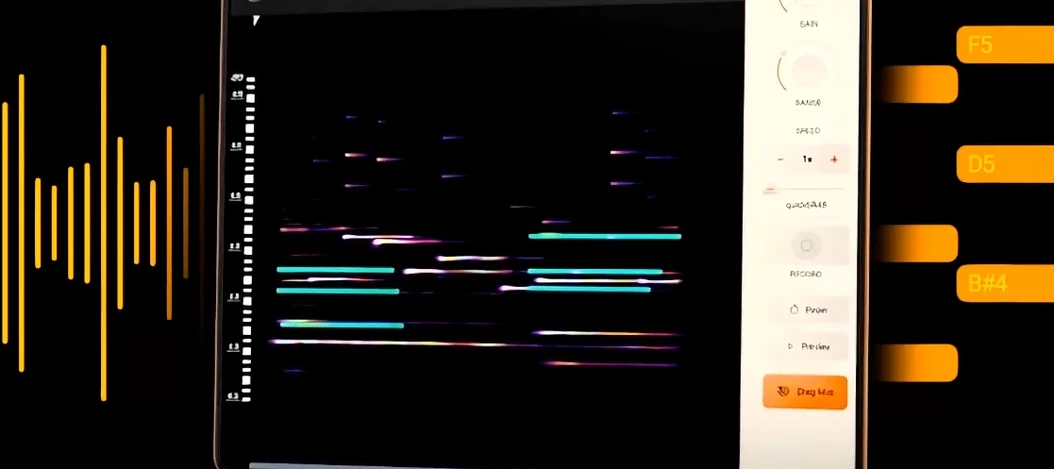
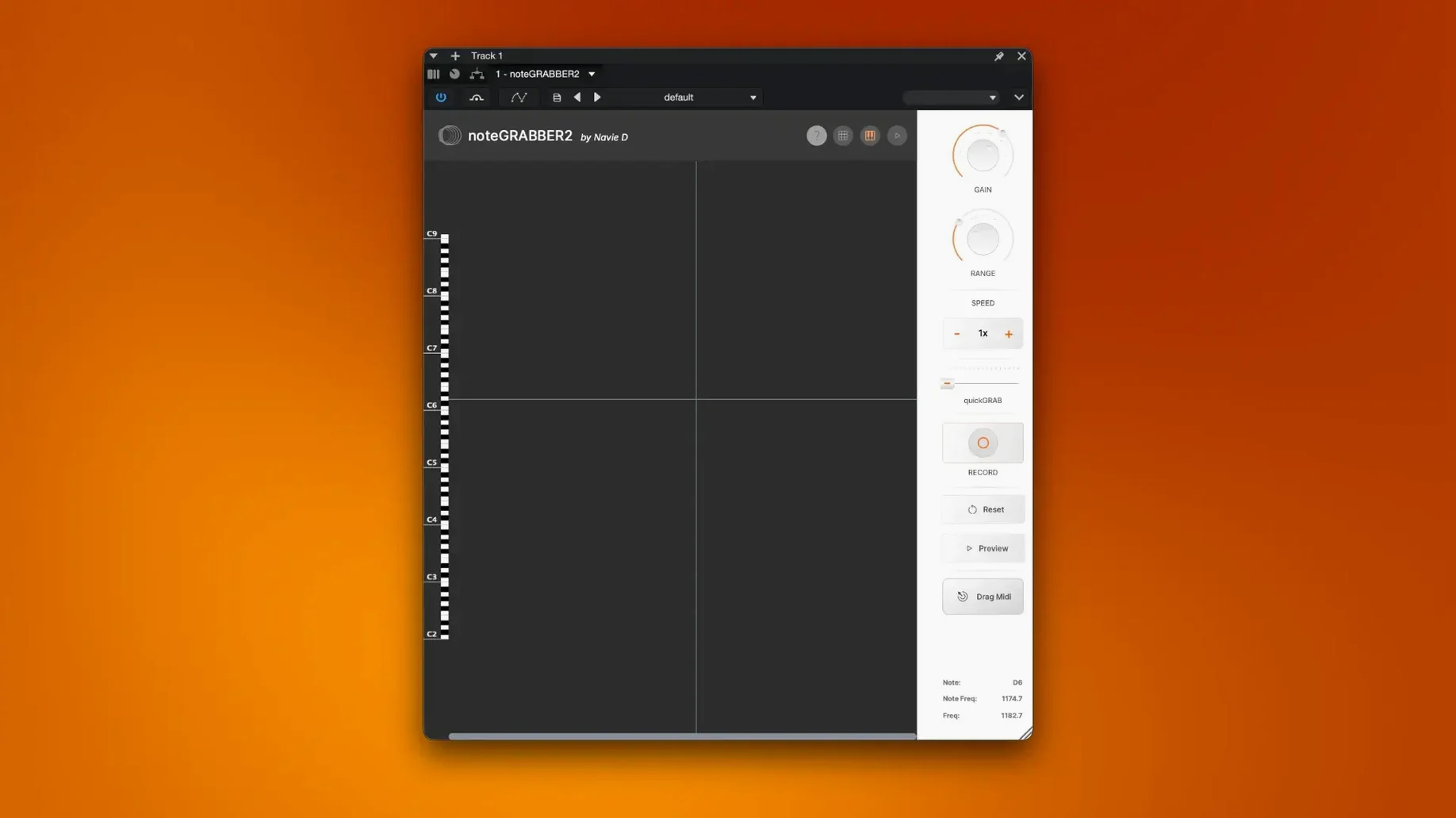
Sample-based producers who need to grab a melody from a record, a loop, or a voice memo and turn it into workable MIDI. That is who noteGRABBER is built for.
Check format and host compatibility
noteGRABBER is a macOS plugin distributed in English. It runs on Apple Silicon and Intel 64-bit Macs, back to macOS 10.12.
Convert audio to MIDI data
The plugin analyses incoming audio and outputs MIDI note data. Drop in a sample and it maps pitch and timing so you can rewrite the melody with your own sounds.
Rework a sample quickly
People often ask whether noteGRABBER reads polyphonic material or just single-note lines. The analysis engine focuses on monophonic audio — solo vocals, horn stabs, bass grooves, lead synths. Chords and dense pads will confuse it. Another common question is about latency: the conversion runs near-instantly on most systems, but larger files take a few extra seconds to process. DAW compatibility covers any host that loads VST or AU instruments on macOS. Users also want to know if they need an internet connection after installation — they do not.
A crate digger’s shortcut
Consider a beat maker who pulls a dusty soul record off the shelf, drops the needle on a two-bar horn phrase, and records it straight into the DAW. Without noteGRABBER, that phrase stays a locked audio clip. With the plugin inserted on the track, the horn line becomes MIDI in under ten seconds. The producer swaps the sound for a thick Moog bass, shifts a few notes around, and layers a kick pattern underneath. The original sample still colours the arrangement, but the new bass line follows the same melodic contour with a completely different weight. What started as a static loop is now a building block for a full beat.
First days with noteGRABBER
- Start with clean, isolated phrases — a solo vocal or a single-instrument hook. No drums bleeding underneath.
- Place the plugin before any reverb or delay in the signal chain. Wet effects confuse the pitch detector.
- After conversion, quantise the resulting MIDI lightly. The timing is close but human, so nudging a few notes tightens the pocket without losing feel.
- Test the output with three different instruments: a piano for clarity, a synth for texture, a percussive pluck for rhythm. Mistakes in note detection become obvious fast.
- Save the MIDI file before altering it. The raw conversion is a backup worth keeping.
Built to make sampling easier, it removes the guesswork from picking apart a phrase. The result is clean MIDI you can drag to any instrument.
- macOS 10.12 or later
- Apple Silicon or Intel 64-bit Mac
Comments 0
Sign in to leave a comment.Sign inCreate an account
No comments yet. If a step is still there after you install it, say so.
More in VST Plugins
All in VST Plugins Nudist Audio Nudistort
Shapes a polite, buried signal into a dense and confrontational sound.
10 steps saved
 oeksound Spiff
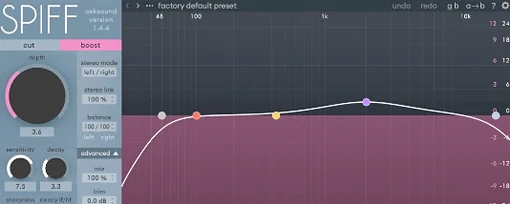
Cuts or boosts transient detail to soften a pick attack or lift finger noise.
17 steps saved
 Neural DSP Soldano SLO-100 X
Recreates the Soldano SLO-100 high-gain amp with cabs and effects.
17 steps saved
 Neural DSP Parallax X
Processes bass through three distinct tube-modelled distortion bands.
18 steps saved
 Neural DSP Fortin Nameless Suite X
Produces an articulate, percussive guitar overdrive that cuts through a dense mix.
6 steps saved
 Neural DSP Archetype Rabea X
Models Rabea Massaad's amp rig, from clean chords to heavy riffs.
11 steps saved
 Neural DSP Archetype Petrucci
Recreates John Petrucci's amps and pedals for lead and rhythm guitar.
8 steps saved
 Omnisphere
Layers huge synth and sample libraries into deep, evolving patches.