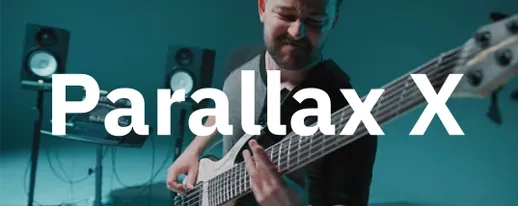
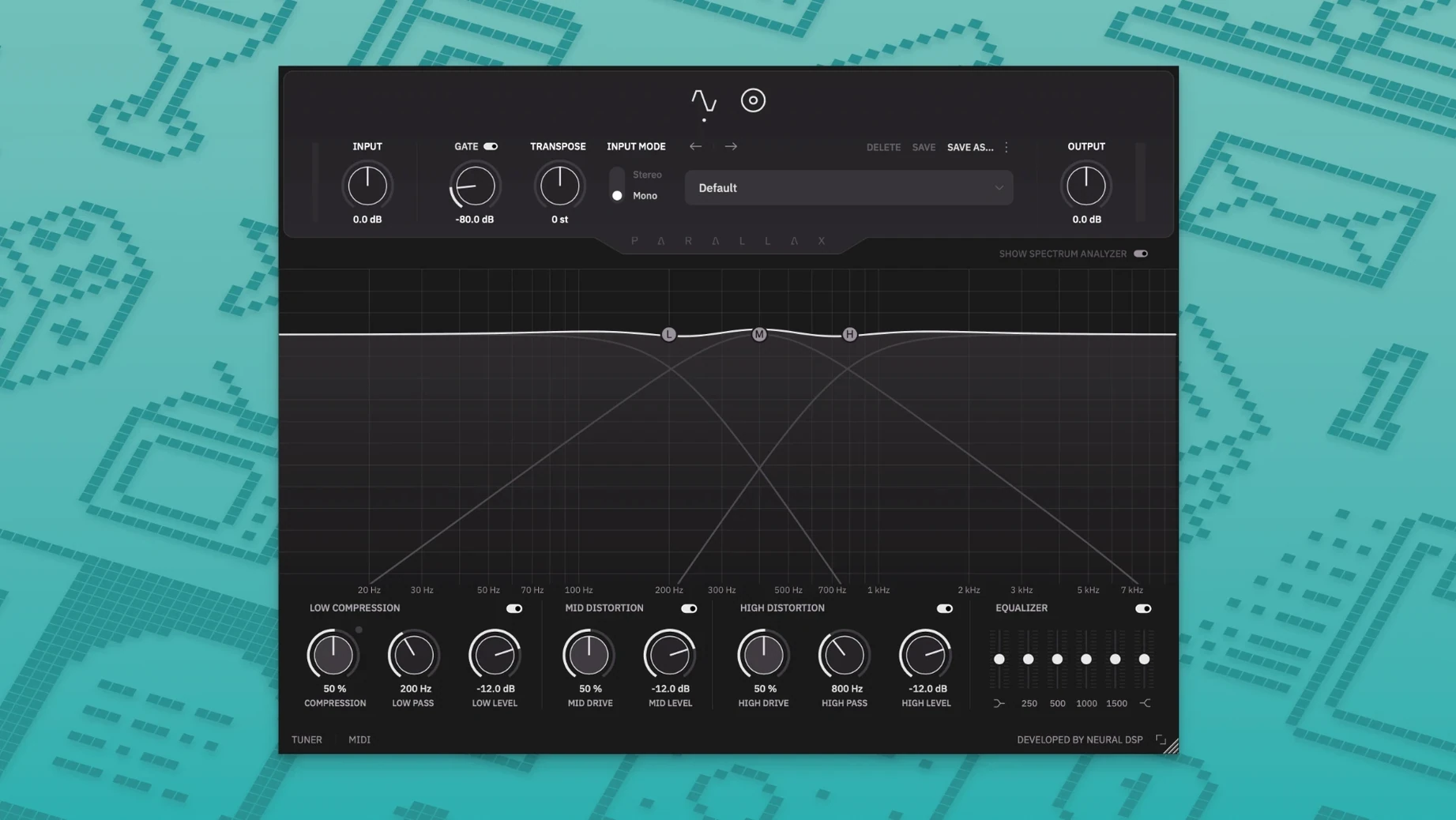
Think of it as the multi-mic setup you’d build for a guitar cab, but purpose-built for bass and contained in a single window. Where the original Parallax gave you two bands, Parallax X splits the signal three ways—low, mid, high—and processes each through a distinct tube-modelled distortion path before summing them back together.
On a DI bass track, it’s the core tone shaper. Drop it on an insert, dial in a clean low end for weight, add some grind to the mids, and let the highs cut through without turning brittle. The six-band graphic EQ and built-in tuner mean you stay inside one interface from tracking to final tweaks.
It also works on a parallel bus. Blend a heavily saturated instance underneath a clean DI to preserve articulation while adding density. The standalone mode, with its metronome and transposition controls, makes it just as useful for practice sessions as it is for mixing.
Older Parallax sessions still open after the X install
Will installing Parallax X break my older Parallax sessions? No. The installer keeps the original Parallax plugin on your system and sets up Parallax X as a separate plugin entry. Both versions coexist in your DAW, so any project that references the legacy version opens with the exact sound you saved. During the first launch, Parallax X quietly pulls your user presets into its own folder — nothing gets removed.
Does the transpose feature alter my recording, or is it playback-only? Playback-only. It shifts pitch in real time within a one-octave range, up or down, without touching the audio file on disk. That makes it handy for detuning a DI part while tracking or checking how a bass line sits against a dropped guitar part, all without committing to a re-record.
Is the standalone mode any different from the plugin? Sonically, no. The processing engine is identical. The standalone version adds a metronome with adjustable time signature, accent, and note-length values, plus a tuner and the transpose control. It is built for practice and for DI monitoring when you run your bass straight into an interface without a DAW open.
Tightening a polite DI bass with the six-band EQ
You open a mix where the bass feels a little polite. The DI track is clean but lacks bite. You insert Parallax X on the bass channel.
First stop: the six-band graphic EQ. You pull 250 Hz down a couple of decibels to clear some boxiness, then nudge 1.2 kHz up to give the pick attack room. The spectrum analyser, now redesigned with higher resolution, confirms what your ears already told you — there is a build-up around 400 Hz. You dip it.
Next you set the low band. You dial the compressor threshold back until the needle moves only on the hardest notes, keeping the sub frequencies tight without flattening them. The crossover point sits at 150 Hz. The mids get moderate drive — enough for a little growl around the fretboard noise, not enough to turn notes into fuzz. The high band gets a touch more saturation, just shy of sizzle, and you back the level off so it adds edge without pulling focus.
You scroll through the cabinet section. A 4×10 with the dynamic mic placed off-axis gives the saturated mids some room. You swap to a condenser at the centre, then return to the dynamic — it sounds more like a real amp in a treated room. The low band bypasses the cab entirely, so the bottom stays solid while the top gets the character.
Before printing, you open the tuner, check the low E, and then shift the whole part down a whole step with Transpose. The DI you recorded in standard tuning now sits perfectly under a drop-C guitar arrangement, and the distortion voicing holds together because each band is processing independently. You close the window and move on.
That whole chain — EQ, three-band parallel distortion, cab emulation, transpose, and tuning — lives inside one insert slot. No routing, no aux tracks, no matching delay compensation across parallel chains. That is the promise the plugin delivers.
Parallax X covers more ground than Darkglass Ultra's clank
Parallax X vs. Darkglass Ultra — Darkglass Ultra models a specific pedal and amp combination, and it does that with a lot of character. It leans into the clanky, aggressive midrange that defines the Darkglass sound. Parallax X is broader: three independent bands let you build a tone that can be cleaner, darker, or more scooped than what a single-architecture pedal model offers. The cabinet section and six-band EQ also push it further into full mix-ready territory, whereas Darkglass Ultra tends to need a separate cab sim and EQ downstream. If you want that specific modern metal bass tone out of the box, Darkglass gets there faster. If you want to design the voice from scratch across clean and distorted layers, Parallax X gives you more dials.
Parallax X vs. Aurora DSP Mammoth — Mammoth packs a lot of features into one window: dual distortion engines, a sub generator, and a built-in tuner. It can sound massive, but the distortion character is thicker and less transparent than what Parallax X’s tube-modelled paths produce. Parallax X keeps the low end cleaner by design, because the low band runs its own compressor instead of sharing a distortion structure. The cab section on Parallax X also offers more microphone and placement options than Mammoth’s simpler speaker simulation. Mammoth wins on raw size and low-end weight. Parallax X wins on articulation and separation between bands, especially when the bass needs to cut through a dense mix without turning into a wall of fuzz.
Parallax X vs. TSE BOD — TSE B
Legacy presets import automatically during setup, so your old Parallax settings land right where you expect them.
- New — Transpose, Live Tuner, and Metronome features. New factory presets and a redesigned Spectrum Analyzer.
- Improved — Revamped interface.
- macOS 11 or later
- Intel or Apple Silicon Mac
- 64-bit host (VST2, VST3, AU, AAX) or standalone
Comments 0
Sign in to leave a comment.Sign inCreate an account
No comments yet. If a step is still there after you install it, say so.
More in VST Plugins
All in VST Plugins Neural DSP Fortin Nameless Suite X
Produces an articulate, percussive guitar overdrive that cuts through a dense mix.
17 steps saved
 Neural DSP Soldano SLO-100 X
Recreates the Soldano SLO-100 high-gain amp with cabs and effects.
6 steps saved
 Neural DSP Archetype Rabea X
Models Rabea Massaad's amp rig, from clean chords to heavy riffs.
11 steps saved
 Neural DSP Archetype Petrucci
Recreates John Petrucci's amps and pedals for lead and rhythm guitar.
7 steps saved
 Neural DSP Archetype Nolly X
Models Nolly Getgood's rig for punchy, mix-ready rhythm guitar.
21 steps saved
 Neural DSP Archetype Misha Mansoor X
Models Misha Mansoor's amps, pedals and cabs for tight modern metal tones.
19 steps saved
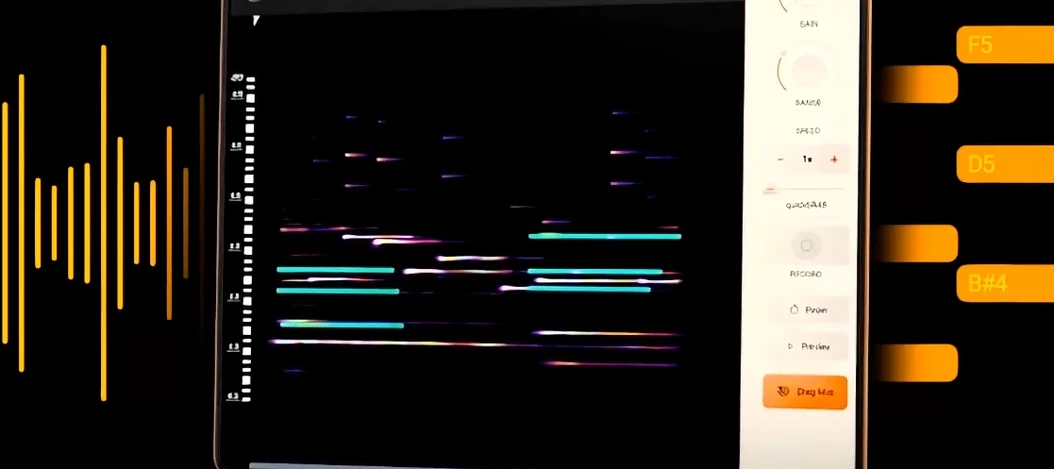 noteGRABBER
Converts a melody from any audio source into editable MIDI data.
21 steps saved
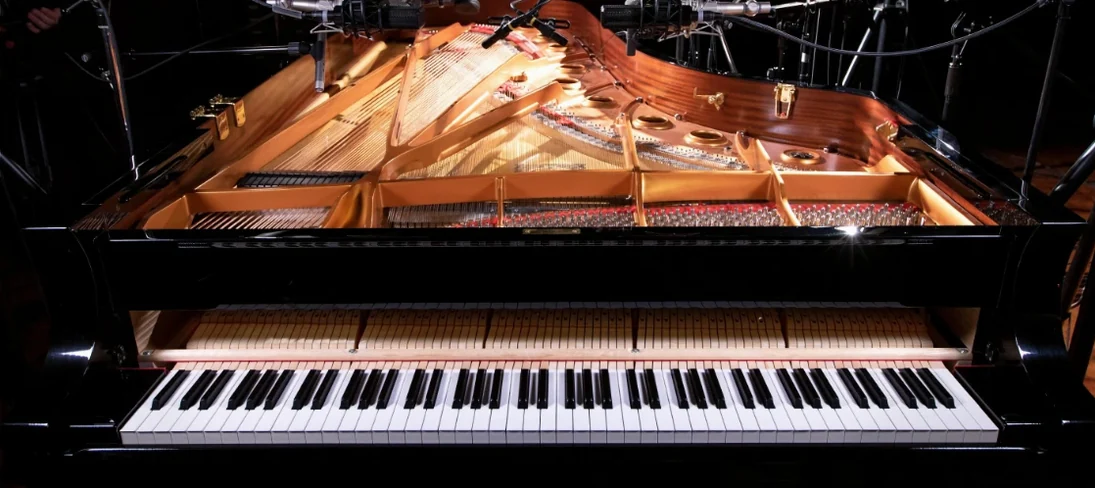 Native Instruments Noire KONTAKT
Loads a responsive concert grand with a particle engine for felt textures.