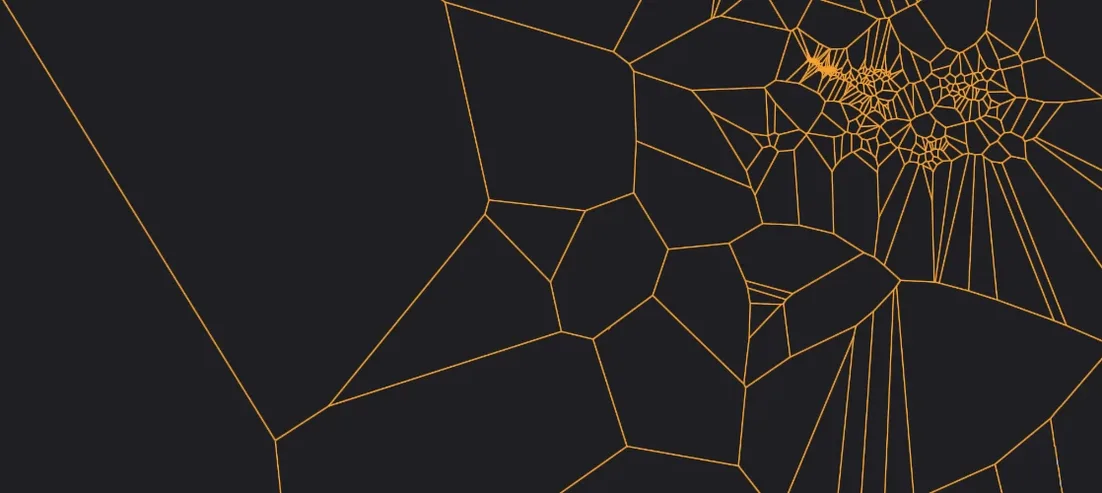
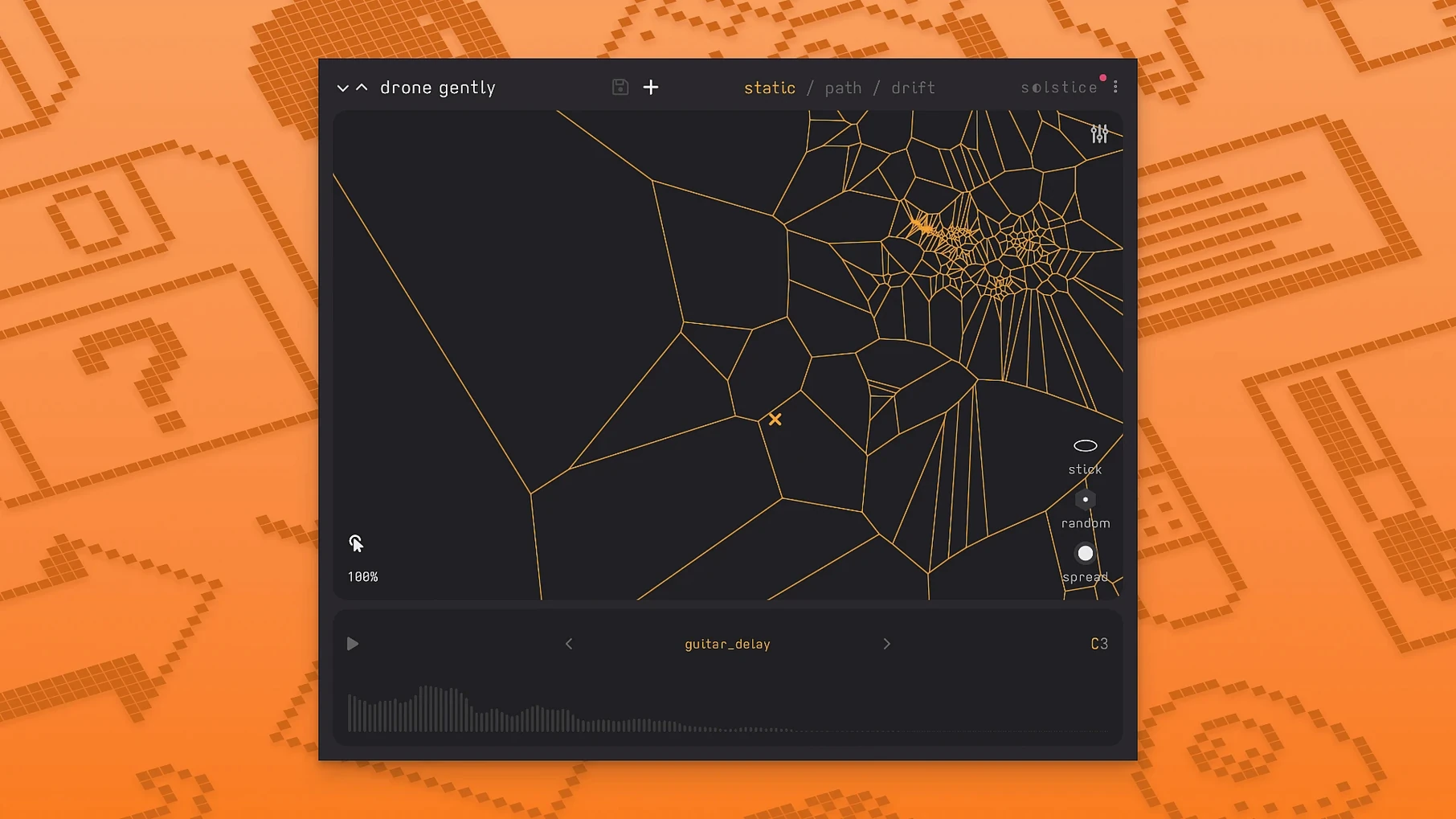
Ambient producers and experimental composers reach for Solstice when a static sample player isn't enough. It maps your audio into dense, playable landscapes where similar timbres sit close together and distant textures pull you into new territory. Drop it on a pad channel, a texture bus, or anywhere you want unpredictable movement without programming a single MIDI note.
- Load a sample and let auto root note detection place it correctly on the map.
- Drag the cursor to morph smoothly between sound regions—no stepping, no crossfade clicks.
- Shape the output with five spectral effects: texture, tilt, flutter, stretch, and bloom.
- Apply saturation and glue to seat the sound in a denser mix.
- Run it on an effects return for aleatoric washes that evolve on their own.
- Use crisp pitch shifting to move a sound up or down without losing its transient definition.
Version 1.2 brings MPE and MTS-ESP support, so the map responds to microtonal scales and per-note expression. The reverb modulation control keeps long tails moving instead of static, which matters when a single sample is stretched across a four-minute cue.
Solstice next to three other sampling tools
Solstice vs. a classic sampler. A standard multi-sampler maps velocity and key ranges. Solstice maps timbre. Where a classic sampler gives you predictable zones, Solstice gives you a navigable terrain. That difference shows up fastest in ambient work: instead of picking a sample per key, you pick a location on the map and let your ears lead.
Solstice vs. a granular engine. Granular tools chop audio into grains and spray them across time. Solstice keeps the spectral character intact and lets you move through it. The morphing is continuous, not stuttery. For slow, evolving textures, Solstice often feels less mechanical because the map itself carries the structure.
Solstice vs. a spectral resynthesizer. Resynthesizers rebuild a sound from partials and let you edit them. Solstice skips the editing step. You load, the map appears, and you play. That speed matters when a cue needs movement in the next ten minutes, not after an afternoon of tweaking.
First days with Solstice
- Start with a long vocal or field recording, not a drum loop. The map reveals more structure when the source has varied timbres.
- Turn on auto drift before touching the mouse. Listen to where the cursor wanders on its own—that alone suggests sections of the sample worth visiting.
- Try the five spectral effects one at a time on the same map. Texture and tilt change the feel more than you expect; bloom and flutter are subtler.
- Map a MIDI controller to the cursor position. Two faders—one for each axis—turn the map into an instrument instead of a mouse toy.
- Feed Solstice a sample you already use in another track. The map often finds a region that works better than the original loop point.
- Use MTS-ESP early if you work outside equal temperament. The map responds to microtonal scales in version 1.2 without retuning the source sample.
- New — Basic MPE support; MTS-ESP support for microtonal workflows; five spectral effects: texture, tilt, flutter, stretch, and bloom.
- macOS 12 or later
- Apple Silicon and Intel Macs
Comments 0
Sign in to leave a comment.Sign inCreate an account
No comments yet. If a step is still there after you install it, say so.
More in VST Plugins
All in VST Plugins MiniMeters
Shows peak and LUFS loudness on your desktop during a mix session.
22 steps saved
 MixWave Manuel Gardner Fernandes
Stacks amp, effects, and cab simulation in a single reorderable chain.
15 steps saved
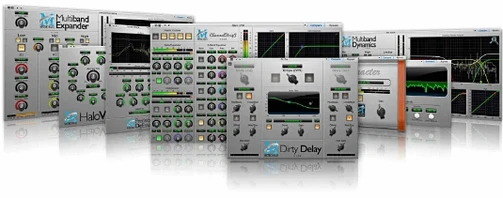 Metric Halo Production Bundle
Shapes tracks, glues buses, and finalises masters with console-style processing.
6 steps saved
 Melodyne
Lets you edit pitch, timing, and volume of individual notes inside audio.
7 steps saved
 Mastering The Mix Bundle
Finds resonances and frequency clashes so your mix translates cleanly.
14 steps saved
 Updated
Native Instruments Massive X
Builds wavetable patches that retain body in a dense mix.
21 steps saved
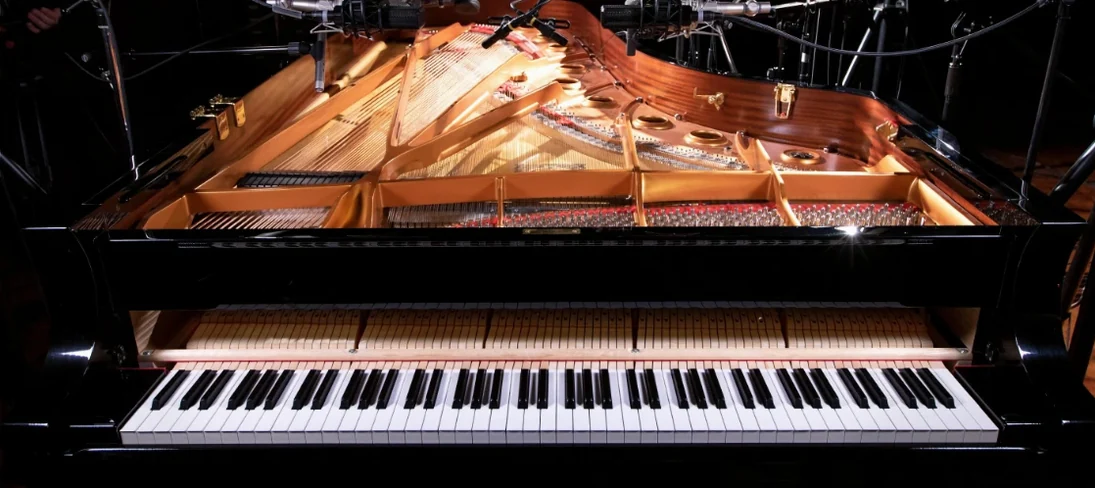 Native Instruments Noire KONTAKT
Loads a responsive concert grand with a particle engine for felt textures.
21 steps saved
 Neural DSP Archetype Misha Mansoor X
Models Misha Mansoor's amps, pedals and cabs for tight modern metal tones.