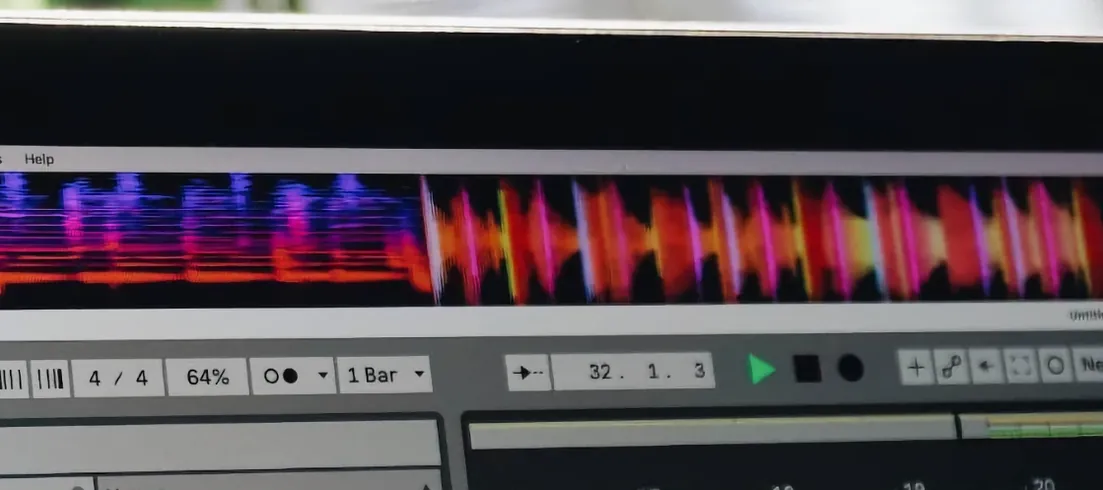
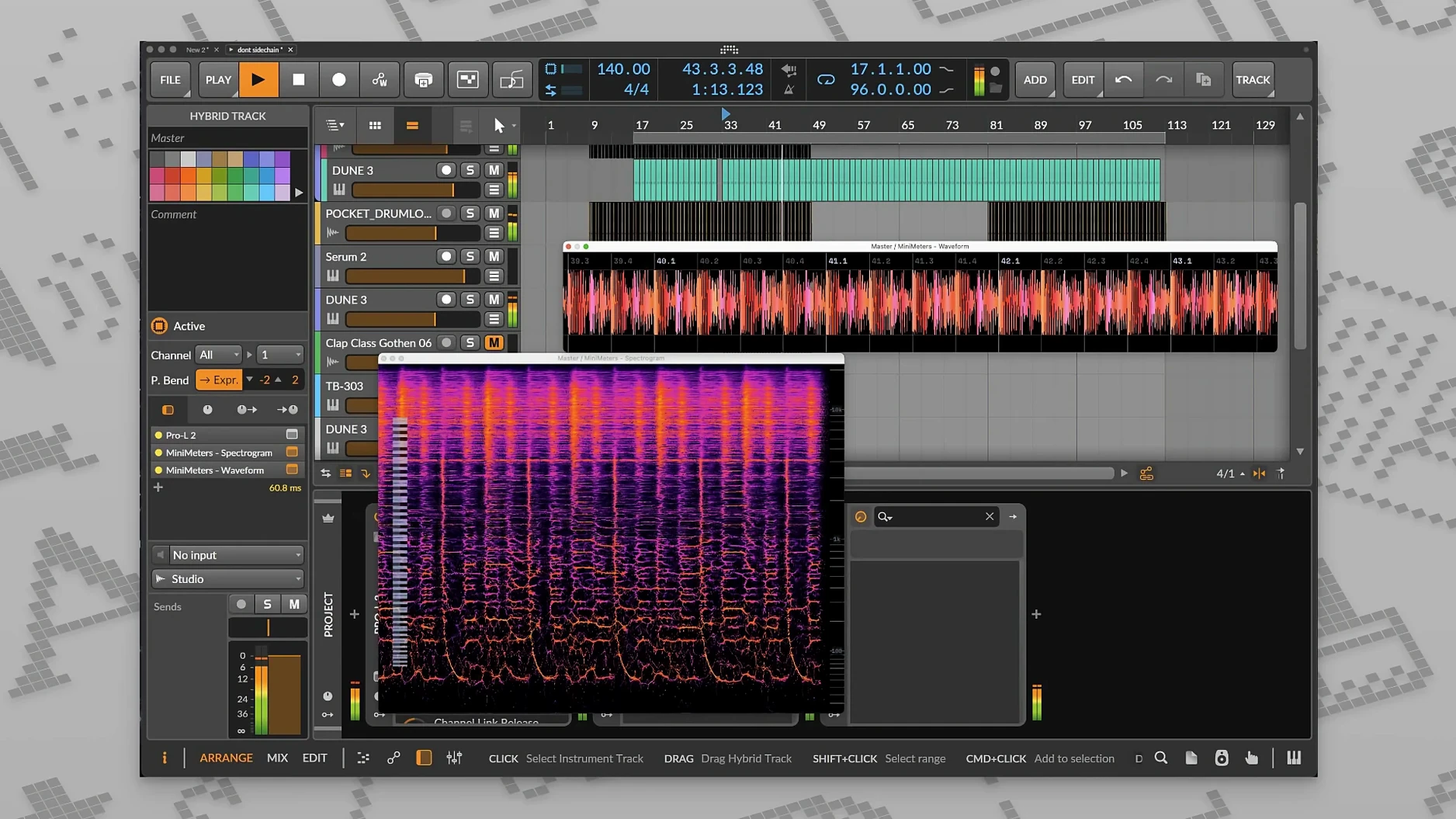
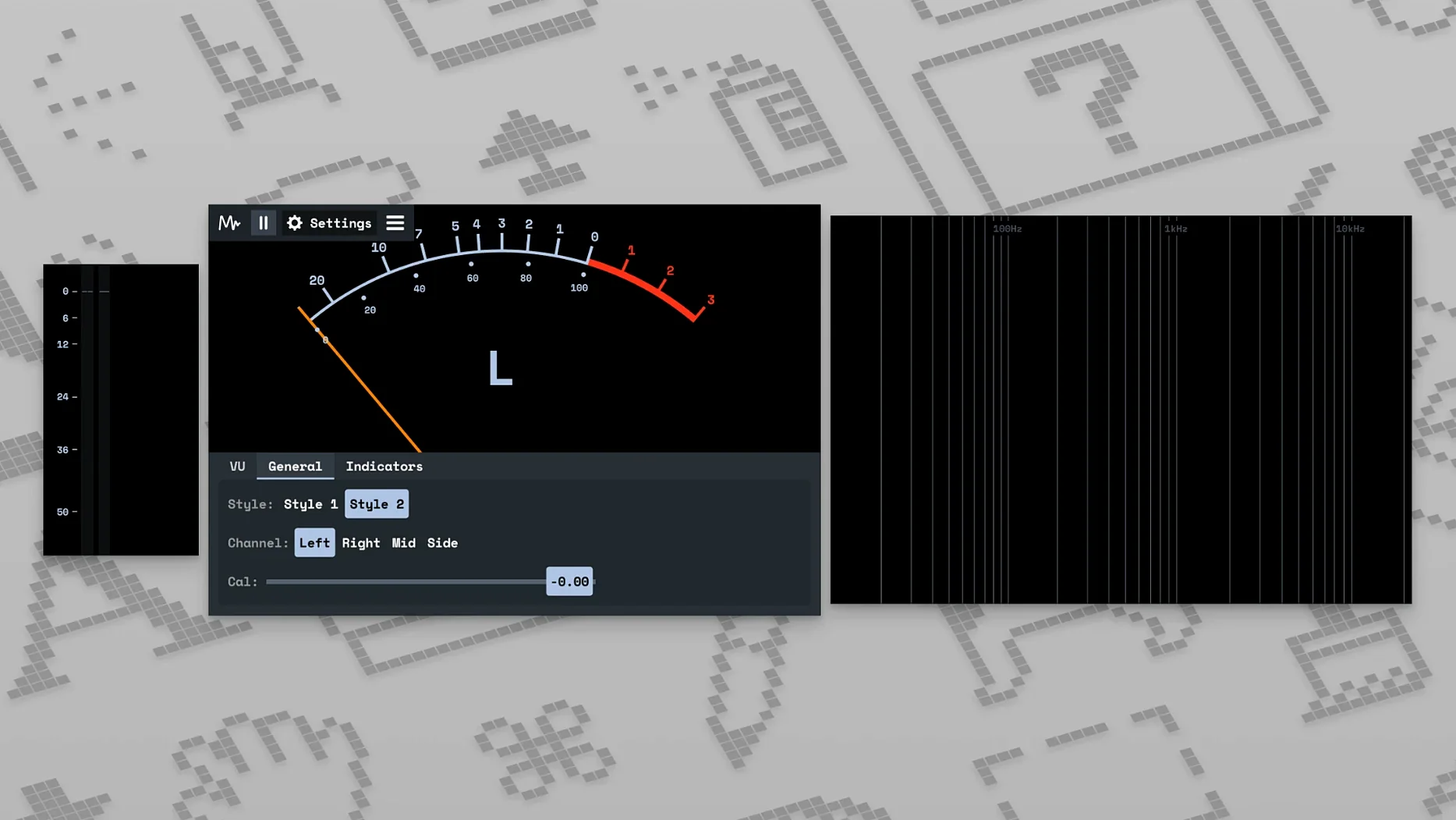
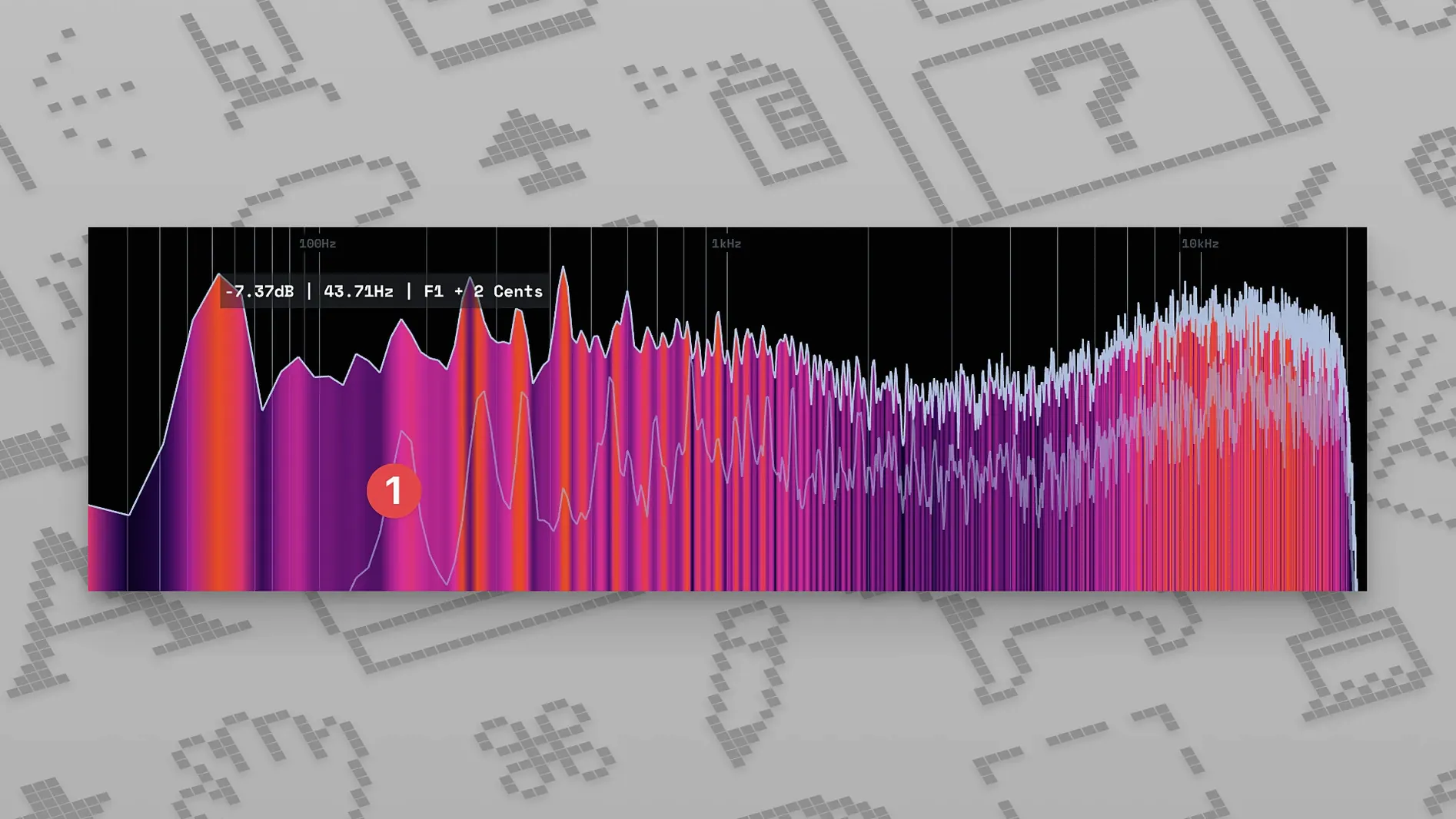
Producers and mix engineers who need a second set of eyes on their levels reach for MiniMeters. It sits on the desktop or inside a DAW, showing exactly what the signal is doing moment by moment. The tool covers peak and overall LUFS, so you can check short-term loudness against delivery specs without guessing.
System Audio Without a DAW
- Standalone application — monitors system audio directly, no DAW needed
- VST3 and AU plug-in formats — loads inside Ableton Live, Logic Pro, Reaper and others
- Runs on Intel and Apple Silicon Macs with macOS 10.15 or newer
- Single English-language interface
A closer look at the metering
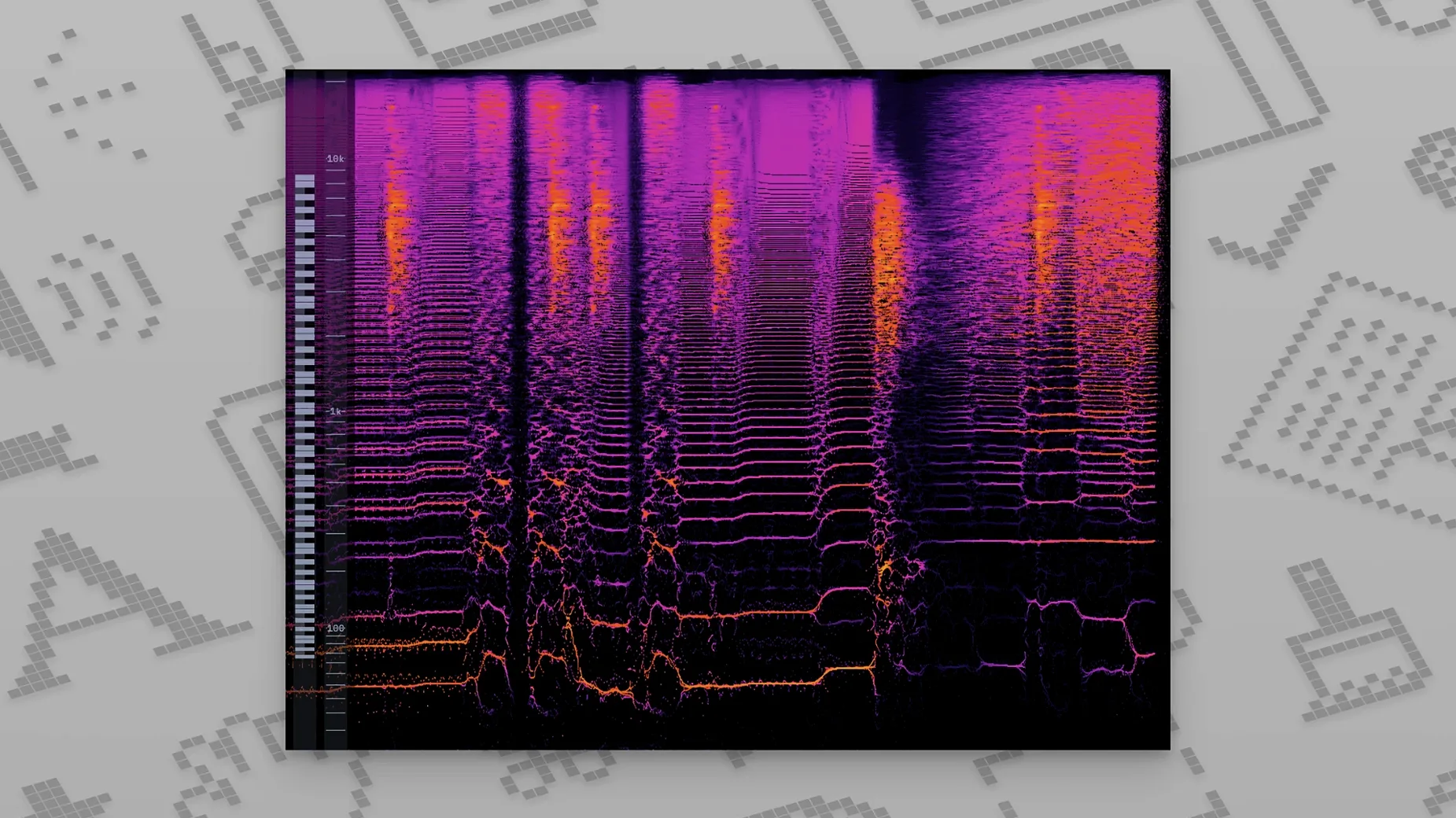
The LUFS meter became spec-compliant in the v0.7.0 cycle, so it aligns with broadcast standards. A spectrogram update followed in v0.8.0, giving you frequency-domain feedback alongside the numeric readouts. The whole panel stays customizable — you pick which tools are visible, choose the colours that suit your screen, and arrange the layout to match how you work.
First-run setup that pays off immediately
Open the preferences before you meter a single track. A few quick changes make the display feel yours from the start.
- Colour theme — switch from the default to a low-contrast palette if you stare at the screen for eight-hour sessions. Bright greens and reds fatigue the eyes faster than muted greys or amber.
- Module order — drag the LUFS meter above the spectrum if loudness is your primary concern. The layout saves per session, so you are not rearranging every time.
- Window always-on-top — enabled by default on the standalone app. Keep it that way. The moment MiniMeters hides behind your DAW, you stop glancing at it.
- Server auto-start — in the plug-in version, let MiniMetersServer launch at login. It shaves ten seconds off every session and removes the "why is nothing showing?" moment.
Snags that trip up new users
MiniMeters is straightforward, but two sticking points come up often enough to mention.
No signal in the standalone app
The standalone build grabs system audio, not DAW output. If your interface routes playback to a dedicated output pair that macOS does not see as the default device, the meters sit idle. Fix it by opening Audio MIDI Setup, selecting your interface as the system output, or by creating a multi-output device that mirrors the DAW feed to the built-in output. The second option lets you monitor through speakers while MiniMeters reads the same stream.
Plug-in displays blanks after updating
DAWs cache plug-in data. Logic Pro and Ableton Live sometimes hold onto an older version of the MiniMetersServer component after a point update. The telltale sign is the plug-in window opening with no meters lit, even though audio is playing. Rescan plug-ins in your DAW's plug-in manager, then restart the MiniMetersServer process from the menu bar icon. That clears the stale handshake.
How the 1.0-era updates changed daily use
The jump to 1.0 in August 2025 brought stability that the late beta releases lacked. Users who ran minimeters macos builds through the 0.x cycle remember random window resets and the occasional frozen spectrum display. Version 1.0.30.358 tidied those loose ends.
Bug fixes in the current release cover small but cumulative interface issues: the waveform display no longer clips its own border at non-standard window sizes, and the LUFS readout stopped flickering when switching between short-term and integrated views. Neither fix changes how the app works on paper, but both remove friction during long mixing sessions.
Plug-in hosting also tightened up. Early VST3 builds on Apple Silicon occasionally dropped the connection to MiniMetersServer when the DAW's buffer size changed. That gap is closed now, so users who toggle between mixing and tracking buffer sizes — common when you open a minimeters vst free session for quick reference checks — stay connected.
Working with reference tracks
The LUFS module works best when you feed it a known target. Drop a reference track onto a stereo channel, route it through the MiniMeters plug-in, and watch the short-term reading. Genre norms vary, but the meter shows you exactly how far off the mark your mix sits — no ear fatigue required.
For quick A/B work, the standalone app reads the same system output as your music player. That setup suits producers searching for mini meters free routing options: bypass the DAW entirely, play the reference from any desktop app, and compare the visual footprint against your project in real time.
- Fixed — Long-standing bugs and small UI issues resolved in v1.0.30.
- macOS 10.15 or later
- Intel or Apple Silicon Mac
Questions I get before install
Does MiniMeters run as a standalone app?
Yes. You can open it as a standalone application to monitor system audio without a DAW.
Which plug-in formats are included?
MiniMeters ships with VST3 and AU plug-in formats for macOS.
When was version 1.0 released?
Version 1.0 was released on August 1, 2025.
Comments 0
Sign in to leave a comment.Sign inCreate an account
No comments yet. If a step is still there after you install it, say so.
More in VST Plugins
All in VST Plugins Minuit Solstice
Maps audio samples into playable landscapes where similar timbres sit together.
22 steps saved
 MixWave Manuel Gardner Fernandes
Stacks amp, effects, and cab simulation in a single reorderable chain.
15 steps saved
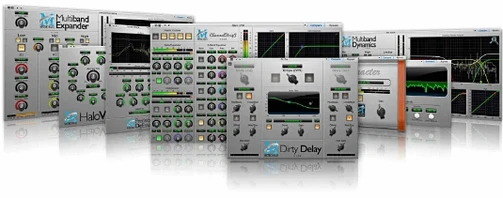 Metric Halo Production Bundle
Shapes tracks, glues buses, and finalises masters with console-style processing.
6 steps saved
 Melodyne
Lets you edit pitch, timing, and volume of individual notes inside audio.
7 steps saved
 Mastering The Mix Bundle
Finds resonances and frequency clashes so your mix translates cleanly.
14 steps saved
 Updated
Native Instruments Massive X
Builds wavetable patches that retain body in a dense mix.
21 steps saved
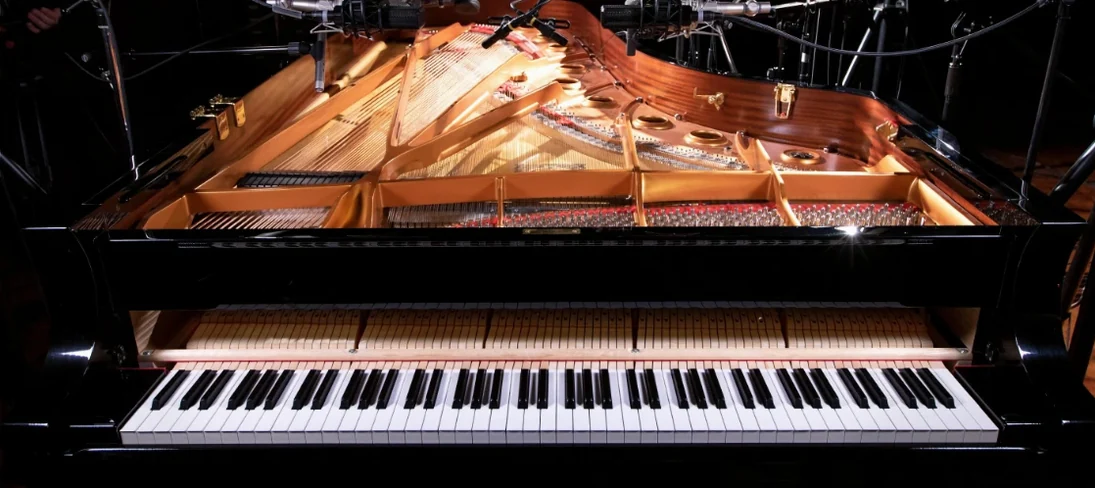 Native Instruments Noire KONTAKT
Loads a responsive concert grand with a particle engine for felt textures.
21 steps saved
 Neural DSP Archetype Misha Mansoor X
Models Misha Mansoor's amps, pedals and cabs for tight modern metal tones.