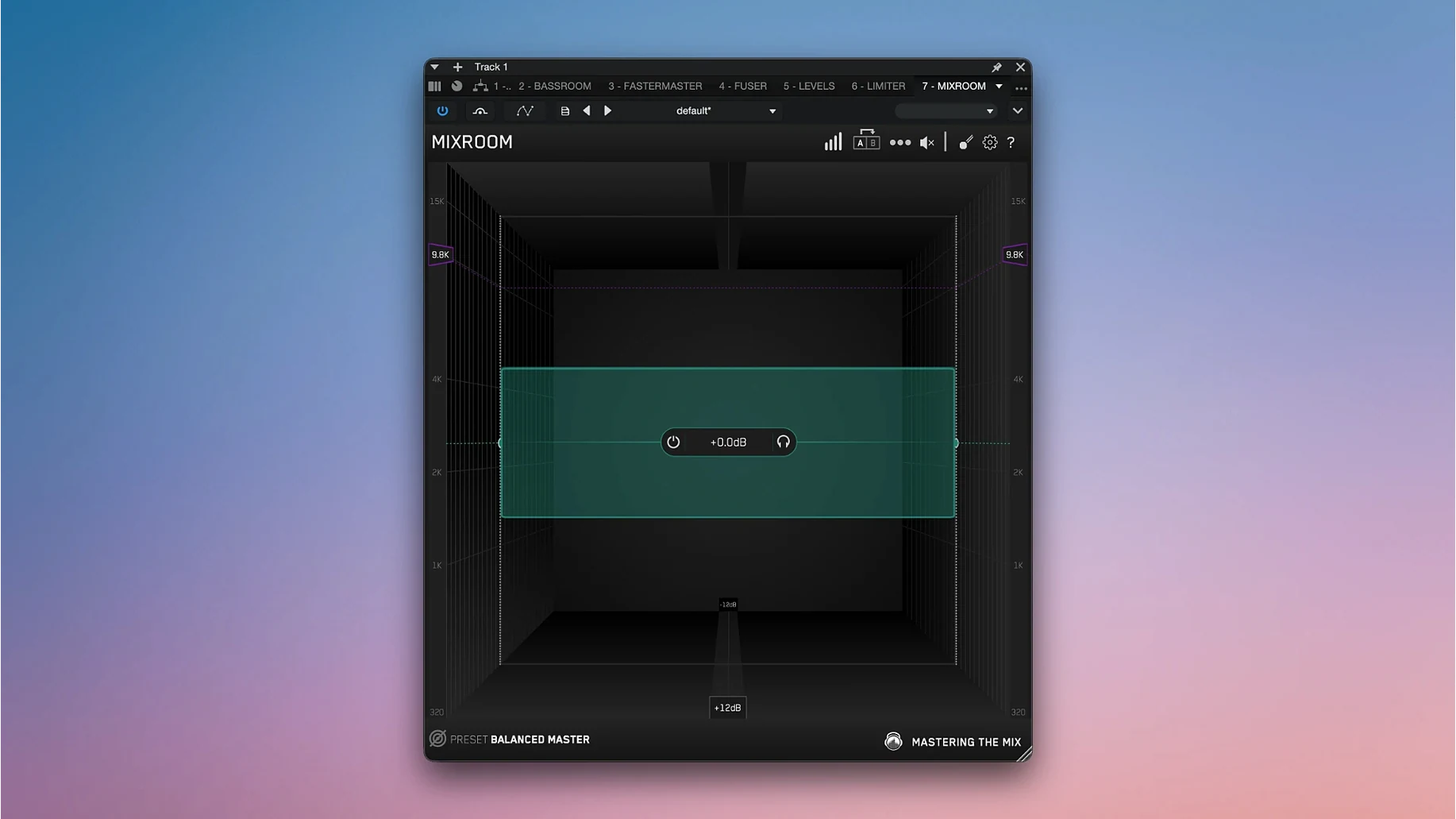
The Mastering The Mix Bundle is a collection of analytical plugins that guide mixing and mastering decisions across tracks, buses and full sessions.
Tracks and buses
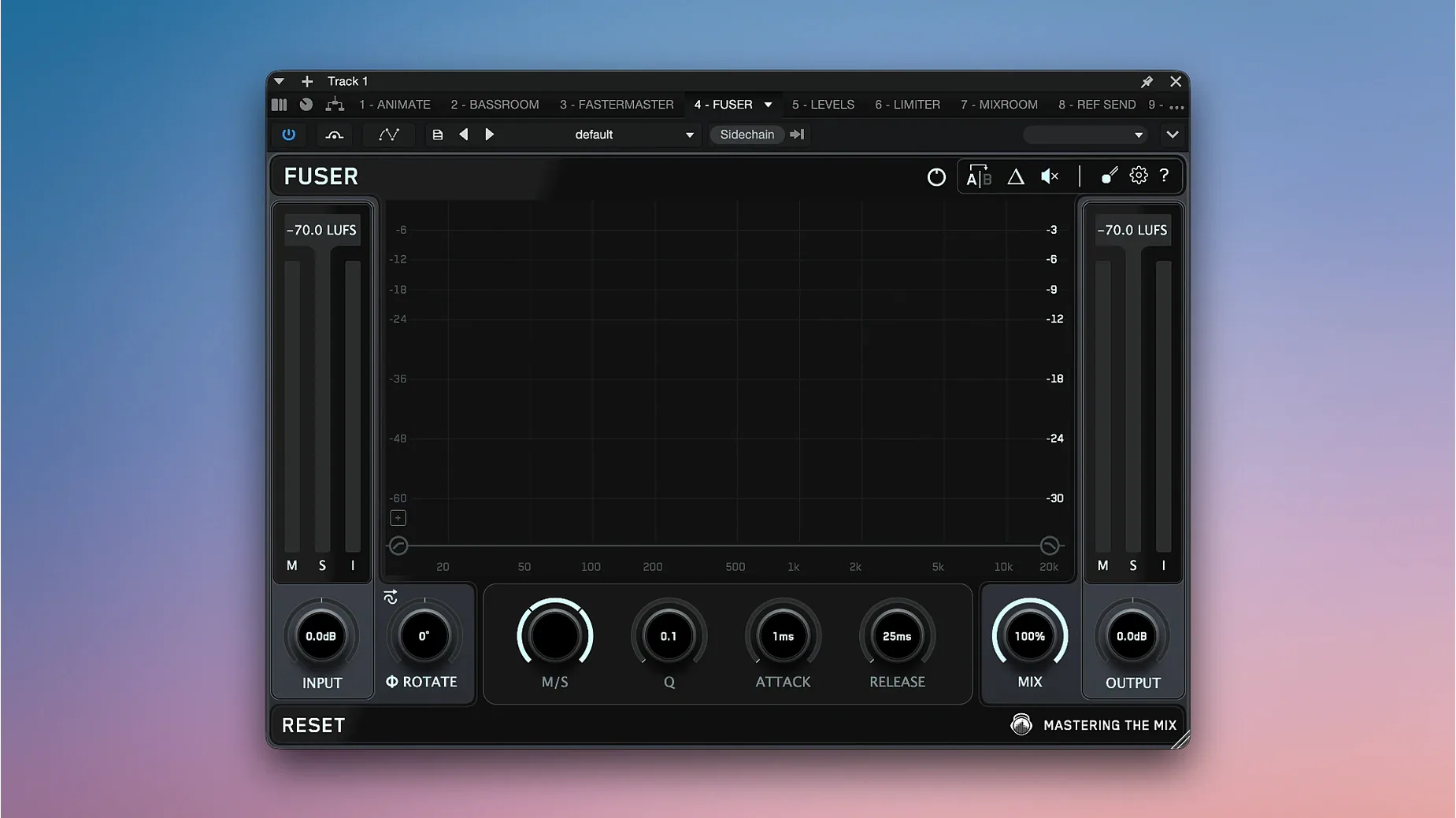
On individual channels, RESO finds and fixes harsh resonances that fatigue the ear. FUSER identifies frequency clashes between layered sounds so you can carve out space without guessing. Both plugins replace aimless EQ sweeps with a clear visual target, which keeps the low end tight and the midrange intelligible.
Mastering and quality control
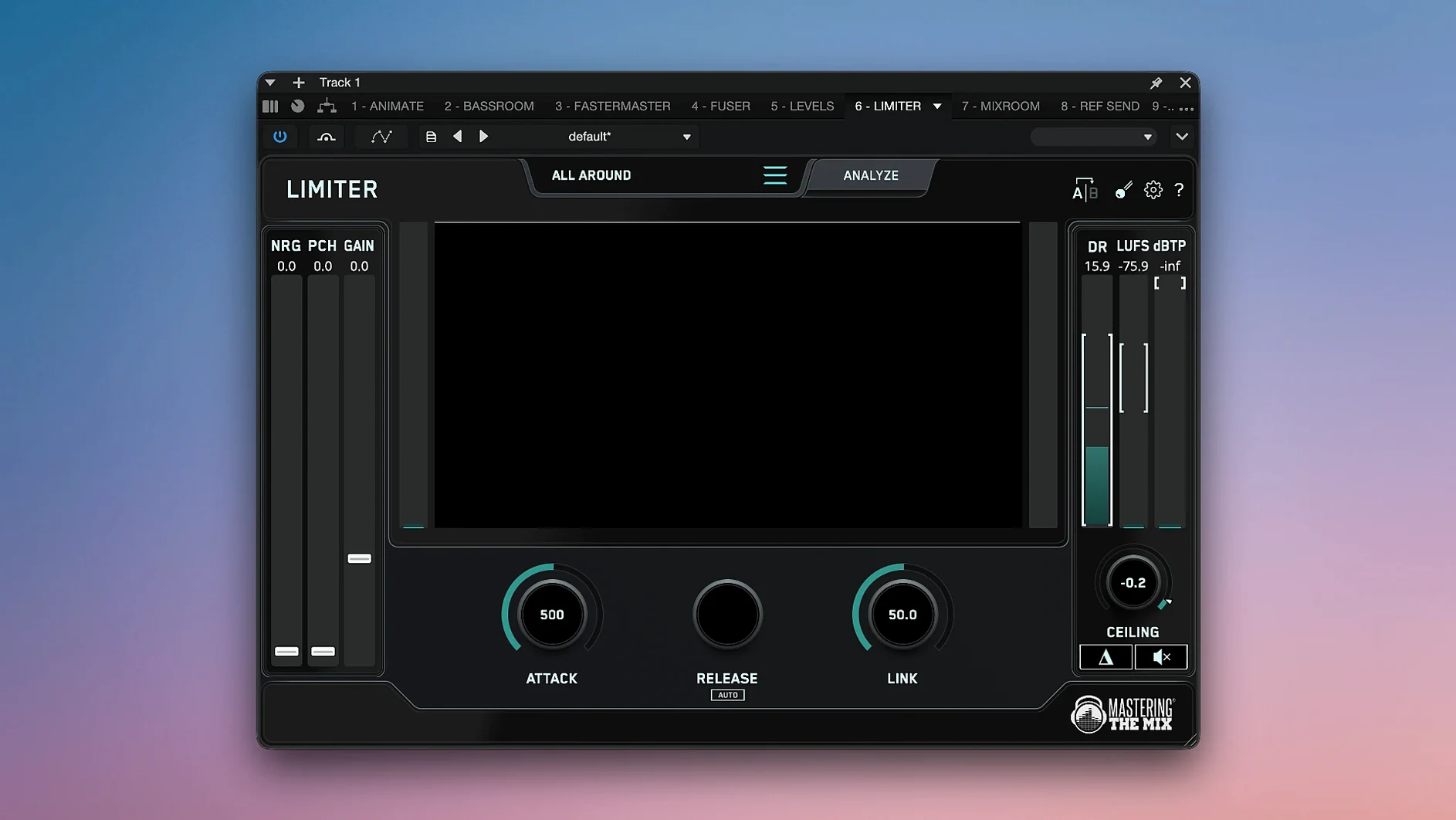
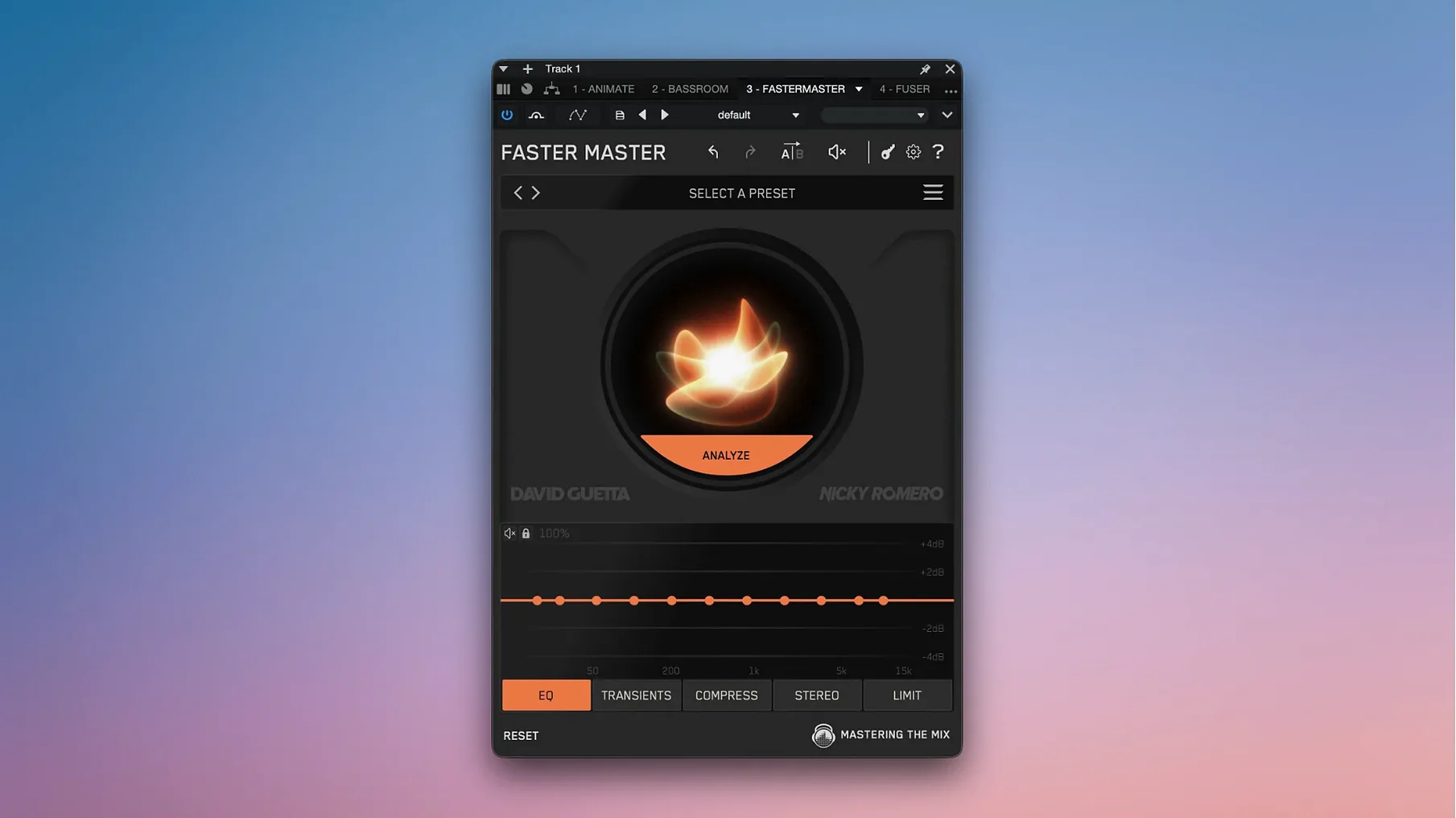
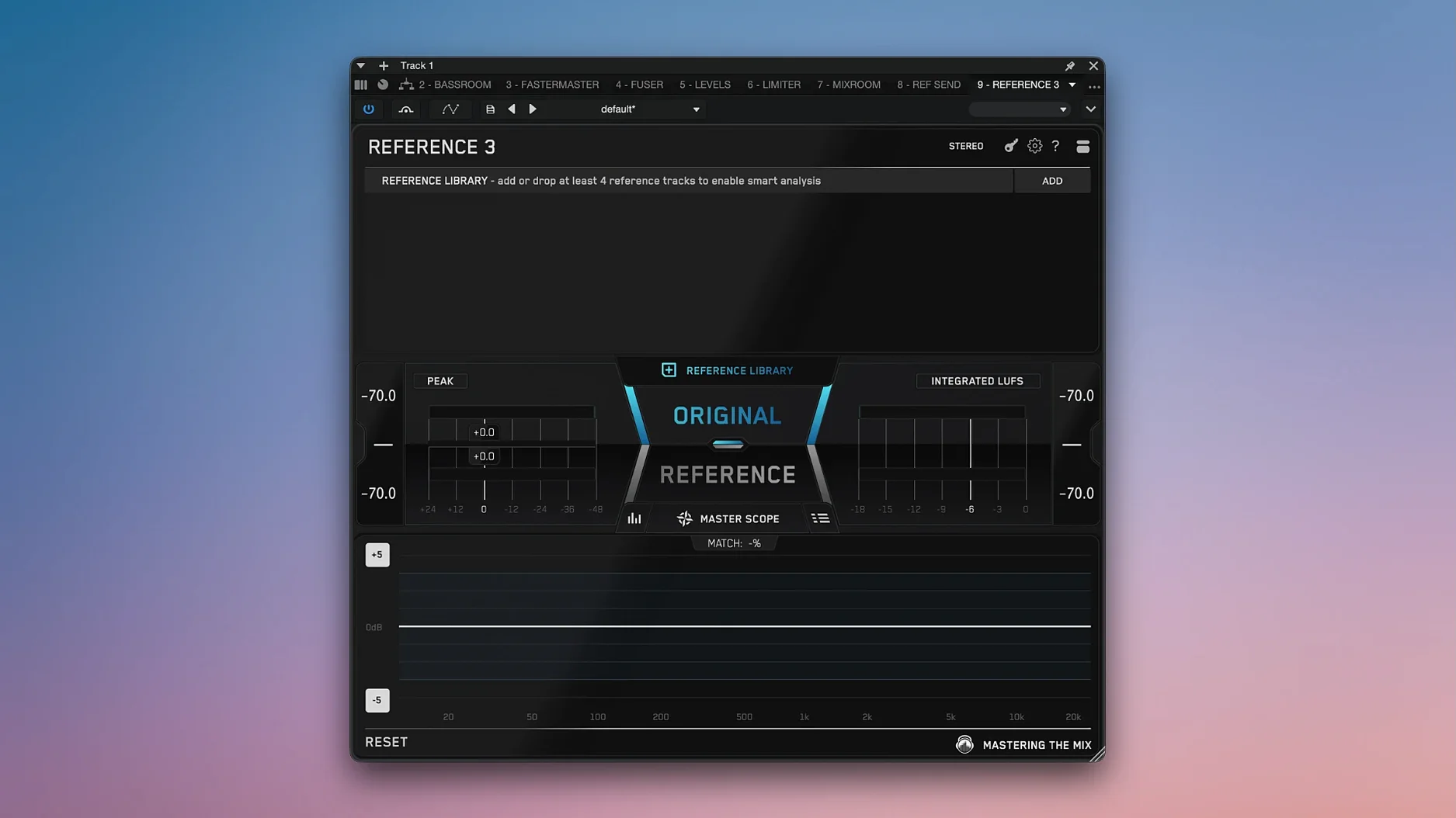
On the master bus, LIMITER analyzes the audio and suggests settings for a transparent final level. REFERENCE lets you compare your mix against reference tracks, matching loudness so your judgment stays honest. EXPOSE 2 acts as a quality control checkpoint, highlighting mix problems like phase issues or dynamic range shortfalls before export. FASTER MASTER analyzes a full song and proposes a starting point for the master chain. Together, the tools move the session from raw tracks to a finished master with fewer second-guesses.
Match Loudness Before You EQ
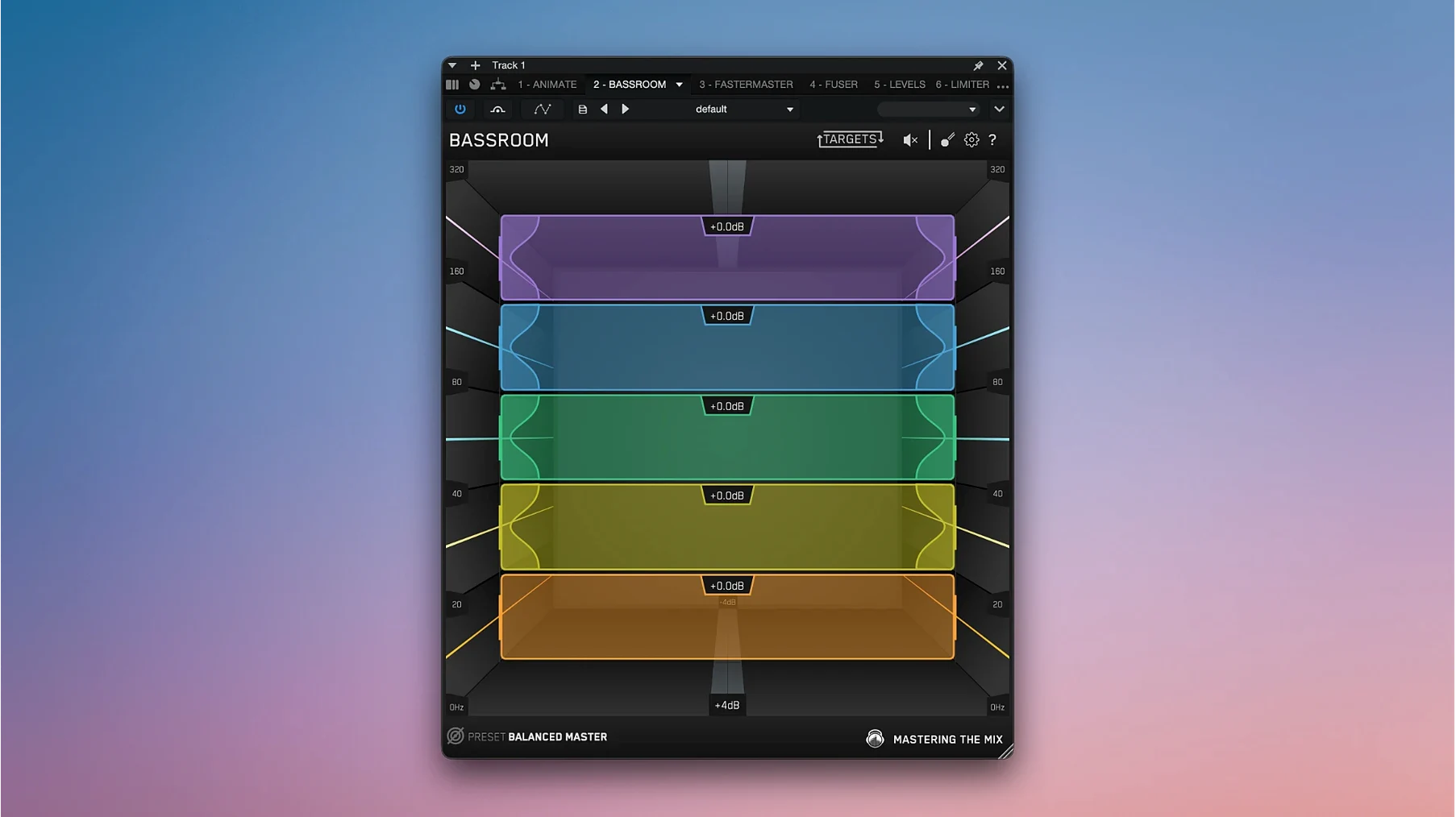
Open REFERENCE and set the Match Loudness toggle to on before loading a single reference track. Leaving it off means your ear compares volume, not tone — a quick way to chase the wrong EQ move. Next, head into BASSROOM and select a target preset that matches your genre. The default curve is a polite starting point, but switching to Hip Hop or Electronic tightens the low-end advice immediately.
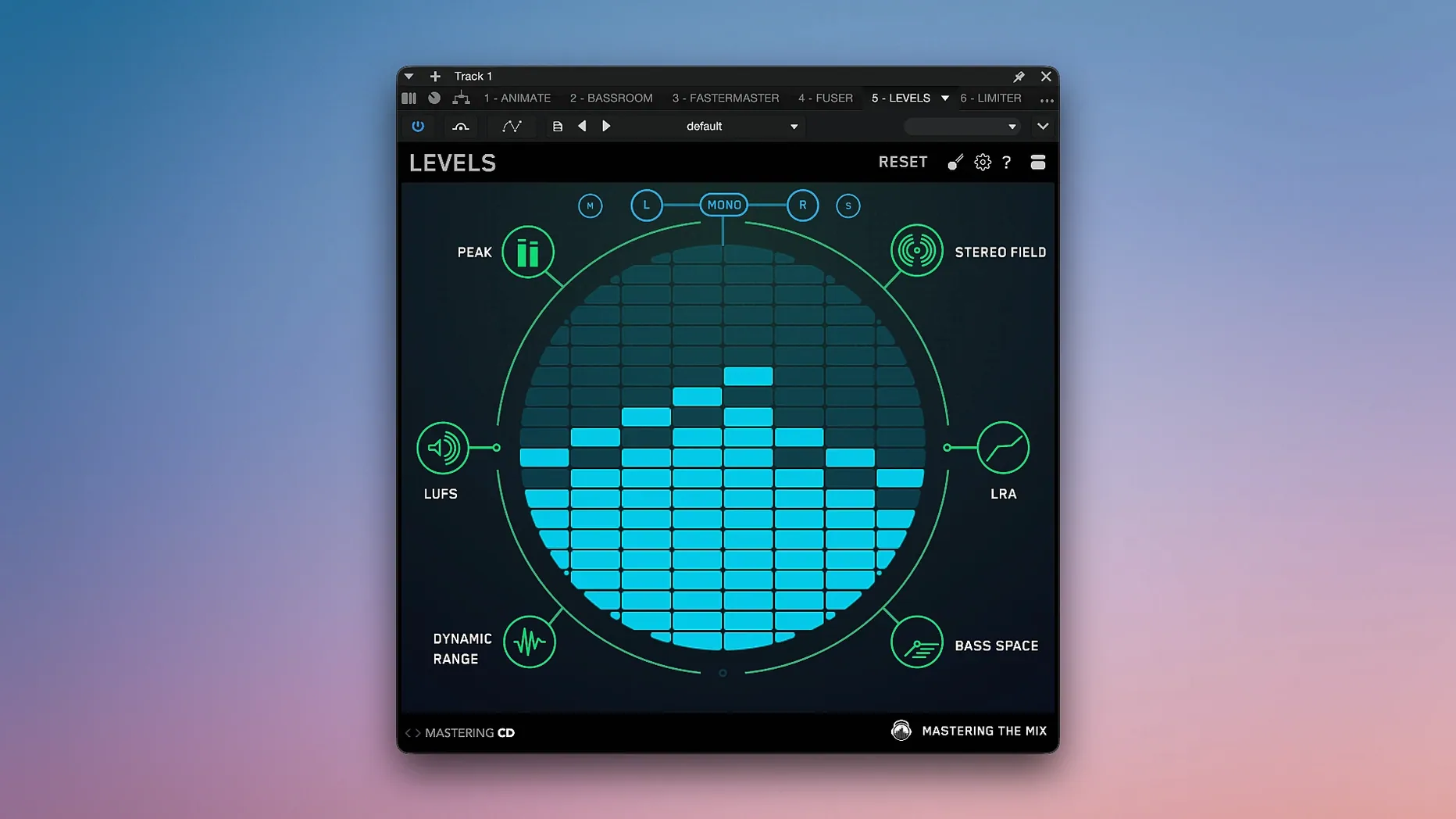
In LEVELS, lock the preset to your delivery format — CD, Club, Streaming or YouTube — before you begin adjusting the mix. The plugin’s thresholds shift dramatically between presets, and mixing into the wrong target creates rework. For RESO, dial the Sensitivity knob back from its default if you work with sparse acoustic arrangements. The factory setting flags resonances that are musically useful in exposed material, so a slight reduction keeps the suggestions practical.
Sync Reference Markers Without Dragging Audio
- REFERENCE — Cue point sync: Place a marker in your DAW, then click the waveform in REFERENCE to align a reference track’s section with your timeline. No more dragging audio files around the arrangement.
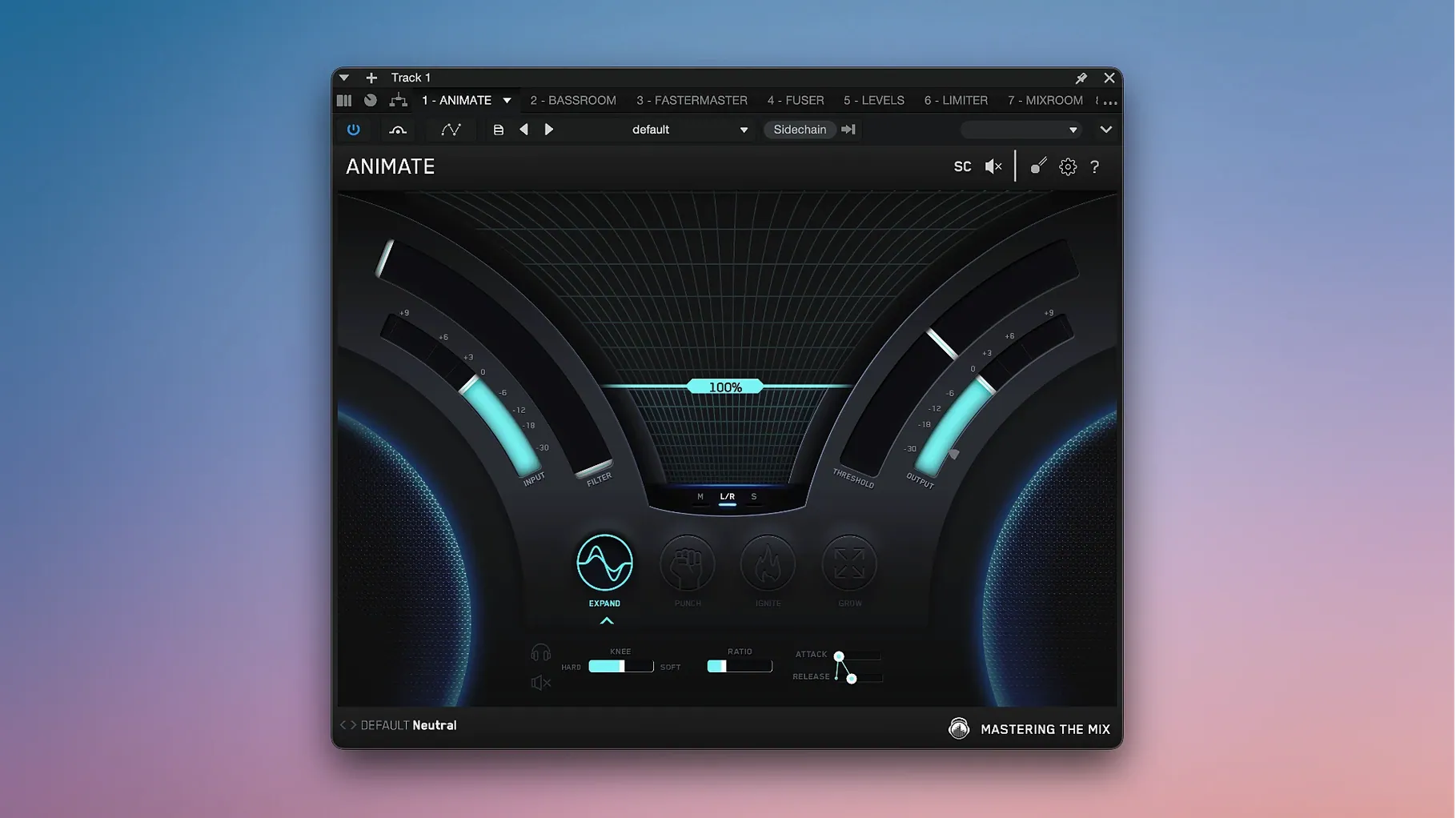
- ANIMATE — Dry/Wet mix lock: Right-click the mix knob to lock it while cycling through the four motion modes (Expand, Punch, Ignite, Grow). The consistent blend lets you hear what each mode actually contributes.
- EXPOSE 2 — Export report shortcut: After analysis completes, press
Cmd+Sto save a PDF report directly. It’s faster than the menu and handy when you’re batch-checking stems. - FUSER — Solo a conflict band: Double-click any red zone in the conflict display to isolate just that frequency range. Useful for confirming whether the clash is tonal or just visual noise on the graph.
- LIMITER — Auto-gain preview: Hold
Optionwhile adjusting the threshold to temporarily bypass the suggested gain staging. Compares the plugin’s proposal against the raw signal in one keystroke.
- macOS 10.15 or later
- Apple Silicon and Intel support
- Windows compatible
Questions I get before install
What does the Mastering The Mix Bundle include?
It includes LEVELS, REFERENCE, EXPOSE 2, LIMITER, RESO, FUSER and FASTER MASTER for mixing, mastering and audio quality control.
What are the system requirements for the bundle?
Version 2026.09.11 runs on macOS 10.15 or later with Apple Silicon and Intel support, plus Windows.
Comments 0
Sign in to leave a comment.Sign inCreate an account
No comments yet. If a step is still there after you install it, say so.
More in VST Plugins
All in VST Plugins Melodyne
Lets you edit pitch, timing, and volume of individual notes inside audio.
15 steps saved
 Metric Halo Production Bundle
Shapes tracks, glues buses, and finalises masters with console-style processing.
14 steps saved
 MiniMeters
Shows peak and LUFS loudness on your desktop during a mix session.
21 steps saved
 Minuit Solstice
Maps audio samples into playable landscapes where similar timbres sit together.
22 steps saved
 MixWave Manuel Gardner Fernandes
Stacks amp, effects, and cab simulation in a single reorderable chain.
5 steps saved
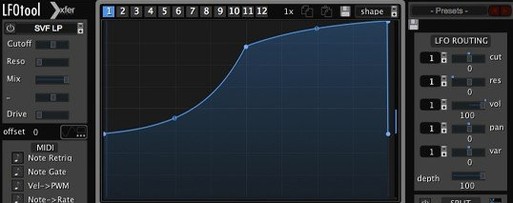 LFOTool
Redraws motion on tracks and buses with a modulation sequencer instead of a static LFO.
23 steps saved
 LANDR Vocal Bundle
Covers the core vocal chain from pitch correction to space in one download.
8 steps saved
 KORG TRITON
Recreates the HI synthesis engine that defined early-2000s pop and hip-hop productions.