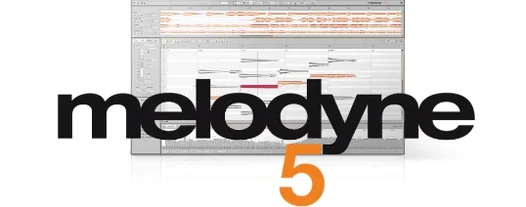
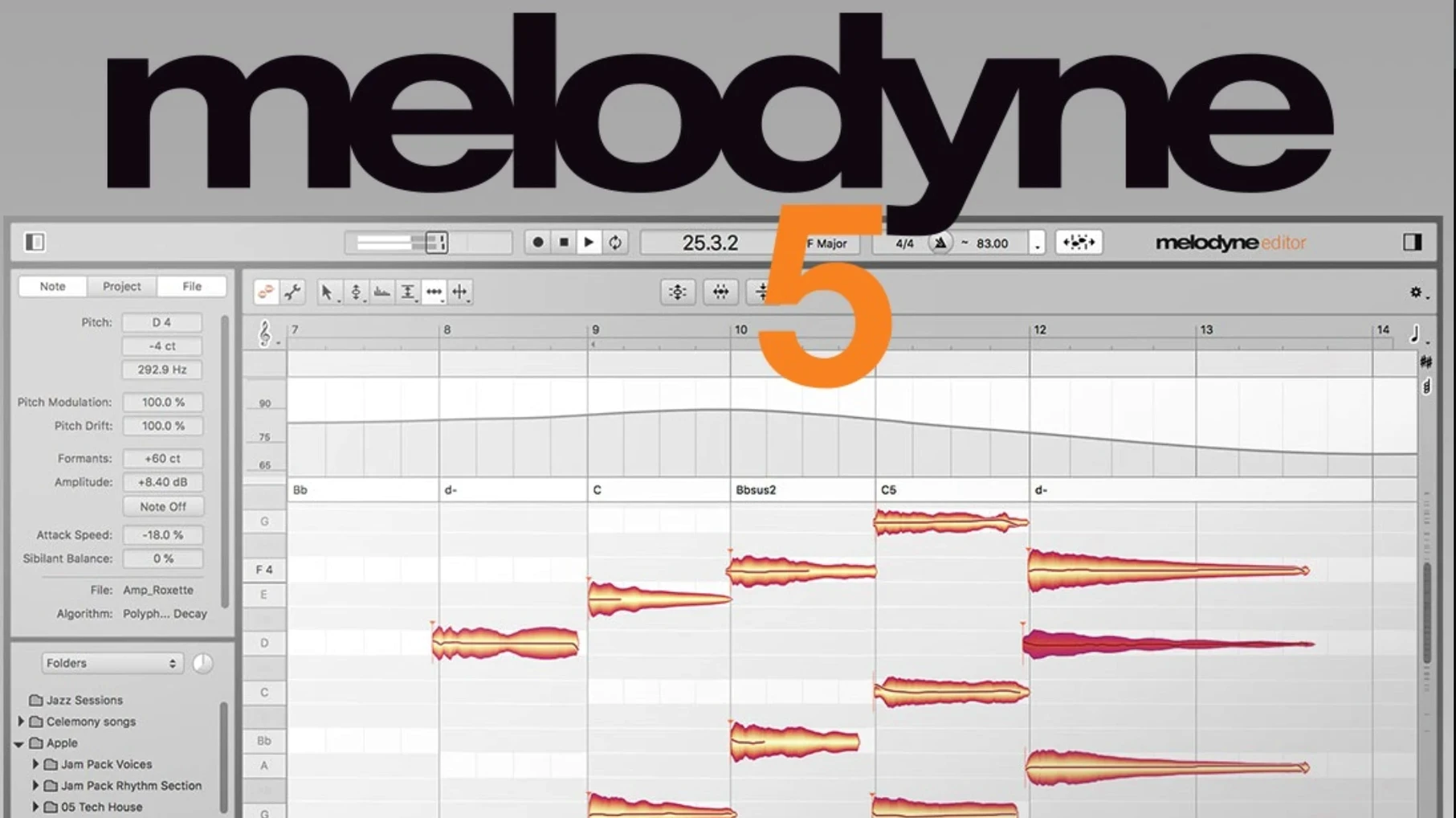
Melodyne sees audio as individual notes. That is the concrete difference. It detects pitch, timing, sibilants, and volume, then spreads them across a familiar piano-roll view for direct manipulation.
What actually changes when you move a blob?
Each blob represents a detected note. Dragging it vertically shifts pitch by semitones and cents. Horizontal movement adjusts timing against the detected tempo. No stretching artifacts until you push extremes.
How do you fix a wobbly vocal without losing the performance?
The Pitch Modulation tool targets vibrato depth directly. Drag into a note to flatten wobble, or pull out to exaggerate a trill. The Pitch Drift control corrects long slides between notes while leaving the attack untouched.
Can you reshape the body of a note?
The Fade Tool draws note-based fades from the blob edge inward. The Leveling Macro evens out volume differences across syllables. Formant shifting moves the resonance without changing pitch, useful for thickening or thinning a doubled take.
What about chords and polyphonic material?
Melodyne detects individual notes inside a chord and assigns each to a separate blob. You can retune one string of a guitar recording or re-voice a piano take—no bleed, no phase problems.
First days with Melodyne: a practical start
Open a clean vocal take first. Something dry, mono, with clear attacks. That single decision avoids half the confusion people report in their first session.
Three habits that pay off quickly:
- Play the audio before you touch anything. Listen for what Melodyne got right and what it misread. Blobs with no clear transient often show octave jumps. Fix the detection, not the blob.
- Work in short passes. Tune a phrase, then walk away for five minutes. Your ear recalibrates and you catch over-correction before it bakes into the session.
- Save a copy of the raw transfer. ARA mode writes edits live. If you go too far, the undo history only goes back so many steps. A safety copy costs seconds and saves hours.
The first tool worth learning is not pitch. It is the Separate Notes via Silence command. Misdetected breaths, lip smacks, and chair creaks vanish from the blob view without touching the performance. Right-click the noisy blob and assign it to silence, or drag the detection sensitivity lower in the Note Assignment section before transfer.
How Melodyne sits next to similar editors
Three applications cover most comparisons on macOS.
Melodyne vs. Auto-Tune
Auto-Tune corrects pitch in real time and lives in the signal path. Melodyne edits audio offline, note by note, with a visual editor. The practical fork: Auto-Tune suits live tracking and hard-tuning effects; Melodyne suits detailed post-production where you reshape timing, formants, and individual syllables without retracking.
Auto-Tune graph mode offers note-level editing, but the polyphonic detection and chord recognition in Melodyne sit a tier above. If you edit multitrack instruments or need to re-voice a guitar part, Auto-Tune alone cannot get there.
Melodyne vs. Waves Tune
Waves Tune offers a similar piano-roll workflow at a lighter footprint. The interface is familiar: blobs, timing, pitch curves. But the detection engine handles polyphonic material differently. Waves Tune stays monophonic. A piano or a strummed chord stays locked together as one blob.
Melodyne pulls those apart. The DNA algorithm assigns separate blobs per string, key, or voice. That single difference decides the choice for anyone editing polyphonic recordings.
Melodyne vs. Logic Pro Flex Pitch
Flex Pitch is built into Logic, zero latency, and tightly integrated with the track editor. The pitch correction sounds clean on monophonic material and the workflow is fast.
Flex Pitch does not handle polyphonic audio. It does not offer formant shifting, the Fade Tool, or the Leveling Macro. The detection is less forgiving on noisy or pitched-percussive material. Melodyne covers everything Flex Pitch covers and then extends into full multitrack editing, but Flex Pitch wins when speed and tight DAW integration matter more than polyphonic detection.
Comping vocals tightens timing in a single pass
Vocal producers and mix engineers who comp dozens of takes see the fastest return. A single pass through the blobs tightens timing, tames sibilants with the Sibilant Balance control, and evens out syllable volume without touching a fader.
Composers and arrangers working with recorded sketches benefit in a different way. A piano idea recorded as audio can be re-voiced, re-harmonized, and re-tempoed without replaying a note. The chord track recognizes the harmonic structure and lets you drag individual notes into new voicings.
Post-production editors who clean dialogue or location audio use the breath detection and noise separation tools to pull apart room tone, mouth clicks, and background bumps. The note-based editing view makes short work of tasks that otherwise demand spectral editing and careful gating.
Bedroom producers working with a Melodyne Mac crack build out vocal stacks quickly. The formant tool shifts a double down a few semitones without the chipmunk effect, and the timing grid locks stacked takes to the same groove without phasing.
Fixing octave-jumping blobs on bass-heavy sources
Blobs jump octaves after detection. This happens most on bass-heavy vocals or low-mid instruments. Open the Note Assignment panel, switch the algorithm to Bass or Polyphonic depending on the source, and re-transfer. If the take is already edited, highlight the octave-jumped blobs and use Option + arrow to shift them back.
ARA sync breaks after a DAW restart. Sometimes the DAW loses the ARA bridge and shows blank blobs. Save the project, quit the DAW, restart the Mac, and reload. If the problem persists, remove the Melodyne instance, re-insert it, and transfer again. The edit data remains in the project file as long as you do not clear the plugin state before removing.
Percussive pitched material detection fails. Kick drums with a clear tonal body, tuned toms, tabla, and 808 bass hits sometimes confuse the standard algorithm. Switch to the Percussive Pitched algorithm before transfer. Melodyne then separates the noise transient from the pitched tail and assigns blobs accordingly.
Trackpad scrolling feels sluggish or erratic. Version 5.4.2 revised trackpad handling for macOS Sequoia. If scrolling still jumps, check System Settings > Accessibility > Pointer Control and reduce the scrolling speed one notch. Melodyne reads system-level scroll events, not application-level overrides.
Crash when opening Melodyne in ARA mode. The 5.4.2 build addressed one known crash path related to plugin state restoration. If it still occurs, open the DAW in Rosetta mode once, insert Melodyne, transfer, close, then switch back to native Apple Silicon. That one-time handshake often clears a corrupt state cache.
- New — macOS Sequoia adaptations across the application.
- Improved — Trackpad scrolling now responds with finer control.
- Fixed — A crash case when opening Melodyne in ARA and plug-in workflows.
- macOS 10.12 or later
- Intel and Apple Silicon Macs
- English interface
Questions I get before install
Can Melodyne edit multiple voices at once?
Yes, the studio edition detects notes within polyphonic audio, so you can edit individual notes inside chords or full mixes.
Does it work as a plug-in inside a DAW?
It operates directly as a plug-in in your DAW via ARA or standard insert, transferring audio without manual exports.
Which edition handles note-by-note volume?
All editions can adjust the volume of individual notes and syllables manually using the amplitude tool.
Comments 0
Sign in to leave a comment.Sign inCreate an account
No comments yet. If a step is still there after you install it, say so.
More in VST Plugins
All in VST Plugins Metric Halo Production Bundle
Shapes tracks, glues buses, and finalises masters with console-style processing.
7 steps saved
 Mastering The Mix Bundle
Finds resonances and frequency clashes so your mix translates cleanly.
14 steps saved
 MiniMeters
Shows peak and LUFS loudness on your desktop during a mix session.
21 steps saved
 Minuit Solstice
Maps audio samples into playable landscapes where similar timbres sit together.
22 steps saved
 MixWave Manuel Gardner Fernandes
Stacks amp, effects, and cab simulation in a single reorderable chain.
14 steps saved
 Updated
Native Instruments Massive X
Builds wavetable patches that retain body in a dense mix.
21 steps saved
 Native Instruments Noire KONTAKT
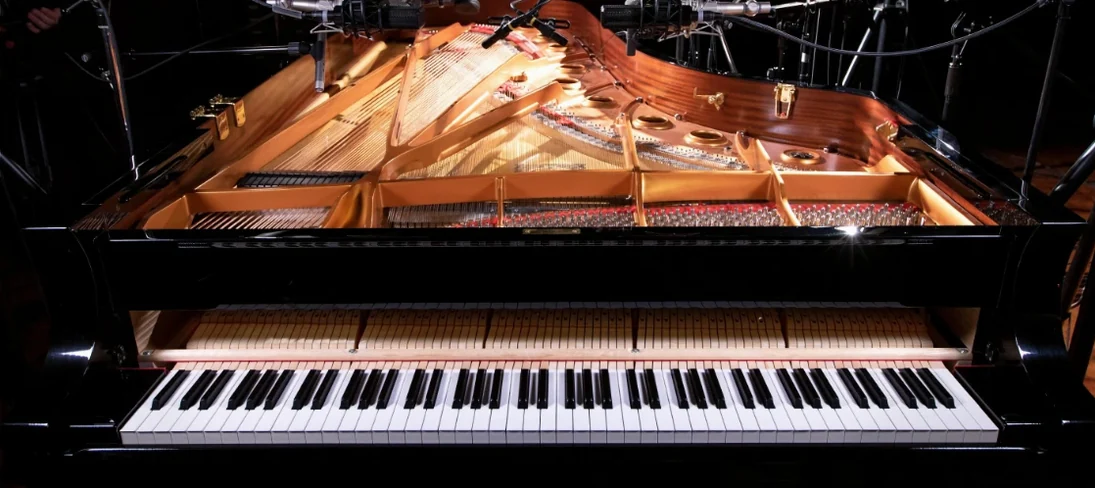
Loads a responsive concert grand with a particle engine for felt textures.
21 steps saved
 Neural DSP Archetype Misha Mansoor X
Models Misha Mansoor's amps, pedals and cabs for tight modern metal tones.