
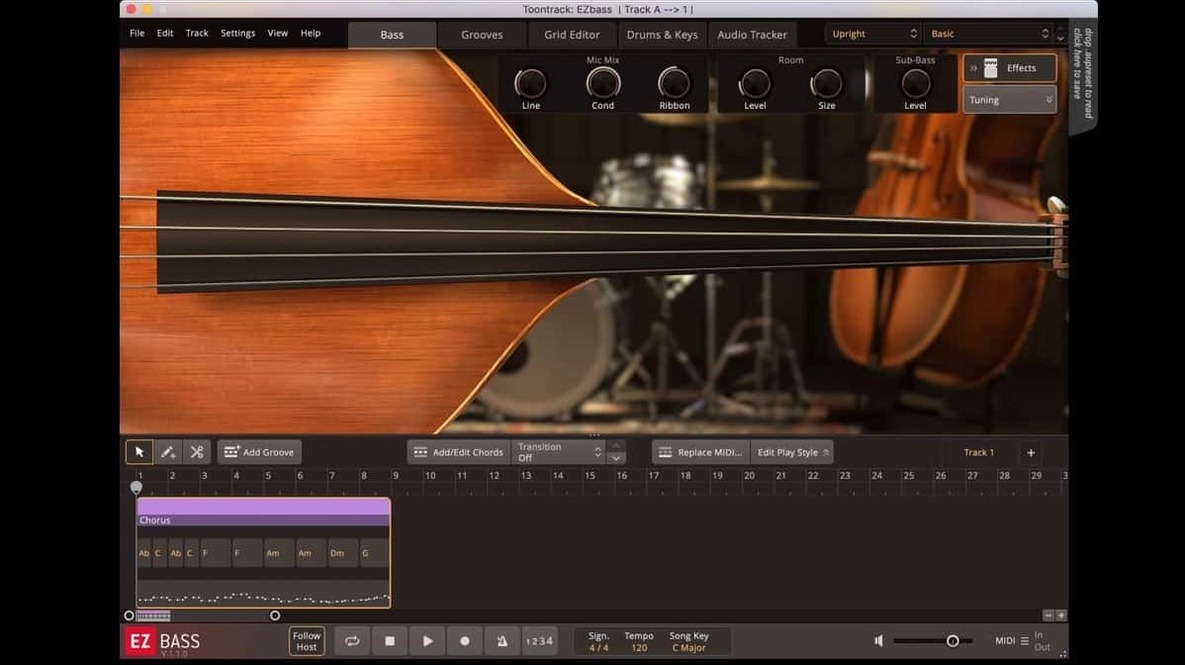
A weak low end can make an otherwise solid mix feel thin. EZbass is a bass software instrument that hands you a professional player, a collection of sampled basses, and a set of writing tools for building parts that lock into the arrangement. You are not just loading a sound—you are shaping a performance.
- Audio-to-MIDI conversion — Drag in a guitar or keyboard track and the software extracts the pitch and timing using technology shared with Superior Drummer 3.
- MIDI-driven basslines — Feed it a drum or keyboard MIDI pattern and it generates bass parts that follow the groove and chord changes.
- Arrange and rearrange — Compose inside the software by moving, doubling, or cutting sections until the structure feels right.
- Sound shaping — Dial in tone with controls for playing style, hand position, and articulation right on the instrument.
- Style-ready MIDI library — Comes with a broad range of bass MIDI for pop, rock, funk, metal, and more, so you can start with a musical idea instead of a blank grid.
- EBX expansions — Swap in new basses and tones when the part calls for a different flavour.
Rather than stacking processing to fix a sampled bass, you control the performance details at the source. The result is a low end that sits in the pocket without extra work.
Drag MIDI grooves straight from the browser
Some of the most useful behaviour in EZbass never announces itself. A few things worth knowing:
- Drag from the browser — Pull a MIDI groove straight from the library onto the timeline. No import dialogue, no file picker.
- Right-click on a chord — The software offers alternate voicings and octave shifts without opening a separate menu.
- Double-click a note in the editor — Switches it between root, fifth, and octave, which covers a surprising amount of arranging ground.
- Velocity lane stays live — Adjusting velocity while a groove loops gives you immediate feedback on how hard the virtual player digs in.
- Host sync respects tempo maps — Feed it a song with tempo changes and playback follows without manual tweaks.
Version 1.3.3 also added the ability to change some keyboard shortcuts in Settings. If the default key commands fight your muscle memory, you can remap them.
Turn a scratch guitar track into a bass part
Start with a scratch guitar track that already has the chord changes you like. Drag that audio into EZbass and let the audio-to-MIDI conversion do its job. The software extracts pitch and timing, giving you a MIDI map of the part.
- Select a modern or vintage bass from the two included instruments.
- Pick a groove from the MIDI library that matches the feel of the guitar part.
- Drop the groove into the timeline and let EZbass align it to the converted chords.
- Adjust hand position and articulation to push the part toward a more fingered or picked sound.
- Export the MIDI or bounce the audio when it sits right in the mix.
What used to take an hour of manual programming now takes about ten minutes.
Menu clicks fixed in newer Apple hosts
The update fixes a few things that affected daily use. Menu clicks now respond properly in newer Apple hosts, and audio export no longer drifts at sample rates other than 44.1 kHz.
For players who use Rock Legend EBX, the right-hand mute articulation is now supported. The Mac standalone icon and project icon also updated to the macOS Tahoe style, so the app looks consistent with the rest of the system.
If you work at 48 kHz or 96 kHz, the timing fix alone makes this update worth installing. EZbass remains a bass software instrument that rewards small adjustments with a noticeably tighter low end.
- New — Right-hand mute articulation support for Rock Legend EBX.
- New — Custom keyboard shortcuts can be set in the Settings section.
- Improved — Standalone and project icons updated to macOS Tahoe style.
- Fixed — Audio export timing issues at sample rates other than 44.1 kHz.
- macOS 10.15 or later
- Intel and Apple Silicon support
Questions I get before install
Can EZbass convert audio to MIDI bass?
Yes. Its audio-to-MIDI conversion uses the same technology as Superior Drummer 3, letting you drag in an audio recording and extract a MIDI bass part from it.
Does EZbass work with sound expansions?
It works with EBX sound expansions, which add different sampled bass instruments and tones to the core library.
Can EZbass generate basslines from other MIDI?
You can feed it a drum or keyboard MIDI pattern and the software will generate bass parts that follow the groove and chord changes.
Comments 0
Sign in to leave a comment.Sign inCreate an account
No comments yet. If a step is still there after you install it, say so.
More in VST Plugins
All in VST Plugins EZdrummer
Turns a chord progression into a full drum performance without engineering overhead.
10 steps saved
 Updated
FabFilter Total Bundle
Replaces a rack of outboard gear with a consistent set of mixing tools for every stage.
10 steps saved
 elastiquePitch
Corrects pitch and adjusts formant in real time so a flat vocal sits naturally in the mix.
12 steps saved
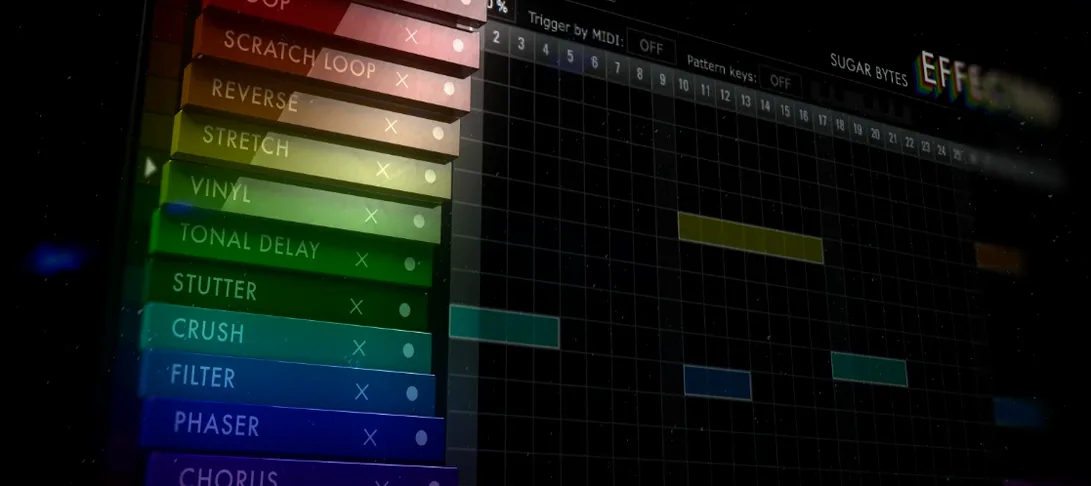 Effectrix
Applies sequenced audio effects per step so a filter or glitch lands precisely on the beat.
5 steps saved
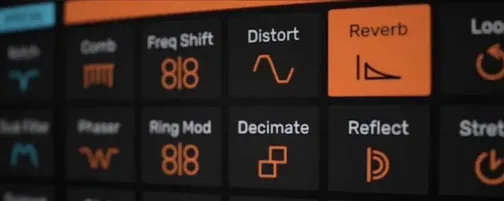 Devious Machines Infiltrator
Stacks up to ten effects on a single insert slot and modulates them with envelopes.
23 steps saved
 Cymatics VOXITY
Shapes tone, presence, and width on a raw vocal from one insert.
14 steps saved
 Cymatics QUAKE
Generates sub and 808 bass parts inside a single processing window.
21 steps saved
 iZotope Insight
Plots loudness history and stereo vectors so you can hit your delivery spec exactly.