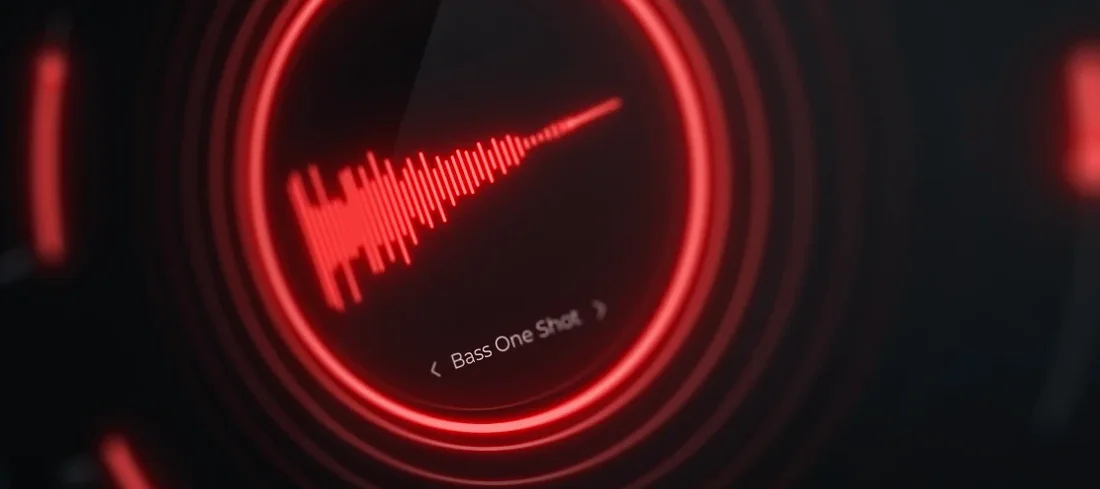
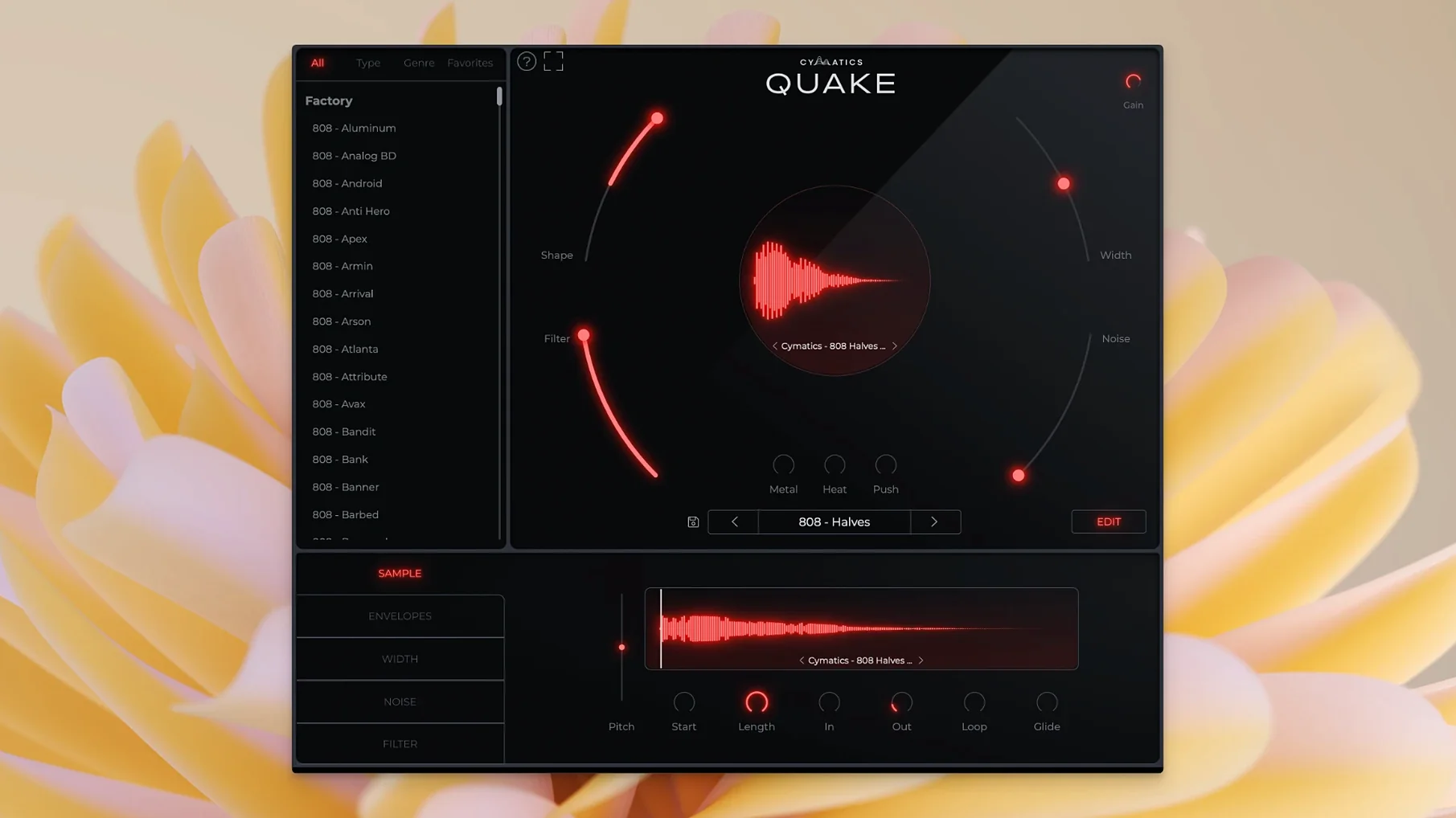
Cymatics QUAKE is a bass engine plugin for generating heavy, unique bass and 808 sounds in one window.
Fast Bass Design for Subs and 808s
- Sound design sessions where you need to dial in bass parts fast
- Track channels carrying low-end duties — sub, 808, or gritty bass lines
- Bus processing when you want to add controlled saturation and stereo width to a bass group
- Producers who prefer a focused instrument over tweaking sample packs
Three Saturators Shape the Core Tone
- It is a self-contained instrument, not a collection of samples
- Metal, Heat, and Push are your main colour tools — each applies a different saturation character
- Filter and Width controls let you shape frequency content and stereo spread directly
- Comes with a preset library, but the engine encourages building from scratch
A beatmaker’s afternoon with QUAKE
A drill producer opens a session with a half-finished pattern — kick hits hard but the 808 feels hollow. They drop QUAKE onto the channel, scroll past the genre labels, and land on a Drill preset called SubZero. The low end fills out immediately. They pull the Shape knob back a quarter turn to soften the transient, then nudge the Heat control until the saturation glues the bass to the kick without muddying the mix. Twelve minutes in, they have a bass part that stays out of the vocal’s way and punches on phone speakers. They save the tweaked state as a user preset called Drill_Glue and keep moving.
How QUAKE sits alongside similar bass tools
QUAKE, SubLab, and 808 Studio all tackle low-end design, but each takes a different path.
- SubLab layers a clean sub with a sampled attack and adds a distortion chain. It excels at precise, cross-over-friendly 808s, but the dual-layer architecture means you spend time blending sources. QUAKE keeps the signal path simpler — one sound engine, seven shaping controls — which suits producers who want a result inside a single plugin window.
- 808 Studio behaves more like a drum machine with step sequencing and pattern storage. It works well for writing basslines without touching the piano roll. QUAKE trades the sequencer for deeper tone-shaping: the Metal and Push circuits push into territory 808 Studio’s overdrive stage does not reach.
- For sound designers who already own Serum or Phase Plant, QUAKE is the narrow tool — it does not replace a full wavetable synth, but its 5.3 rebuilt engine handles bass-specific harmonics faster than building a patch from oscillators and effects.
None of these apps is a sample pack substitute. QUAKE generates tones algorithmically, so the low end stays phase-coherent when you shift notes — something dragging audio clips cannot guarantee. The preset library covers Trap, House, R&B, EDM, and Drill, but the real difference shows when you abandon presets and treat the Width–Shape–Filter trio as a bass-sculpting chain.
Cranking All Three Distortions at Once
First sessions with QUAKE tend to break in predictable ways. Knowing them saves time.
- Stacking every saturator at once. Metal, Heat, and Push are three distinct distortion flavours. Cranking all three turns a tight 808 into a fizzy mess before it reaches the channel fader. Start with one, dial it until the tone bites, then audition a second at low mix — often that is enough.
- Ignoring the Width control on sub material. Stereo bass below 120 Hz collapses on mono playback systems. QUAKE’s Width knob does not automatically band-limit the spread; new users widen the whole signal and lose low-end weight on club systems. Keep Width narrow for the fundamental, then use a separate layer or send for stereo harmonics above 200 Hz.
- Skipping the Noise knob. The Noise circuit adds analog texture that helps bass cut through laptop speakers and earbuds. Beginners often leave it at zero because it does not dramatically change the tone at low volumes. A setting of 3–5% makes the difference between a bassline that vanishes on a 3gp vedio search engine clip and one that remains audible.
- Treating presets as finished sounds. The factory library gives strong starting points, but a preset labelled “House” often needs the Filter opened or the Shape tightened to fit a specific kick. Adjusting the Shape and Filter before reaching for saturation keeps the sound legible in a busy arrangement.
- macOS 10.14 or later
- Apple Silicon and Intel native
Comments 0
Sign in to leave a comment.Sign inCreate an account
No comments yet. If a step is still there after you install it, say so.
More in VST Plugins
All in VST Plugins Cymatics VOXITY
Shapes tone, presence, and width on a raw vocal from one insert.
5 steps saved
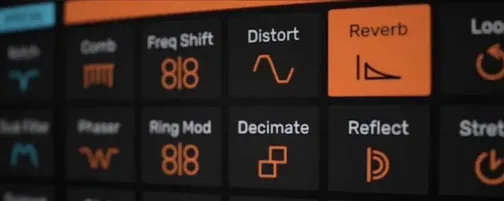 Devious Machines Infiltrator
Stacks up to ten effects on a single insert slot and modulates them with envelopes.
12 steps saved
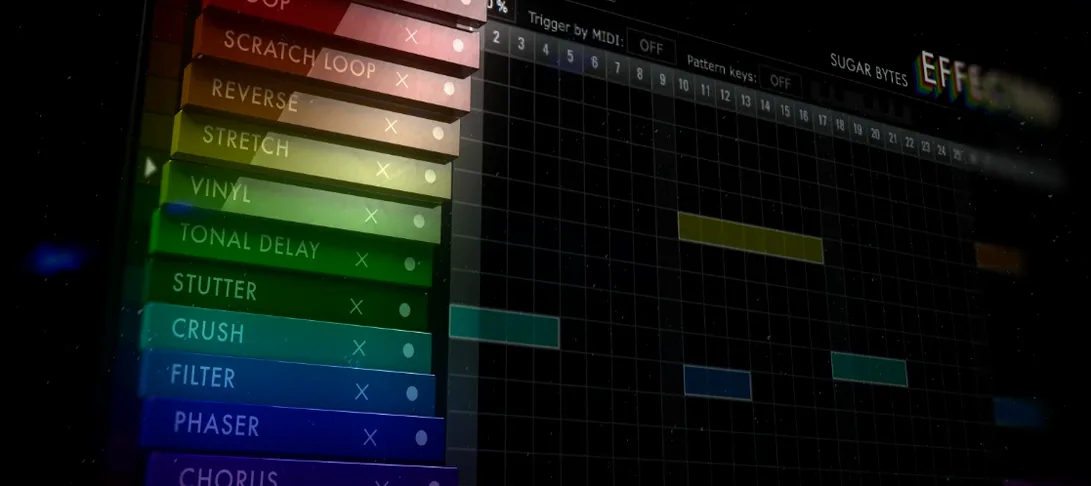 Effectrix
Applies sequenced audio effects per step so a filter or glitch lands precisely on the beat.
10 steps saved
 elastiquePitch
Corrects pitch and adjusts formant in real time so a flat vocal sits naturally in the mix.
16 steps saved
 EZbass
Provides a played bass performance and writing tools that fill out a thin low end.
12 steps saved
 Cableguys Snapback
Locks a sample to every detected transient in real time for instant layer reinforcement.
22 steps saved
 EZdrummer
Turns a chord progression into a full drum performance without engineering overhead.
10 steps saved
 Updated
FabFilter Total Bundle
Replaces a rack of outboard gear with a consistent set of mixing tools for every stage.