
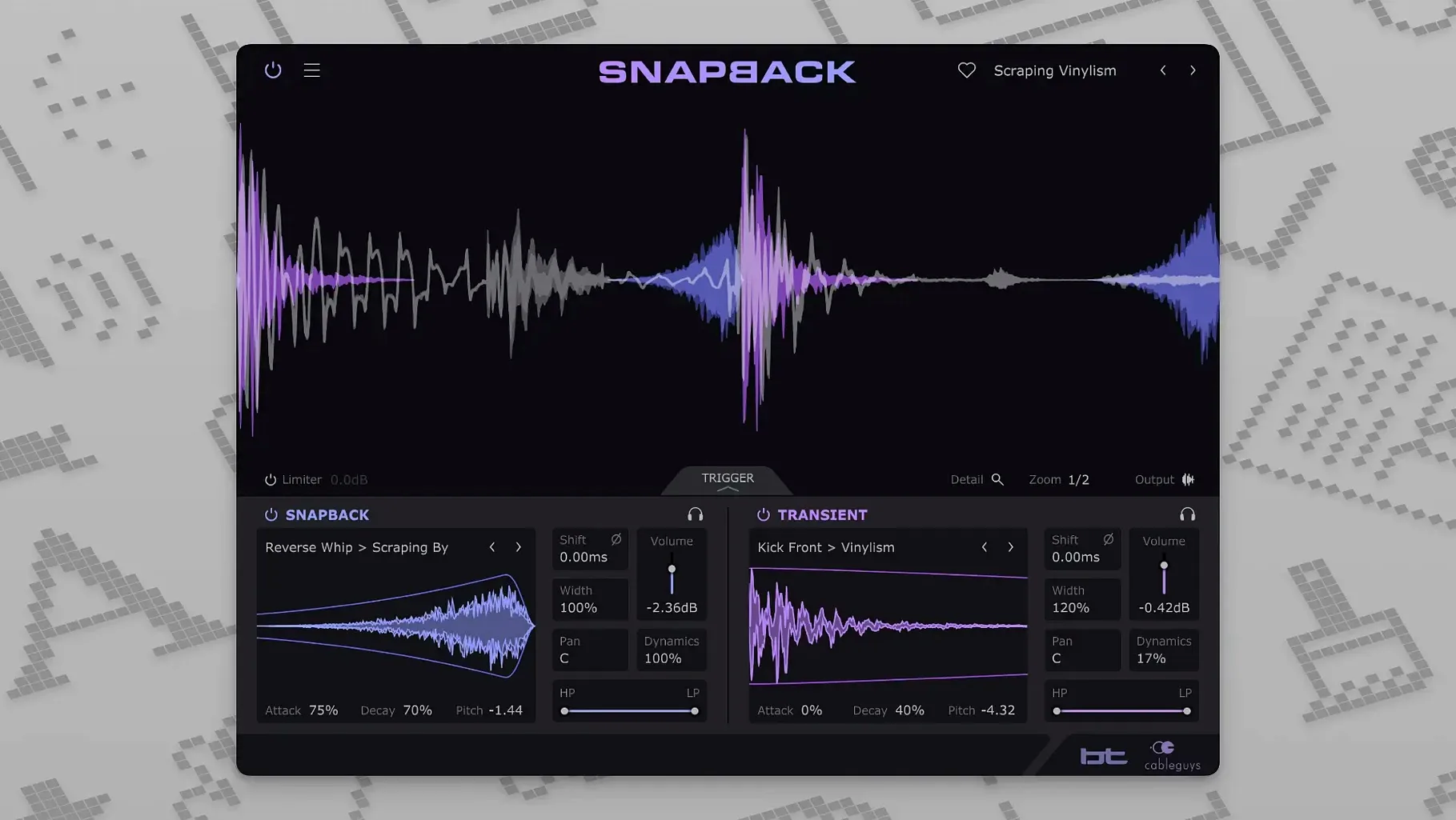
Producers who layer kicks and snares use Snapback to lock imported samples to every hit in real time. It listens to the incoming audio, detects transients, and synchronizes a chosen sample—no manual slicing or dragging required. The result is a reinforced transient that lands exactly where the original drummer or drum machine placed it.
Shaping a layer through its controls
After detection, the main panel offers immediate adjustment over what the added sample contributes. A level fader blends the layer against the dry signal. Turning the pitch knob shifts the sample up or down for a tighter fit with the source tuning. A phase control fixes cancellation when the two waveforms fight each other, which is common when stacking low-end hits. Filters let you isolate just the click or the body of a sample, so a snare layer can contribute only a short noise burst without muddying the sustain. The Reverse button, added in version 1.1, flips the sample for swell effects or backward textures.
Adding a beater click without losing the kick tail
Snapback changes the front of a sound without altering the tail. A soft kick gains a defined attack from a sampled beater click; a snare picks up a short noise transient that cuts through a dense chorus. Because the plugin detects each hit independently, it follows tempo changes and ghost notes without programming a MIDI track. Percussion loops acquire consistent character when a user sample—a stick click, a noise burst, a pitched texture—sits on every hit with identical timing. The result is a layered sound where the original performance stays intact and the added sample behaves like part of the recording.
A kick layering walkthrough
Load Snapback on a kick track and open the browser to audition samples. Sort by attack type—click, beater, noise—and pick one that fills what the recording lacks. The waveform visualizer redraws instantly, showing the original hit in grey and the layered sample in white. Watch the alignment line snap to each transient as the transport rolls. A common move: lower the sample pitch by a few semitones, then use the high-pass filter to keep only the beater slap above 800 Hz. Blend it in at around –12 dB, and the kick cuts through a bass-heavy arrangement without any low-end buildup.
Details easy to overlook
- Pre-transient placement — Drag the sample start marker left of the detection line to push attack noise ahead of the original hit. Useful for creating a breath or reverse sweep that leads into a snare.
- Envelope follower on noise layers — Pair a short noise burst with a tight decay envelope. The sample triggers on every hit and fades before the original tail, adding grit without washing out the sustain.
- Browser audition sync — Samples preview in time with your project while the transport runs. No need to stop playback to test how a click sits against a groove.
- Phase flip on duplicate tracks — When running two Snapback instances on parallel kick channels, flipping phase on one prevents the stacked transients from thinning out.
- MIDI port range — Version 1.1 handles up to 256 MIDI ports. If your template routes drum layers across many virtual cables, the plugin stays addressable without reassigning ports.
- New Reverse button for flipping samples into backward playback.
- Improved MIDI port addressing expanded from 16 to 256 ports.
- macOS 10.13 or later
- Intel or Apple Silicon processor
- VST 2, VST 3, AU, or AAX host DAW
Comments 0
Sign in to leave a comment.Sign inCreate an account
No comments yet. If a step is still there after you install it, say so.
More in VST Plugins
All in VST Plugins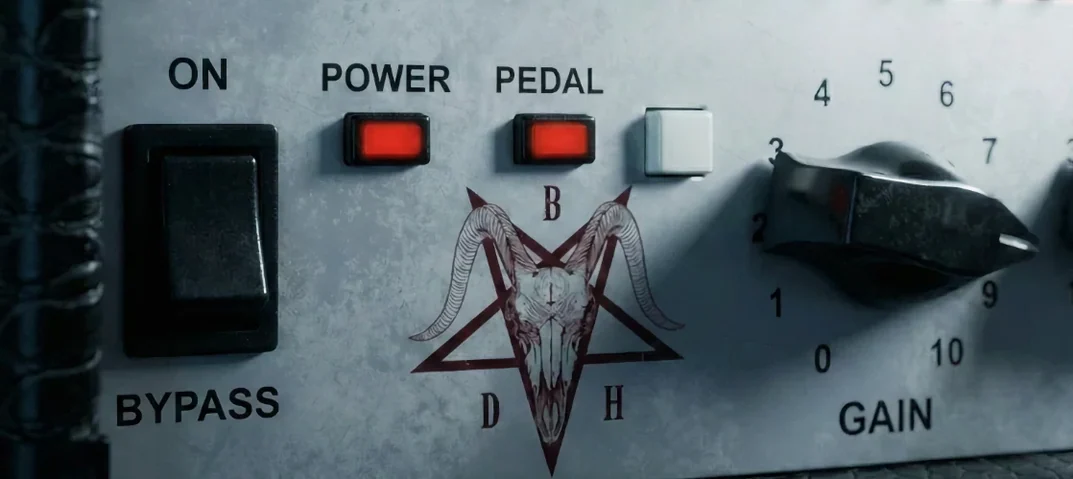 Bogren Digital Ampknob BDH 66o6 Plus
Delivers a tight high-gain amp tone from one simple plugin.
16 steps saved
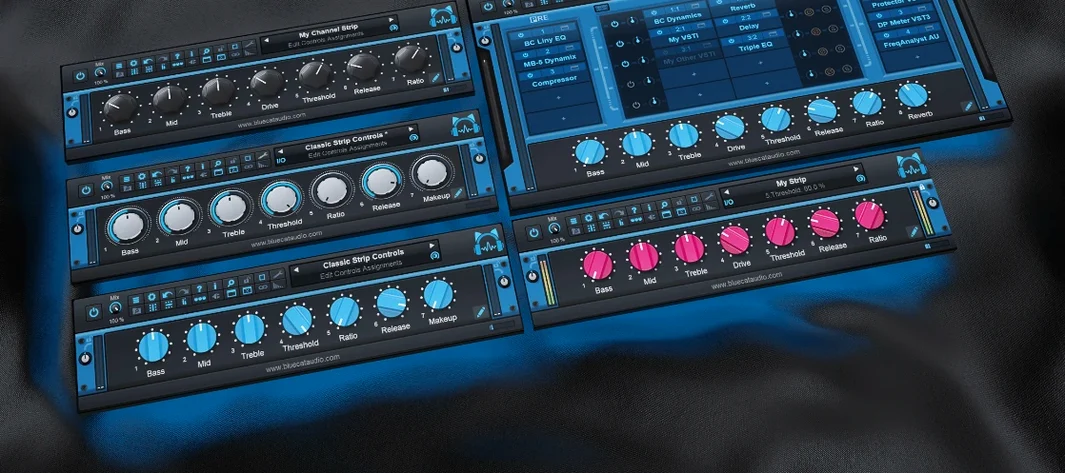 Blue Cat Audio Blue Cats PatchWork
Hosts third-party plugins inside one DAW slot and records 16 channels of audio.
10 steps saved
 Arturia Pigments
Lets you drag any modulator to any parameter and hear the result instantly.
6 steps saved
 Arturia Mellotron V
Places 65 tape banks under your fingers for arrangements that need texture.
8 steps saved
 Arturia FX Collection
Covers tracking, mixing, and mastering with a single suite of 39 processors.
15 steps saved
 Arturia Emulator II V
Recreates the gritty 8-bit sampler that shaped early digital records.
9 steps saved
 Arturia Efx AMBIENT
Builds long, shifting ambient tails without chaining extra aux channels.
22 steps saved
 Arturia Augmented STRINGS
Blends real string samples with synthesis engines via one Morph control.