
Developers, QA engineers, and anyone who regularly inspects API responses or configuration files will find OK JSON cuts through the noise. It replaces staring at a wall of text in a code editor with a purpose-built viewer that structures data on demand.
View
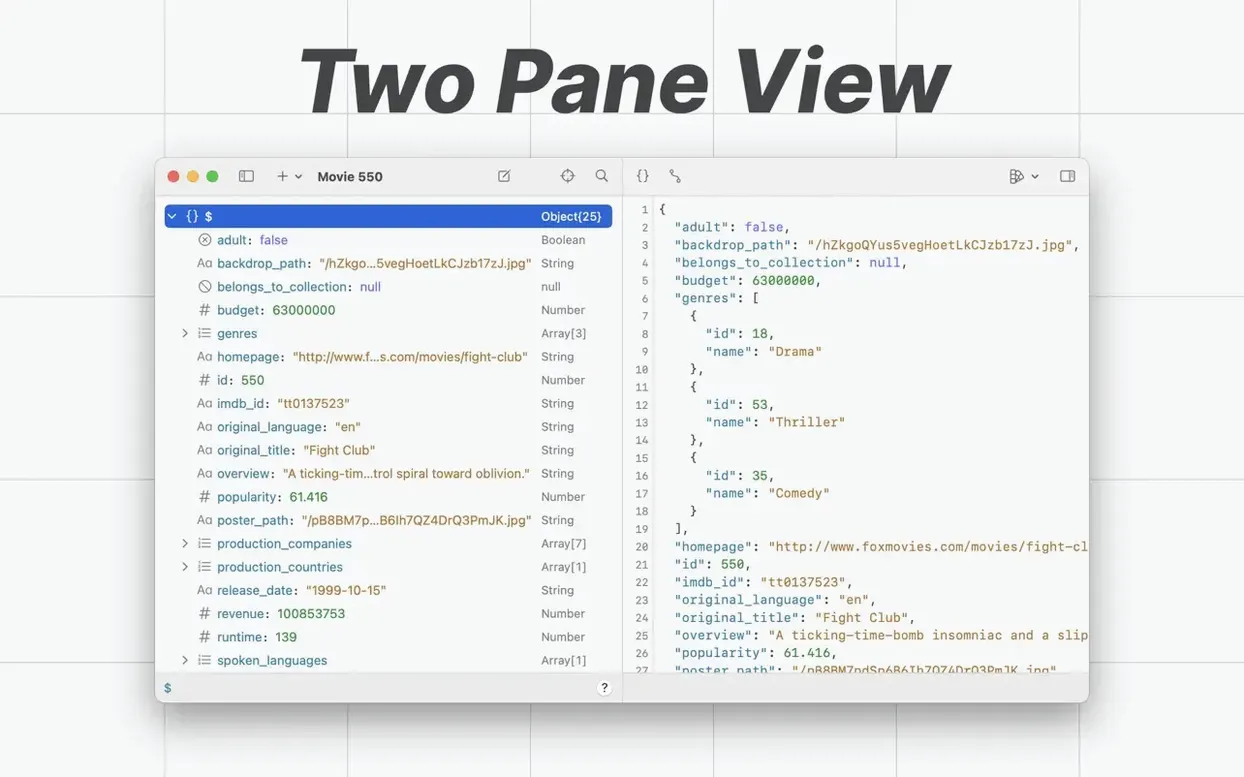
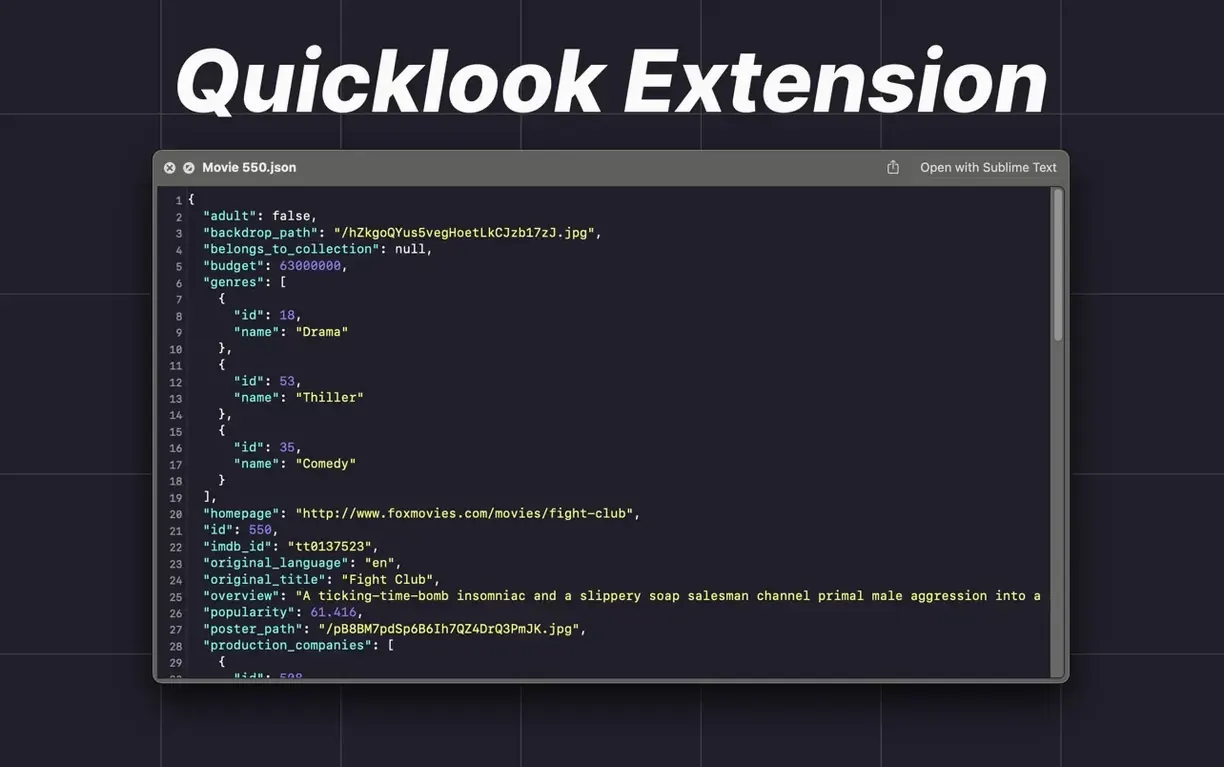
Open a raw JSON, JSON Lines, or NDJSON file and the app instantly presents a clean tree or text view. Quick Look integration means you can preview a file’s structure from Finder without launching a full editor.
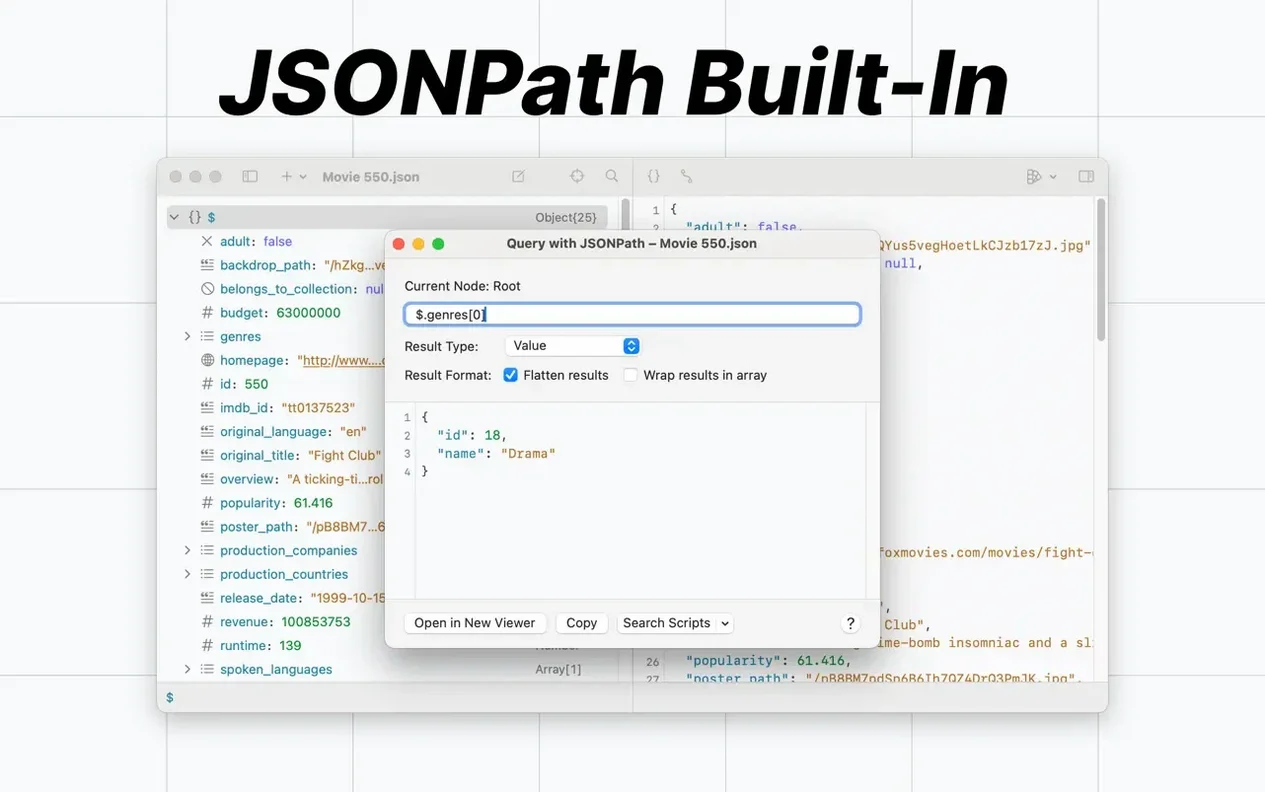
Query
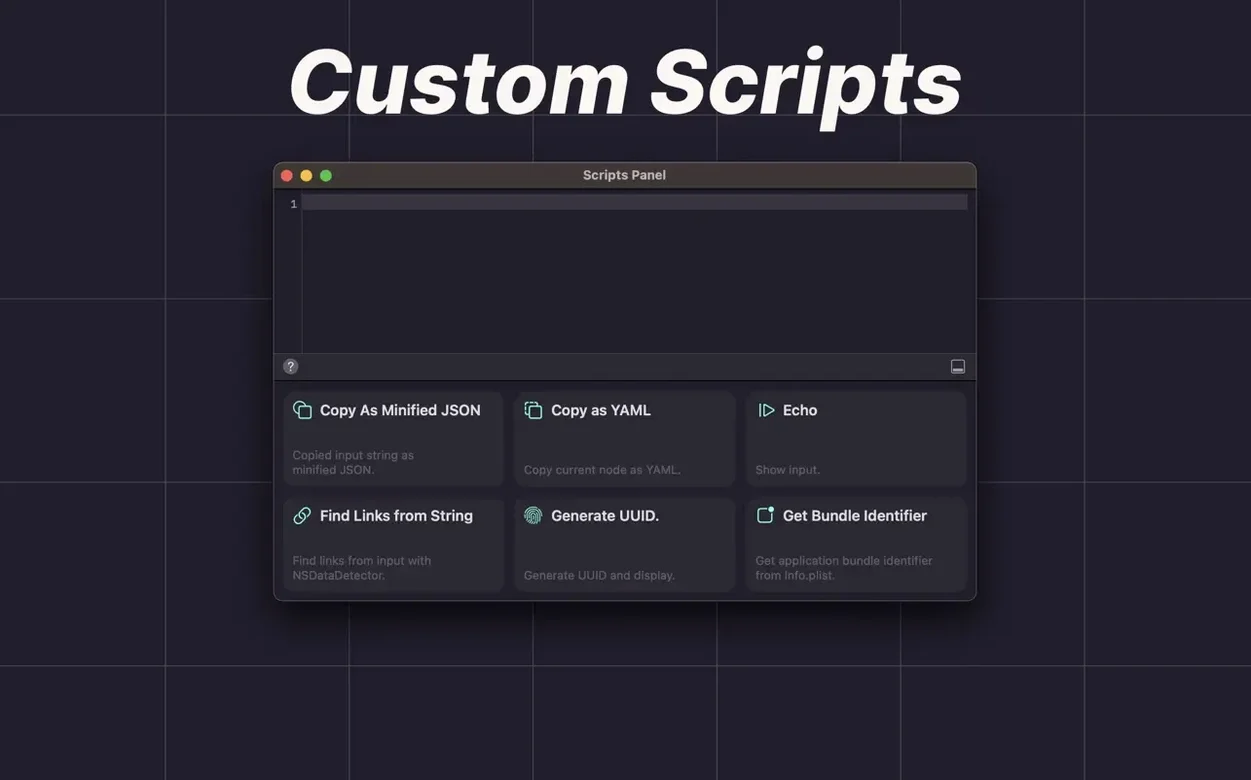
Use built-in jq support and saved JSONPath queries to extract exactly what you need from a large payload. Custom scripts based on JavaScriptCore let you process strings with your own logic.
Format
The version 3.0 text editor brings syntax highlighting and a redesigned interface that stays consistent across the viewer, History, and Quick Look. Drag a file onto the dock icon, run a saved jq filter, and copy out the formatted result.
15 MB file stays around 120–160 MB with live highlighting
OK JSON 3.0.1 keeps its footprint deliberately small. Opening a 15 MB NDJSON file on an M-series Mac settles memory use around 120–160 MB even with syntax highlighting active on every line. The tree viewer populates progressively — you see the top-level keys immediately, and deeper nodes expand without a loading spinner.
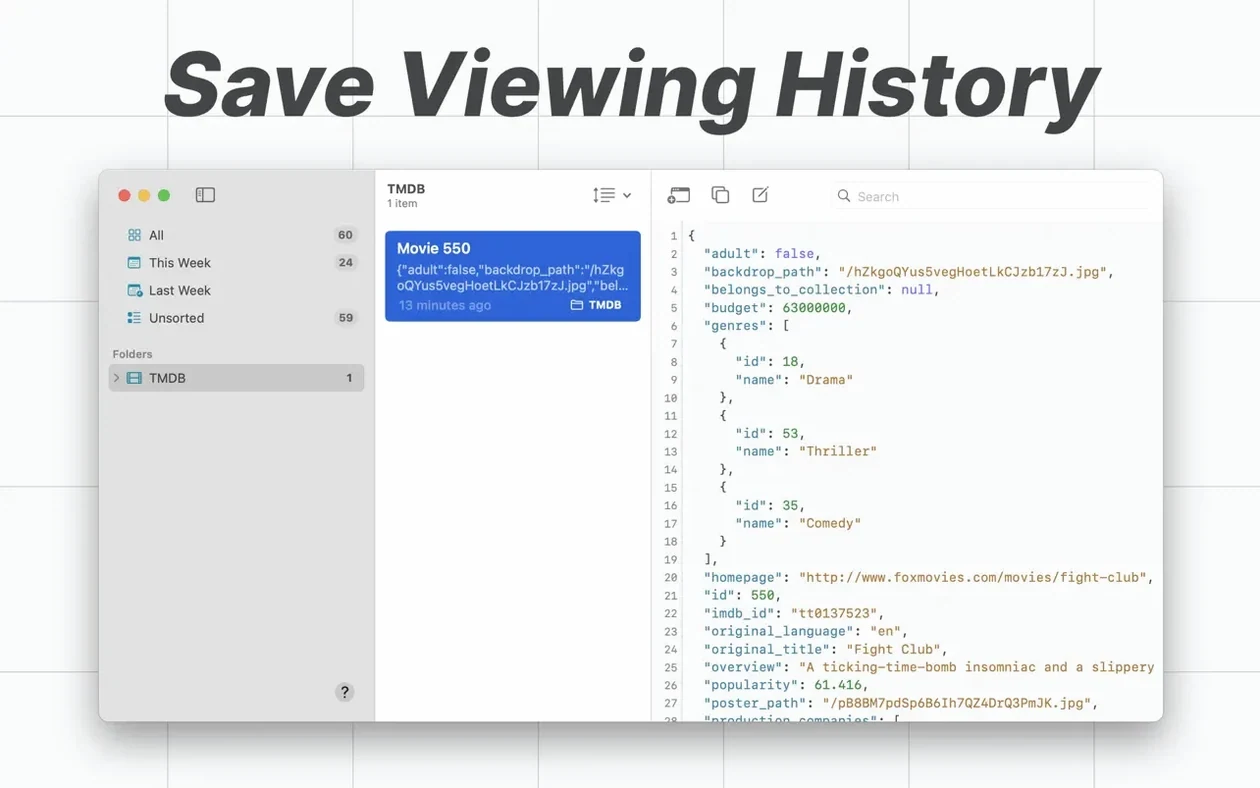
Stability is equally predictable. I have left it running across sleep/wake cycles with a dozen documents in History, each carrying saved jq filters, and not seen a single crash. The local database that powers History writes only when the window closes, so there is no constant disk chatter during active work.
A practical workflow: inspecting a broken API response
You receive a 2,400-line JSON payload from a QA ticket — an order object where the tax_lines array is coming back empty. Here is a clean path through OK JSON.
- Copy the raw response body from your HTTP client.
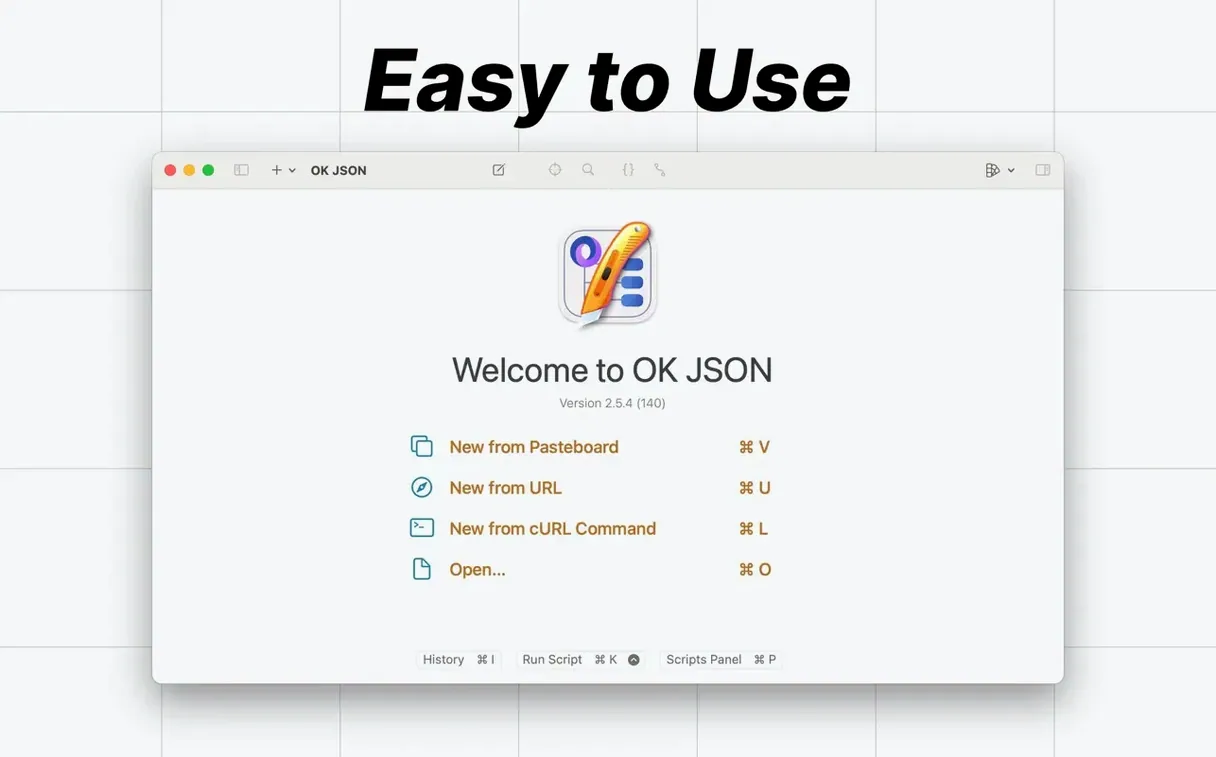
- Switch to OK JSON. It auto-detects the clipboard and displays the tree outline instantly.
- Collapse all nodes, then expand
orders→line_itemsto confirm item data is present. - Open the Query panel and paste a saved JSONPath expression:
$.orders[*].tax_lines[?(@.rate==0.2)]. The result pane isolates only the 20% rate entries — empty across every item. - Switch to text view, spot the timestamp property near the payload footer, and note it predates the tax rate update by two hours.
- Save the query result as a new snippet for the developer ticket and close the document. History records the file and your last query automatically.
The whole inspection takes under a minute. No terminal, no temporary files, no switching context to a code editor that tries to parse a malformed block.
- macOS 15 or later
- Apple Silicon or Intel 64-bit
Questions I get before install
Does OK JSON work with JSON Lines files?
Yes, it can open and display both JSON Lines and NDJSON files directly.
Can I use OK JSON with Raycast?
Yes, the app includes an official Raycast extension for quick access to its formatting and viewing tools.
What scripting does OK JSON support?
It includes built-in jq support and allows you to run custom scripts based on JavaScriptCore to process JSON strings.
Comments 0
Sign in to leave a comment.Sign inCreate an account
No comments yet. If a step is still there after you install it, say so.
More in Mac Apps
All in Mac Apps NTFS Disk by Omi NTFS
Adds read and write access to Windows-formatted external drives on a Mac.
7 steps saved
 OmniGraffle Pro
Draws precise diagrams for workflows that outgrow basic boxes and arrows.
5 steps saved
 OmniPlayer: MKV Video Player Pro
Handles subtitle timing, playback speed, and server streams without interface clutter.
5 steps saved
 Updated
NotchNook
Consolidates AirPlay, calendar, and playback controls into the menu bar notch.
21 steps saved
 NotchBox
Turns the camera cutout into a temporary shelf for files and media controls.
4 steps saved
 Updated
Nook X
Puts tasks, lyrics, and AI chat into the MacBook notch so you skip opening separate apps.
13 steps saved
 Updated
ON1 Photo RAW
Lets you browse, develop, and retouch raw photos without switching between modules.
18 steps saved
 One Switch
Collapses scattered system controls like Dark Mode and Do Not Disturb into one menu bar panel.