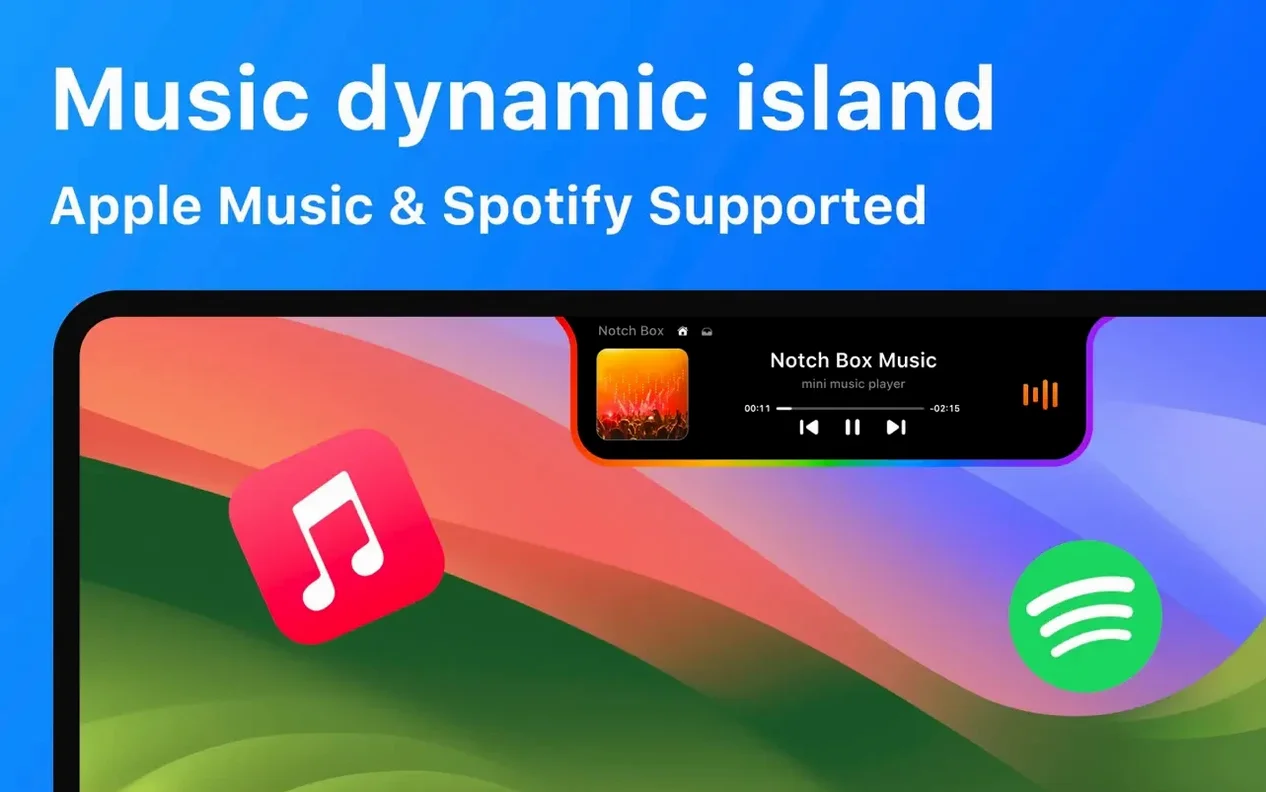
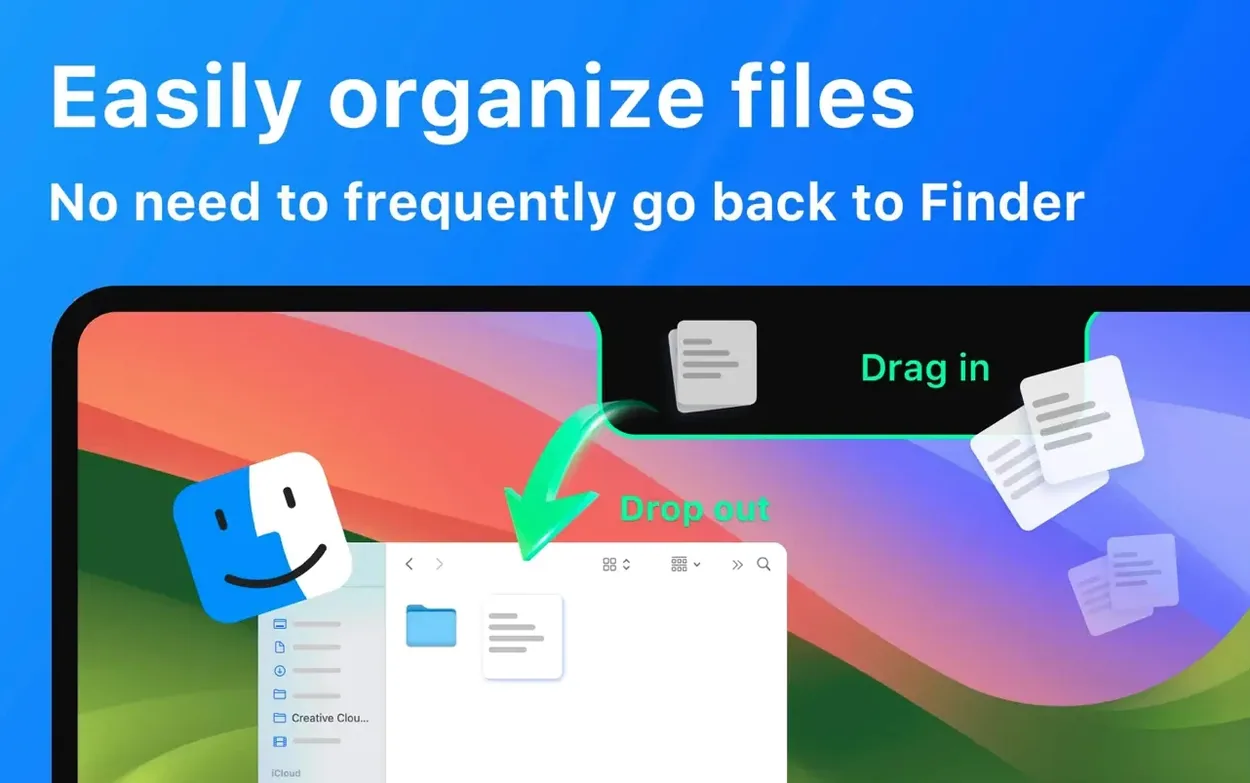
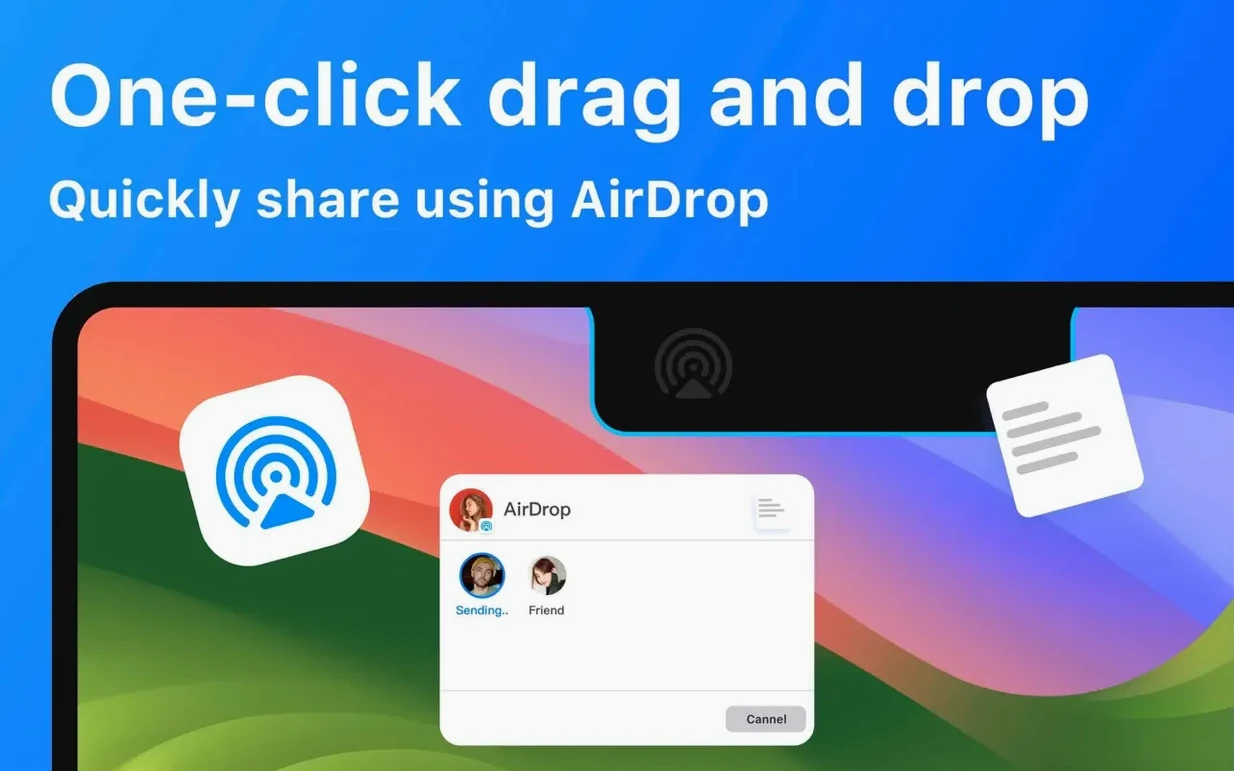
NotchBox runs on any Intel 64-bit or Apple Silicon Mac that ships with macOS 13 or later and a notch. NotchBox — a utility that turns the camera cutout into an interactive drop zone. File shelf — drag documents, images, or zips onto the notch for temporary holding. Music control — skip tracks, adjust volume, and scrub playback from Spotify without leaving the current window. Camera mirror — a live preview that sits flush against the notch for quick appearance checks. Calendar peek — upcoming meetings and events displayed at a glance. AirDrop launcher — drag a file to the notch and drop it onto a contact to share.
NotchBox 1.1.71 tightened a handful of interactions that earlier builds fumbled. The file shelf no longer loses its contents when the Mac wakes from sleep — a fix that matters if you treat the notch as a scratchpad for half a dozen working files. Drag-and-drop targeting inside the notch zone feels snappier; earlier versions sometimes misinterpreted a drop on the calendar strip as a file hold, and that confusion is gone. Music scrubbing on Spotify gained finer granularity, so a short drag covers less ground, matching what Apple Music users already had. The countdown timer now respects system Do Not Disturb, meaning a finished timer won't interrupt a presentation. Nothing in the update changes the core feature set, but the rough edges that made daily use slightly unpredictable have been planed down.
Accessibility Permission Fixes the Greyed-Out Menu
Three issues come up often enough to warrant a quick fix list.
- NotchBox greys out or won't open. This almost always traces back to macOS privacy settings. The app needs Accessibility permission to draw over the notch area. Head to System Settings → Privacy & Security → Accessibility and toggle NotchBox on, then relaunch. If the toggle is already on, switch it off, wait five seconds, and switch it back.
- Files vanish from the shelf after reboot. The shelf is temporary by design. It clears when you quit the app or restart the Mac. If you need a file to survive a restart, drop it onto a Finder folder instead — the notch is a waypoint, not a vault.
- Spotify controls show a blank panel. The Spotify desktop app must be running and logged in before NotchBox can pull track data. If the panel stays empty, quit Spotify, reopen it, play a track, then toggle the music widget off and on from NotchBox's menu bar icon.
The Wi‑Fi speed readout can drift if you switch between networks frequently. A quick toggle of the network widget — off, then on — forces a fresh poll and usually restores accuracy within a few seconds.
How NotchBox sits alongside similar Mac apps
The notch-as-utility trend spawned a handful of contenders, each with a different slant. NotchBox leans toward the all-in-one hub, while others specialise harder.
MediaMate focuses entirely on now-playing and system volume. Its notch integration is polished — album art slides out from the cutout and a slim volume HUD replaces the default overlay. But MediaMate does not touch files, calendars, AirDrop, or a clipboard. If music and volume visuals are your only itch, MediaMate scratches it with less clutter. NotchBox covers that ground and adds a file shelf, timer, and camera mirror, so the trade-off is breadth versus visual restraint.
Dropover solves the floating-file-shelf problem with more finesse than NotchBox. You shake a file with the cursor, a shelf appears anywhere on screen, and you can stack files, zip them, or share them via a right-click menu. Dropover does not live in the notch and does not include music controls, a calendar strip, or a camera mirror. People who move files constantly tend to favour Dropover's richer shelf actions; people who want one lightweight bar that does a bit of everything often land on a notchbox download instead.
Bartender works from the menu bar, not the notch, and manages icon clutter. It hides less-used menu bar items behind a collapsible section. Bartender is a single-purpose organiser — brilliant at what it does, but it does not handle files, music, or timers. A few users run Bartender and NotchBox side by side: Bartender tidies the right side of the screen, NotchBox makes the top-centre cutout productive. They complement each other without overlapping.
Where you settle depends on what you want that centimetre of screen to do. NotchBox bundles the most functions into the notch itself; Dropover and Bartender solve narrower problems with deeper polish. If you grab a notchbox for mac, expect a multi-tool, not a specialist instrument.
- macOS 13 or later
- Apple Silicon or Intel 64-bit
Questions I get before install
Which languages does NotchBox support?
The interface is available in 16 languages including English, Russian, German, Spanish, French, Japanese, Arabic, Hindi, and Korean.
Does NotchBox work with Spotify?
Yes. The current version includes a built-in controller for Spotify playback and volume directly from the notch.
Comments 0
Sign in to leave a comment.Sign inCreate an account
No comments yet. If a step is still there after you install it, say so.
More in Mac Apps
All in Mac Apps Updated
Nook X
Puts tasks, lyrics, and AI chat into the MacBook notch so you skip opening separate apps.
5 steps saved
 Updated
NotchNook
Consolidates AirPlay, calendar, and playback controls into the menu bar notch.
13 steps saved
 NTFS Disk by Omi NTFS
Adds read and write access to Windows-formatted external drives on a Mac.
21 steps saved
 Nik Collection
Adds film looks, black-and-white and detail filters to photos as plugins.
9 steps saved
 Updated
OK JSON - Viewer & Formatter
Structures raw API responses into a readable format instead of staring at text walls.
7 steps saved
 OmniGraffle Pro
Draws precise diagrams for workflows that outgrow basic boxes and arrows.
5 steps saved
 OmniPlayer: MKV Video Player Pro
Handles subtitle timing, playback speed, and server streams without interface clutter.
21 steps saved
 NeoFinder
Catalogues offline disks and folders into a searchable media asset database.