
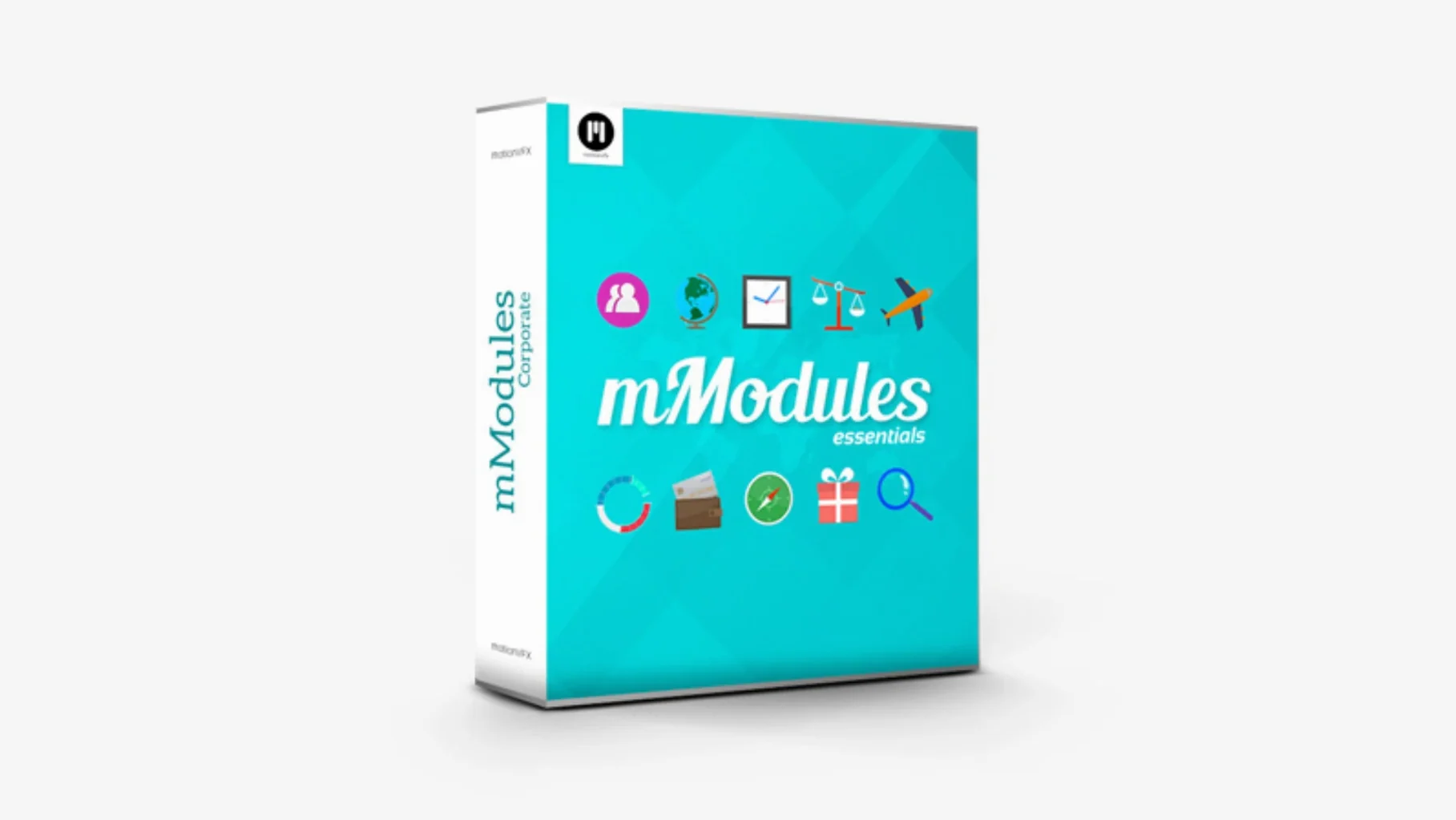
mModules is a collection of 60 pre-built motion graphics elements you drop straight into a Final Cut Pro X timeline.
60 Elements That Land Right in Your Browsers
- 60 modular elements — titles, backgrounds, accents
- Items appear in the Titles Browser and Generators Browser
- Organized under the motionVFX category once installed
No Launcher, No Round-Tripping — Just Native Browsing
If you already cut in Final Cut Pro, mModules lives inside the browsers you use every day. No external launcher, no round-tripping. It becomes part of the native Titles and Generators libraries, so the workflow stays the same: skim, select, apply.
When Folders Sit One Level Too Deep
Most issues with mModules come down to where the files end up, not the plugin itself. Because there is no installer and no activation step, the usual failure point is a folder placed one level too deep or in the wrong Motion Templates directory.
- Elements do not show up in Final Cut Pro. Check the path. The unpacked folder must sit directly inside
/Users/Your User Name/Movies/Motion Templates/Titles. If a wrapping folder got created during extraction, remove one level. - Final Cut Pro was open during installation. Quit and relaunch the app. Final Cut Pro scans Motion Templates on startup, not while it is running.
- Items appear in the wrong browser. Some elements are built as titles, others as generators. If an element is missing from Titles, look under Generators. The mModules package contains both types.
- Category name looks different. After a clean install, everything groups under motionVFX. If you see loose items, the parent folder was moved without its enclosing directory.
- macOS blocks the files. On newer systems, right-click the extracted folder and choose Open, or clear the quarantine attribute if Gatekeeper flags unpacked content from an external archive.
Most of these take under a minute to fix. The MotionVFX Help Center also carries step-by-step instructions for the standard install path if anything drifts from the steps above.
Runs Entirely Inside Final Cut Pro, No Background Processes
Does mModules need a separate app to run? No. Once the files are placed in Motion Templates, everything runs from inside Final Cut Pro. There is no helper utility, no menu bar icon, no background process.
Will it slow down older Macs? The elements are lightweight motion graphics templates. They render as titles and generators, so the load on the system is comparable to Final Cut Pro's built-in titles. Heavier composite elements will take longer to render, but browsing and applying is immediate.
Can the elements be customized? Yes. Since the items appear as native Final Cut Pro templates, you can adjust parameters the same way you would with any built-in title or generator — text, position, scale, opacity, and any exposed controls the developer included.
Is an internet connection needed after installation? No. The files live on your drive. There is no licence check, no phone-home, no account login.
Can mModules be removed cleanly? Yes. Delete the motionVFX category folder from the Titles and Generators directories inside Motion Templates, and the elements disappear from Final Cut Pro entirely.
Cleaner Archives and Tighter macOS Reliability
Recent builds of mModules kept the same core idea — 60 elements, no activation — while tightening how the package behaves on current macOS versions. The changes mostly affect reliability and where items land after unpacking.
- Archive structure cleaned up. Newer releases extract to the correct folder depth more often, reducing the "one level too deep" issue that used to trip first-time users.
- Better category grouping. Items now consistently appear under the motionVFX category in both the Titles Browser and Generators Browser, with fewer strays outside the main folder.
- Improved compatibility with recent Final Cut Pro updates. The elements hold their parameter behaviour when Apple tweaks the title and generator engines, so previously saved projects keep their settings.
- Quarantine prompts reduced. The packaged files carry fewer Gatekeeper flags on current macOS builds, which means less right-clicking and fewer manual approval steps after extraction.
For editors who already have an older copy installed, updating is straightforward: replace the existing motionVFX folders inside Motion Templates with the newly unpacked ones, then relaunch Final Cut Pro. Existing projects keep working, since the element names and parameter structure remain unchanged.
- Requires Final Cut Pro X
Questions I get before install
Where do the mModules templates appear in Final Cut Pro?
They show up in both the Titles Browser and the Generators Browser, grouped under the motionVFX category.
What is the first step after downloading mModules?
Unpack the archive, then move the contents to the Motion Templates folder inside your Movies directory.
Comments 0
Sign in to leave a comment.Sign inCreate an account
No comments yet. If a step is still there after you install it, say so.
More in Mac Apps
All in Mac Apps MotionVFX - mLowers Universal for FCP
Adds news-style lower thirds and social handles directly inside Final Cut Pro.
18 steps saved
 Motionvfx - mTitle Cinematic
Adds fifty cinematic titles that keep a consistent horizontal framing across cuts.
7 steps saved
 MotionVFX mKBHD
Applies glitch transitions and modern overlays to fast-turnaround edits.
5 steps saved
 Mountain Duck
Mounts remote servers as standard Finder volumes for direct file browsing.
12 steps saved
 MotionVFX mInfographics
Turns flat charts into animated, on-brand infographics inside Final Cut Pro.
8 steps saved
 Updated
MouseBoost Pro
Replaces several small right-click utilities with one organized Finder menu.
21 steps saved
 Movavi Screen Recorder
Captures screen, audio, webcam, and stills in a single recording utility.
12 steps saved
 Motion
Builds animated 3D titles and composited effects for video editors.