
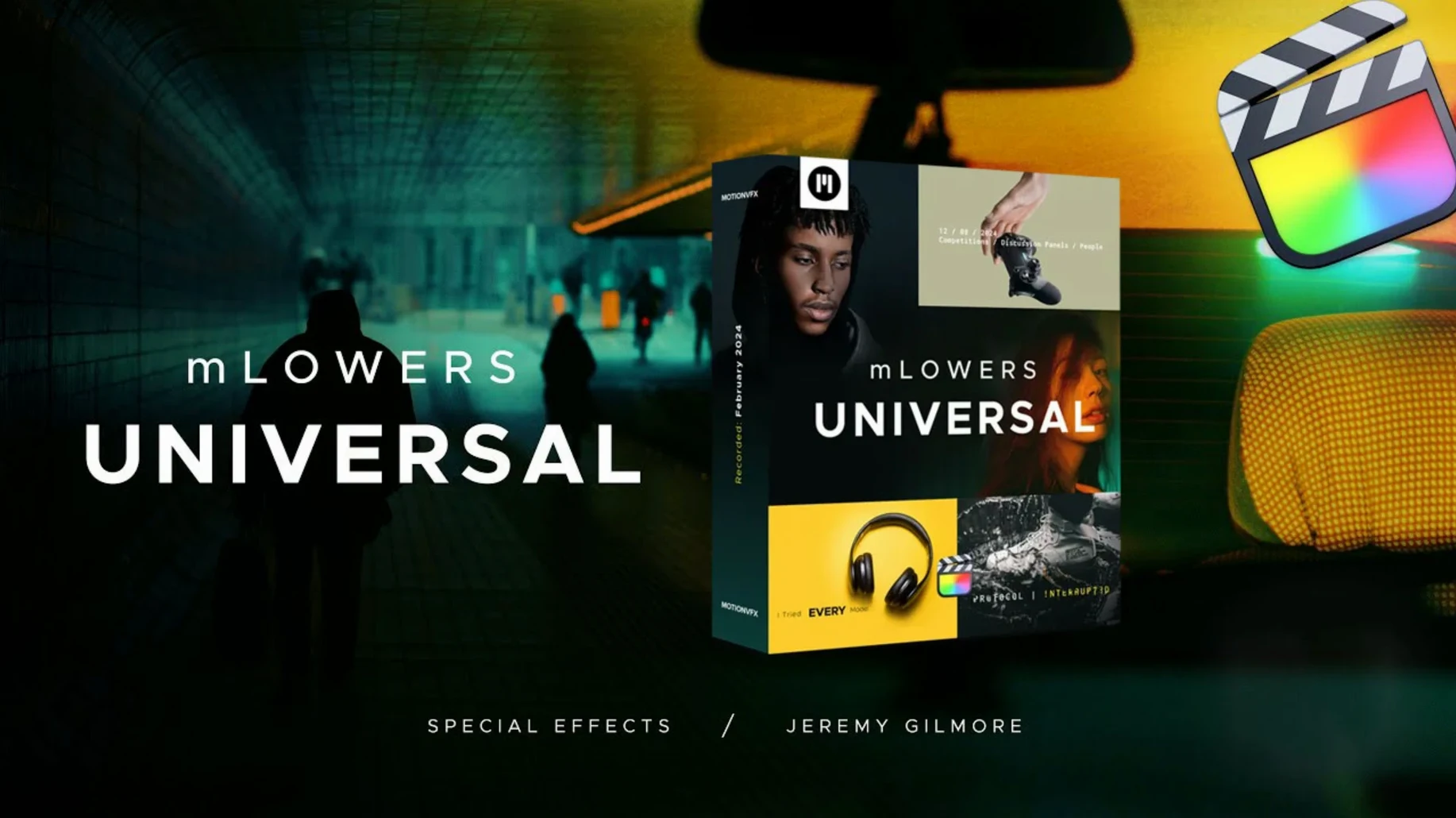
Editors who build openers, YouTube recaps or corporate interview timelines reach for mLowers Universal when the built-in FCP titles feel too static. It runs directly inside Final Cut Pro.
Polish News, Retro Glitch, and Social Handle Reads
- News-style lower thirds with a polished, modern finish
- Retro broadcast looks that need a CRT-era texture
- Social cuts where you drop in a handle marker
- Quick batch replacements — swap one style across a project without rebuilding keyframes
Title Browser Preset, Not a Standalone Cinematic Suite
- It is a MotionVFX preset pack, not a standalone application
- Designs lean toward tech and broadcast; you pair it with something else for purely cinematic work
- Placement lives in the Titles browser — no floating inspector panel
Scale Bump for 4K Project Legibility
Open any mLowers preset on the timeline and jump to the Inspector before you start customising text. The default scale works for HD, but a 4K project often needs a bump to 120–130% so the lower third reads well on smaller screens.
Next stop: the Build In / Build Out sliders. The presets ship with generous animation curves — around 0.6 to 0.8 seconds. For fast-cut social edits, pull both down to 0.3s. The design stays sharp; the cadence matches quick scene changes without the motion feeling clipped.
If you use a brand palette across a series, open one preset, set the primary and secondary colours in the published parameters, then save it as a FCP effect preset. Every episode inherits the look in two clicks.
Motion App Only Needed for Source File Tweaks
Does it need Motion installed on the Mac? No. The templates work as FCP titles straight from the Titles browser. You only need Motion if you plan to modify the template source files.
Will the glitch and retro styles survive a round-trip to Resolve or Premiere? They are native FCP titles, so an XML export carries them as clip parameters only. You flatten them to ProRes before moving timelines between NLEs.
Can I use custom fonts without rebuilding anything? Yes. Each preset exposes font family, weight and size in the Inspector. Install the font on your Mac, select the title on the timeline, and pick it from the dropdown.
Fix the Red Missing-Generator Screen
Lower third shows as a missing-generator red screen. The template folder is not in the right place. Move the unpacked folder to /Users/Your Name/Movies/Motion Templates/Titles, restart Final Cut Pro, and re-open the library. The titles appear under the mLowers category in the browser immediately.
Animation stutters on an Intel Mac with a long timeline. The glitch presets use real-time noise layers. Create optimized media for the affected clips, or switch the viewer to Better Performance. The titles render cleanly on export either way.
A social marker preset covers too much of the frame in vertical video. Scale and position parameters are all published. Drop Scale Y to 70%, shift the anchor point toward the bottom third, and save the tweaked version as a portrait preset so you never adjust it twice.
- Final Cut Pro
Questions I get before install
Do mLowers Universal templates work with any Final Cut Pro project?
Yes. The templates are compatible with Final Cut Pro and ready to drop into standard projects as title layers.
Comments 0
Sign in to leave a comment.Sign inCreate an account
No comments yet. If a step is still there after you install it, say so.
More in Mac Apps
All in Mac Apps MotionVFX mKBHD
Applies glitch transitions and modern overlays to fast-turnaround edits.
12 steps saved
 MotionVFX mModules
Drops 60 pre-built motion titles and accents into your Final Cut Pro timeline.
12 steps saved
 MotionVFX mInfographics
Turns flat charts into animated, on-brand infographics inside Final Cut Pro.
18 steps saved
 Motionvfx - mTitle Cinematic
Adds fifty cinematic titles that keep a consistent horizontal framing across cuts.
5 steps saved
 Mountain Duck
Mounts remote servers as standard Finder volumes for direct file browsing.
12 steps saved
 Motion
Builds animated 3D titles and composited effects for video editors.
8 steps saved
 Updated
MouseBoost Pro
Replaces several small right-click utilities with one organized Finder menu.
18 steps saved
 Mole
Detects new builds for non-App Store apps and swaps them without fuss.