
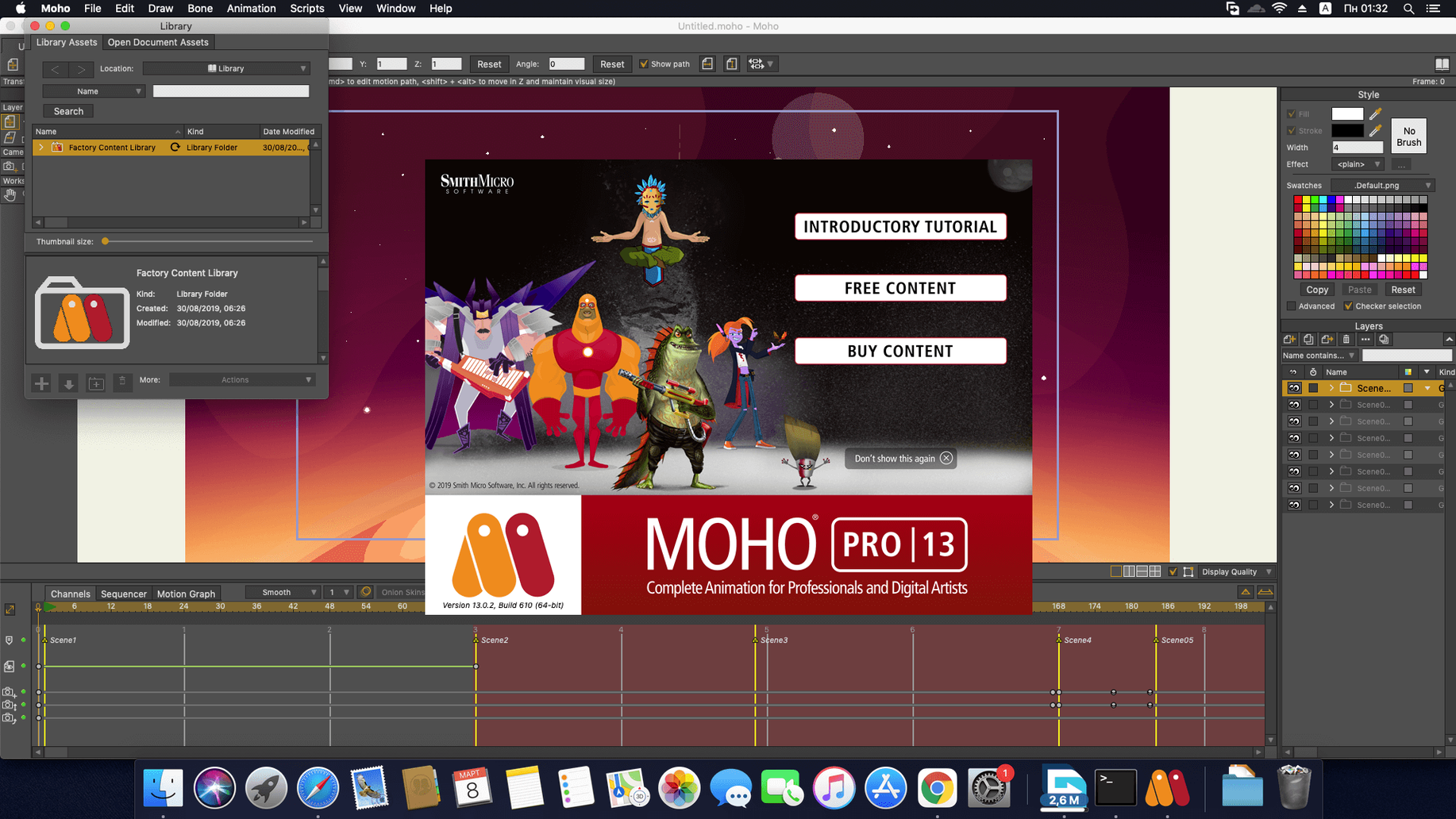
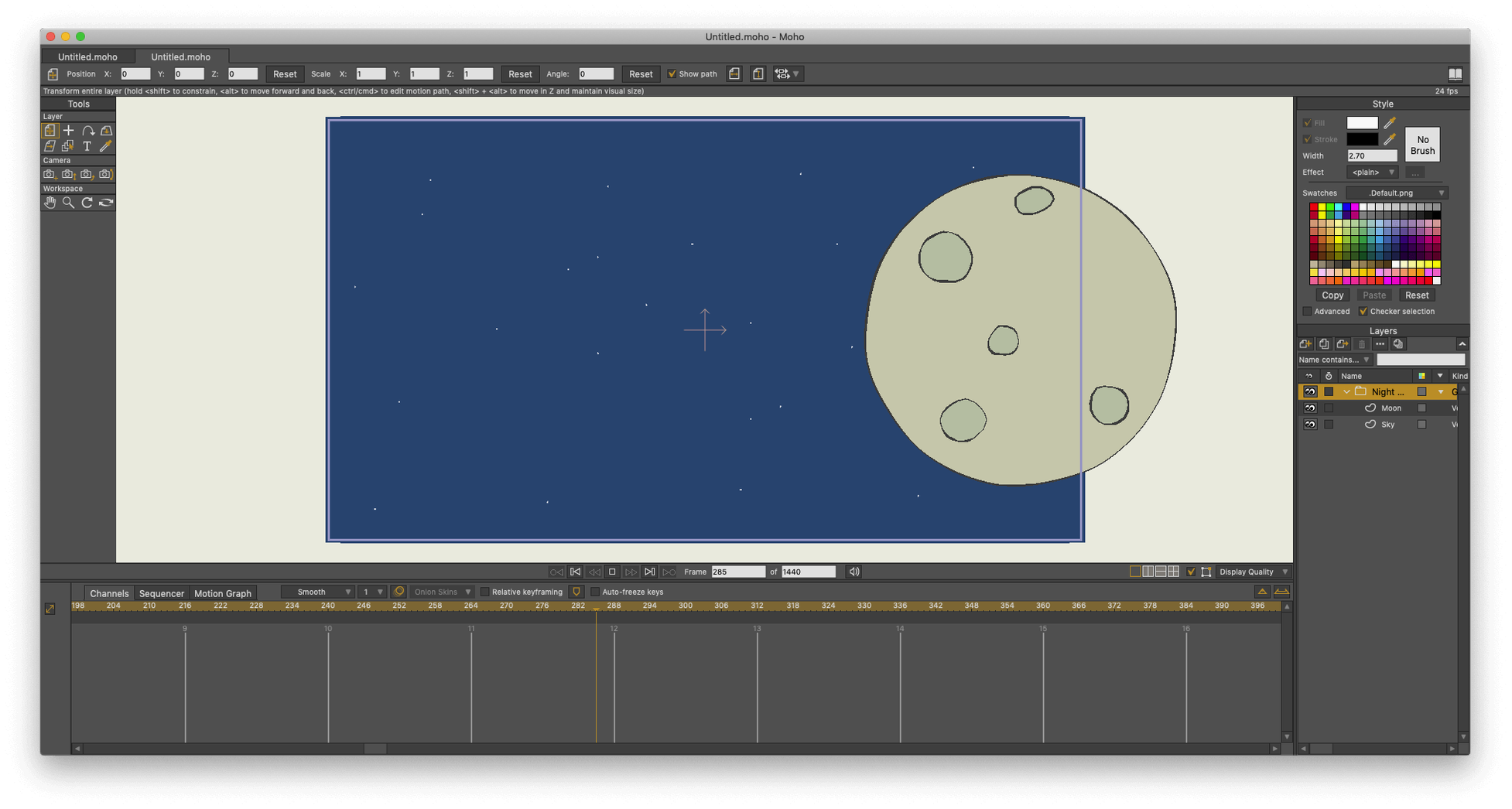
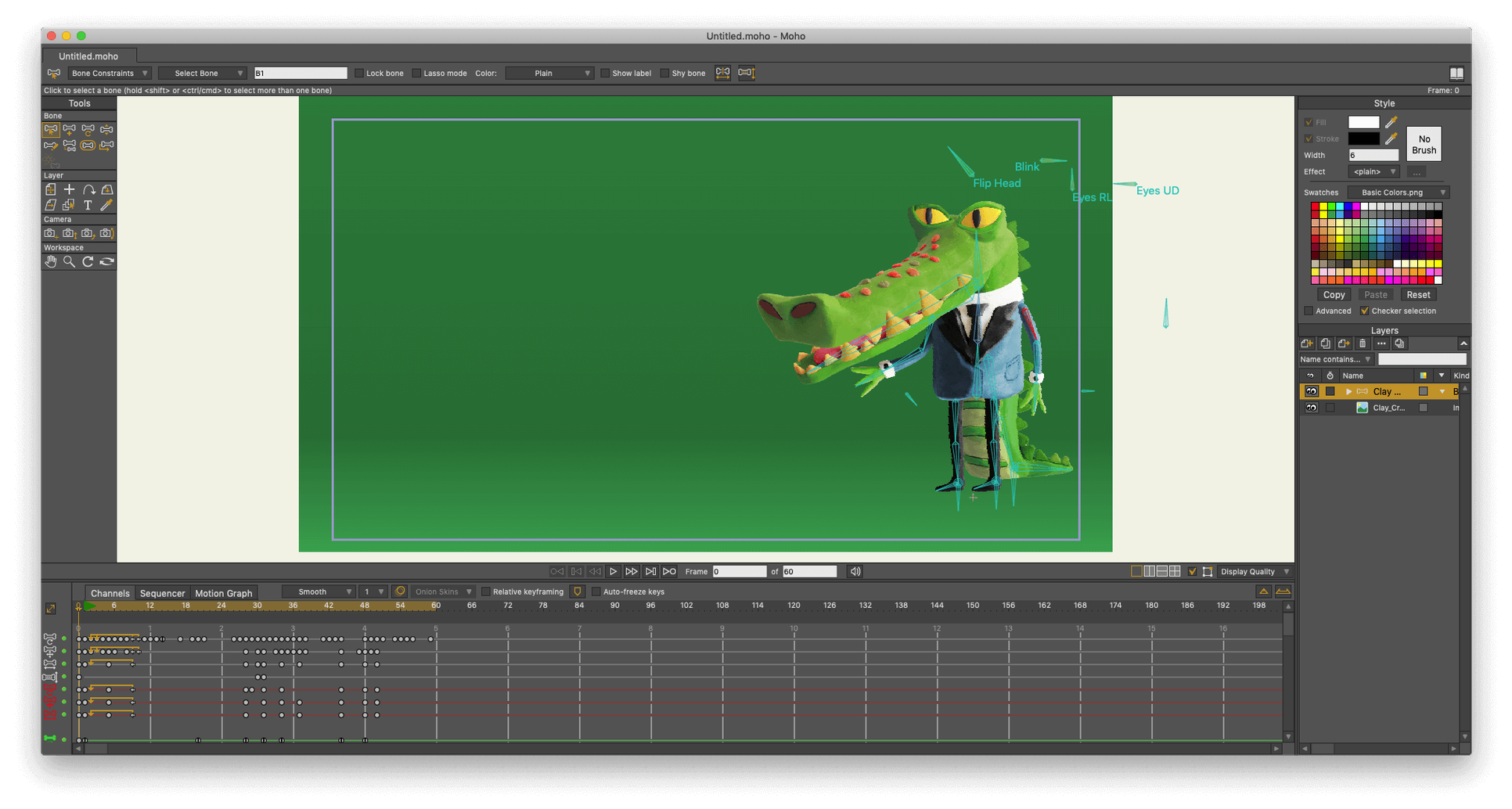
Version 14.4 ships a practical new export path: glTF/GLB. For animators who need to hand off 2D assets to a video game engine or 3D package, this removes a conversion step. The particle system and layers received targeted fixes, and under the hood, the scripting interface now runs on Lua 5.4.4.
Rig and animate a character: the direct path
I work on a short walk cycle for a game sprite. The task moves through three stages in Moho:
- Import a layered Photoshop character to keep the original stacking order.
- Build a bone rig with the curve-based tools and bind vector layers to the skeleton.
- Time the walk across the built-in sequencer, adjusting keyframes on the timeline.
The Smart Bone setup lets me dial in secondary motion—a swaying cape—with a single bone rotation.
Export ready for the engine
With the cycle approved, I switch to the new glTF export. Moho packages the rigged mesh and animation data into a single GLB file. The file lands directly in the game project folder without needing an intermediary converter. For standard delivery, the project can also be saved as a video file, an image sequence, or legacy SWF.
Auto-save tweak that saves hours of lost work
Out of the box, Moho has a few defaults that slow down a tight workflow. I change these immediately after a fresh install:
- Auto-save interval — Preferences > Documents. Set to 5 minutes. The default is too generous for production work.
- Timeline channel height — Drag the channel dividers taller. The compact factory setting hides keyframe detail on a busy rig.
- GPU acceleration — Preferences > Display. Confirm it is enabled. On Apple Silicon machines, this keeps viewport playback smooth with heavy vector layers.
- Default interpolation — Preferences > Timeline. Switch to Linear. Bezier at every keyframe creates unintended easing; I apply it deliberately later.
Also worth toggling: the Consolidate Timeline Channels option. With a multi-layer character rig, this collapses bone and switch channels into a single view, cutting vertical scroll by half.
Vector rigging versus traditional frame-by-frame
Three tools share the same conversation as Moho Pro. Each takes a different stance on the 2D animation problem.
Toon Boom Harmony — The studio-standard vector and bitmap hybrid. Harmony handles traditional frame-by-frame and cut-out rigs with a deeper tool set, but the interface carries weight. For a small team that needs a fast bone rig and direct engine export, Moho Pro feels lighter. Harmony demands more time before you see a result.
Adobe Animate — Tight integration with the Adobe ecosystem makes Animate convenient for designers already inside Creative Cloud. Its vector brushes feel natural. However, Animate leans toward web and video output; the bone system is less precise for complex character deformation. Moho Pro wins on rigging depth and the new glTF path for game assets.
Blender (Grease Pencil) — A free contender that blends 2D drawing inside a full 3D environment. Grease Pencil is inventive, but the workflow for a repeating character rig with Smart Bones and switch layers is more manual. Moho Pro treats cut-out animation as a first-class task, not an extension of a 3D tool set. For pure 2D rigging speed, Moho remains the purpose-built choice.
- New — glTF/GLB export for direct handoff to video game engines and 3D software.
- Improved — Scripting interface updated to Lua 5.4.4.
- Fixed — Targeted corrections to the particle system and layer behaviour.
- macOS 10.15 or later, 64-bit
- Intel or Apple Silicon Mac
- 2.0 GHz Intel Core i3 or higher
- 4 GB RAM or higher
- 1.6 GB free hard drive space
- OpenGL 4.1 supported graphics card
- Online connection for activation
Questions I get before install
What file formats does Moho Pro 14.4 export?
It exports finished projects as video files, image sequences, SWF, and the new glTF/GLB format for 3D software and game engines.
Can Moho Pro import artwork from other applications?
Yes, it directly supports layered Adobe Photoshop documents, letting you preserve your original layer stack for rigging.
What scripting language does Moho Pro 14 use?
The current version updates the scripting interface to Lua 5.4.4 for writing custom tools and automating tasks.
Comments 0
Sign in to leave a comment.Sign inCreate an account
No comments yet. If a step is still there after you install it, say so.
More in Mac Apps
All in Mac Apps Mole
Detects new builds for non-App Store apps and swaps them without fuss.
12 steps saved
 Motion
Builds animated 3D titles and composited effects for video editors.
12 steps saved
 MotionVFX mInfographics
Turns flat charts into animated, on-brand infographics inside Final Cut Pro.
7 steps saved
 MotionVFX mKBHD
Applies glitch transitions and modern overlays to fast-turnaround edits.
5 steps saved
 Mimestream
Brings Gmail labels, signatures, and search to a native Mac desktop app.
11 steps saved
 MotionVFX - mLowers Universal for FCP
Adds news-style lower thirds and social handles directly inside Final Cut Pro.
23 steps saved
 Millumin
Maps projection surfaces onto real-world stages in minutes, not hours.
12 steps saved
 MotionVFX mModules
Drops 60 pre-built motion titles and accents into your Final Cut Pro timeline.