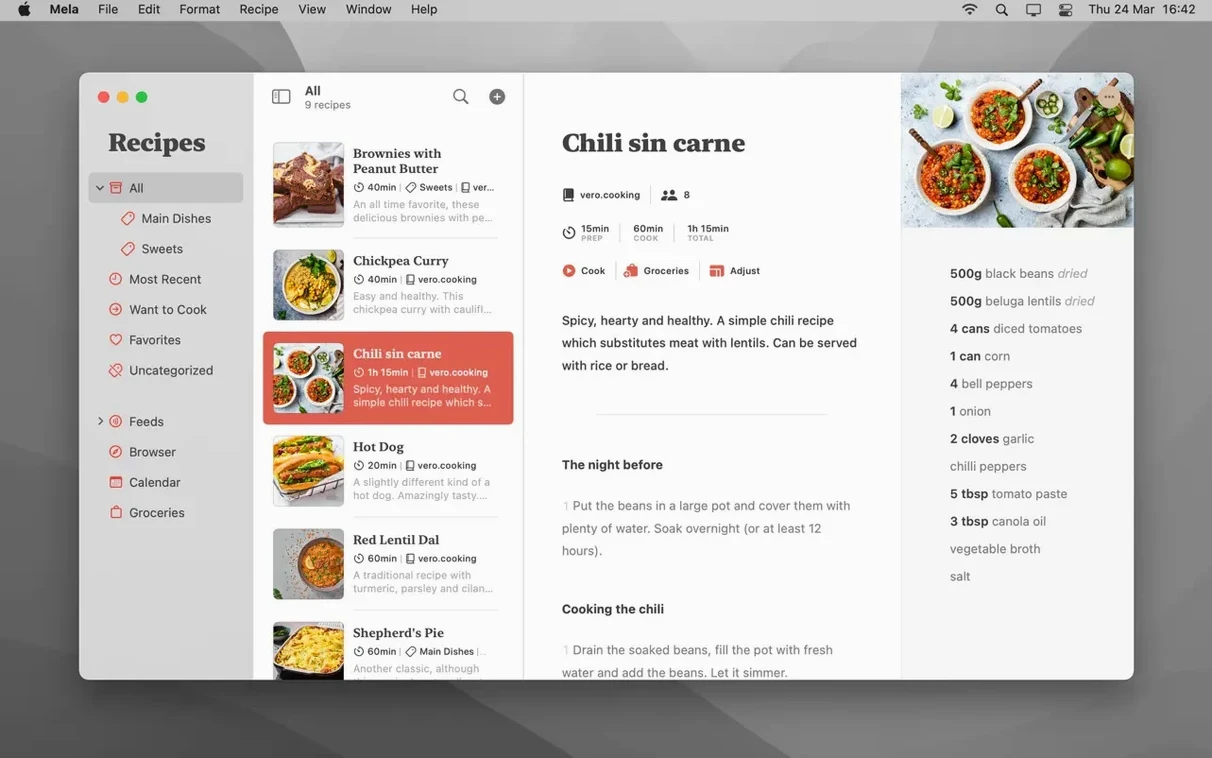
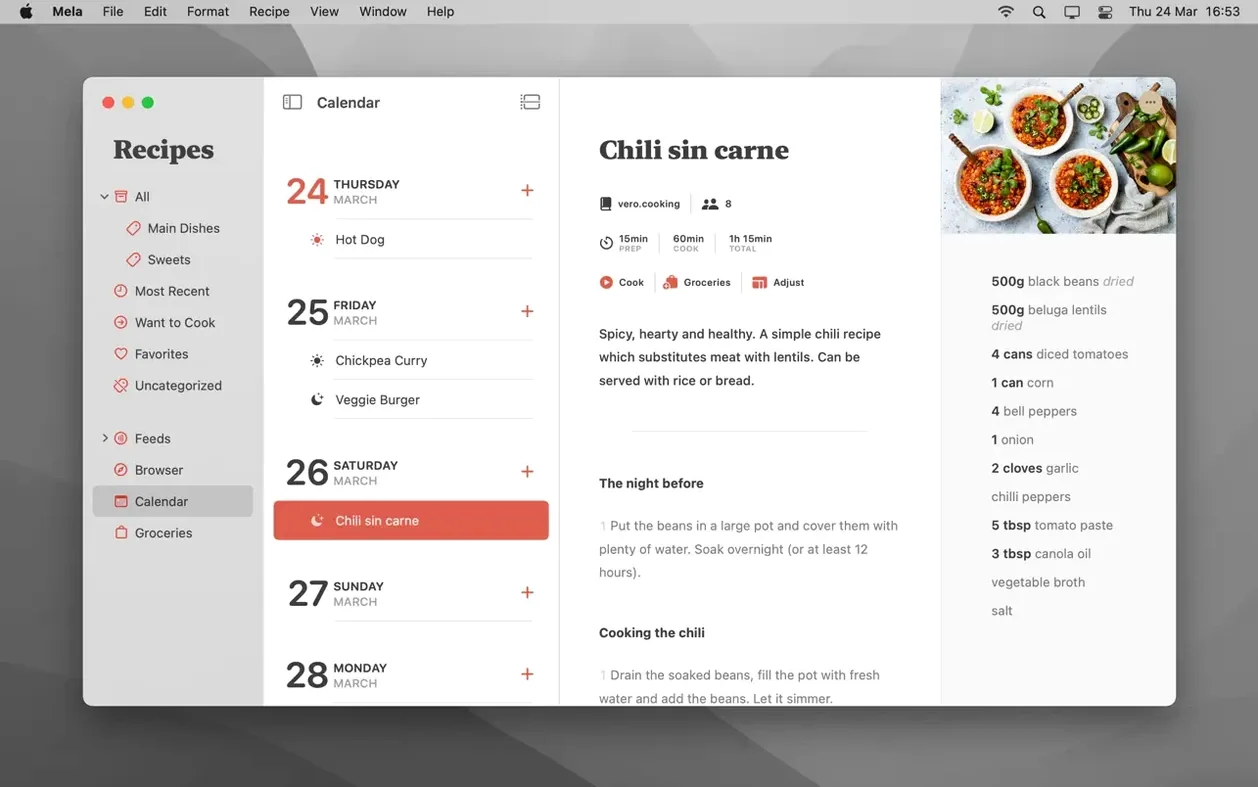
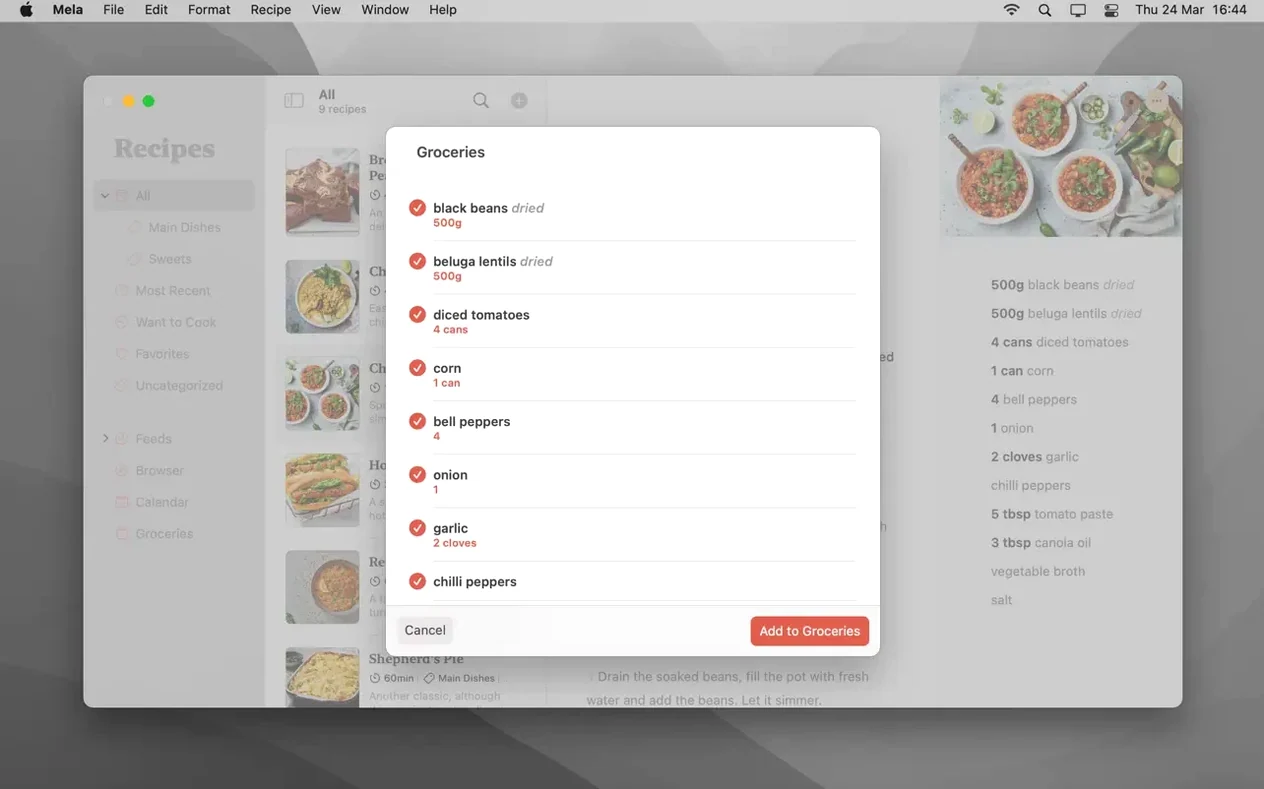
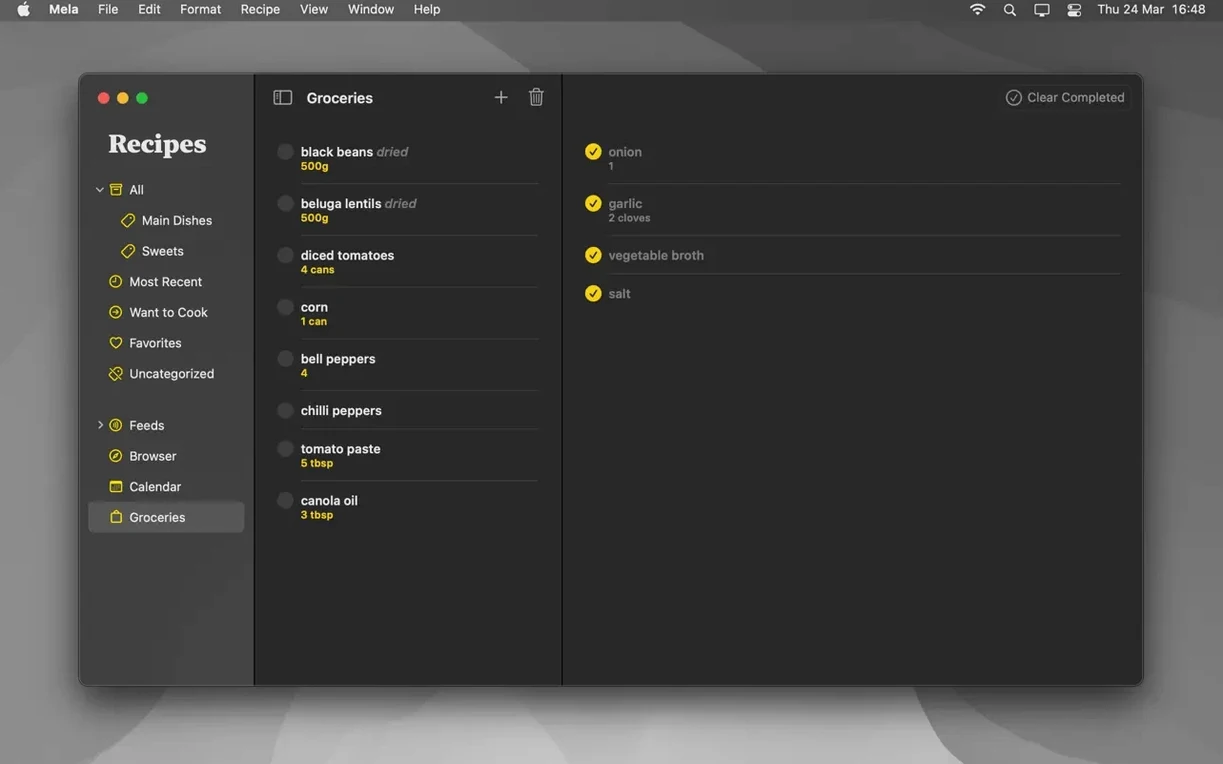
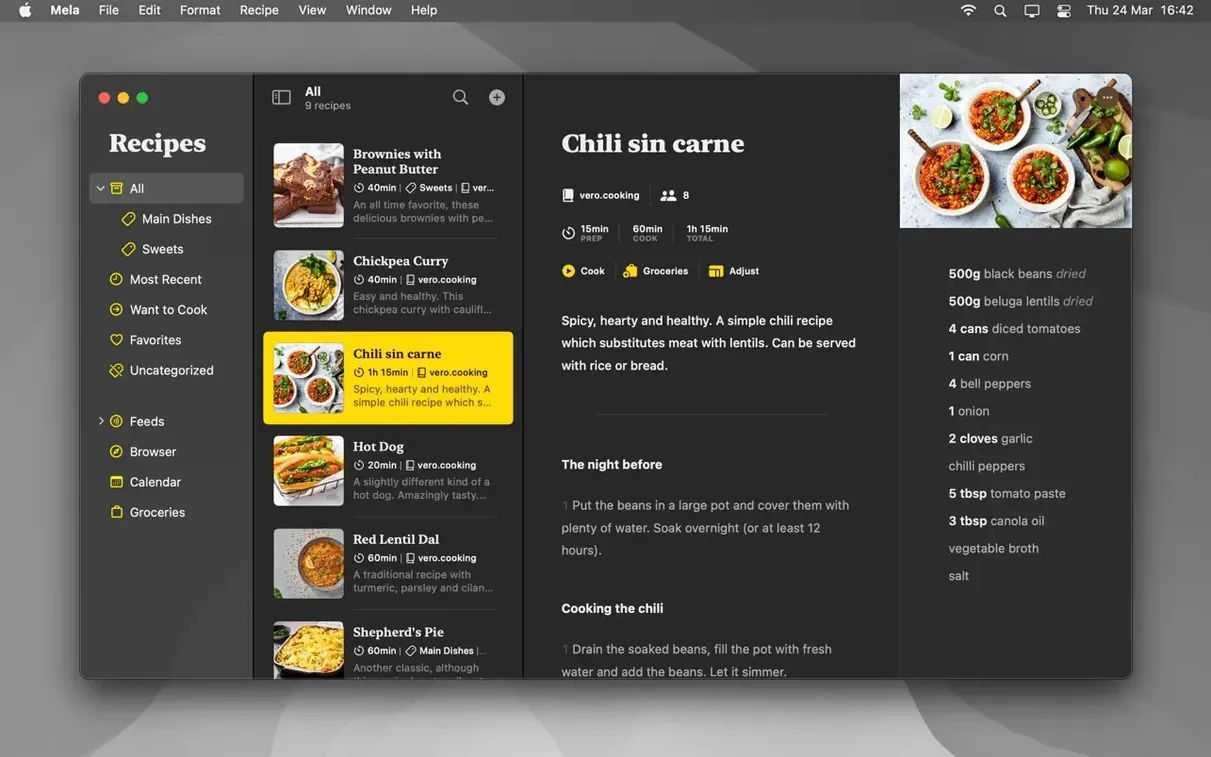
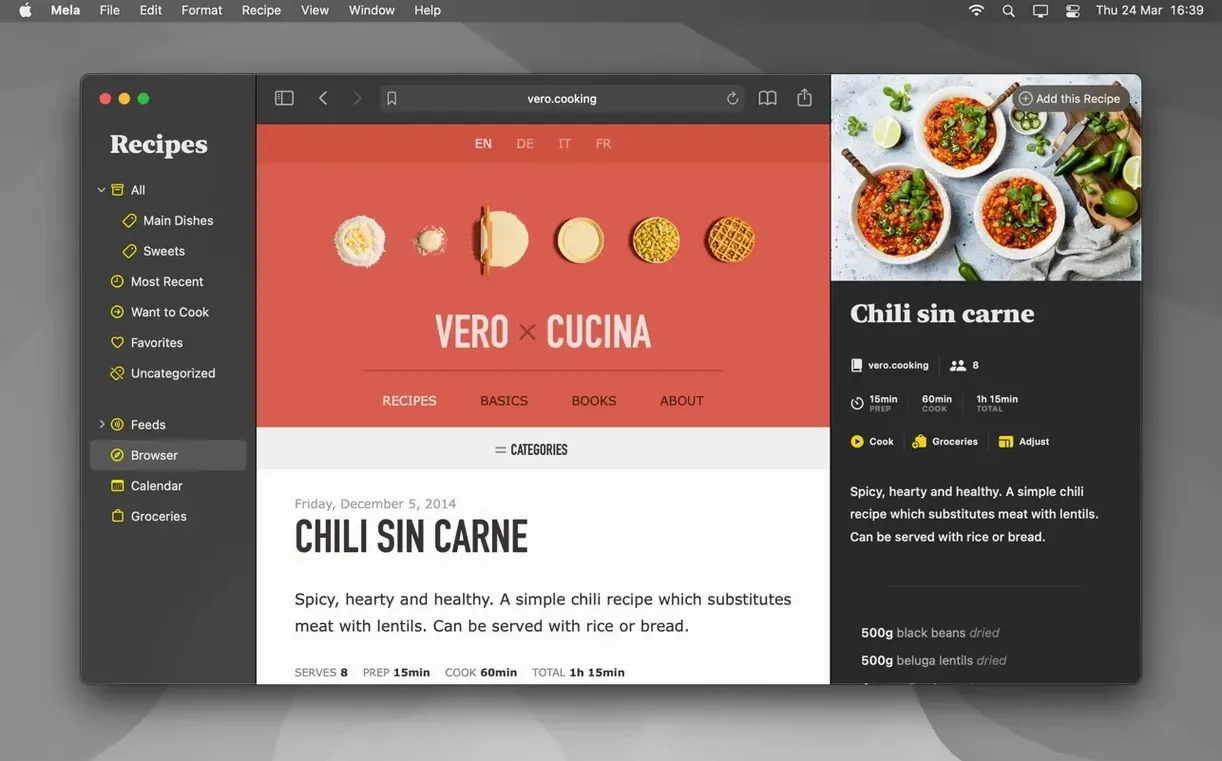
If you keep recipes in Apple Notes, you know the scroll. Mela, from the maker of Reeder, turns that flat list into a proper kitchen companion. You collect, cook, and plan meals without the clutter.
One-Click Blog Imports and Printed Recipe Scanning
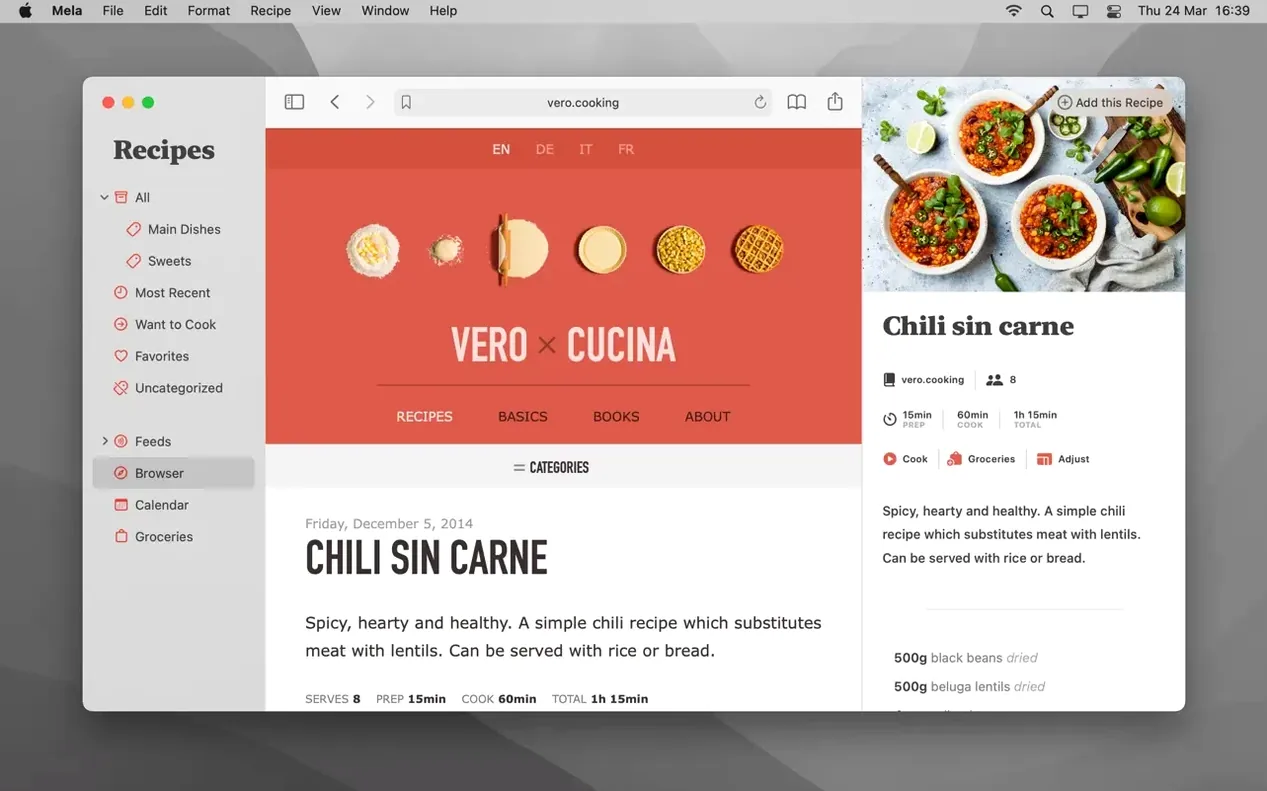
- Capturing recipes from food blogs with one click via the sharing extension
- Scanning a printed recipe straight from a cookbook using text recognition
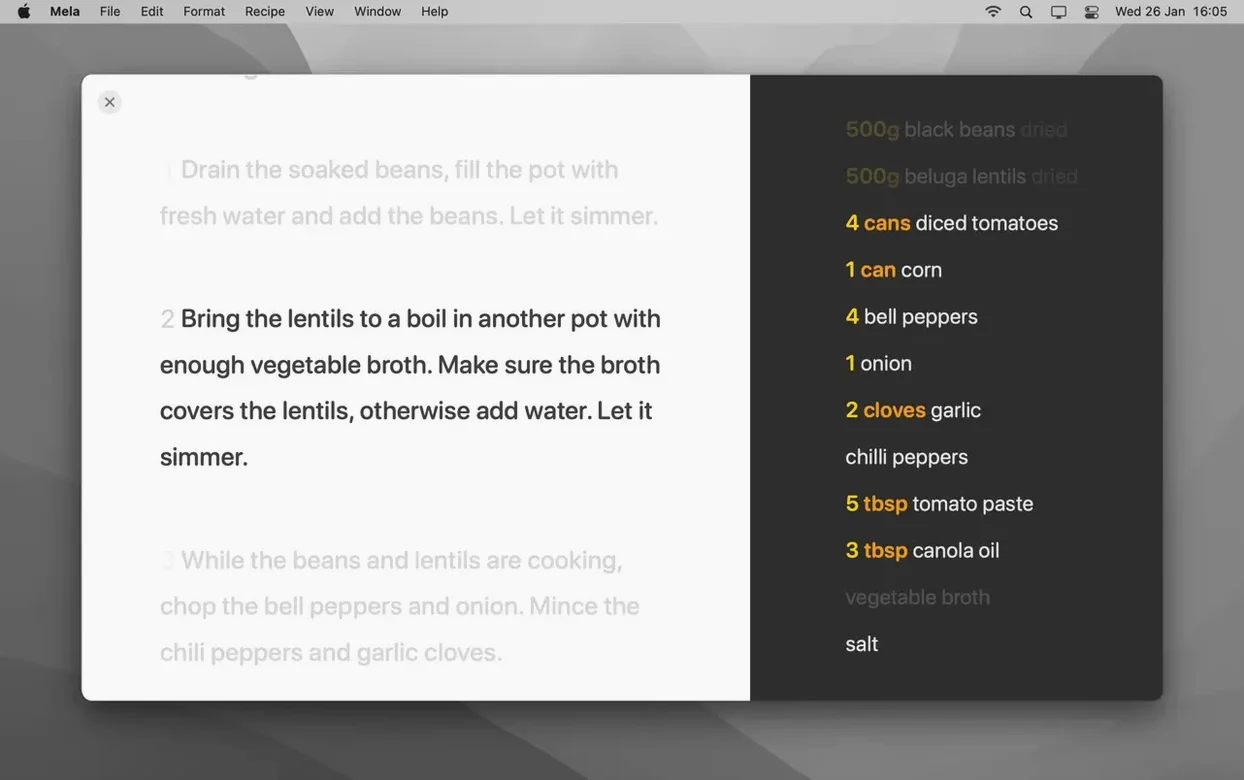
- Cooking with multiple recipes open in a large-text mode that won't put your screen to sleep
- Running several timers at once inside the cooking view
- Organizing everything into categories and marking go-to dishes as Favorites
Calendar Sync Requires macOS 12
- Shared recipe libraries require macOS 12 or later
- Meal planning syncs through Calendar.app; there's no separate meal-planning calendar inside the app
- Detecting a recipe on the current webpage uses Mela's built-in browser, not Safari
A recipe blogger's afternoon, simplified
A food blogger opens five recipe drafts she bookmarked during the week. She fires up Mela's in-app browser, visits each page, and watches the recipe preview appear. Two clicks per recipe — save, categorize under "Test Kitchen" — and she has a clean project list without a single copy-paste. Before her first test cook, she marks the three most promising dishes as Want to Cook. By late afternoon, she's running timers for a braise and a custard side by side while her notes stay tucked under each recipe, not scattered across a notes app.
Inbox-First Sorting Reveals Your Real Cooking Patterns
Start with exactly one category called Inbox. Send every new recipe there for the first week. On Friday, sort them into real categories — you'll spot the groupings that make sense for how you actually cook, not how you think you'll cook.
Train the sharing extension early. From Safari, tap share on any recipe page, choose Mela, and confirm the import. Do this three times and the motion becomes automatic. The extension works from most apps that can open a webpage.
In cooking mode, tap the timer icon before you preheat anything. Running two or three timers during the first real cook teaches you how the overlay handles overlapping alerts. You'll want to know that before a multi-dish dinner.
Keep Your Existing Collection While You Try Mela
Does Mela replace my existing recipe collection, or sit beside it? It sits beside it at first. You can scan printed recipes, subscribe to blogs, or import via the sharing extension without deleting what you already have elsewhere. Over time, many people move everything into Mela because the cooking mode and categories make daily use faster.
What if I don't use iCloud? iCloud syncing is the backbone, so you need an iCloud account for your recipes to stay current across devices. The data stays private by default; shared libraries are optional and need macOS 12 or later.
How well does scanning from a book actually work? Text recognition handles clean, well-lit pages reliably. Point your camera at a recipe, and Mela pulls the title, ingredients, and steps into a draft. Curled pages, odd fonts, or heavy shadows may need a quick manual clean-up, but for most printed cookbooks the scan-and-tidy routine is faster than typing everything from scratch.
- macOS 11 or later
- Apple Silicon or Intel 64-bit
Comments 0
Sign in to leave a comment.Sign inCreate an account
No comments yet. If a step is still there after you install it, say so.
More in Mac Apps
All in Mac Apps MediaMate
Replaces the default volume and media HUDs with polished overlays.
6 steps saved
 Maschine
Builds beats with a pattern sequencer, sampler, and synth in one system.
8 steps saved
 MAMP PRO
Runs separate Apache, MySQL, and PHP hosts for every local project.
23 steps saved
 Millumin
Maps projection surfaces onto real-world stages in minutes, not hours.
23 steps saved
 MainStage
Switches sounds silently during a live set, pulling patches straight from Logic.
5 steps saved
 Mimestream
Brings Gmail labels, signatures, and search to a native Mac desktop app.
21 steps saved
 Magnet
Snaps windows into halves, thirds, and quarters with keyboard shortcuts.
23 steps saved
 Updated
Magic Disk Cleaner
Finds temporary files immediately and lets you clear them in one click.