
If you relied on iTunes to manage an iPhone or iPad, Catalina removes that middleman. Finder now handles wired sync, backup, and restores directly when you connect the device. That change alone defines the shift from older macOS workflows to this Intel-only release.
Finding a lost Mac, running iPad apps, and hands-free control
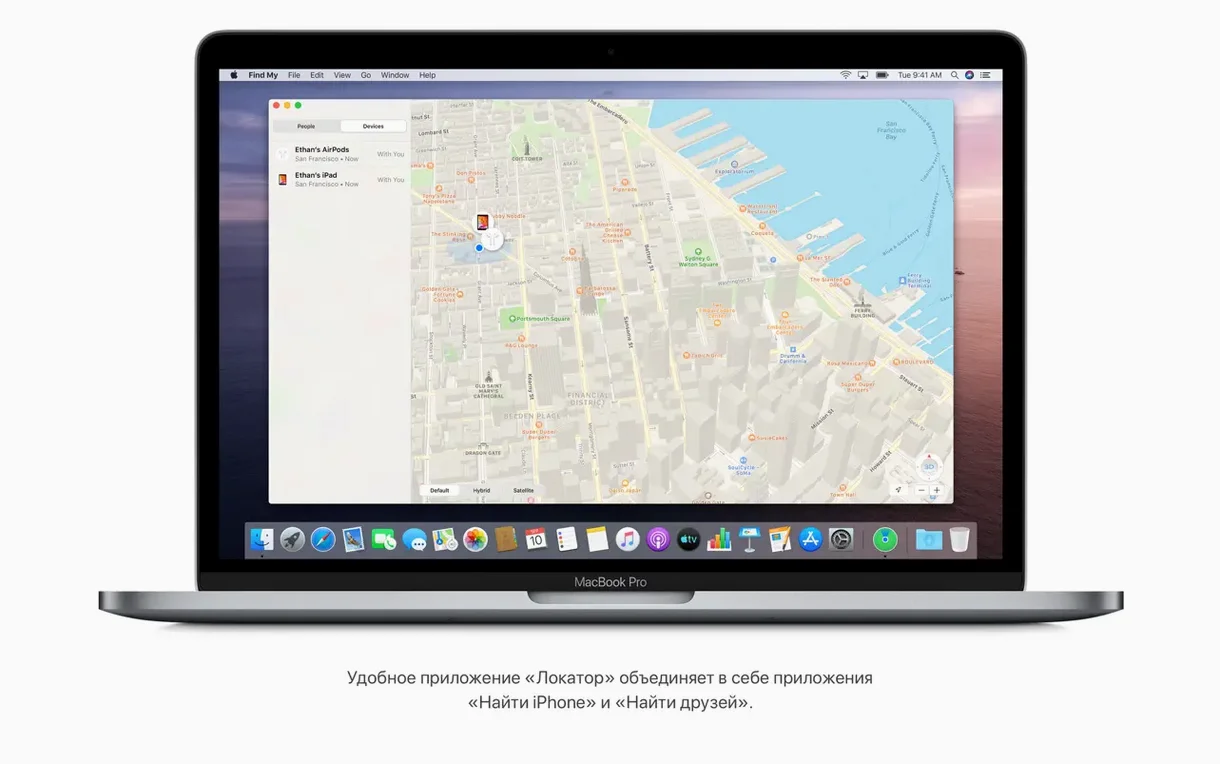
- Locating a missing Mac with the built-in Find My app.
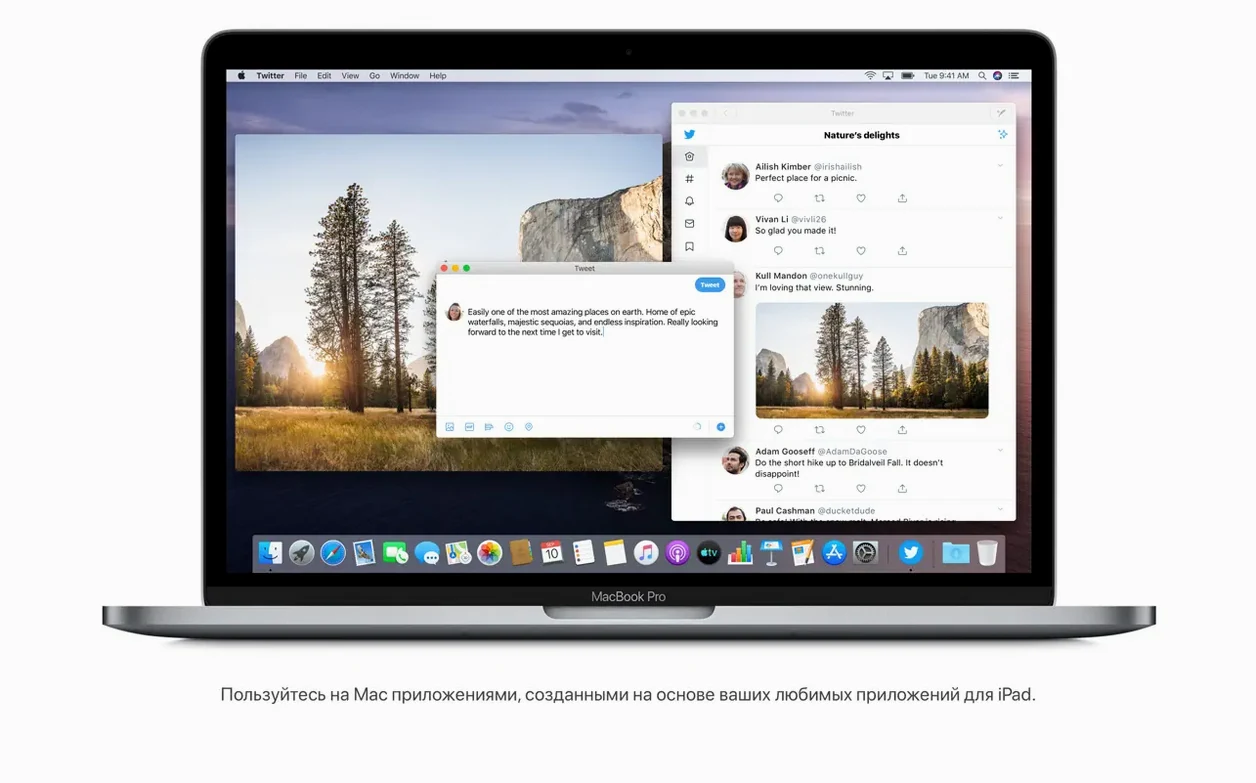
- Running iPad apps natively on an Intel Mac.
- Searching text inside scanned documents stored in Notes.
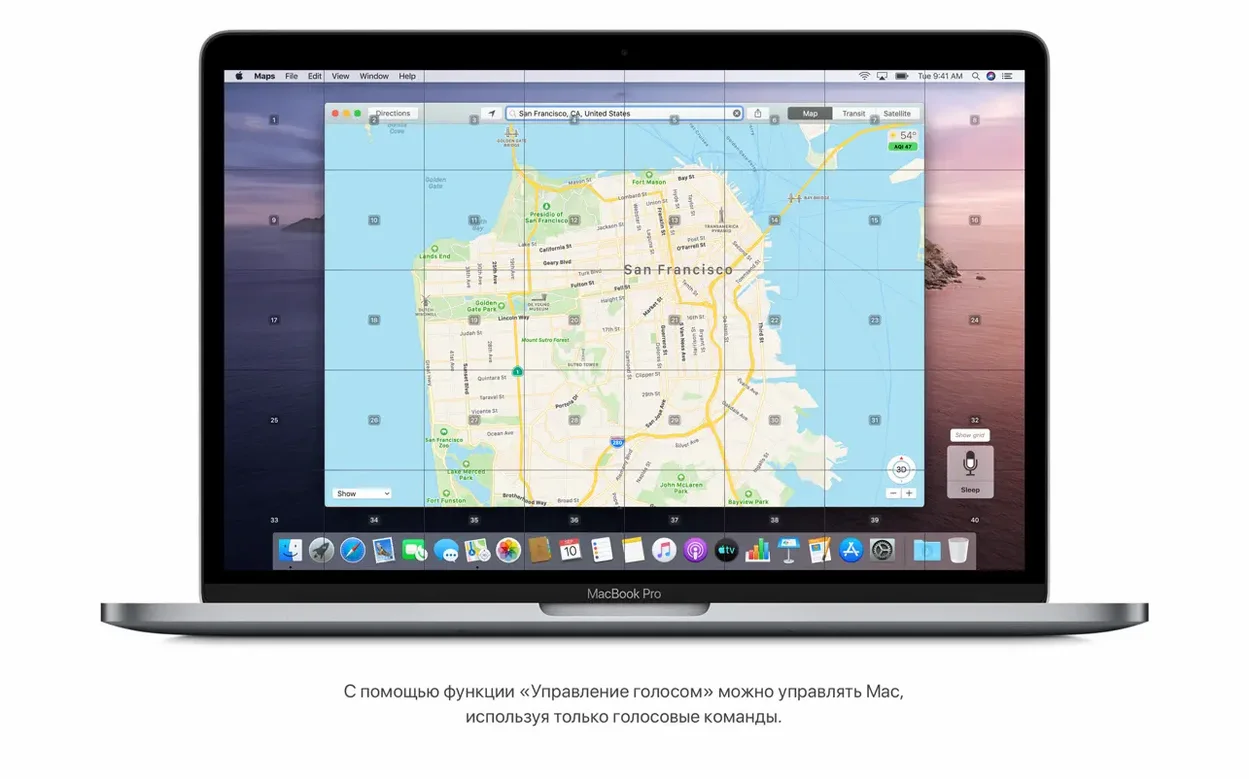
- Controlling the entire interface hands-free with Voice Control.
- Viewing a redesigned Safari start page that pulls from bookmarks, Reading List, and iCloud tabs.
Broadband requirements and the Intel-only cutoff
- Requires a broadband internet connection for certain features.
- Available only for Intel-based Macs with a 64-bit processor.
- Compatible models start from MacBook (Early 2015), MacBook Air (Mid 2012), MacBook Pro (Mid 2012), Mac mini (Late 2012), iMac (Late 2012), iMac Pro (2017), and Mac Pro (Late 2013).
Collapse read mail threads and scrub Photos by year
Several shortcuts in Catalina hide in plain sight. In Mail, select a message thread and press Control-Command-N to collapse all read messages and surface only unread items. The Photos app gained a years/months/days scrubber in the toolbar — click it once to zoom out, then drag to jump to any period without scrolling.
Finder's Gallery View (Command-4) now shows a large preview above a row of thumbnails. Rotate an image right there with the on-screen button or by pressing Option-Command-R. A small metadata panel beneath the preview displays resolution and camera model without opening a separate window.
QuickTime Player added a picture-in-picture control. Start a video, click the PiP button in the playback controls, and the clip floats above other windows while you work. Resize it by dragging a corner; the aspect ratio locks automatically.
Turn off recent apps in the Dock
A few defaults benefit from immediate adjustment after a clean install or an upgrade.
- Dock & Menu Bar > Show recent applications in Dock — disable this if you prefer a tidy Dock without a trailing section of recently launched apps.
- Finder Preferences > General > Show these items on the desktop — hard disks no longer appear on the desktop by default. Tick the checkbox for your startup disk if you miss quick access.
- Security & Privacy > Privacy > Automation — Catalina prompts for permissions when an app wants to control another app. Review this list early to avoid repeated dialog boxes later.
- Safari > Preferences > Tabs > Show website icons in tabs — turn this on to identify tabs by favicon when many are open.
- General > Recent items — the default count is 10. Increase it to 20 or 30 if you regularly revisit documents or servers.
Sidecar turns an iPad into a Pencil-aware drawing display
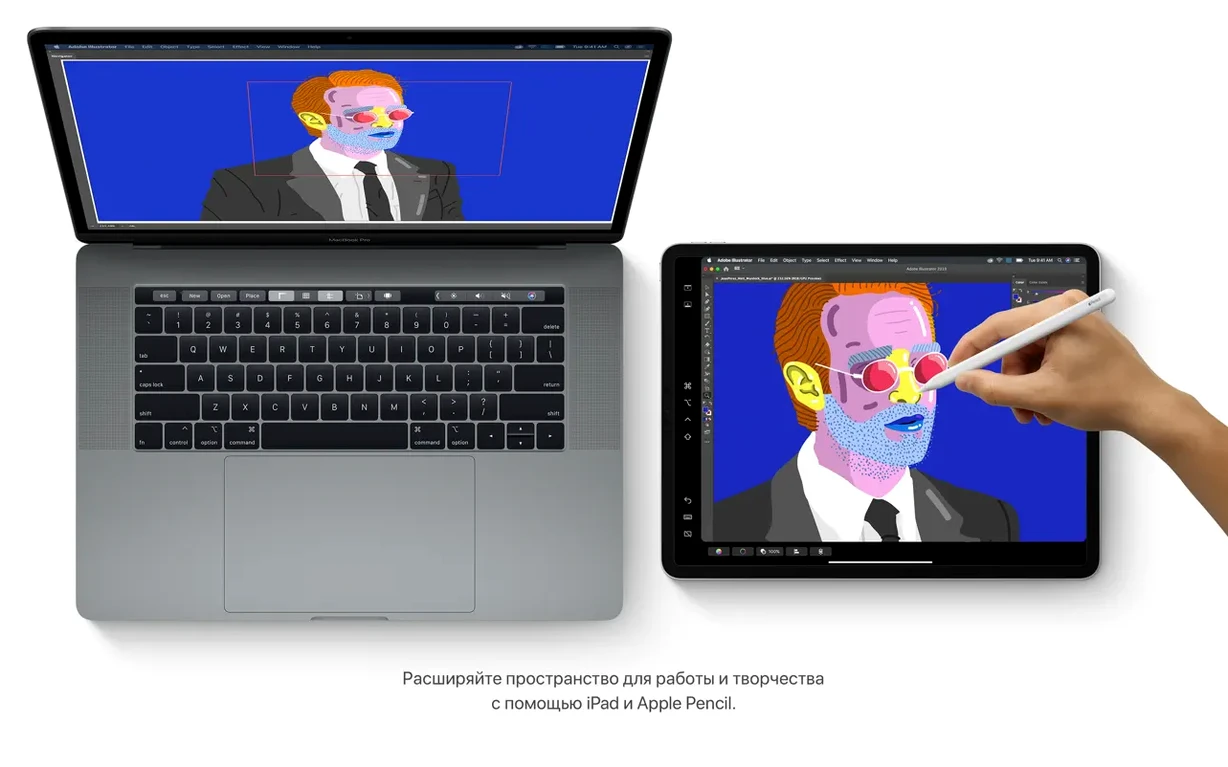
Catalina sits at a junction where iPad workflows merge with the desktop. Sidecar turns a compatible iPad into a secondary display over USB or wirelessly. Drawing apps like Adobe Illustrator or Affinity Designer sense the Apple Pencil input and map pressure sensitivity without extra configuration. The Touch Bar on supported MacBook Pro models mirrors Sidecar controls when the iPad is active.
Screen Time syncs limits across Mac, iPhone, and iPad when signed into the same Apple ID. A developer testing an iPad app on a Catalina mac catalina download sees the same Downtime schedule and App Limits that the iOS counterpart enforces. This makes behaviour consistent during QA runs.
Shortcuts arrived on the Mac with a later macOS, but Catalina laid the groundwork by exposing Finder actions and Reminders triggers to automation. The Reminders app gained a new editing layout that accepts dates, locations, flags, and attachments. Mail rules and Calendar alerts can feed into Reminders lists that third-party task managers read via the system database.
For those who keep a local mac os catalina iso or a catalina download dmg for testing, the installer app inside the disk image copies to the Applications folder before running. That same installer can create a bootable USB drive with the createinstallmedia terminal command — a standard step for labs that need a clean macOS catalina download to provision multiple Intel machines.
Voice Control integrates at the system level, not as a single-app feature. When enabled, numbered labels overlay every clickable element on screen. Speak the number to activate it. Power users combine this with grid overlays to reposition windows or navigate complex interfaces without a mouse. The feature respects the language set in System Preferences, with support across the full 31-language list Catalina ships with.
- Fixed — An issue that blocked automatic connection to Wi-Fi networks.
- Fixed — A sync problem that could prevent files from transferring through iCloud Drive.
- Fixed — A graphics glitch specific to the iMac (Retina 5K, 27-inch, 2020) with the Radeon Pro 5700 XT.
- Intel 64-bit processor
- 4 GB memory
- 12.5 GB available storage for upgrades from OS X El Capitan 10.11.5 or later
Comments 0
Sign in to leave a comment.Sign inCreate an account
No comments yet. If a step is still there after you install it, say so.
More in Mac Apps
All in Mac Apps macOS Golden Gate
Brings the newest macOS to Apple silicon Macs with fresh system features.
20 steps saved
 macOS High Sierra
Keeps older Intel Macs and 32-bit apps running on a stable, final build.
5 steps saved
 Updated
MacFamilyTree
Manages evidence and citations to build a family history that holds up to scrutiny.
19 steps saved
 macOS Mojave
Brings Dark Mode and desktop Stacks to Macs that can't go further.
22 steps saved
 MacDroid Pro
Mounts an Android phone as a writable Mac disk, no cloud upload needed.
17 steps saved
 macOS Tahoe
Brings the Liquid Glass redesign and new system features to supported Macs.
4 steps saved
 Updated
MacCleaner Pro
Finds exactly what ate your disk space and removes leftover app clutter.
5 steps saved
 MacBooster
Clears junk, scans for malware, and frees up memory from a single panel.